|
Summary | Your performers, complete: a tidier header and a Stats tab on every performer page, a picture picker and editor, and a page that finds performers to link to a stash-box, empty fields, poor pictures and duplicates. |
 |
Repository | https://gitlab.com/allisless0/stash-plugins/-/tree/main/plugins/PerformersToolkit |
 |
Source URL | https://allisless0.gitlab.io/stash-plugins/main/index.yml |
 |
Install | How to install a plugin? |
This one started as “how much do I actually watch this performer?” and grew into a clean-up tool for the whole performer list. What’s new in each version is in the replies below.
On a performer’s page
-
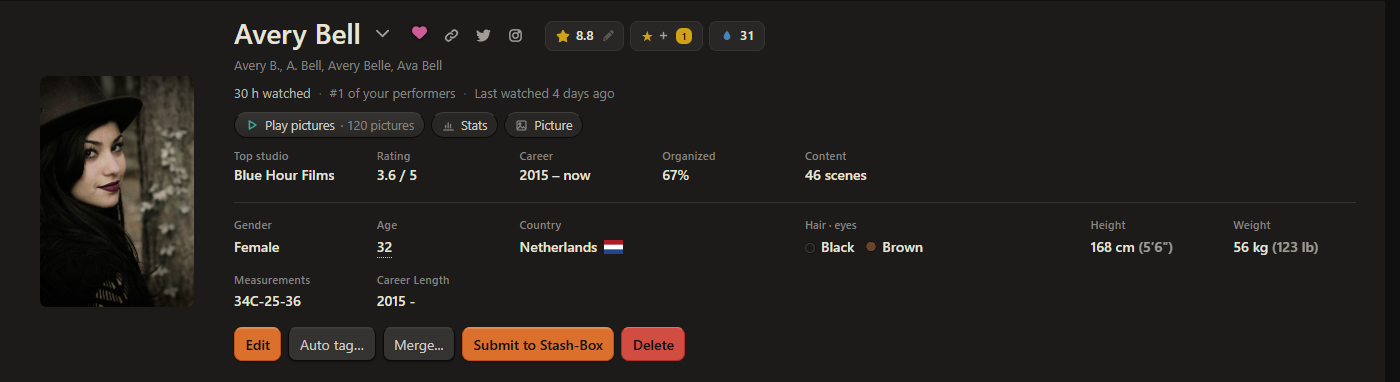
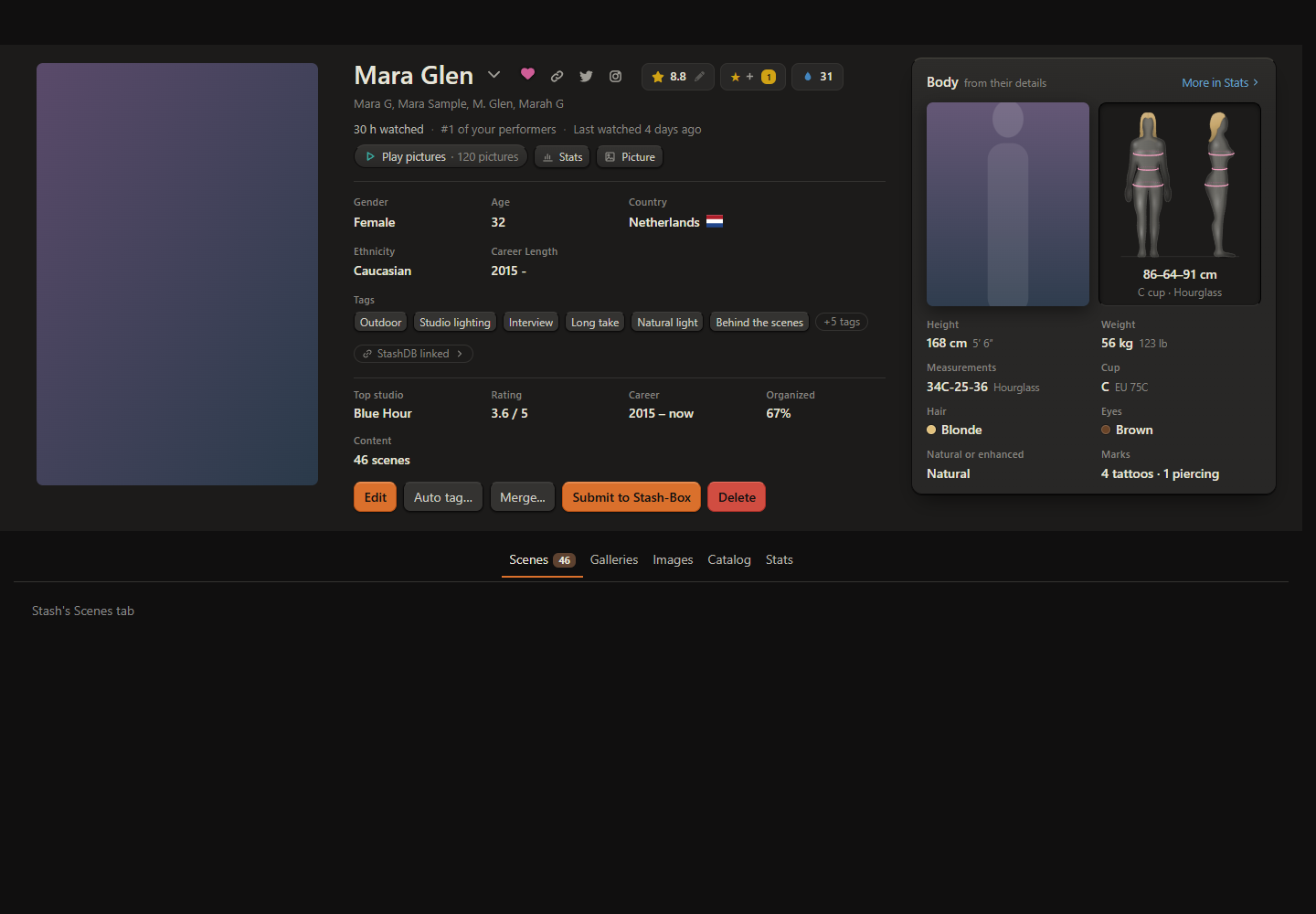
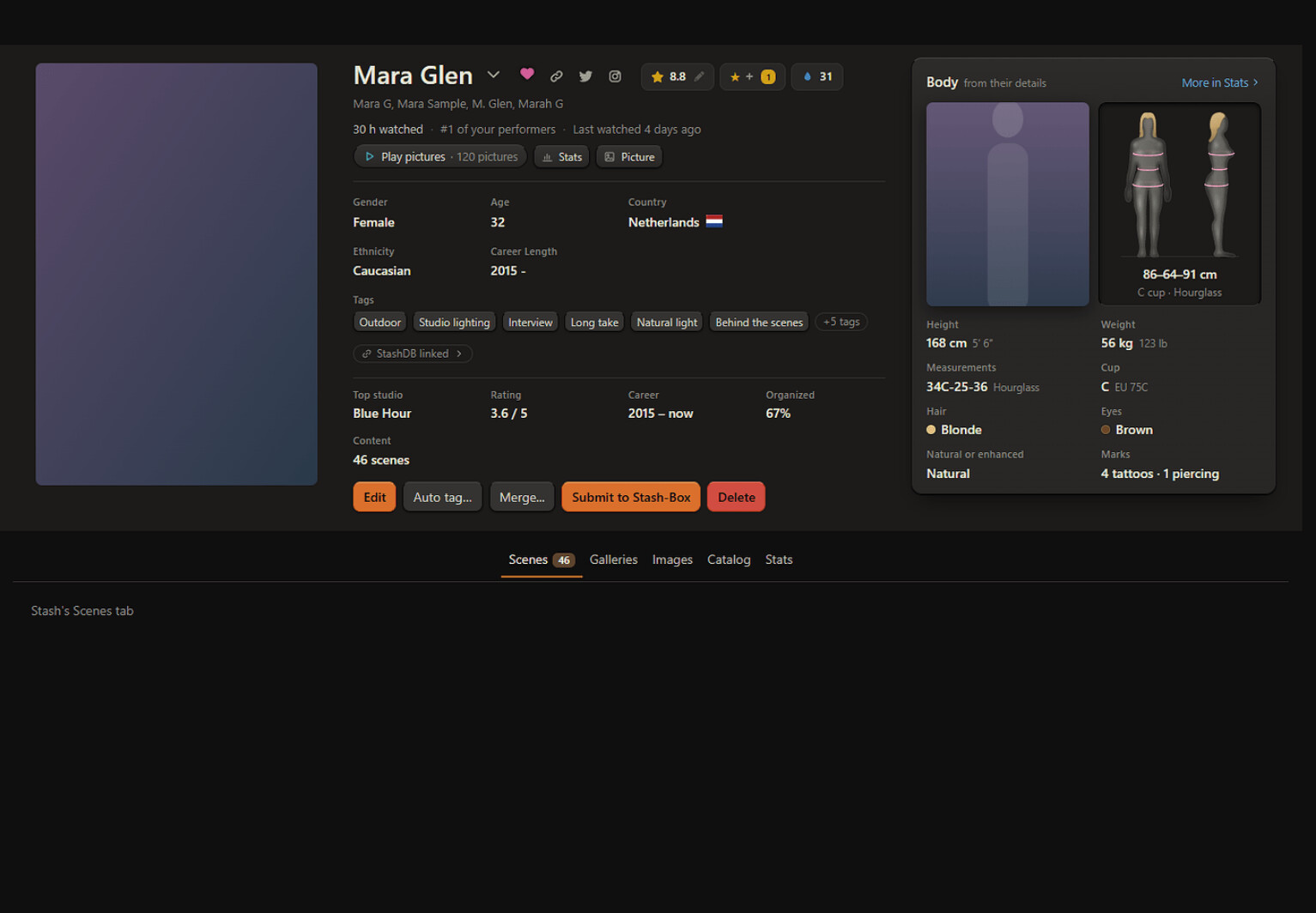
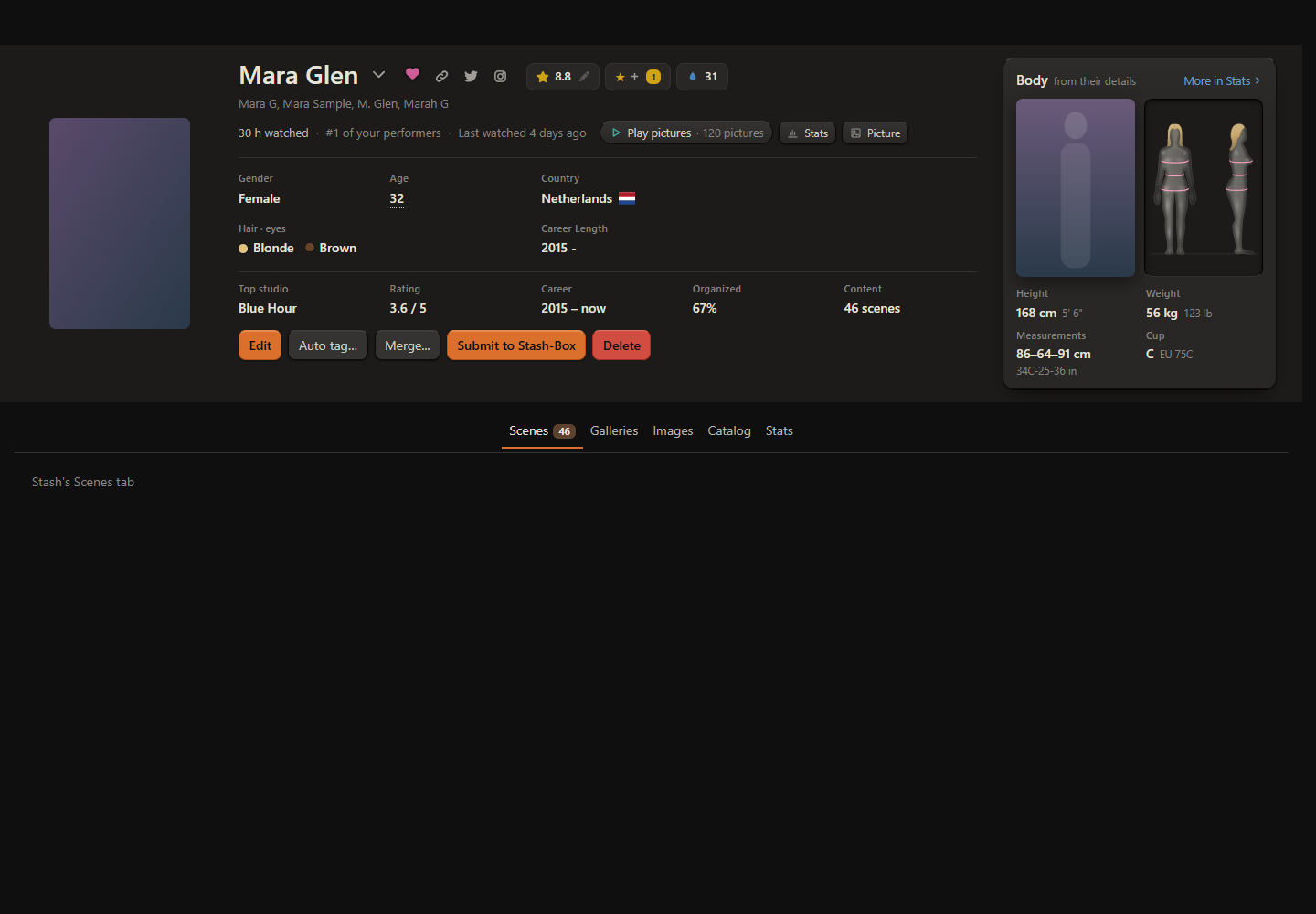
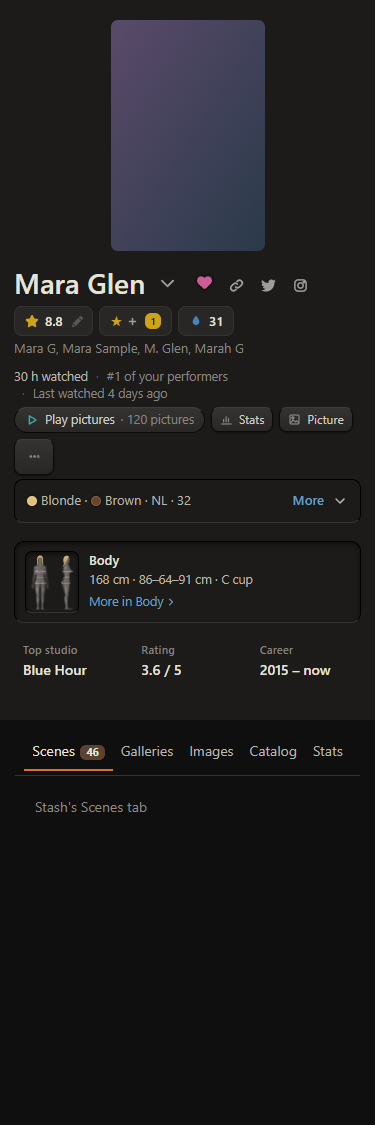
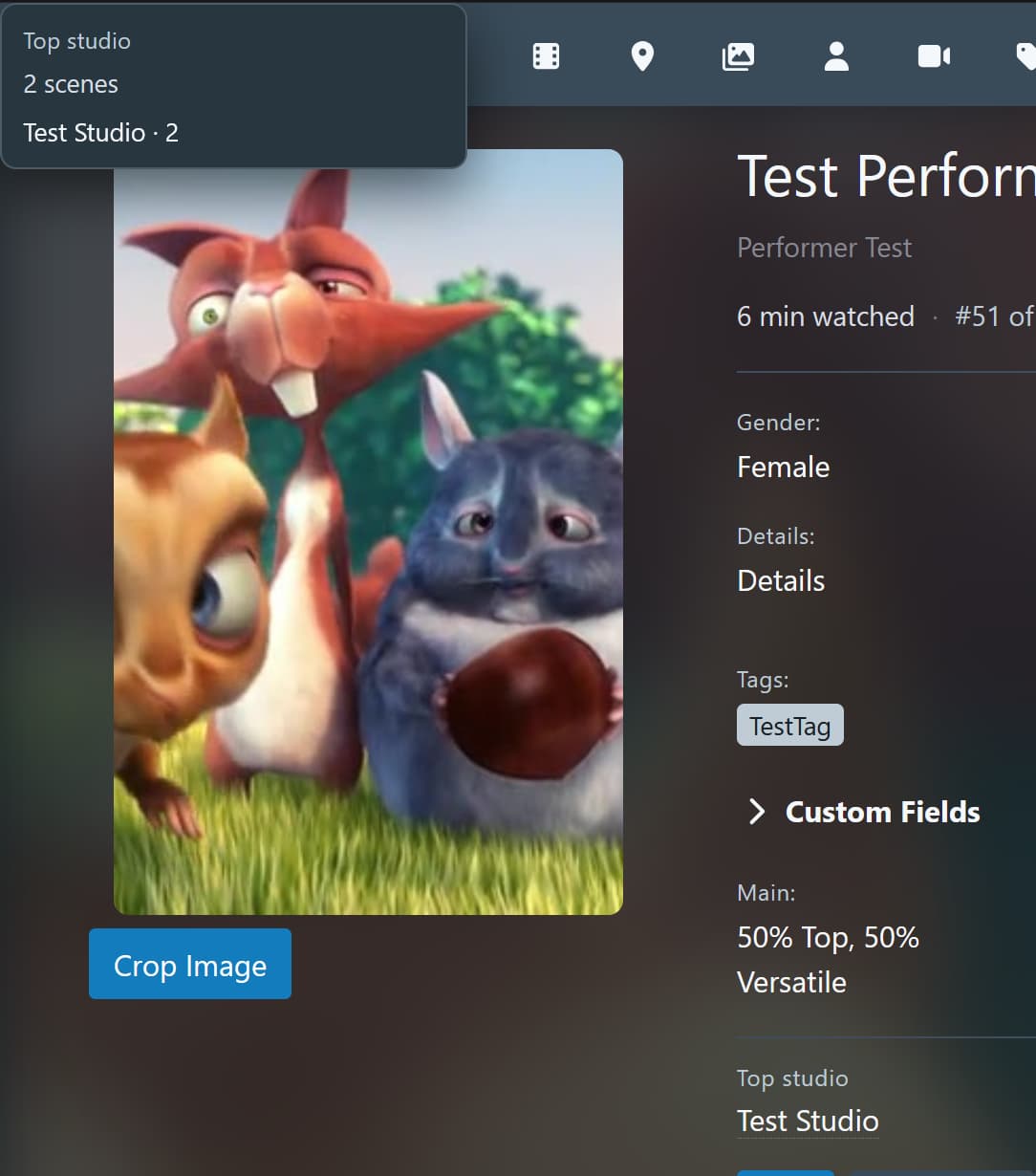
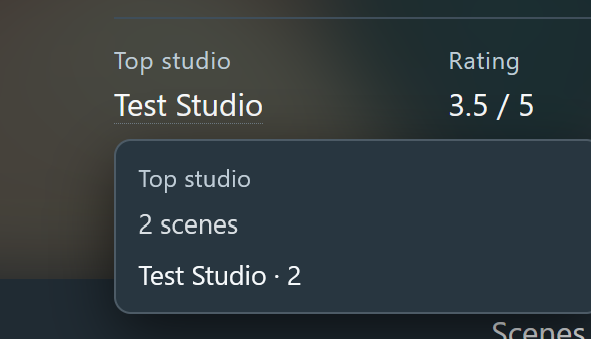
Under the name: watch time, their rank among your performers by watch time (“#12 of your performers”) and when you last watched them, from Stash’s own play counts. Then a row of small buttons (Stats, Picture, and Slideshow’s Play pictures) and an at a glance row: top studio, their rating against your average, career, how much is organized, what you have of them
-
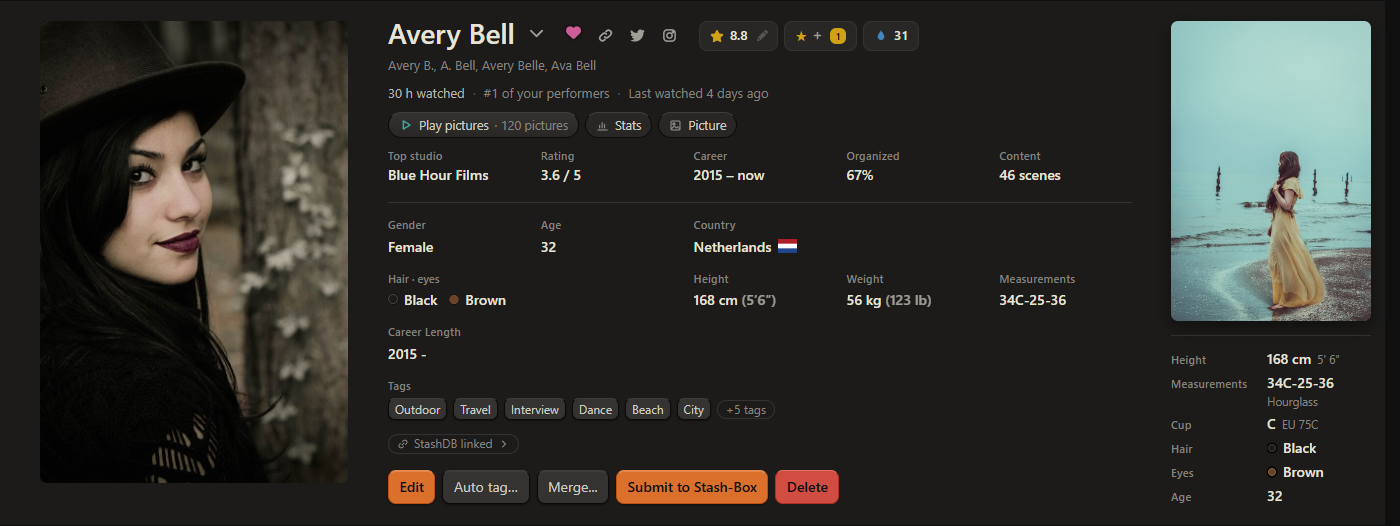
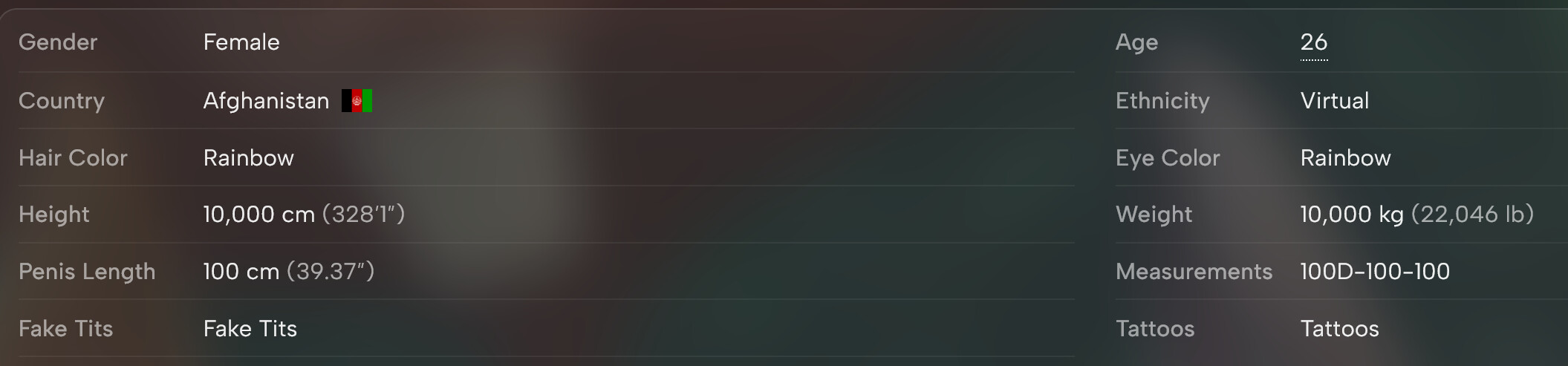
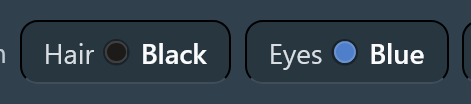
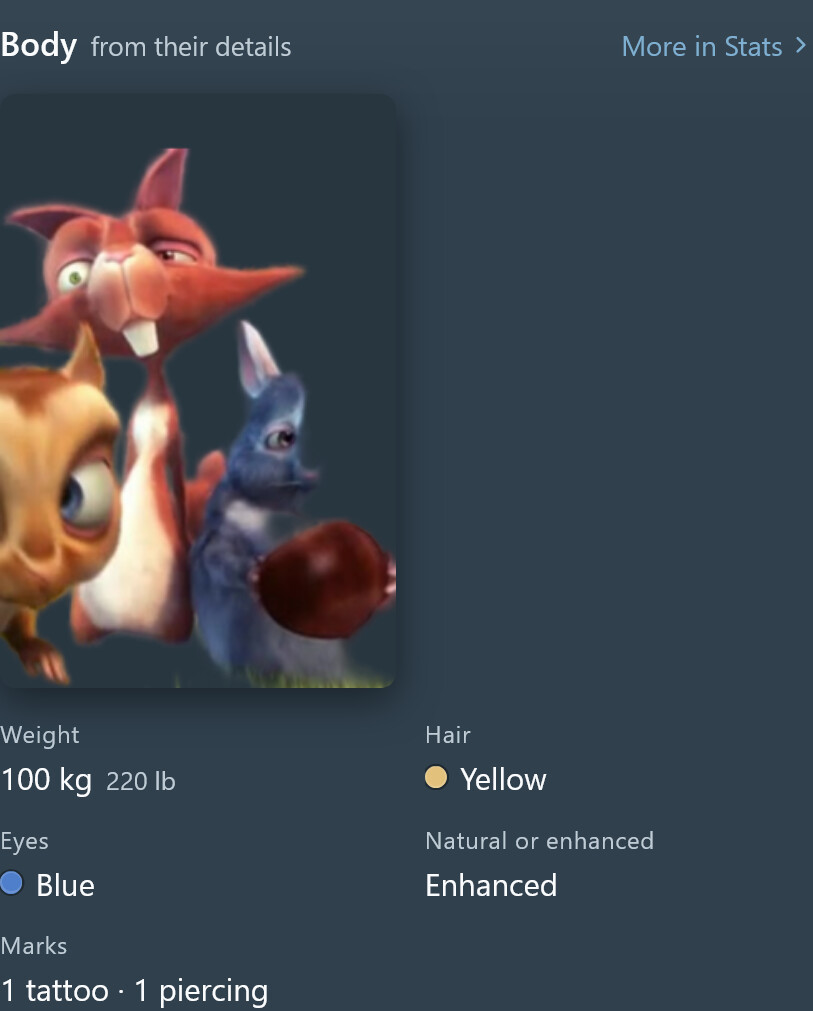
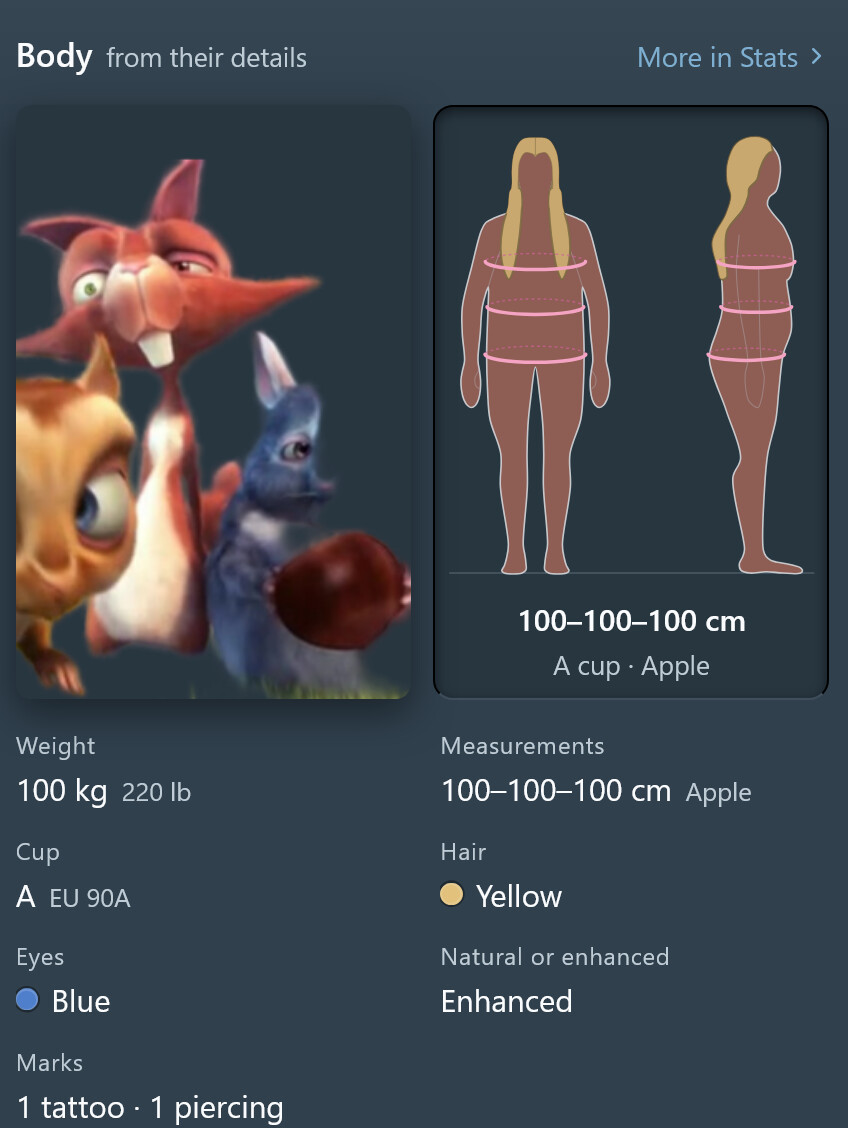
Stash’s own fields, tidied into a grid, with hair and eye colour dots. Expanded: a bigger picture, their full-body picture and a short body card. It replaces the Performer Details Extended plugin
-
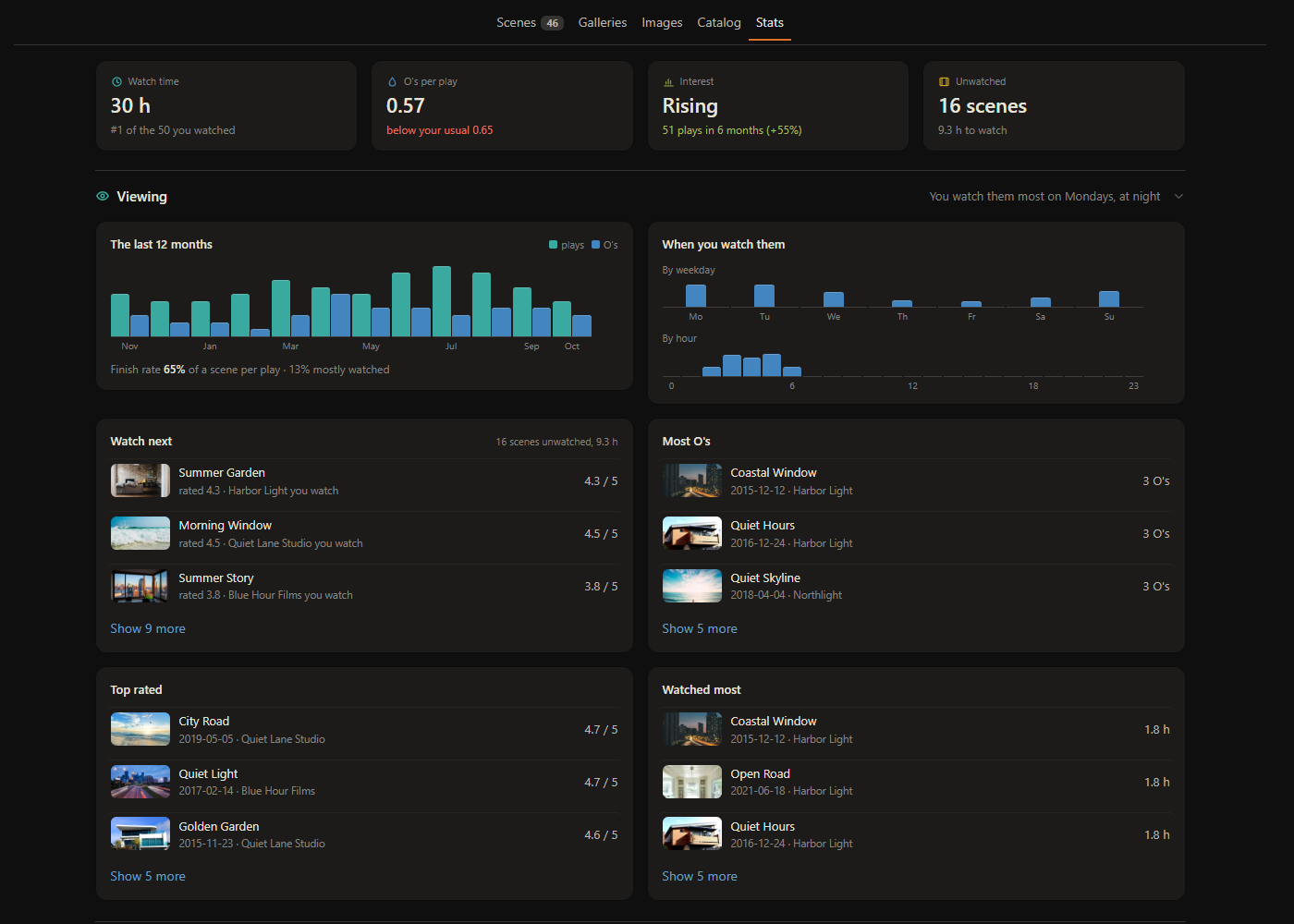
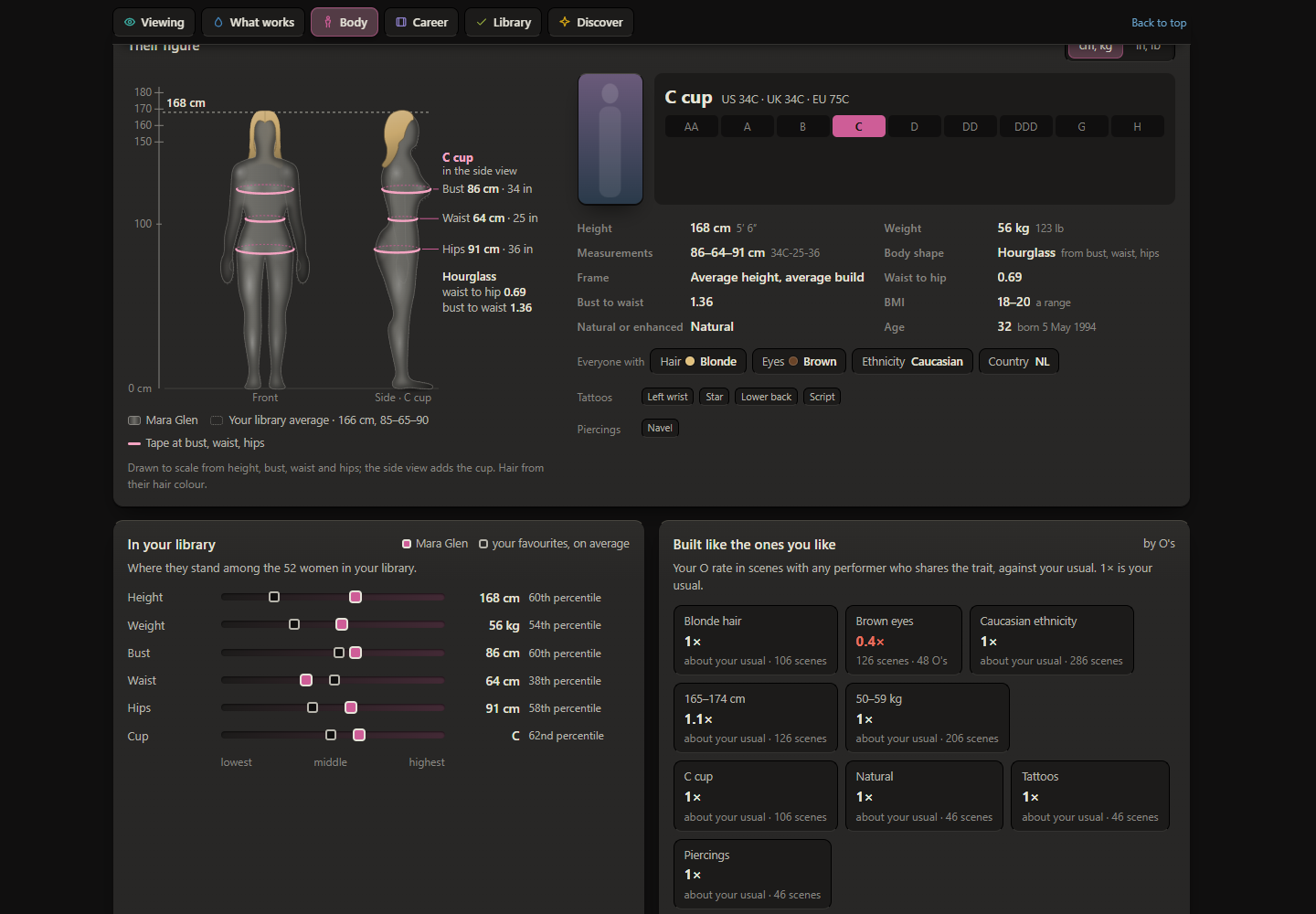
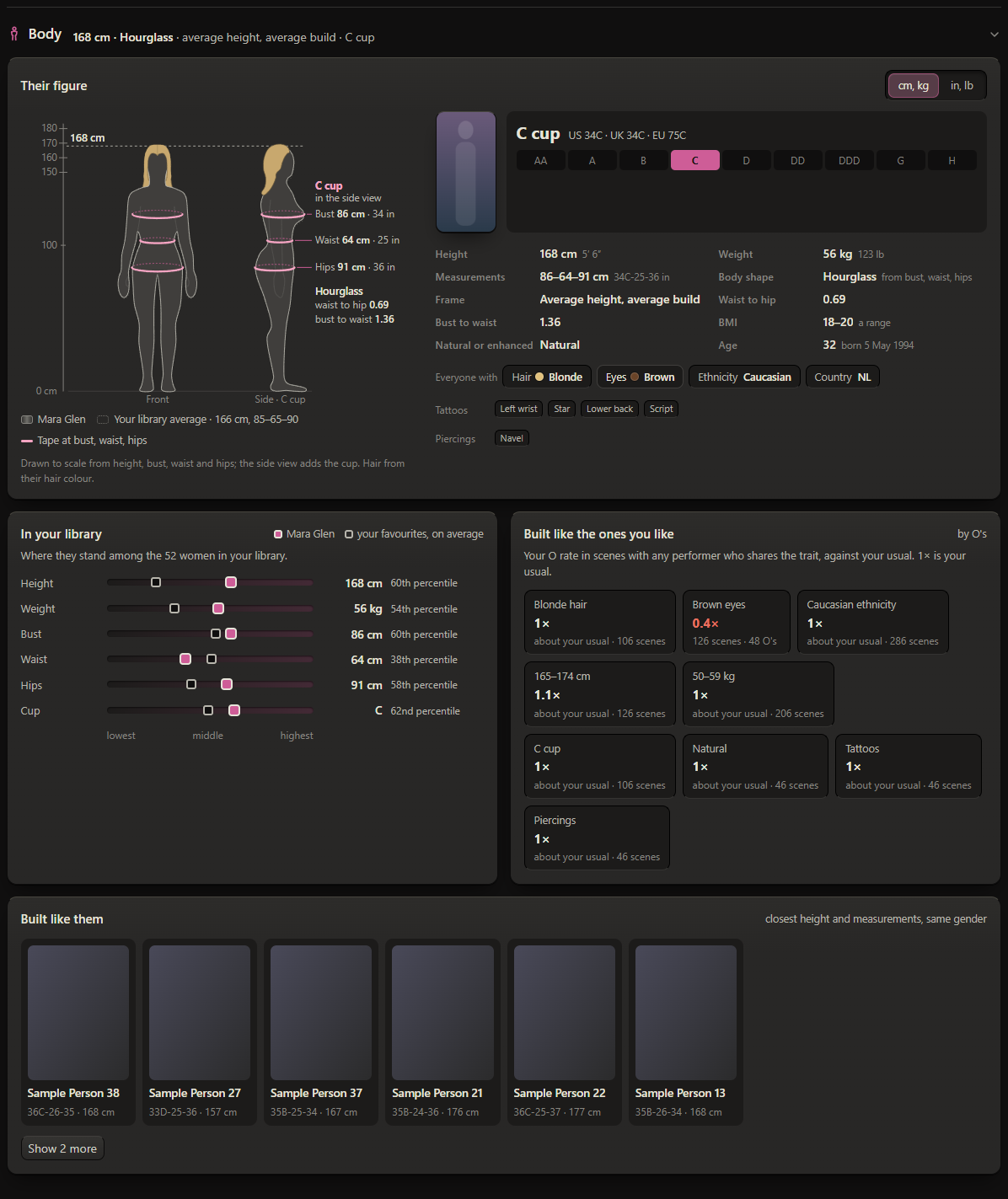
A Stats tab: four tiles on top, then six sections, each with a one-line takeaway:
- Viewing: watch time, plays and O’s per month, the days and hours you watch them, what to watch next, their most watched and best rated
- What works: the tags, co-stars and studios that work for you with them
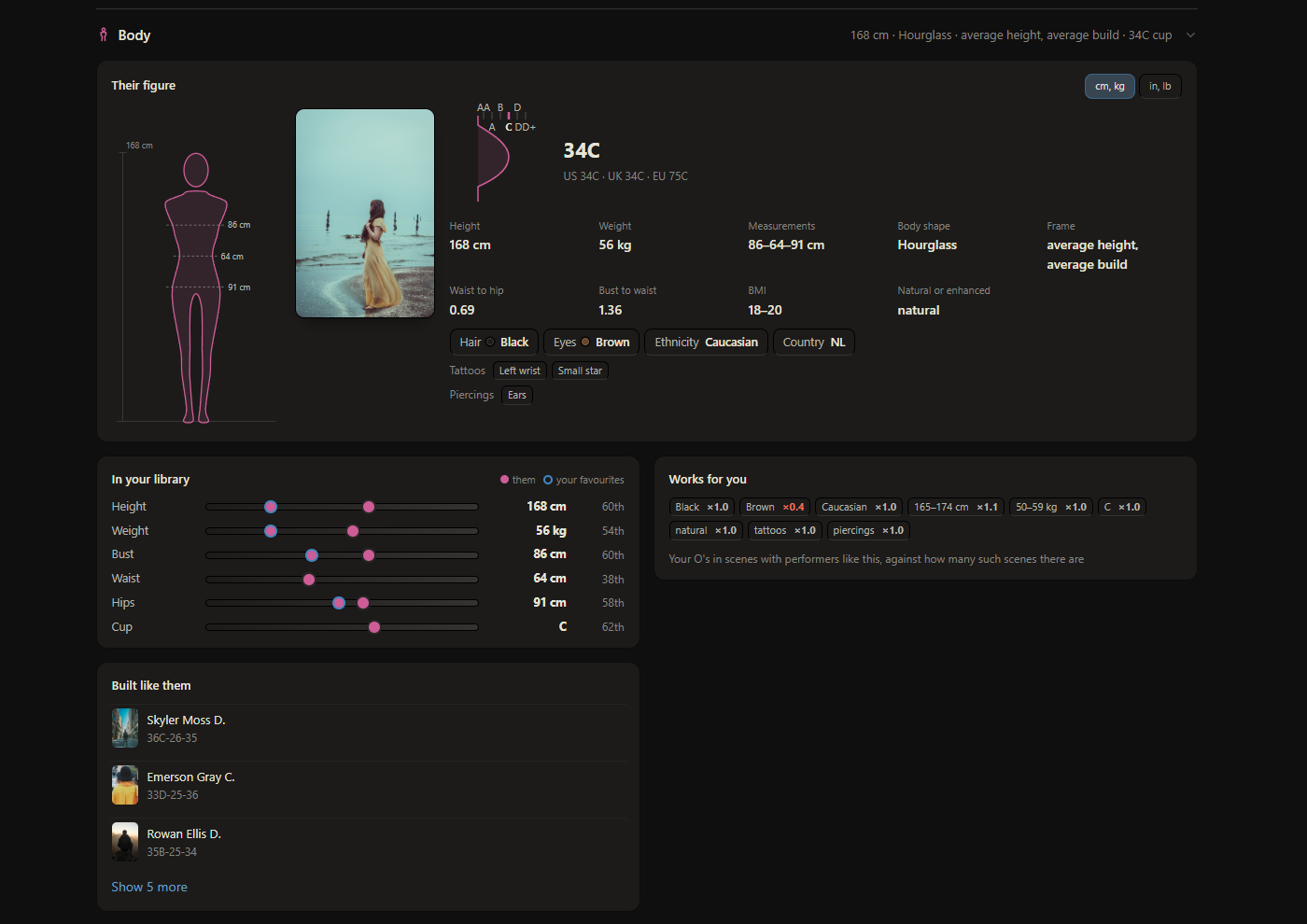
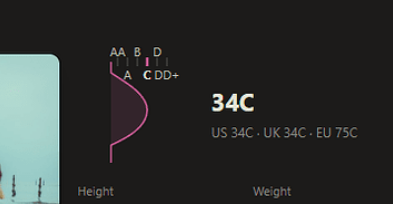
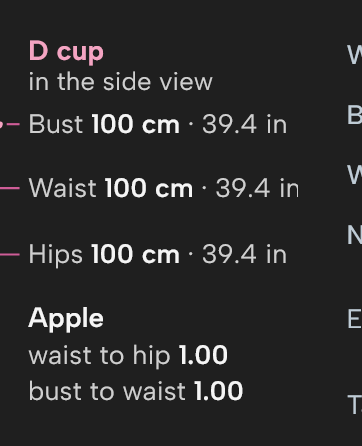
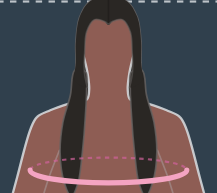
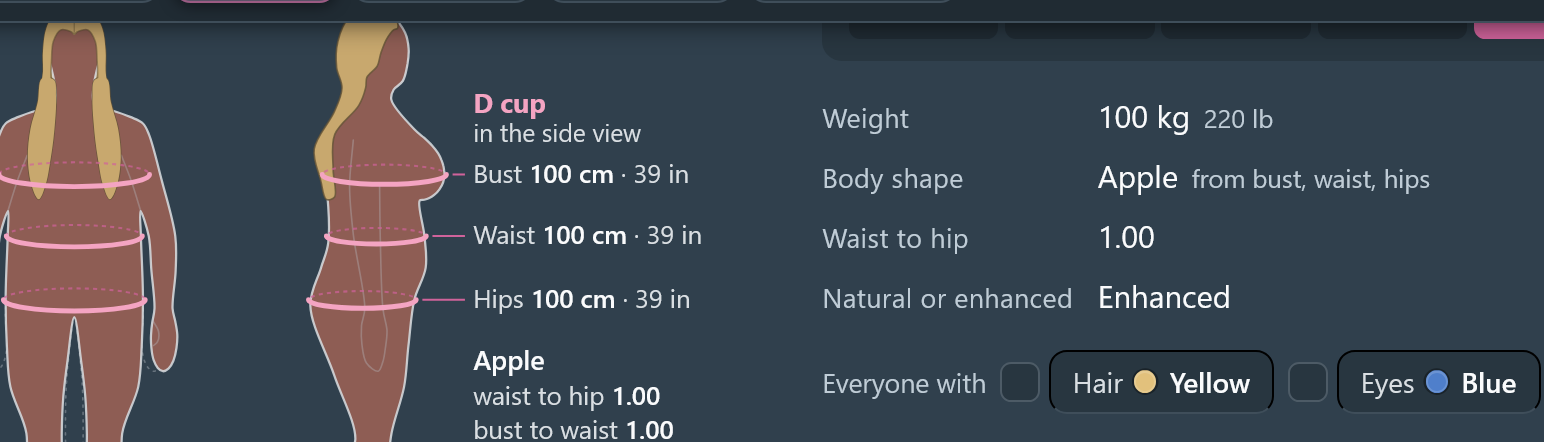
- Body: an outline drawn to their measurements, body shape and frame, cup sizes, where they stand in your library, performers built like them
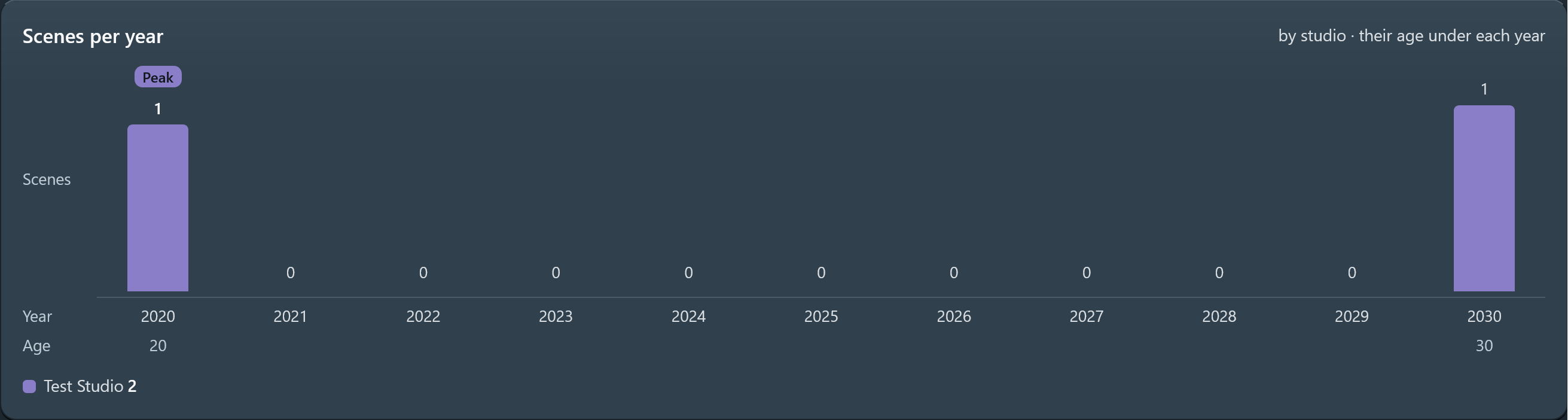
- Career, Library, Discover: scenes per year with their age, how complete their profile and scenes are, how much of their stash-box catalog you have, performers like them
-
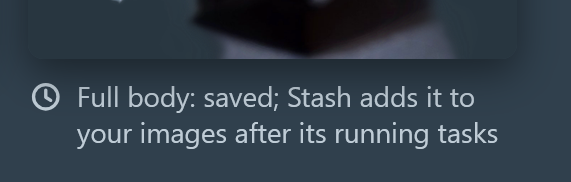
A second, full-body picture per performer, shown when the pointer rests on their card
-
The Catalog tab: what their stash-box lists, as cards, with what you have and what’s missing (and a Copy button to search for the rest elsewhere). With Scenes Toolkit installed it also finds files that may be a listed scene (“Maybe yours”) and links them
-
Each part can be turned off
Pictures
-
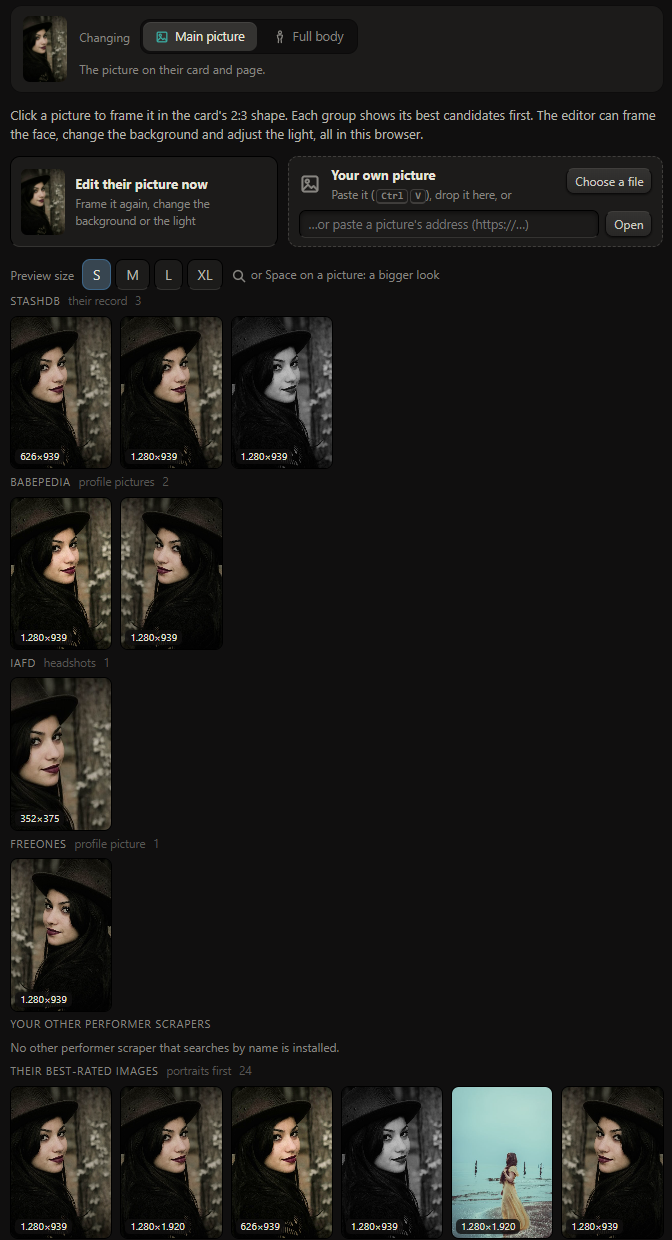
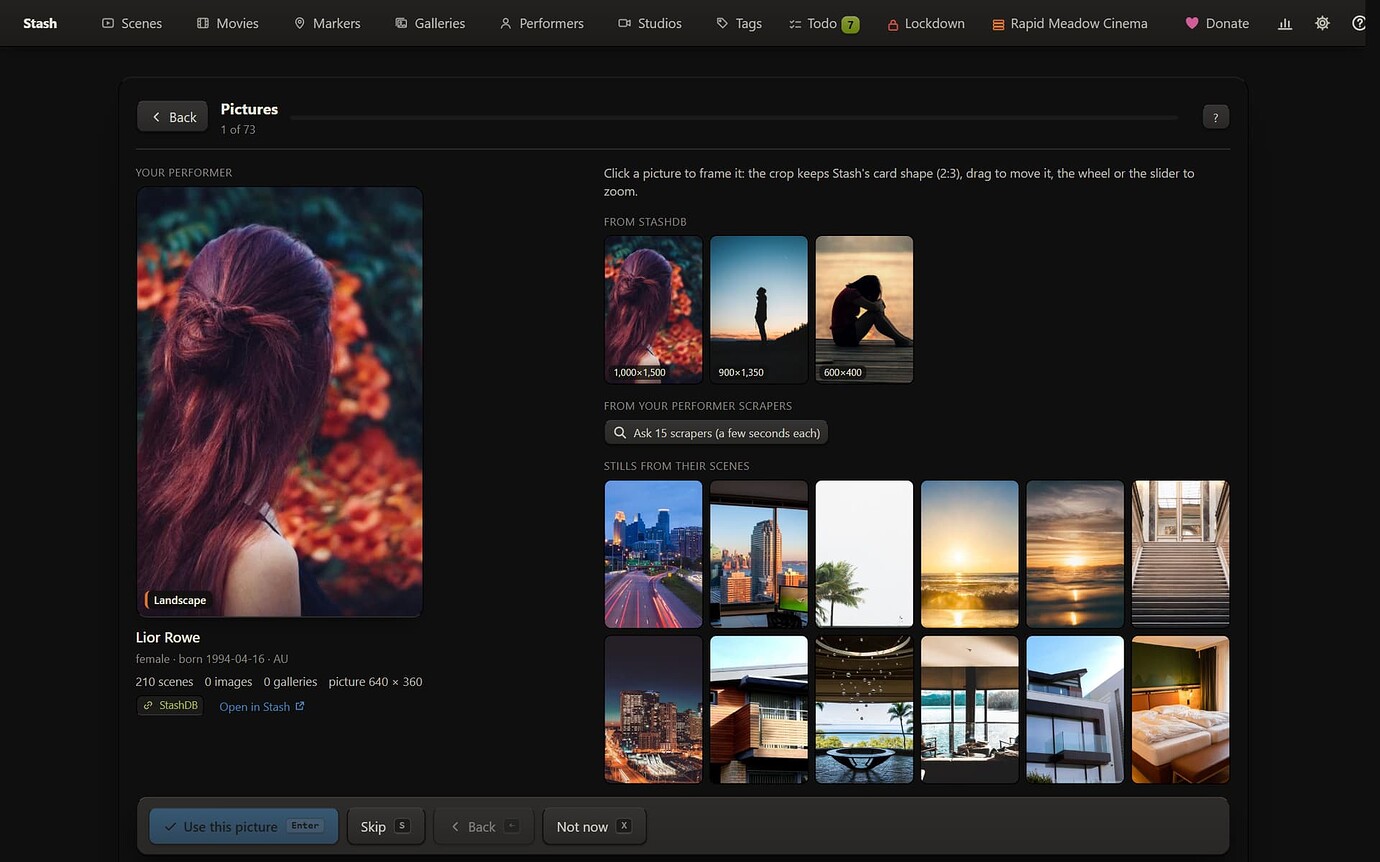
A picker with every stash-box you use, picture sites (Babepedia, IAFD, FreeOnes and a gallery site), your scrapers, their best-rated images, the best frames of their top-rated scenes and stills, or a picture you paste or drop. Main picture or full body
-
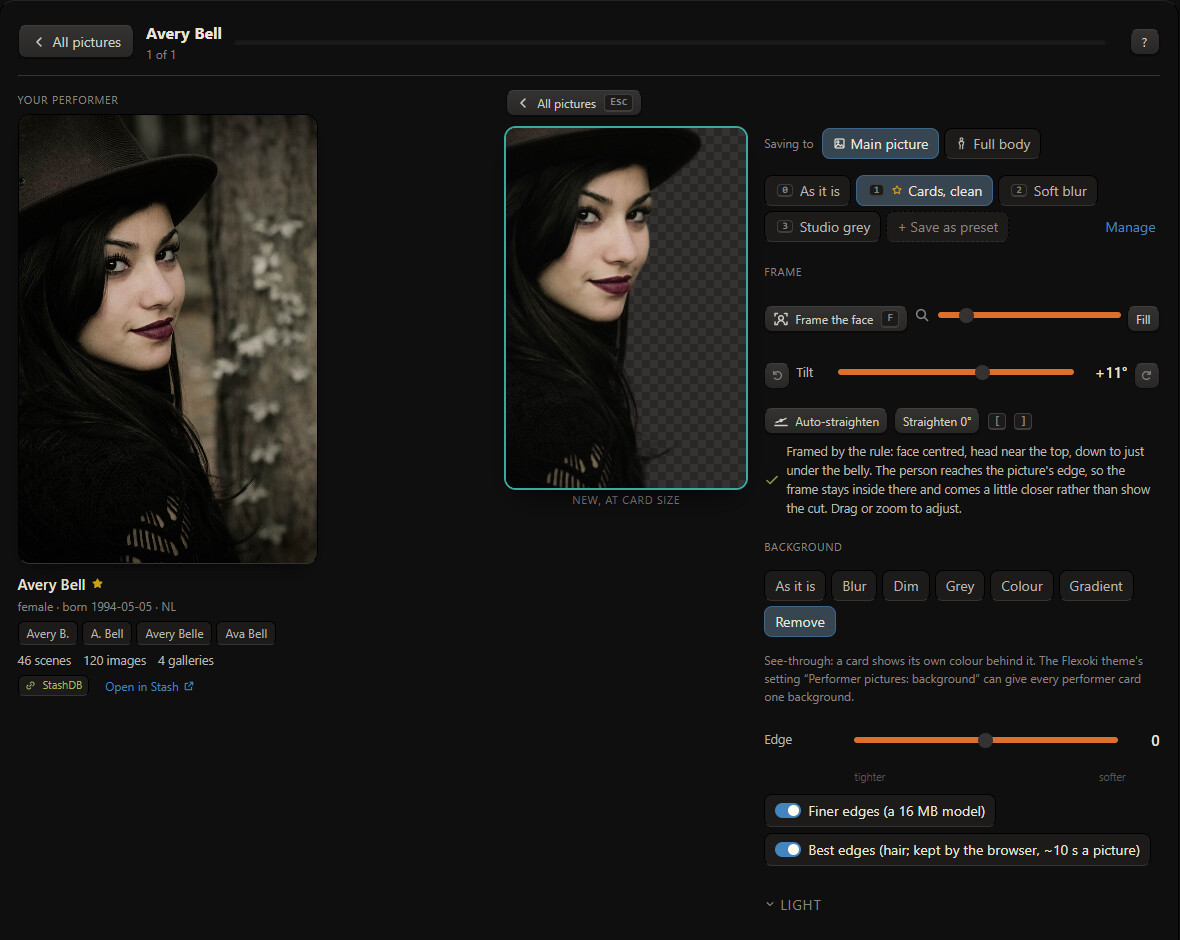
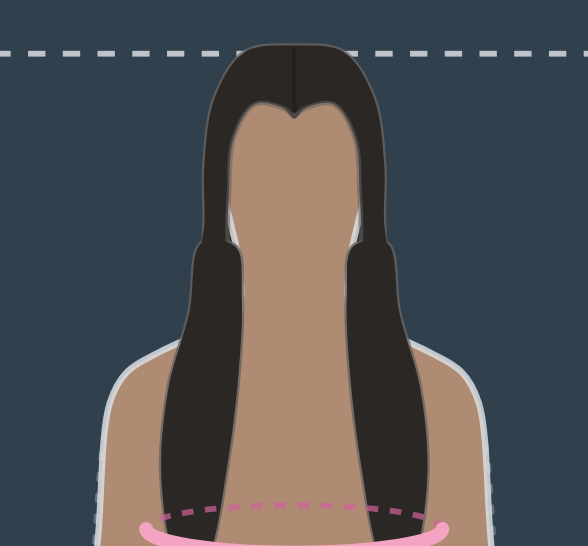
An editor in your browser: frame the face the same way for everyone, blur, dim, grey, recolour or remove the background (with Best edges for hair), Auto light, tilt and auto-straighten, presets
-
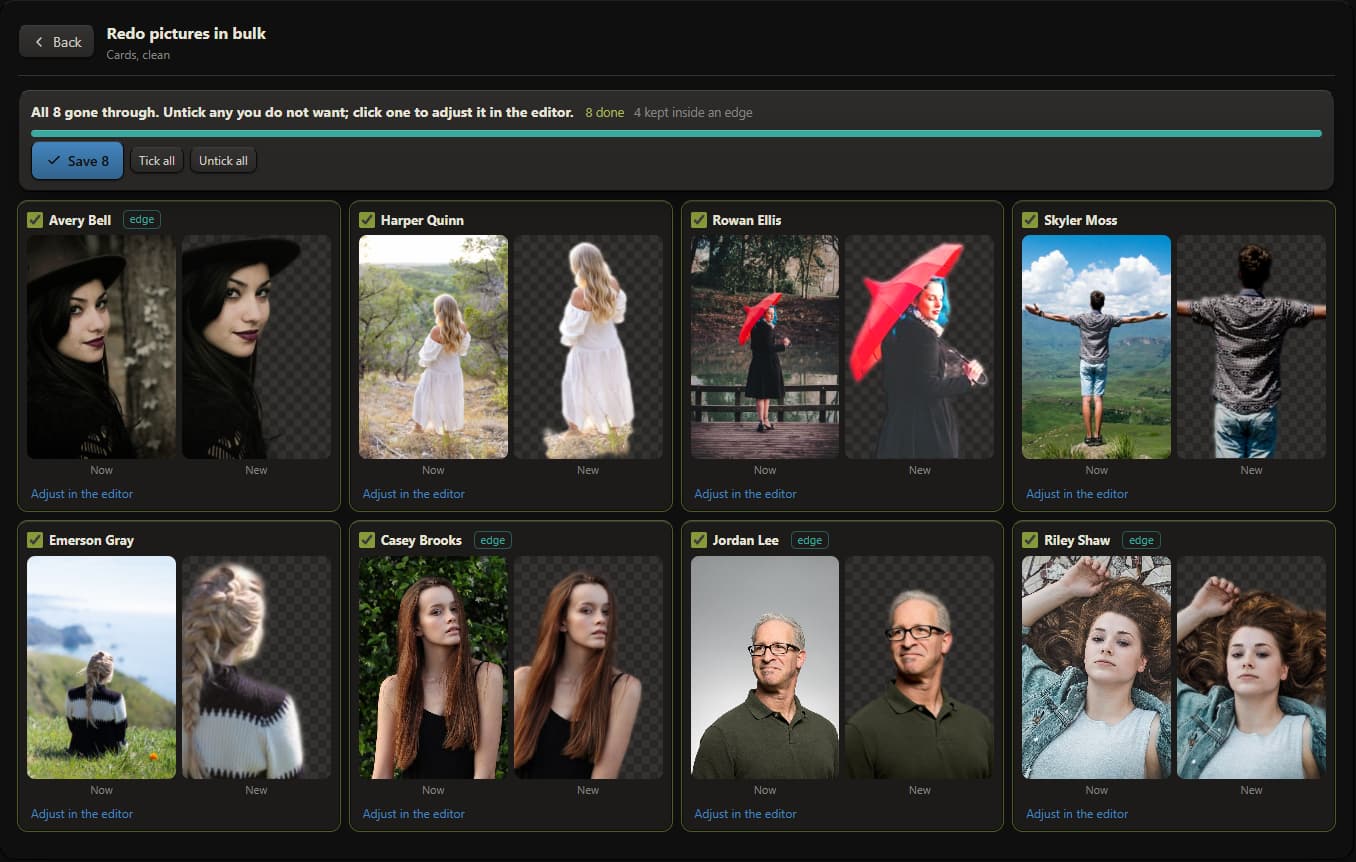
Redo pictures in bulk through one preset, with a before / after grid to look at before anything is saved
The toolkit page: Scan, Review, Done
-
Scan (a Stash task that only reads): performers not linked to a stash-box are searched by name and aliases, on the stash-boxes you pick, in your order; linked ones have their record read for fields yours has empty; every picture is measured (missing, small, landscape)
-
Can be linked: the sure ones (one record with their name, nothing disagreeing) in one list, saved in the background or in the tab, filling empty fields too
-
May be on the stash-box: one at a time, their picture beside each record’s picture, birthdate, country, aliases and scene count
-
Empty fields to fill: one list, a tick per performer and per field
-
Possible duplicates: same stash-box record, or a name that’s the other’s alias. Merge with Stash’s own merge (press twice); the other’s names become aliases
-
Performers with nothing: delete or keep for good
-
History with Undo for links, fields and pictures (bulk runs too). Merges and deletions ask twice and are kept as records; they can’t be undone
Requirements and notes
-
Python 3 on the Stash server (Stash’s Docker image has it)
-
A stash-box endpoint (StashDB, FansDB…) set up in Stash for linking and filling
-
The picture tools are downloaded by your browser on first use (about 10 MB, plus about 44 MB for Best edges) and kept after that. Pictures never leave your browser except to be saved in Stash
-
A replaced picture is kept in Stash’s config folder (
plugin-data/PerformersToolkit/originals/), so Undo can put it back, even after updating the plugin -
With Quick Tools, P over a performer card opens the picker for them (Shift+P for the full-body picture)
-
With Insights, its Actions tab shows the to-do counts and can start the scan or the sure links in the background
-
With Suite Data, History, presets, full-body pictures and the job state are kept there
-
Follows your Stash theme: Flexoki’s colours with the Flexoki theme, your theme’s otherwise
-
It’s still young (0.12). Back up your Stash database before your first merges, deletions or bulk runs
Installation
-
Settings > Plugins > Add Source:
https://allisless0.gitlab.io/stash-plugins/main/index.yml -
Install Performers Toolkit, reload.
-
Open any performer and click Stats or Picture, or click Performers Toolkit on the Performers page (or go to
/performerstoolkit).