Overclock 0.2.1 is out, for the new releases of Insights (2.12) and Performers Toolkit (0.13):
- Insights and Performers Toolkit now pick up your theme’s colours by themselves, so they match Overclock even with the restyle settings off.
- With Restyle Insights on, Insights’ calendars and codec charts are in Overclock’s colours too, and the calendars’ empty days show again.
- With Restyle Performers Toolkit on, the toolkit’s new Stats tab gets Overclock’s clipped panels and mono readouts.
To get it:
- Open Settings > Plugins, click Check for updates, tick Theme - Overclock (and Insights and Performers Toolkit, if they have updates), click Update and refresh the page.
- Open the Stats page or the Stats tab on a performer’s page.
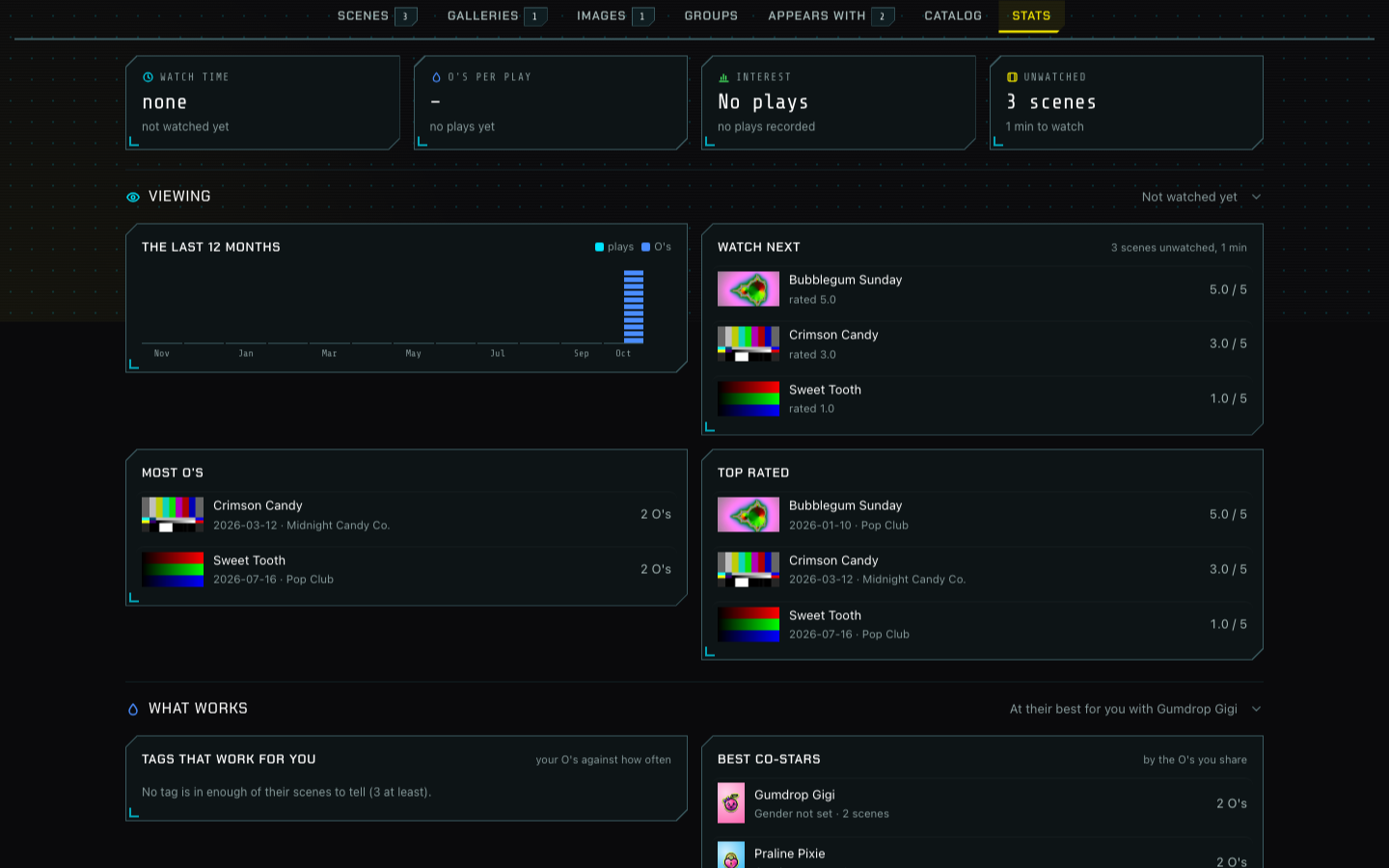
It’s tested on Stash 0.31.1 alongside Insights 2.12.0 and Performers Toolkit 0.13.1. The release notes are on GitHub.