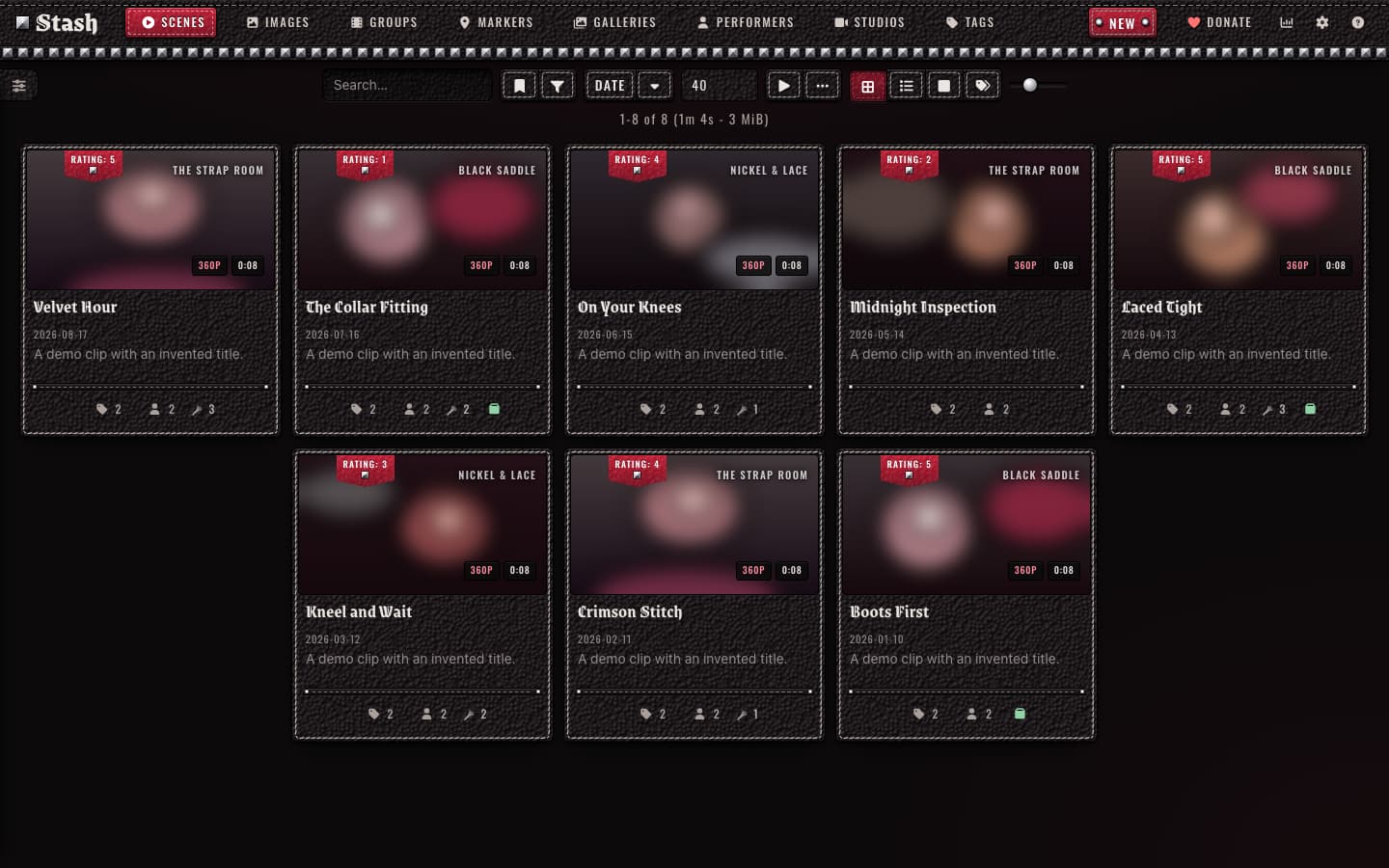
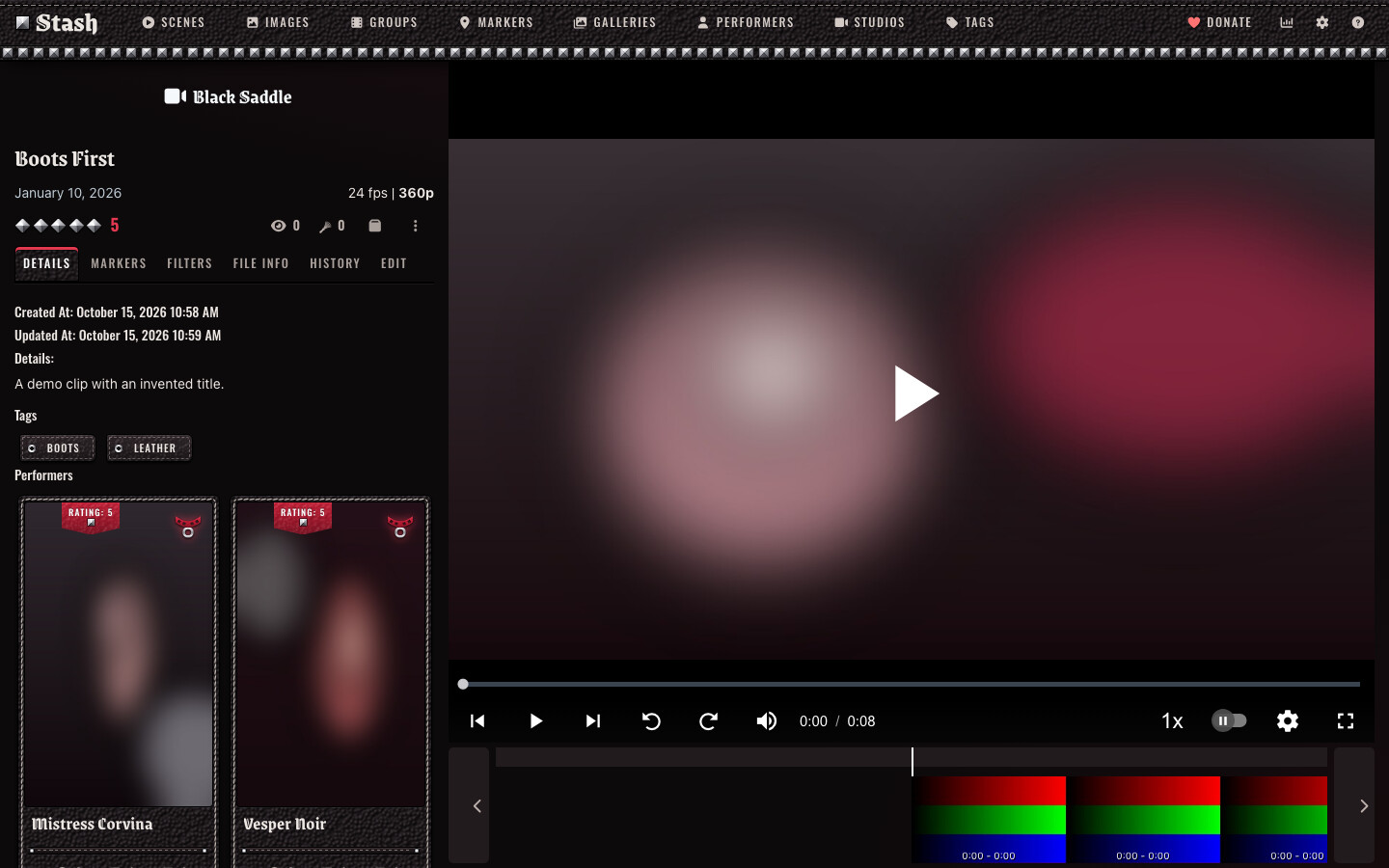
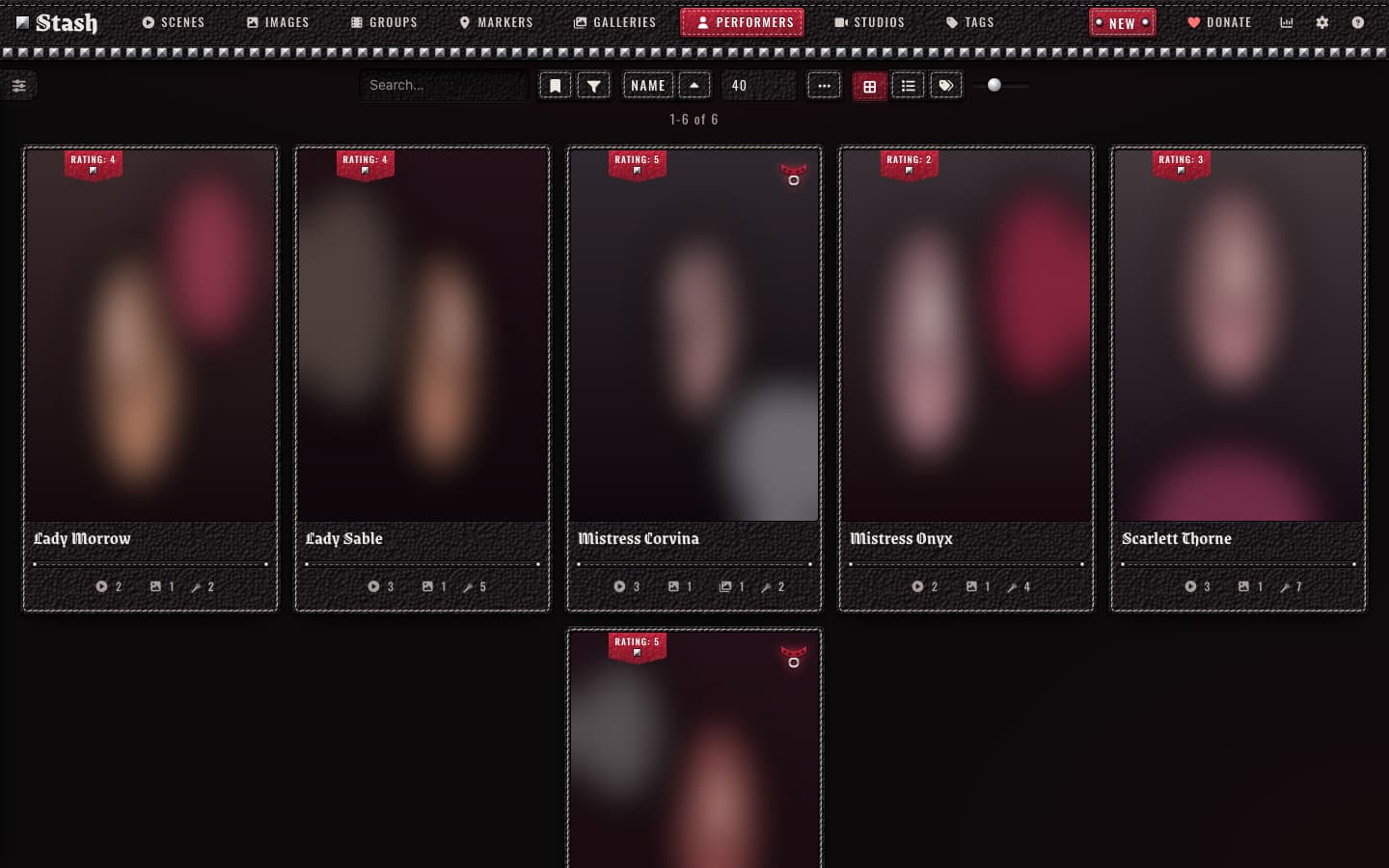
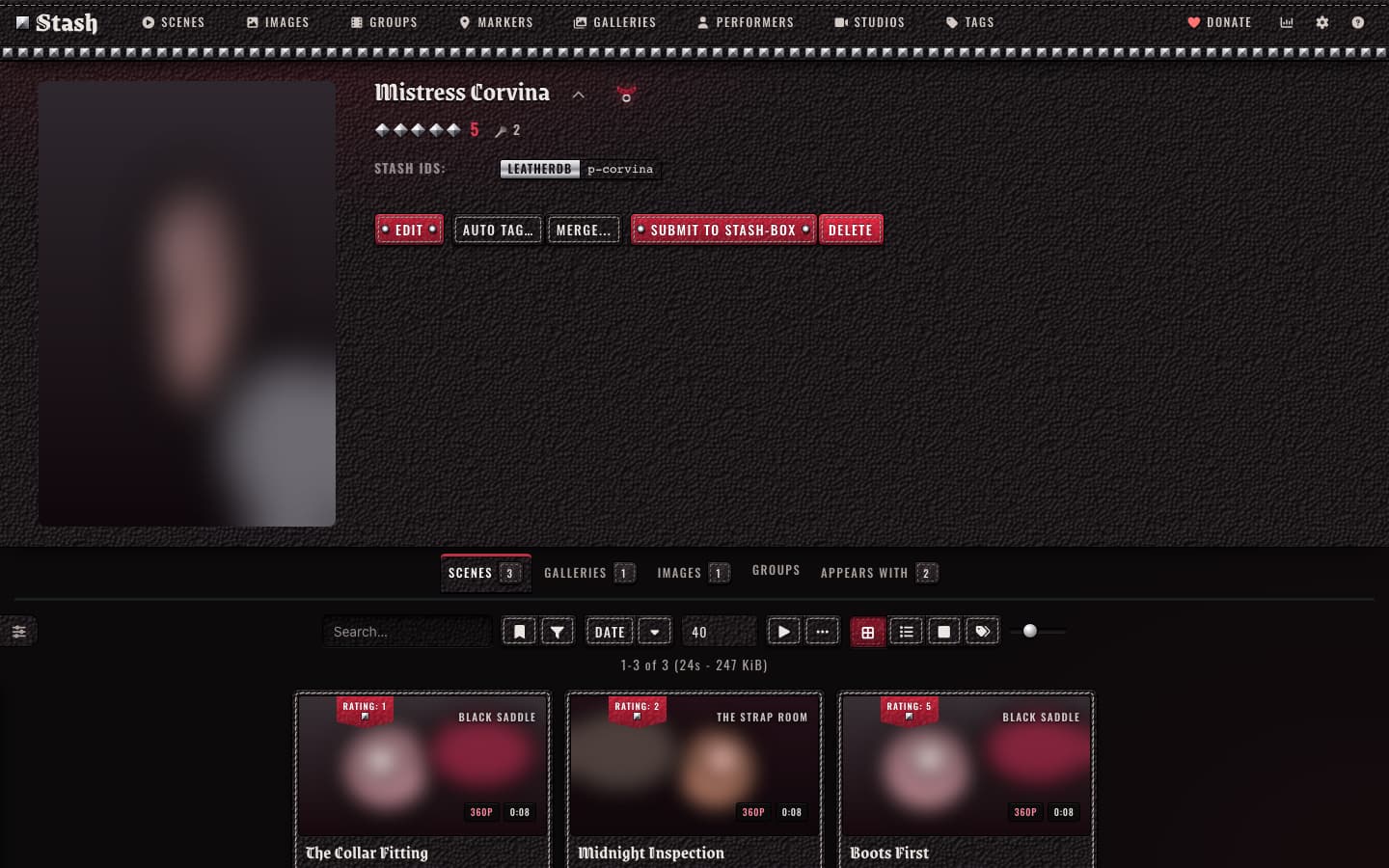
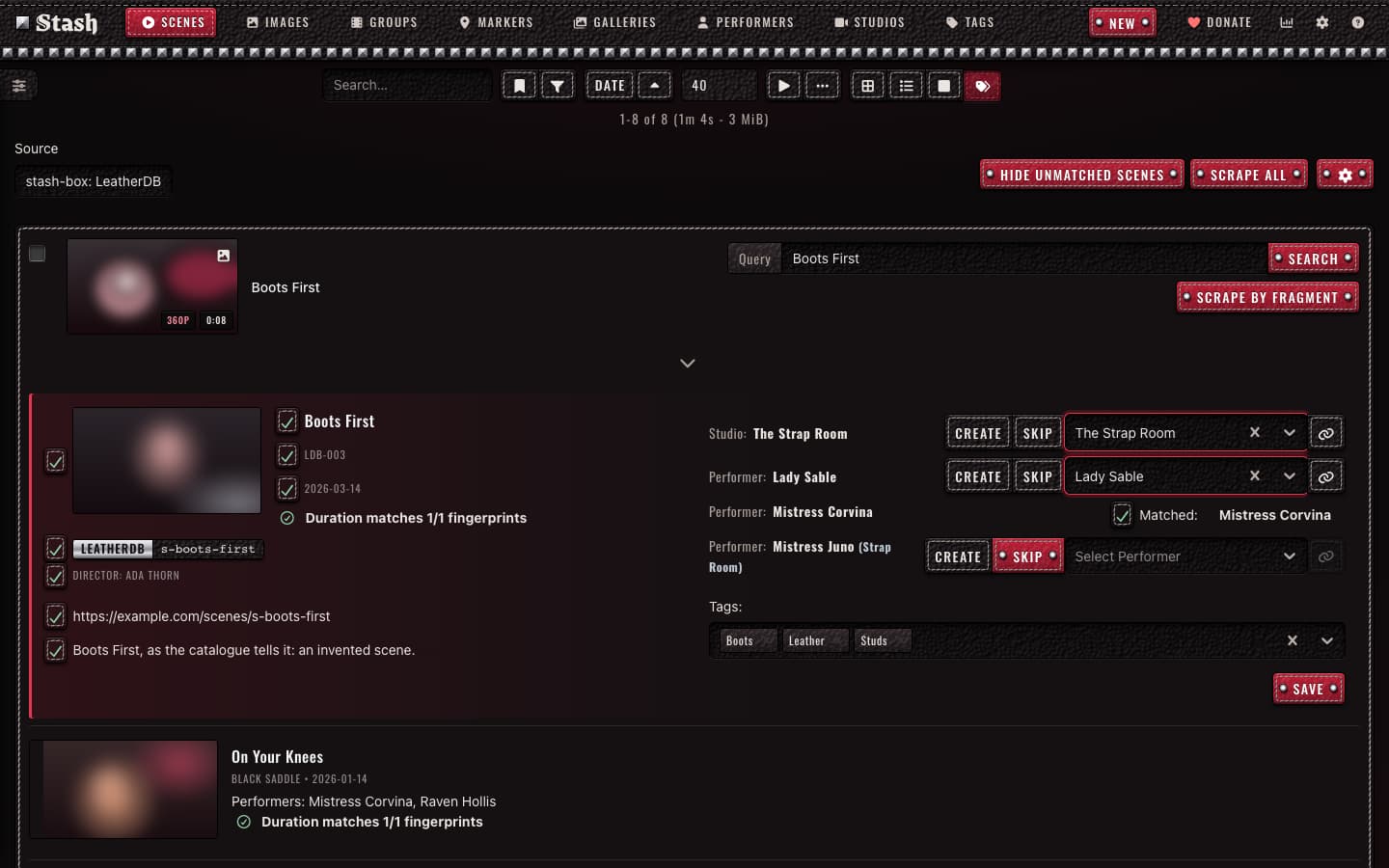
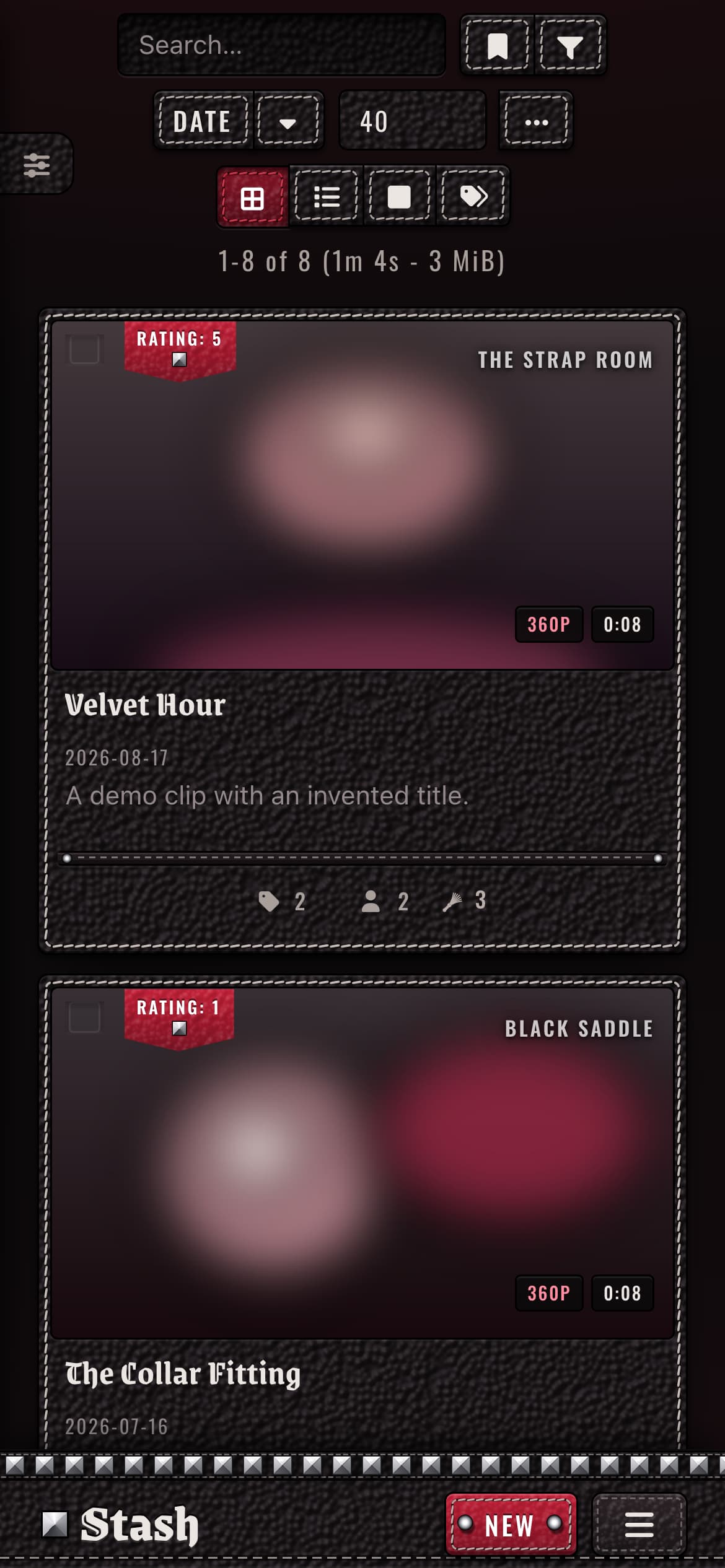
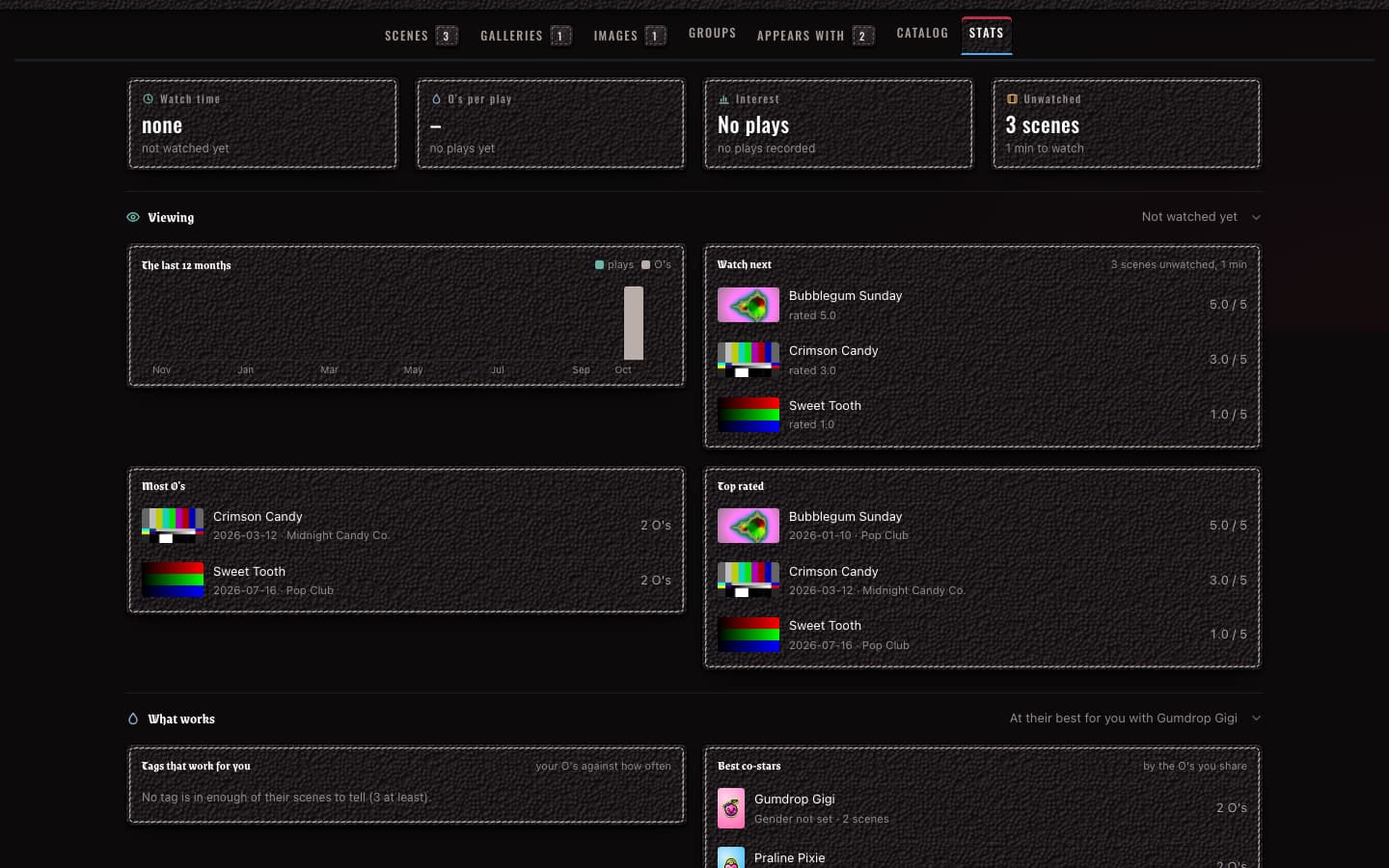
Leather is a theme for Stash in black pebble-grain leather with saddle stitching, nickel pyramid studs and a blood-red accent. Titles use a blackletter typeface and the navbar is a studded strap. The live preview at Leather design system shows every component.
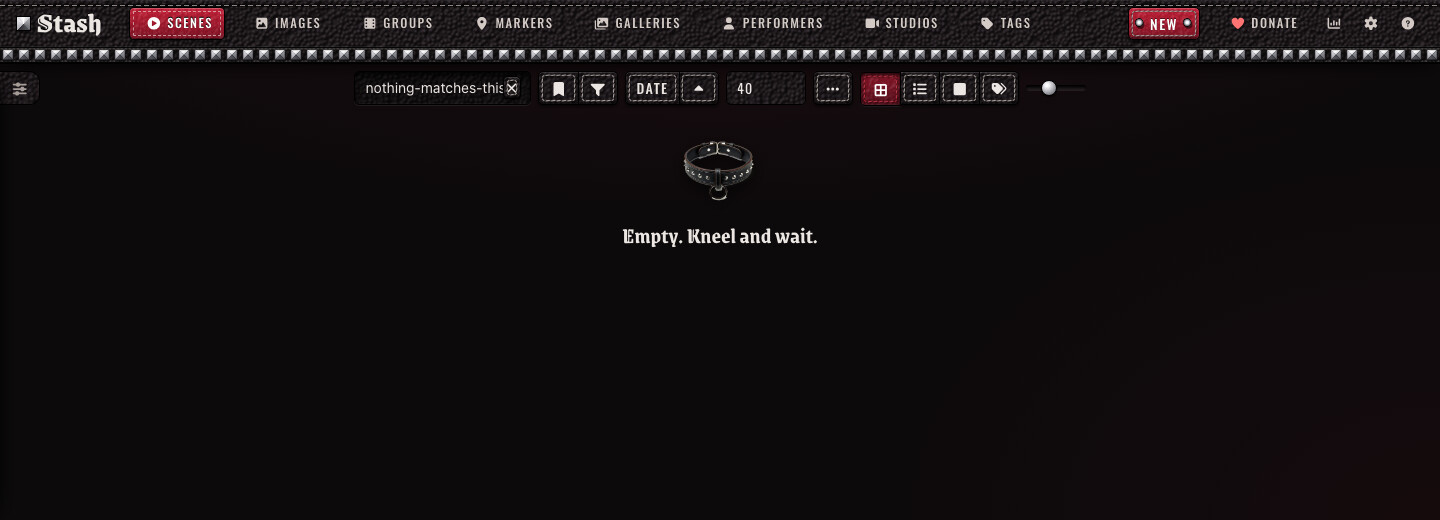
Leather’s look comes from BDSM and dominatrix gear. The leather, the stitching and the nickel hardware are those of harnesses, collars and cuffs, and the same gear appears in Stash’s controls: a studded collar marks a favourite performer, ratings are pyramid studs, the O counter is a flogger and the loader is a row of studs that light up in turn. Leather also rewrites a short list of Stash’s messages as a dominatrix’s orders, such as “Wait. On your knees.” while a page loads, “Collared.” when you favourite a performer and “Empty. Kneel and wait.” on an empty list. The theme has no explicit imagery.
Features
Cards are stitched leather. A card lifts on hover and its stitching turns red, and the rating sits on a leather tab beside the card’s checkbox.
Clicking a rating, the favourite or the O counter sets off a burst of studs and sparks.
Buttons are dyed leather with nickel rivets, fields show a red stitch on focus, and menus and dialogs are stitched leather.
Tagger rows have no texture or motion, since people tag hundreds at a time, and scrape dialogs mark the chosen value in blood red.
Leather replaces only exact matches of Stash’s messages, so it never changes your titles, tags or descriptions.
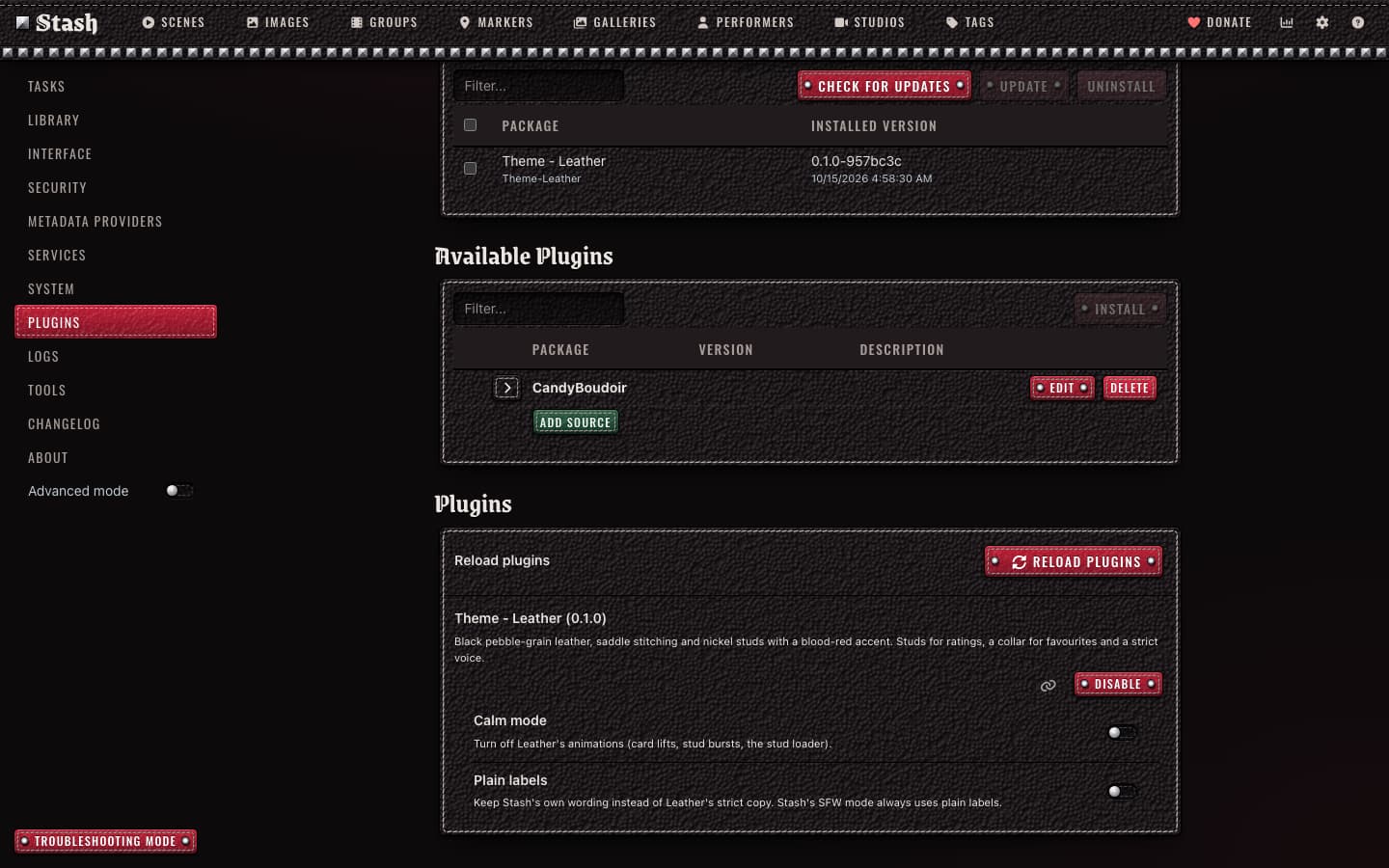
Calm mode turns the motion off, and Plain labels keeps Stash’s own wording.
SFW mode keeps the leather and drops the collar and the strict wording.
The fonts ship inside the plugin, so Leather makes no requests to other sites.
Installation
Open Settings > Plugins, click Add source and enter https://candyboudoir.github.io/index.yml. This is the CandyBoudoir source, which also carries Juicy.
Install Theme - Leather, turn off any other theme and any Custom CSS, then reload. Turn Juicy off too if you use it.
Leather’s settings are under Settings > Plugins > Theme - Leather.
I tested Leather on Stash 0.31.1. It uses the MIT license.
AI disclosure. Claude wrote most of Leather’s CSS, JavaScript and SVG glyphs under my direction. The gear pictures on the preview page come from Qwen-Image, run locally. I set the design, reviewed every change and tested Leather on a real library.
I’m not into BDSM so I thought this wouldn’t be for me. However, this is a great looking theme. I really like the leather textures and stitching. Also, the little animations when clicking, ratings, favourites or O count is really nice too and adds more satisfaction, especially with the O count.
Great work, and I’ll definitely try your other theme too.
Insights: the Stats page dashboard gets stitched leather cards, blackletter titles and dyed leather buttons, and its calendars and codec charts take Leather’s dyes.
Performers Toolkit: its page and the Stats and Catalog tabs it adds to performer pages get the same leather, including the toolkit’s new Stats tab.
Insights 2.12 and Performers Toolkit 0.13 pick up your theme’s colours by themselves, so they match Leather even with the restyle settings off.
The count on Performers Toolkit’s Catalog tab is readable now. It was almost invisible on Leather’s dark tag.
Insights’ What works sidebar no longer slides under Leather’s taller navbar, even with the settings off.
To get it:
Open Settings > Plugins, click Check for updates, tick Theme - Leather (and Insights and Performers Toolkit, if they have updates), click Update and refresh the page.
In Settings > Plugins > Theme - Leather, turn on Restyle Insights, Restyle Performers Toolkit, or both. Each setting only shows once its plugin is installed and turned on.
Leather 0.2.4 is out, with these changes from 0.2.3 and 0.2.4:
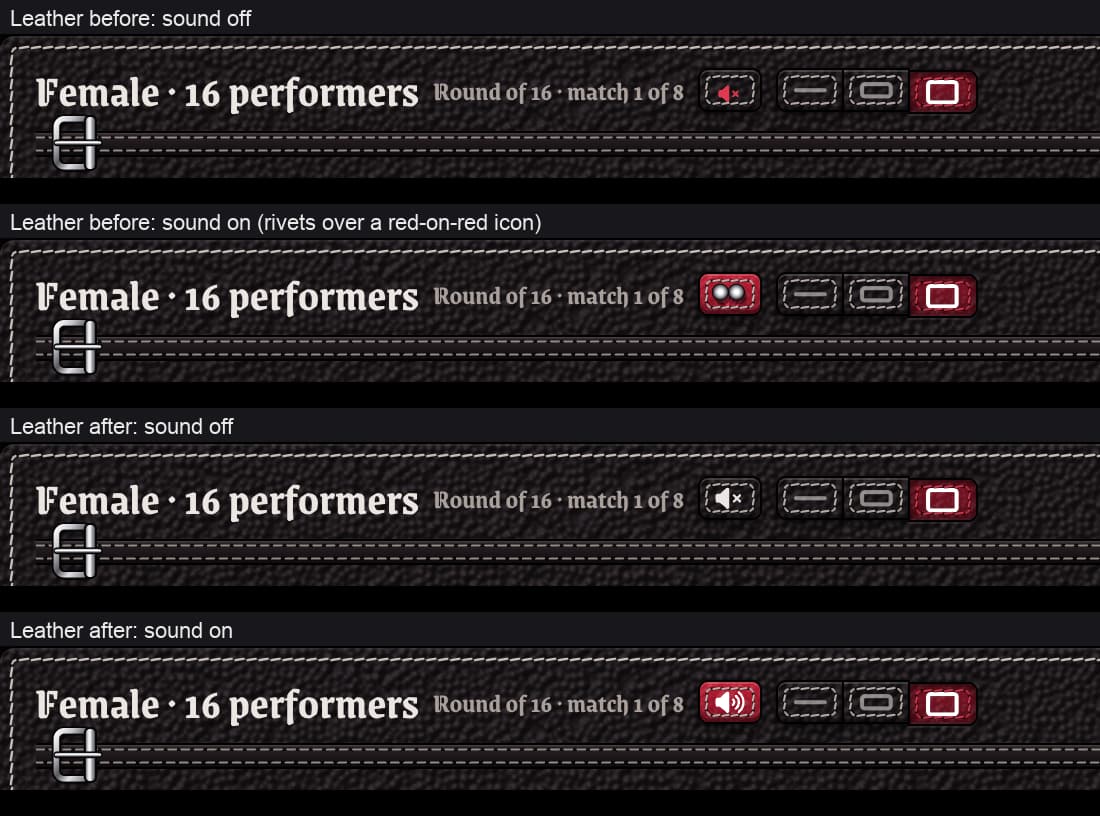
An unchecked radio button or checkbox, such as the Pool choices in Cherry Pick’s bracket options, has a pale rim like the stitching, so it shows on the black leather. It had been black on black and barely visible.
A running job’s progress bar in Settings > Tasks is a red strap, its percentage in white. It had kept the default blue on a white track.
Leather asks Stash for its settings less often. On Stash 0.30.0 to 0.31.1, a settings request that lands while a setting is being saved can freeze Stash until it restarts, so this lowers the chance of a freeze.
To get it:
Open Settings > Plugins, click Check for updates, tick Theme - Leather (and Cherry Pick, if it has an update), click Update and refresh the page.
Open Performers, click Options beside Bracket and look at the Pool choices, or open Settings > Tasks while a job runs, such as a scan.
It’s tested on Stash 0.31.1 alongside Cherry Pick 0.3.3, Insights 2.13.0 and Performers Toolkit 0.19.0. The release notes are on GitHub, for 0.2.3 and 0.2.4.