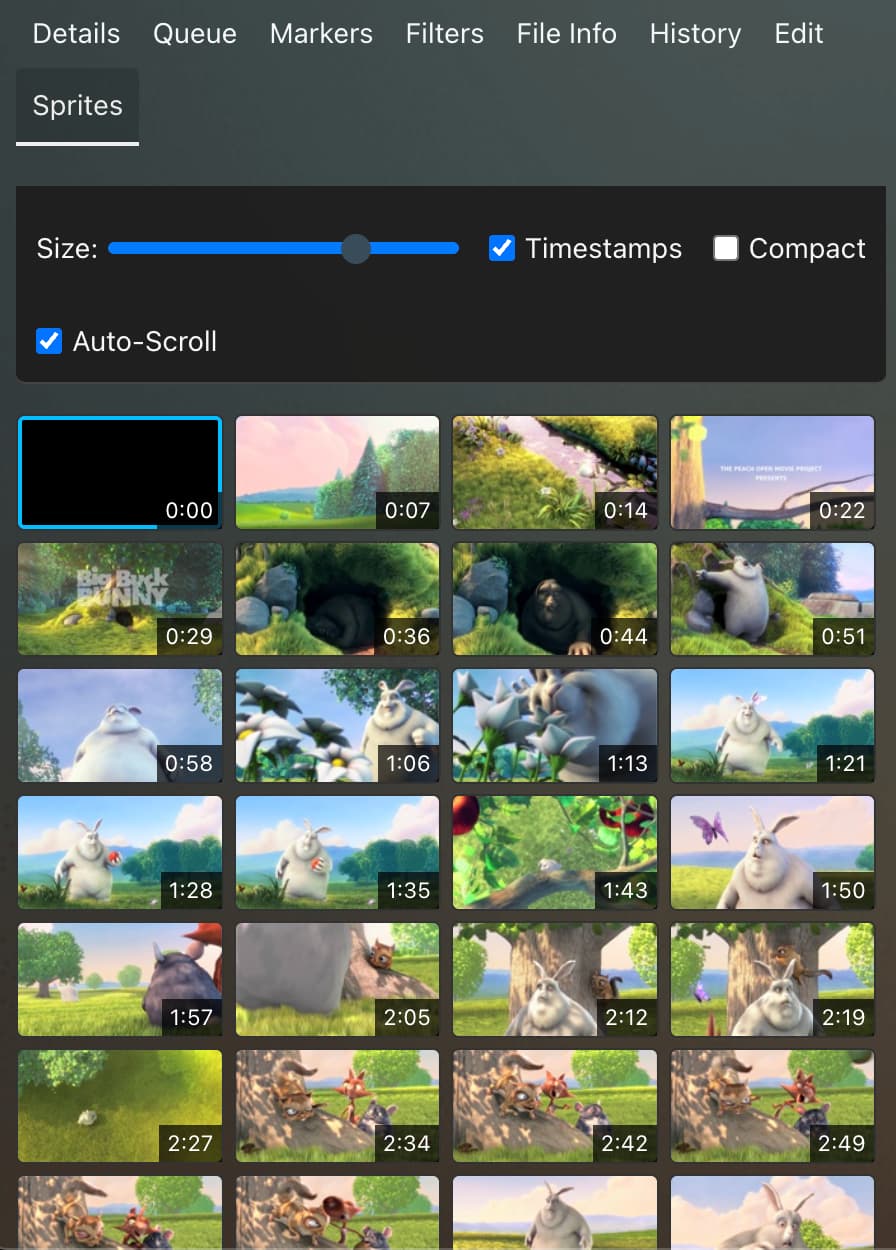
This plugin adds a scrollable tab to the scene details sidebar that lets you browse through the scene sprites directly without changing the video location. Clicking a sprite will jump to that timestamp in the scene. You can make the sprites as big or as small as you’d like.
This plugin is especially useful if you are watching a scene on mobile since scene sprites don’t show up in many native mobile video players.
Go to Settings > Plugins > Available Plugins, click “Add Source”. For “Name”, input anything you want or “Hippo Chapel’s Plugins”, for “Source URL” add https://hippochapel.github.io/hippo-stash-plugins/main/index.yml, and you can leave “Local Path” empty. Click “Confirm”. Now expand the repo, click “Sprite Tab”, and click “Install”.
Disclaimer that this was entirely vibe-coded, but I am a developer and will support the plugin as necessary. I’m also open to feedback or requests.
There is now a magnifying glass that will appear whenever you hover over a sprite (or hold on a sprite on mobile).
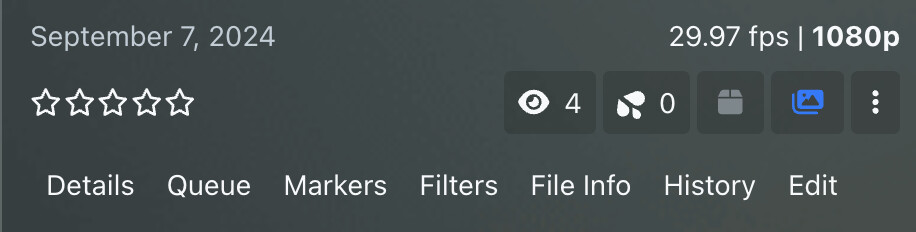
The SpriteTab button has moved to the toolbar on a scene page (next to the 3 dots). This saves on vertical space so more sprites can be displayed at once
This was exactly what I was looking for and what the stock scrubber should’ve been! The only thing that could make this better is if it defaults to the Sprite Tab by default instead of having to click on it every time.
That doesn’t work with the Scene Page Remember State because Hippo removed this plugin from acting as a tab. He made it an icon? Is it possible to revert back to the old style of having it displayed as a “Sprite” tab?
I’ve submitted a PR to handle compatibility with Stash 0.31’s support for custom sprite generation options.
As I suggest in the PR description, I think further cleanup is possible by pulling more info from the VTT, but I tried to keep the changes to the minimum needed for compatibility.
There is an additional update that I should also make to that PR because I have noticed I should make sure it waits until the player loads. At the moment, I occasionally have to refresh to get the images to load.
I was holding off to see if the original maintainer would look at the PR, especially after their initially prompt response, but it seems like they may be MIA.
I did push a small update to my PR to address the issue I was seeing with my initial change of the VTT occasionally not being ready fast enough. Now, it checks to see if the VTT loaded, and if it didn’t, it will wait 100ms and try again. If there are no thumbnails at all, it never reaches that code, so waiting forever should not be an issue.
Interesting plugin/feature. I noticed that a click on a sprite does not jump to the correct position in the video if the video has a format which needs to be transcoded (e.g. .wmv files).