 |
Summary | Turns a scene into a navigable image gallery. |
 |
Repository | https://github.com/hippochapel/hippo-stash-plugins/tree/main/plugins/GalleryMode |
 |
Source URL | https://hippochapel.github.io/hippo-stash-plugins/main/index.yml |
 |
Install | How to install a plugin? |
Features
Gallery Mode lets you view a scene as though it were an image gallery instead of a video. The plugin adds a button to the scene player that turns the current scene into a navigable image gallery with buttons to jump forwards and backwards in the scene. It also supports full-screen mode as well as pinch-to-zoom and swipe to pan on mobile/tablet, allowing you to look closely at the part of the “photo” that most catches your eye.
For a full image gallery experience, it’s highly recommended to use this plugin alongside SpriteTab. Together, the plugins allow you to scroll through a scene’s sprites and select them like photos from a gallery.
There’s also a bonus, experimental “low-bandwidth mode” for when you want to view a scene but you have spotty internet. With this enabled, you can navigate to a scene and enable Gallery Mode and the images will be generated server-side by your Stash instance. This allows you to view a scene (in Gallery Mode, at least) even when you don’t have enough internet bandwidth to actually stream it. Low-bandwidth mode requires ffmpeg installed on the host. See the plugin’s readme for more details.
Why would I use this?
The motivation behind this plugin was that many scenes already feel like an image gallery and may be high enough quality (e.g. 4k) that individual frames feel like intentionally-shot photos. For these scenes, it might be more pleasant to consume them by jumping around to the “photos” that interest you most rather than watching the whole video.
Gallery Mode works by taking frames from the underlying video stream, so jumping around is cheap.
Installation
Go to Settings > Plugins > Available Plugins, click “Add Source”. For “Name”, input anything you want or “Hippo Chapel’s Plugins”, for “Source URL” add https://hippochapel.github.io/hippo-stash-plugins/main/index.yml, and you can leave “Local Path” empty. Click “Confirm”. Now expand the repo, click “Gallery Mode”, and click “Install” (and as I mentioned earlier, I also recommend installing Sprite Tab alongside Gallery Mode).
Screenshots
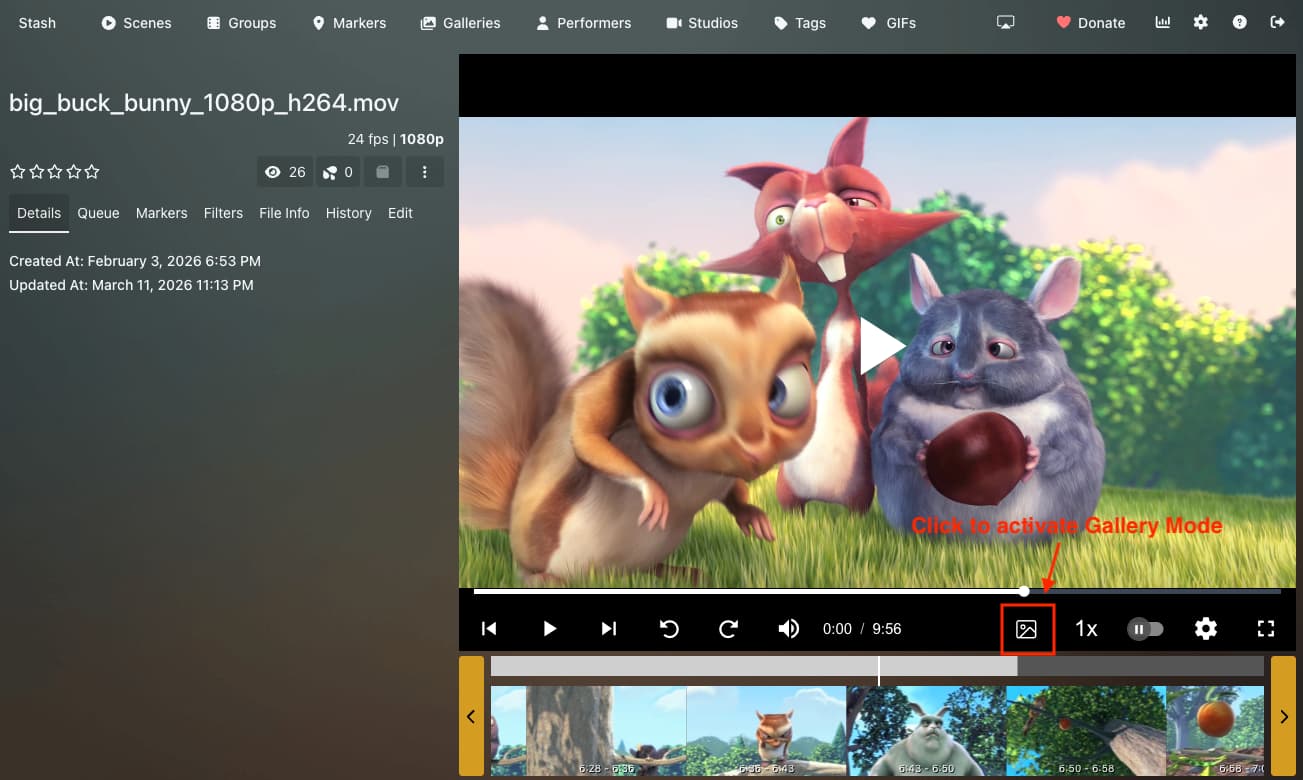
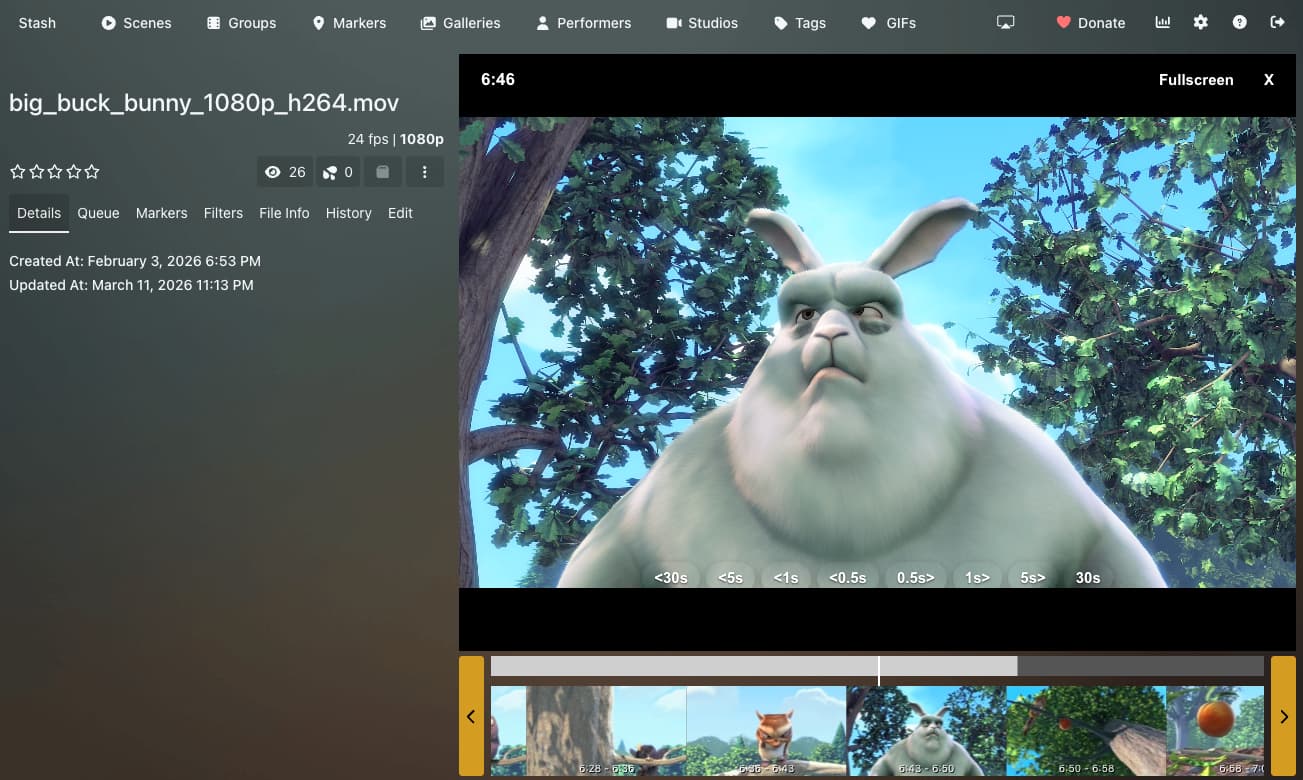
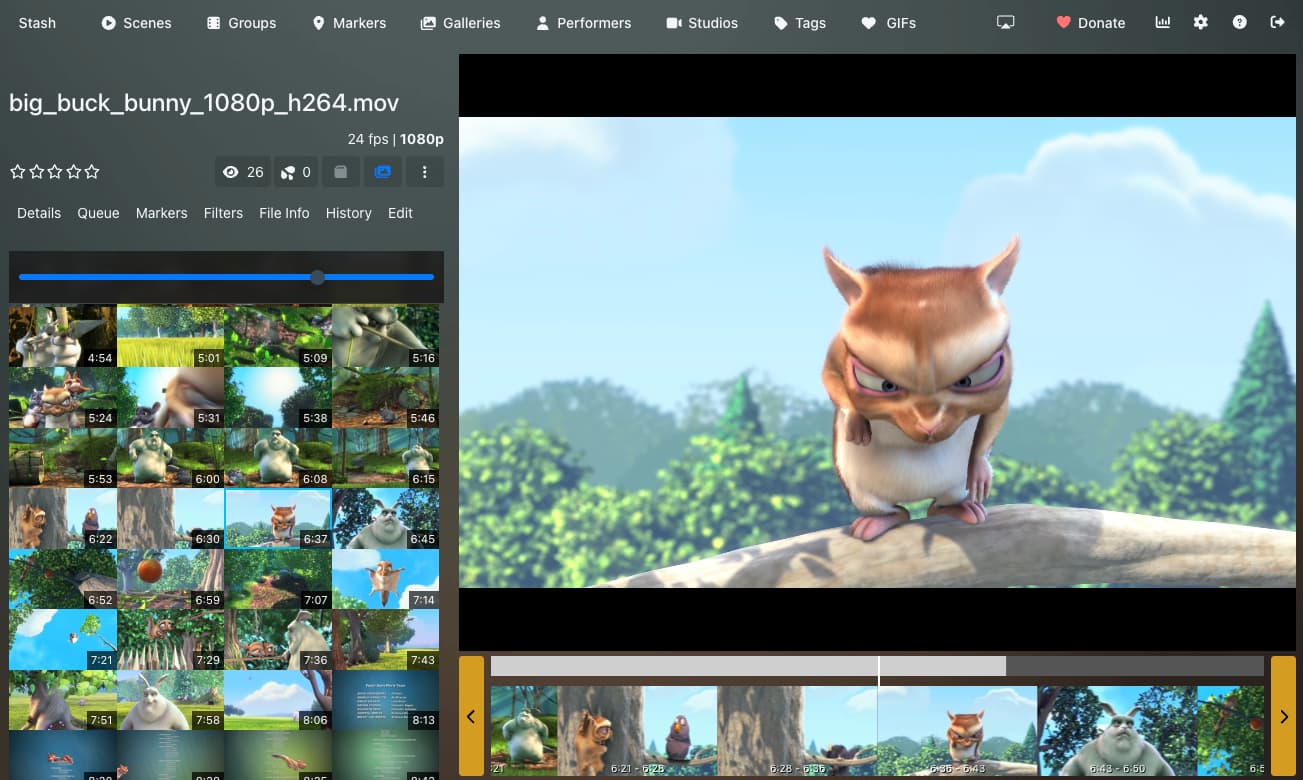
Disclaimer that this plugin was entirely vibe-coded. However, I am a developer and will support the plugin as necessary. I’m also open to feedback or requests.