Thanks Boss, yeah I stalk the discord Gitlogs so I saw your PR.
1 Like
Boss, can you add back the “Help” button? It is quite useful and there seem (?) to be no way to access it except for disable theme?
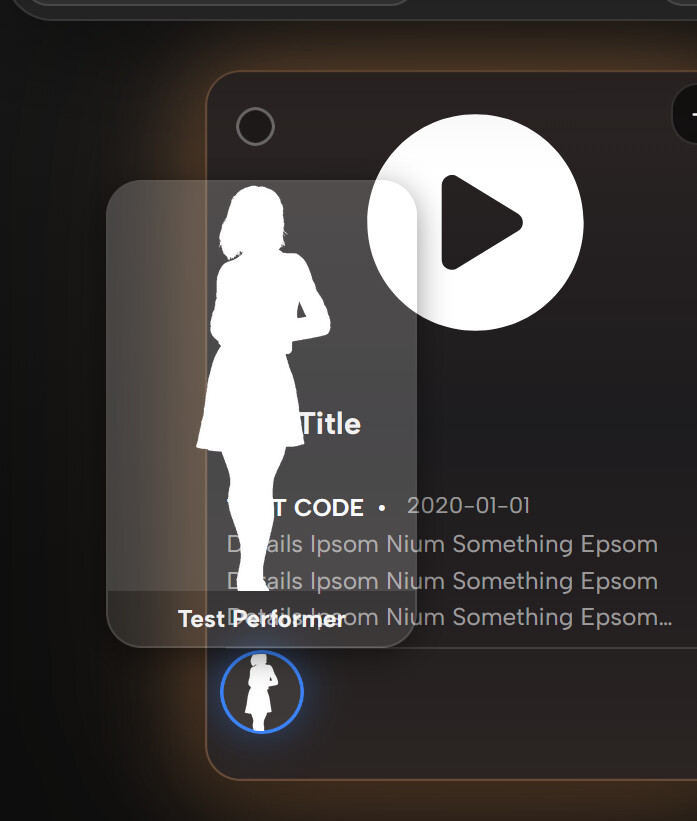
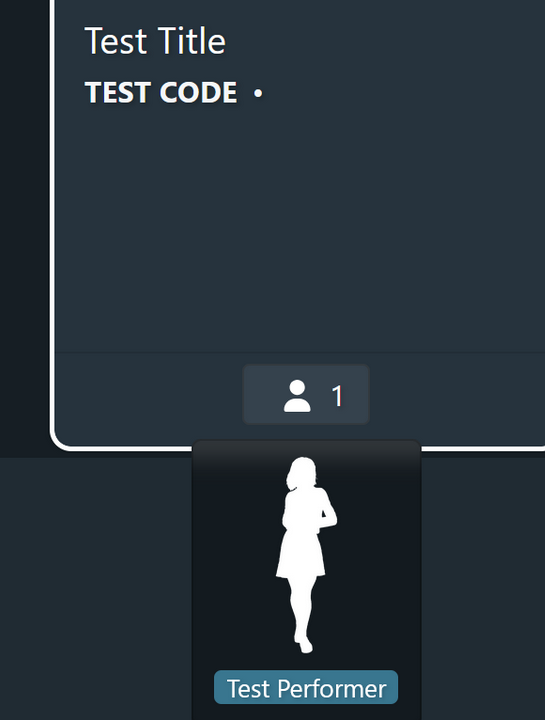
Not sure here; can we have a popup (hover) bigger size? Example:
Refract
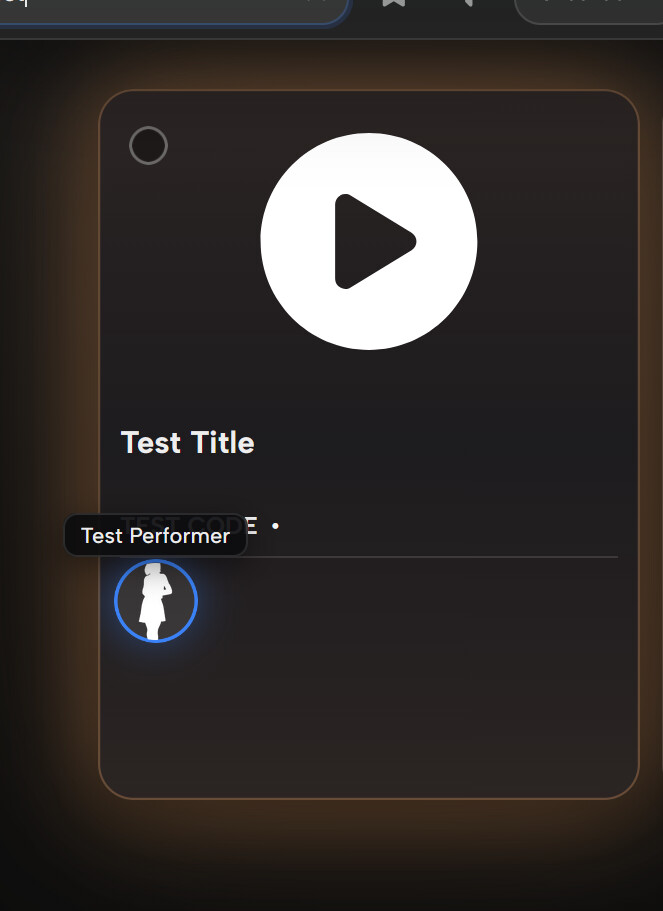
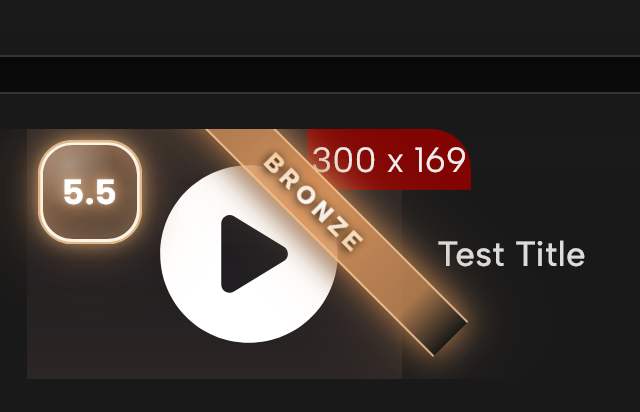
Scene Tagger, image thumbnails is overflow and covering Title (slightly), this image does show it well but it does
Any way you could find a way to integrate a way to collapse the scene details sidebar in scene player? Base stash has a button to collapse or expand. Also, studio info does not appear in scene details while this theme is active.
Cheers for these, most are sorted in v1.13.13 that just went up
A couple of these go against my form-over-function leanings, so they’re tucked into a new Suggestion Box section, off by default for anyone who wants them.
Help button’s back, there’s a toggle for it under Settings > Interface > Menu Items.
The bigger hover popup is in the Suggestion Box, turn on “Performer card on hover” and the performer circles give you a proper card (image and name) instead of the little tooltip.
Scene thumbnails in the tagger view is now fixed too.
@detox22 you can collapse the details panel now, there’s a chevron on the divider between the player and the panel (the whole strip is clickable) that hides and shows it like vanilla Stash. If you’d rather have the full logo banner there’s a “Studio banner” toggle in the Suggestion Box.
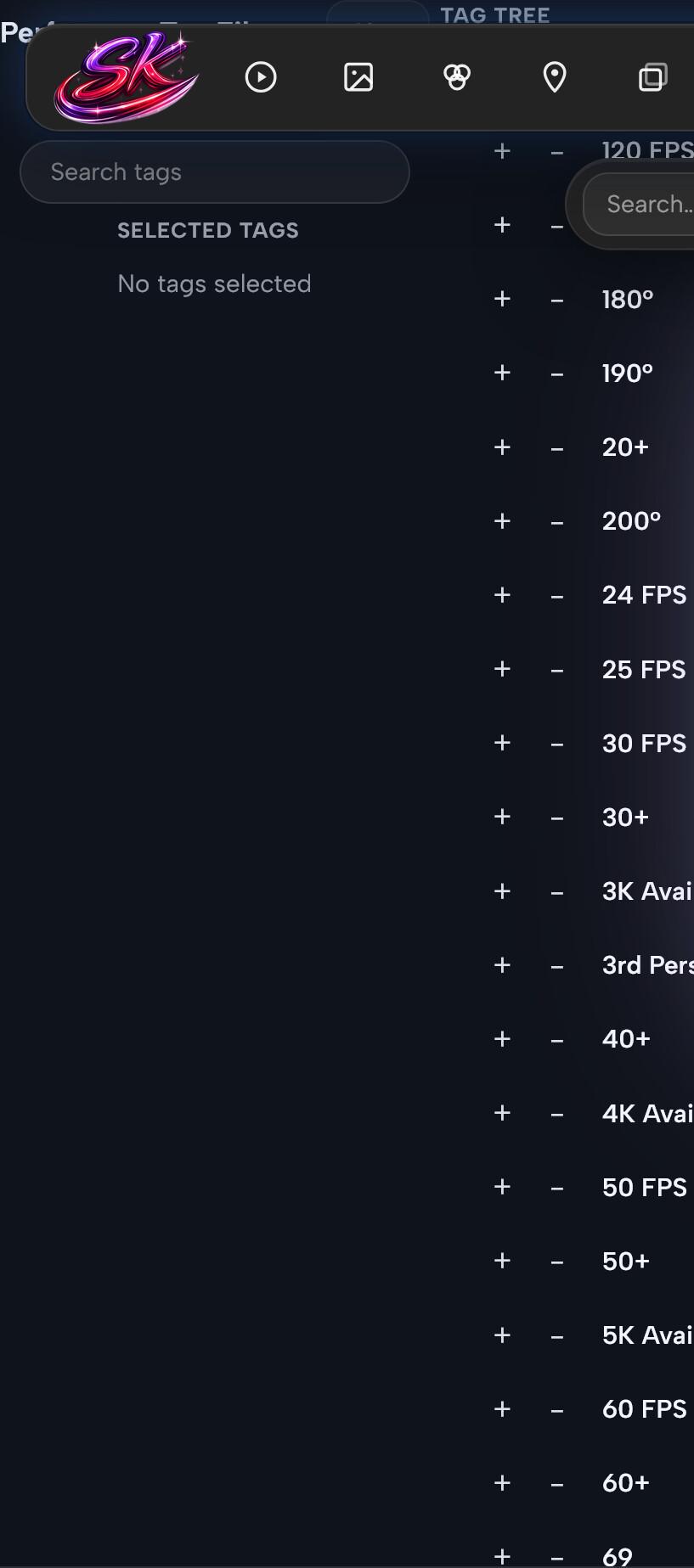
@sashi The only one I’m stuck on is the tags menu underlapping the menu bar. I genuinely can’t tell where that’s coming from in your screenshot, what page is it and how do you open that menu? Any other plugins running? Send the steps over and I’ll get it sorted.
1 Like
Hey, first off great work on the latest update — the continued improvements to the theme are appreciated!
I wanted to share some feedback on the scroll performance optimization (17_scroll_perf.css + initScrollPerf in refract.js) first introduced in v1.13.7 and still present in v1.13.13, which is the version I tested on.
On Firefox, the optimization causes a noticeable pop-in effect on the home page when scrolling quickly — UI elements briefly disappear and snap back. Since Firefox doesn’t have the D3D11 rasterization cost, the optimization brings no performance benefit there, only the visual glitch.
On Chromium, the improvement is very subtle at best — hard to tell a real difference compared to before.
So the trade-off feels unfavorable: a visible regression on Firefox for a marginal (if any) gain on Chromium.
I investigated this with the help of Claude, which helped narrow down the root cause. After thorough testing, we identified two separate contributors to the pop-in:
1. initScrollPerf + 17_scroll_perf.css
-
The
initScrollPerffunction toggles arefract-scrollingclass on<body>during scroll bursts -
17_scroll_perf.cssthen strips visual effects on all elements via* { ... !important }while that class is active -
This causes elements to lose their styling and snap back on every scroll burst
2. initCardTilts — new IntersectionObserver
-
The new lazy-bind approach via
IntersectionObserver(introduced in v1.13.13) means cards only get their tilt listeners bound when they enter the viewport -
During fast scrolling, cards entering the viewport haven’t been bound yet, causing a brief visual flash before they settle
Testing breakdown (v1.13.13):
-
Old
refract.js(pre-v1.13.7) + new17_scroll_perf.css→ no bug (class never added, CSS stays inert) -
New
refract.js+ new17_scroll_perf.css→ pop-in present -
New
refract.js+ empty17_scroll_perf.css→ still slightly visible (refract-scrollingclass toggle alone causes style recalculation flashes) -
New
refract.jswithinitScrollPerflistener disabled +initCardTiltsreverted to directforEach→ pop-in gone
Currently running the patched refract.js with the two fixes applied as a workaround, which works cleanly.
Would it be possible to gate initScrollPerf behind a Chromium-only check, and reconsider the IntersectionObserver approach for initCardTilts on Firefox? Happy to provide more details if helpful.
Thanks again for all the work on Refract
1 Like
Bro you seem to know your shit, should just PR it (maybe)?
Let me try to find the reason and get back. OK dumb of me, I thought it was build in feature of stash but it actually an plugins, so need to to support it if you don’t want to;

Can we not group Enable and Disable sort separately? When disable and having it ‘disappear’ is rather confusing, and it doesn’t help to know what Plugins you have overall, especially considering with the way Plugins GUI is currently displayed. I hope that make sense.
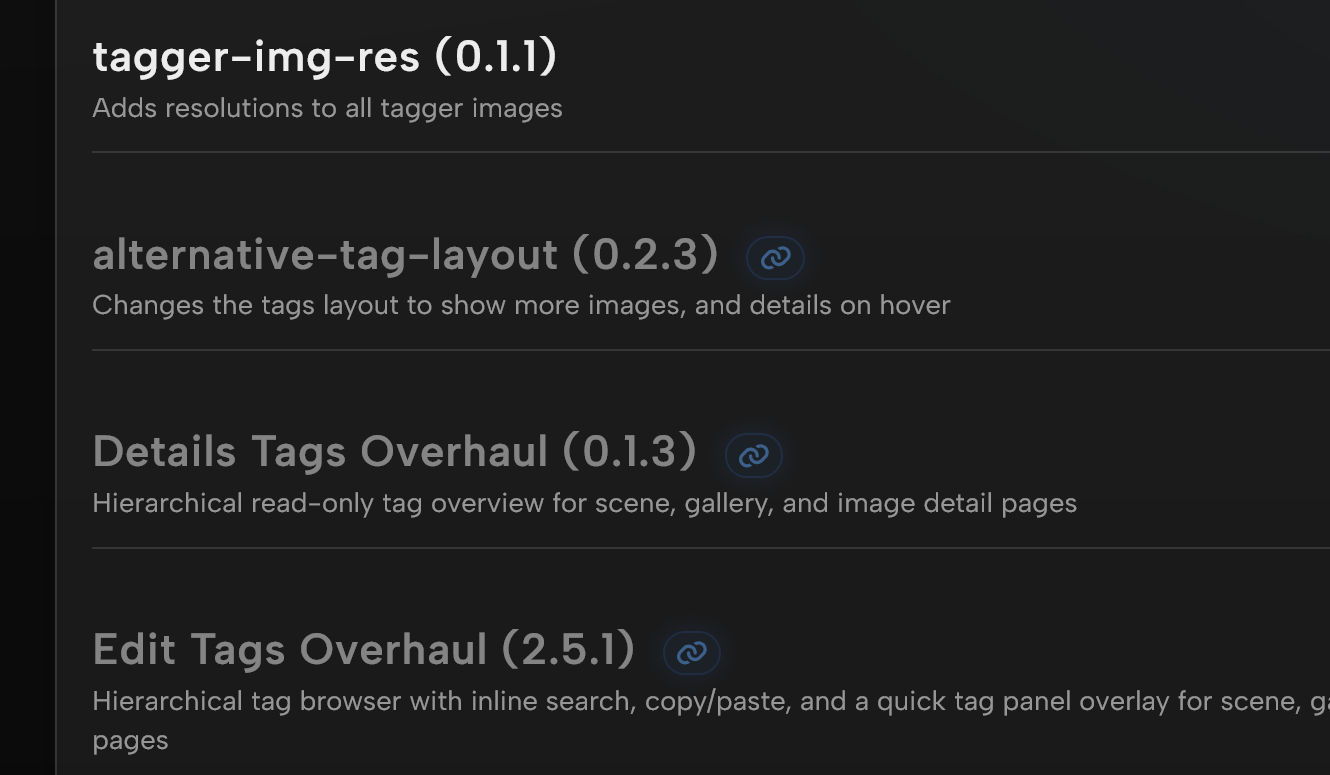
Might not be a good idea to have it too transparent;
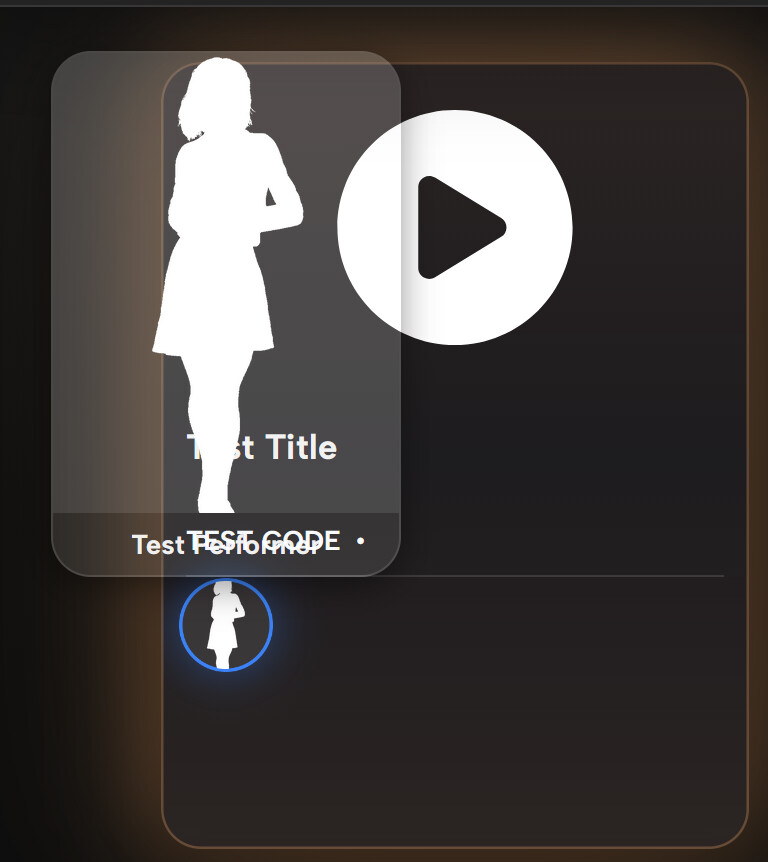
Not sure if you want to make both consistence or leave it separate styling; this is for gallery
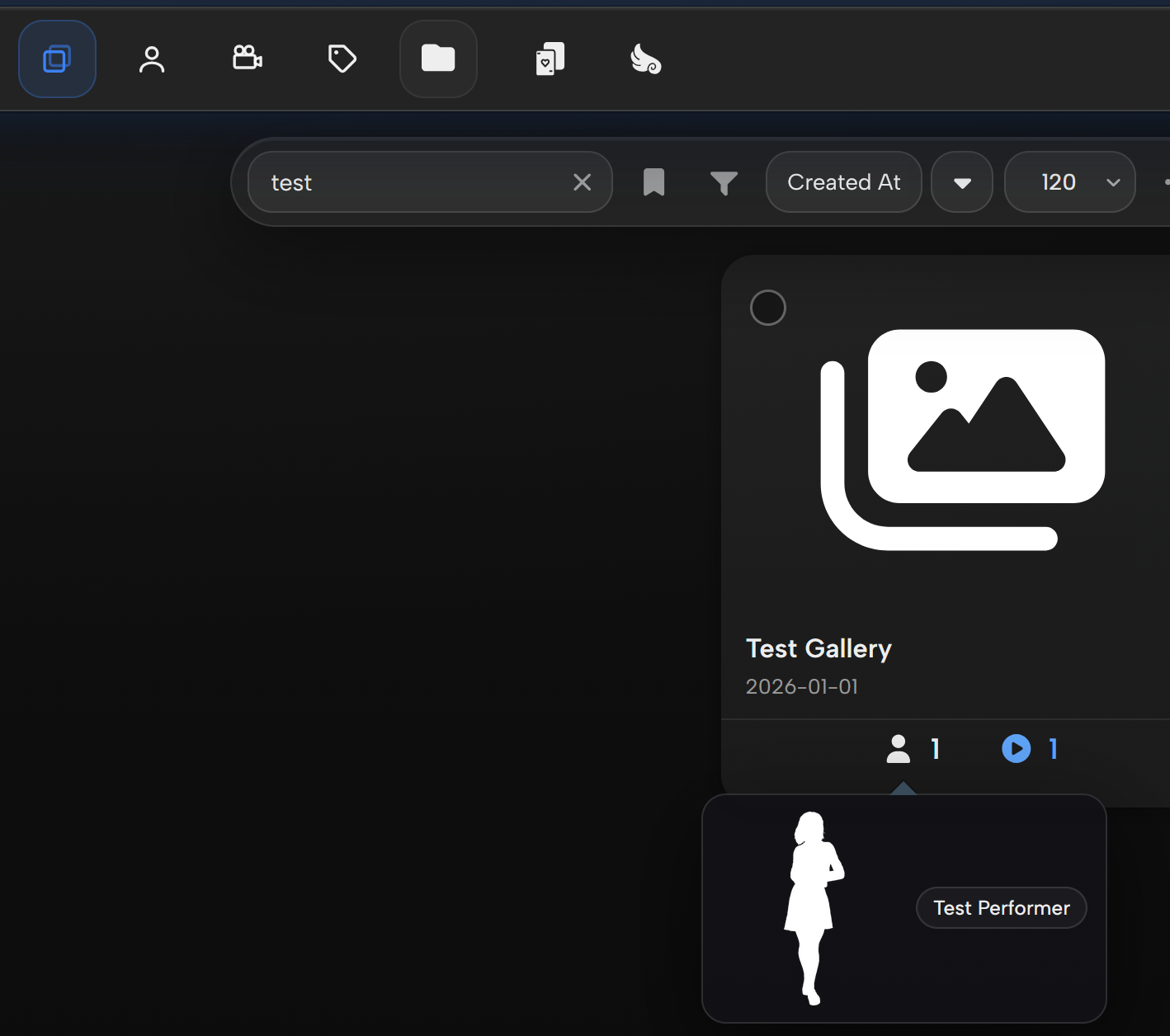
Some odd issue here (gallery)
1 Like

Even with Studio banner toggle enabled, studio banner does not appear in scene details. Am I missing something? Two other things…accent color resets every time stash is relaunched. Also, the black tint behind studio logos on scene cards does not scale to different size studio thumbnails. I’d be happy to make studio names appear as text instead of the thumbnails, but the appearance of studio names on the black rectangular tint does not match the general design language of the theme. Could you make it so that studio text names appear in a stylized bubble similar to how ratings appear on scenes? Or any other approach that would match similar design language.
Also, tag popups on scene cards (on hover), get cut off by top of scene card. Would there be a way to make the organized badge in scene details highlight with accent color when enabled?
Thanks for this, really useful report. Pinpointing the two contributors saved me a lot of digging.
Both are fixed in v1.13.18:
-
initScrollPerf: removed entirely rather than just gated. On Firefox it only caused the pop-in, and on Chrome it turned out net negative too (the backdrop-filter toggle was thrashing GPU layers). Gone for good.
-
initCardTilts: reverted to direct binding, so no more flash on scroll-in. I also improved the Firefox carousel slide while I was in there.
Honestly though, I have not fully cracked the broader Chrome performance. It still feels worse than I’d like, and the deeper I dug the more it looked structural rather than any single effect I could switch off. It is on my list to revisit properly. My laptop died recently so I am desktop-only for now, which is slowing things down.
Appreciate you taking the time to dig in. The Firefox issues should be gone, let me know if anything still feels off.
1 Like
The popup card opacity in lite mode has been fixed, working on a redesign for the gallery cards (and the popups too) - that will be in a later update.
1 Like
Which scrape menu is this? To be honest the only scrape menu I am familiar with is the performer one. Was not even aware there were scrape modals for any other part of stash.
Something wrong with yours if you can’t see Studio Banner/Logo, work for me. Same thing with Accent color, perhaps you have a storage issue, but I think setting is saved in .config of Stash so it shouldn’t be the case
It Scene scrape? Does mine look different from ‘normal’?