Issue fixed and pushed! Thanks for the report, once again.
Unable to replicate this issue on my end - tested on fresh installs with a variety of plugins. If you identify which plugin might be playing badly with that, let me know and I can patch.
1 Like
Issue with saved filters drop down on some pages
First off, want to state that I’m by no means well versed in dev, but I really like this theme so wanted to mention an issue I’m having in the hopes it gets fixed.
Issue: On some pages the saved filter button doesn’t open as drop-down list, but instead functions as an expandable group of icons.
These pages don’t have the issue:
- scenes
- performers
- tags
These pages have the issue:
- images
- groups
- galleries
- studios
- markers
When I click the saved filter button on the pages that have the issue:
No drop-down appears when clicked.

Clicking on it again does this:

When I click the saved filter button on the pages that don’t have the issue:
This is how I would expect it to work. Showing the list of saved filters.
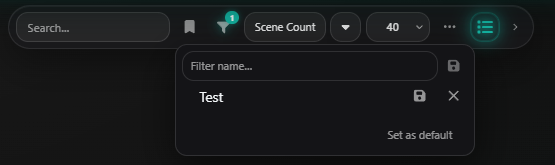
Also, I’ve noticed that the chevron toggle that is normally to the right of the stash-view buttons is instead appearing to the right of the saved filters button on these affected pages. You can see it’s moved in the pictures above.
Again, thanks for this awesome theme! Hopefully this helps and my apologies if you were already aware of this issue.
Thanks for the report! And for being so specific about which pages were affected, made it straightforward to reproduce and fix. Should be live after a plugin update + reload.
1 Like
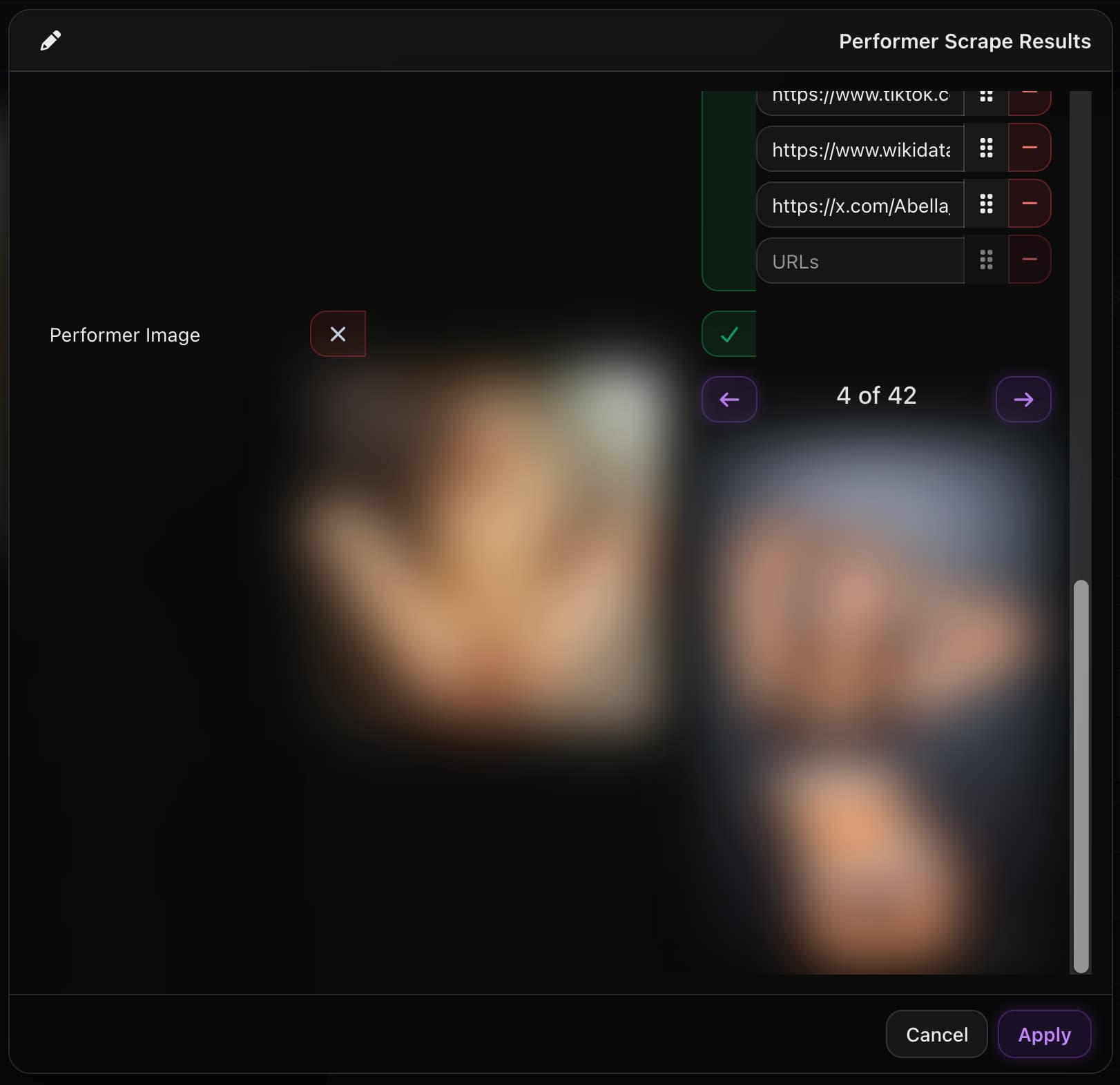
Thanks! For the Save button, just to make sure we’re looking at the same thing: are you using the “Scrape with…” option on the performer edit page, then accepting the image in the diff panel? In stock Stash the Save button only activates once at least one field is accepted, so if only the image is checked it should still enable it. A screenshot of the state when Save is greyed out would help narrow down whether this is a Refract issue or something else.
Is it this page you’re talking about?
I will try to find it. I have feeling it is isolated.
Sorry for my late answer. Yes this dialog is what I’m talking about.
But the funny thing is: I can press the button apply in all cases, but for
some performer, I cannot press the save button in the following dialog?
That’s my problem, but again, for some perfomer I can also press the Save-button,
but not for all??
Also when I’m deleting this performer, scrape again, not matter where from stashdb or something else, the save-button is still not activated?
Love the theme. However, slightly disappointed that the expanded scene card (stash classic-esque) layout isn’t available with this latest update. It’d be nice to have that option still.
Restored in v1.11.1 — toggle’s back under Settings. I dropped it in v1.10.0 because I wasn’t sure anyone was using it, and I’m honestly not too happy with how Classic looks against the rest of the theme. If you’ve got ideas for tidying it up, I’m open to suggestions.
1 Like
Been trying to recreate this on my end, failing to do so, does the issue remain with the theme completely off?
I tried this with another theme for the same perfomer and there I can save the new scraped picture.
Light\Dark mode is a cool touch would’ve been perfect if u added a shortcut at the toolbar
great job , keep it up
Thanks for the suggestion. Navbar icon can be toggled in Settings → Interface → Menu Items
Hmm, any chance you could provide a screenshot?
For privacy, if you wish to blur any images, enter this command into the developer console in your browser:
document.querySelectorAll('img, video, [style*="background-image"], .scene-card-image').forEach(el => el.style.filter =
  'blur(20px)')
I love this theme, it really looks amazing!
However it doesn’t seem to work correctly for me on mobile which is something that I need. The video shows but there’s no way to navigate. Is this something you’ve seen?
Some polishing for the mobile version is next on the to-do list!
1 Like
Hi,
Maybe that’s an impertinent question:
When I’m using the default theme, I’m getting the following view when a filter is executed.
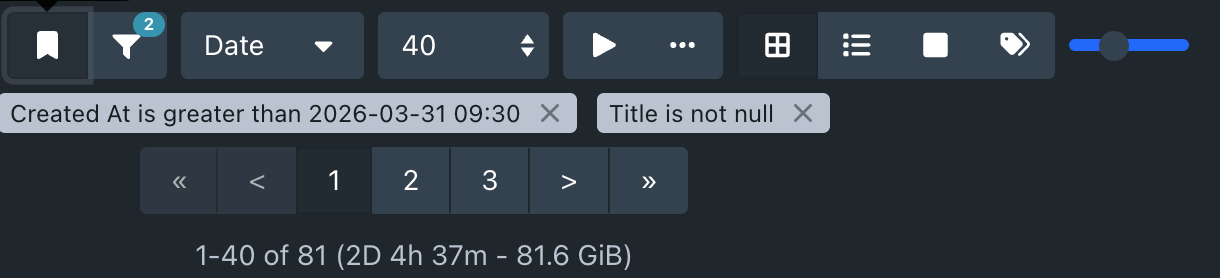
Is it possible to have also this view, when using the Refract theme?
Especially the filter-criteria displayed would be very nice.
Maybe this setting is already available and I’m just overlooking it?
1 Like
Good catch, that’s an intentional design choice, but I just realized a piece of it had gone missing.
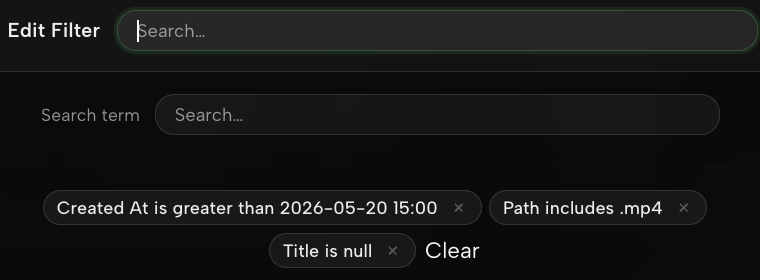
In Refract I deliberately hide the criteria pills from the toolbar / above the grid because they take up a fair bit of vertical space on every list view (the filter button itself shows an active-count badge so you still know filters are applied). The trade-off is that you want a way to see and remove current criteria, so I had previously put the pills inside the Edit Filter modal, right under the Search Term field. Somehow that bit got dropped along the way; I just pushed it back in.
Grab v1.12 and reload plugins, opening the filter modal should now show your applied criteria as pills at the top of the dialog.
Let me know if that covers what you were after, or if you’d actually prefer them on the page too — open to an opt-in if a few people want the inline view back.
1 Like
Just pushed v1.12.0, proper mobile pass with a reworked mobile drop-down menu, stacked scene layout, slimmer toolbar, 2-col card grid. Should fix the nav issue. Let me know how it feels.
3 Likes
Hi,
here the screenshot for the adjusted filter issue.
Thats great for me. Thanks very much.
But I have also another question. Maybe it is also possible to have the count of the scenes, which matches this filter? This I don’t see? So for you sureness, I mean the corresponding value of the “1-40 of 81” in my screenshot above. Would that be possible?
Thanks very much for your great work