Is it me or we can’t zoom image with mouse wheel? Screen goes blank, forcing you to reload page.
The X not center
Is it me or we can’t zoom image with mouse wheel? Screen goes blank, forcing you to reload page.
The X not center
Absolutely love the stuff! just a unexpected bug. So Most video players ive used have the feature where once paused the pause icon wouldn’t show, like after a time delay/ cursor inactivity/ cursor moved off window, then the icon would disappear.
However this is not the case with Refract, and a fix would be dope. Im a guy who likes to to screenshot the video and having the pause/play icon and timeline in the frame is irritating. Cheers bro your effort is not underappreciated i couldnt imaging a liquid glass effect would be easy and hey! this plugin is definitely evolving into something epic. Cheers.
Oh I’m sure people have mentioned this to. The performer rating is hard to distinguish between them. Is that how its supposed to be? Maybe warm and cool tints to the glass effect this isnt really seen in apples UI guides however? Possible a differentiable underGlow?
Cheers for the writeup. Most of these are sorted in the latest version:
Two I haven’t cracked:
<select>, which on Mac uses the OS dropdown style and can’t be themed via CSS. Custom replacement would be needed. On the list but not a quick one.Thanks for the kind words! Both shipped:
Thank you for this amazing theme!
For me the top left icons are a bit too small. I would much rather to have icons + text for each category. It would be great if it was a setting in theme setting to enable.
In the Scene View - scene cards do not show scene ratings for me. is this intentional ?
Design wise, I would also prefer the performer ratings to look more consistant. right now the ratings got a transparent background. that is sometimes hard to read. it would be nice if they were not transparent and the text background could be the color of the rating and the rating number itself could be just white or black. (just a suggestion)
Also in the scene view, it would be great to have a theme option to toggle performer preview as text or circular thumbnails.
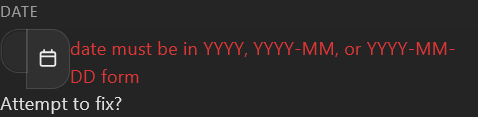
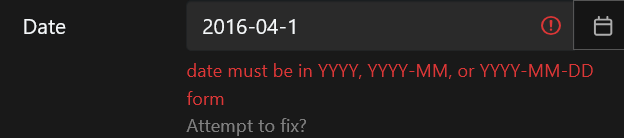
With the date field, it not the error I’m complaining about, it the field being shrank to be unreadable that is the problem.
Here it is normally,

Once you input an error data it shrink
Perhaps it because refract writing the text on the right side instead of new lines. Here is the original Stash theme.

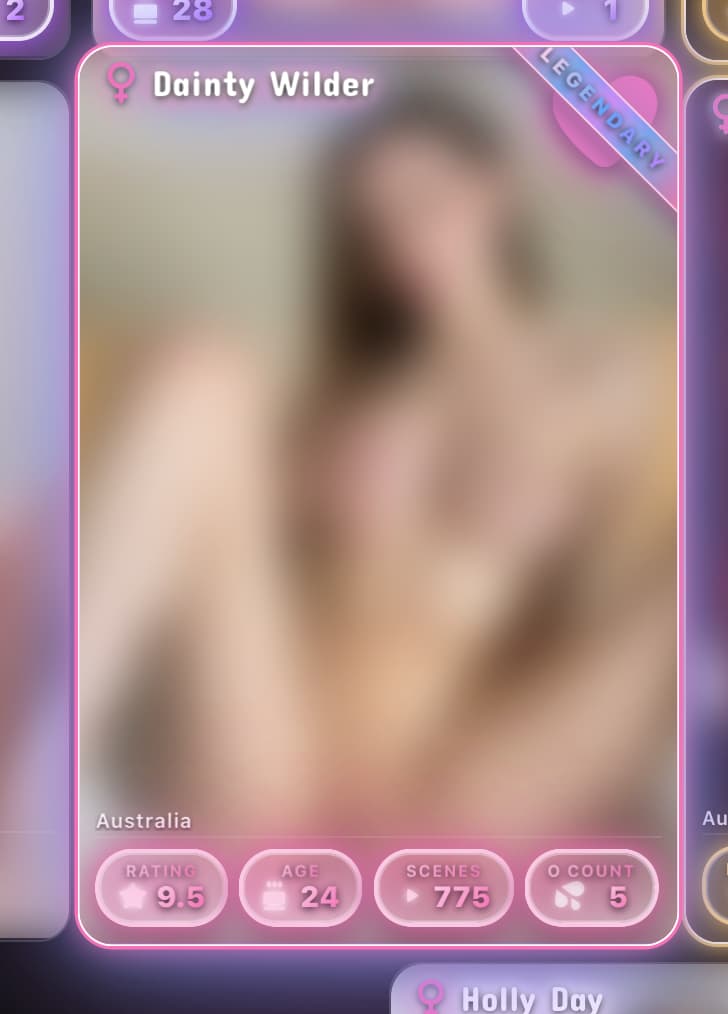
Love the update, it was so quick, the pause fading executed very well! I do think the colors need to be a bit more pop/standout-y. If your going for form over function, I have no quarrels, it is inspired by apple after all, haha. I do believe for sake of a suggestion, a border of sorts and/or under glow of the respective color. Hell, if it were in the scope, Im sure some of us would like to see something like the Pokemon cards rarity. stats and all haha.
Main Bugs
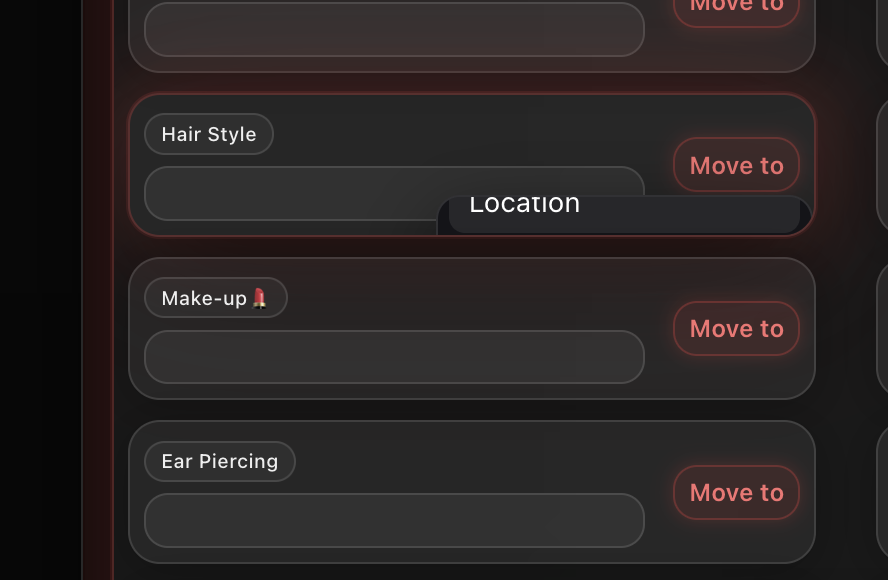
Here is a quick two, the stacking order for the menu in the plugin ‘fast tagger’ is incompatible. Hiding the menu, it only happens with this theme, however Im on mac maybe? I’ll still post on the ‘fast tagging’ plugin if its dependent on them.
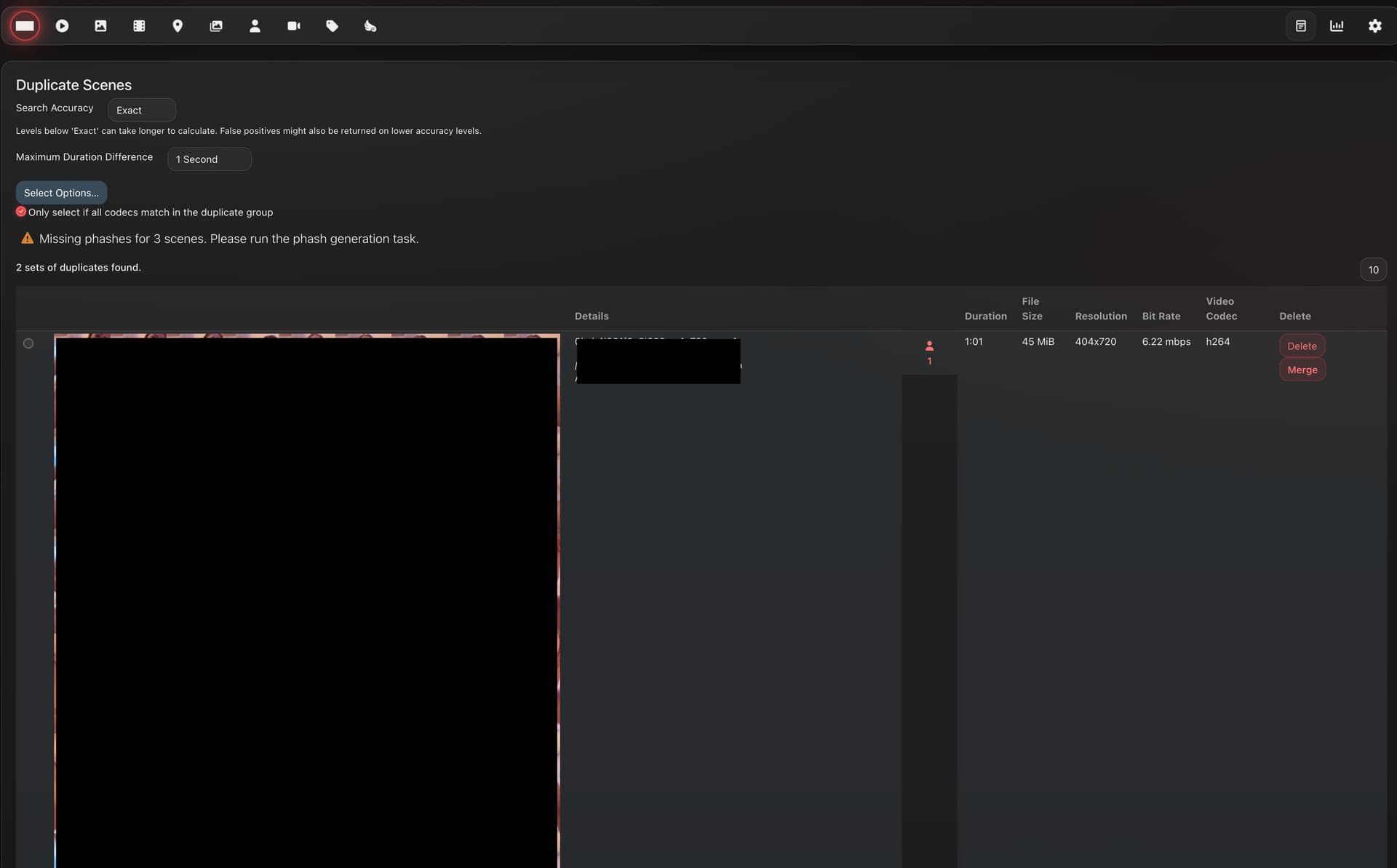
Secondly in Settings and Tools, the Scale of the duplicate file checker thumbnails are huge. Zooming in 200% on Firefox seems to make it better however.
Like that’s not very useful to compare the duplicate files. I have to scroll down to see the second.
Fantastic stuff otherwise, still my fav theme 
Cheers,
Joe
Created an account just to provide this feedback. This theme is fantastic looking and would easily become my main if it wasn’t for 2 issues I’ve (thus far) come across.
When a video is playing full screen the controls in the middle of the video don’t disappear regardless of where the mouse is. When the video is not in full screen as soon as the mouse moves out of the player the controls begin to fade. I noticed someone else having this issue with video paused but to be clear this is while the video is playing. Doesn’t fade no matter the length of inactivity.
Secondly hovering over the scrub bar doesn’t display sprites, less of an issue but still a minor annoyance.
Regardless this theme is incredible looking and as soon as these issues have been resolved I will be fully committed to it.
Thanks!
Another thing or two I’ve noticed while using:
It would be good to be able to toggle whether or not scene cards display the details text, I don’t particularly care for it and when there’s a mixture of scenes with and without details it feels messy and inconsistent. Also it would be nice to see what performers are in a scene without having to hover over the little images.
And it seems like the issue someone had with performers above extends to images and galleries - with the images getting cropped and so unable to view the full images from the grid page, making organisation, tagging etc. somewhat difficult when you can’t see the full thing.
fixed in the latest update!
Duplicate scene checker tool has been completely redesigned - check it out in the latest update, working on some new ideas with how the performer/scene cards display ratings. - that will ship out later today.
Will look at integrating the fast tagger plugin too. - worth noting, edit tags tab on the performer page has been added.
Both issues fixed! Thanks for flagging.
Thank you for implementing all these fixes so quick!
I found a bug: When playing a Scene, If you press comma ‘,’ to hide the side bar it shows the video smaller and in a wrong format.
To be honest I still have issues with the readability of the rating badges. but that’s subjective of course.
Thanks for the bug report!
I’ve been working on a completely overhauled scene/performer rating design — pushing out an update with these changes soon.
After updating the plugin, restart Stash to load the new files. Then head to Settings → Plugins → Refract Theme and try out the new card styles:
It’s pretty heavy at the moment, especially on gallery pages with lots of high-tier cards. There’s a Lite mode toggle in the plugin settings if scrolling gets janky on your hardware. Performance work is ongoing.
This is a first version so expect bugs / weird edge cases. Let me know what breaks!
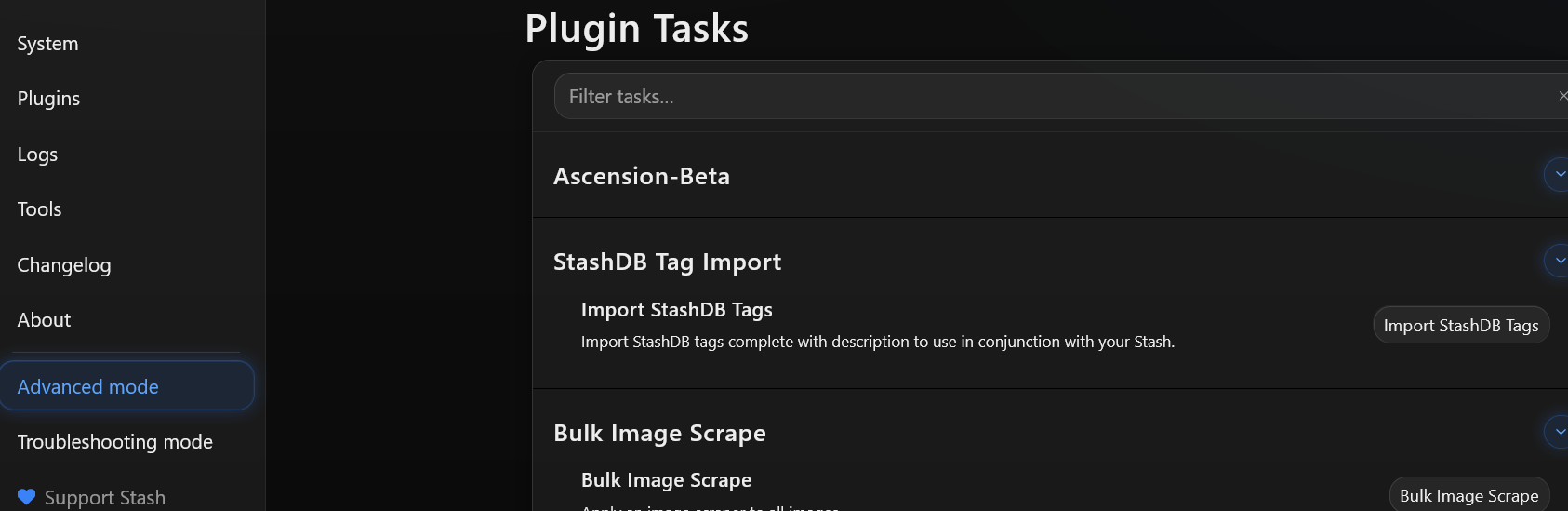
Really digging the compacted plugin settings. Its a must even for vanilla Stash. But, where’s the filters??
Appreciate the suggestion, search bar filter has been added into the plugins section.
fastTagger should be fixed with the latest update
These tab cannot click if it empty for me. Anyone same issue?

Task Plugins drop down does not work as expected. You must click the Arrow first, then an empty space to the left area for the menu to appear
@ordureconnoisseur
Thank you very much for the great theme. It looks awsome.
I’ve a question: When I’m trying to change the picture of the performer by scraping with stashdb.org or something else, the “Save” button is not activated?
What I’m doing wrong?