StashGifs - Social Media style browsing experience

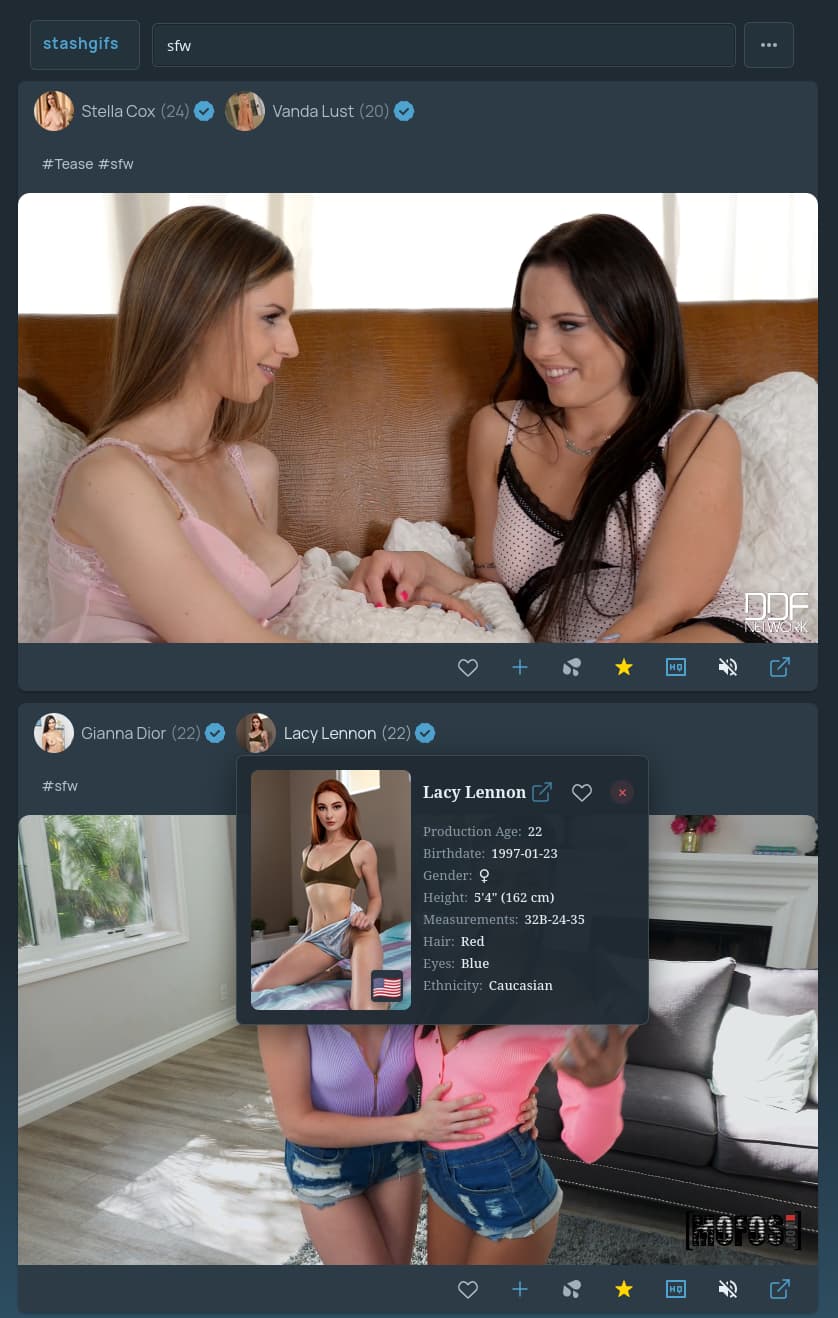
:placard: Summary StashGifs - Social Media style browsing experience, lets you discover and watch your content in a mobile friendly manner.
:link: Repository https://github.com/evolite/stashgifs
:information_source: Source URL https://raw.githubusercontent.com/evolite/stashgifs/refs/heads/master/index.yml
:open_book: Install How to install a plugin?

:police_car_light: !!! NEW SOURCE URL !!! :police_car_light:

StashGifs

Turn your markers / gifs and short form content into an endless scroll of looping content.

Screenshots

View

Getting Started

Install it via Stash’s plugin system using the index.yml file.

Features

  • Endless vertical feed
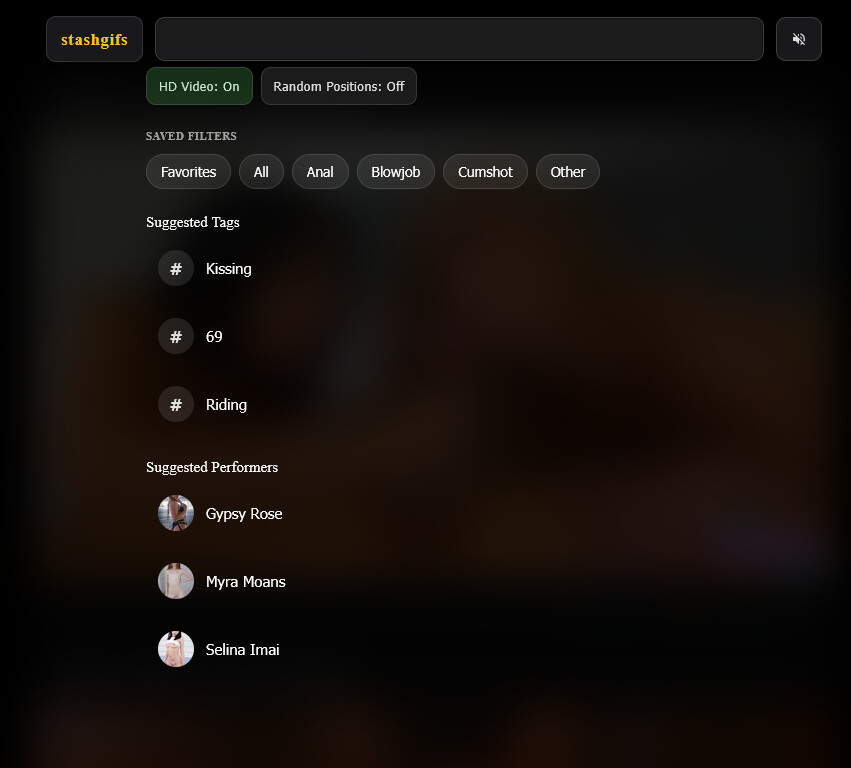
  • Filter on performers, tags and saved filters
  • Interact with content
  • Random scene player for discovery
  • Mobile-friendly interface

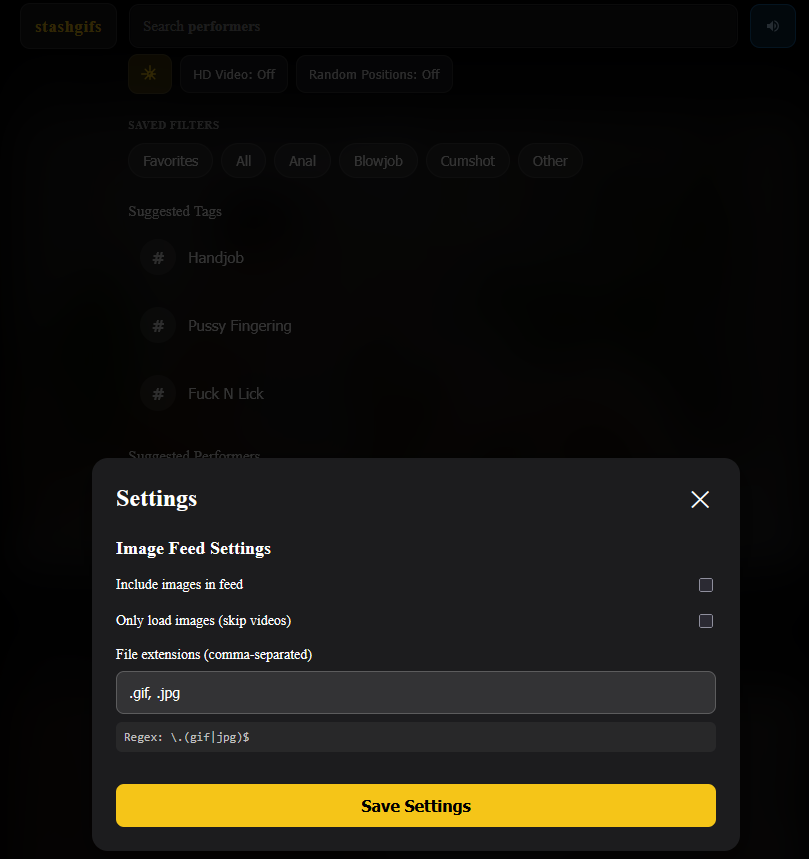
Settings can be configured via the settings button in the header, including image display preferences and short form content thresholds.

For Developers

npm install
npm run build

Credits

Inspired by Stash TV. Thanks for the idea!

5 Likes

Looks great! Love it :blush:

Update:
Added scene ratings!

you can now rate/view the scene from stashgifs, this is based on the decimal rating, so 1-10 stars, but it will display correctly if you use 0-5 stars (5 being 2.5 etc)

  • Doesnt support quarter / tenth ratings.

Fixed some filter bugs
Tuned up the padding and perfomer / tag chips sizes

1 Like

Patch Notes - Version 1.3.5

Changes

Video Loading Improvements

  • Videos should load mouch more consistently, more agressive pre-loading

Search Experience Improvements

Performer Filtering

  • Search and filter by performers directly from the search bar
  • Performers appear in the search dropdown with avatars
  • Click any performer or tag chip on a video to filter the feed instantly by that chip

Improved Search Organization

  • Random “Suggested Tags” and “Suggested Performers” sections show options with decent amount of markers
  • Fuzzy filtering - Quick bundeling of related content. (example; POV matches all POV content) might be some cases where this isn’t optimal. Made some exceptions for cowgirl / reverse cowgirl…

StashGifs v2.0.0

What’s New

Major performance and user experience improvements:

  • Faster loading - Optimized code for quicker page loads and smoother interactions, cut down a bunch of api calls
  • Better search - Fixed issues with search, filleted away tag completion for tags without markers and performers without scenes
  • Improved visuals - Cleaner glass like looks
  • Smoother experience - Various optimizations for better overall performance

Enjoy the improvements!

All of the images just say “Pending Generate” and then go blank. The only way I can see them is if I hit the HD button. How can I fix this?

Here’s the errors I’m seeing in the browser console. I tried Firefox and Vivaldi and get the same in both.

Autoplay initial attempt 5 failed for marker 64 Error: Video not ready within timeout
    timeout NativeVideoPlayer.ts:552
    setTimeout handler*waitUntilCanPlay/< NativeVideoPlayer.ts:543
    waitUntilCanPlay NativeVideoPlayer.ts:542
    tryPlay FeedContainer.ts:2755
    tryPlay FeedContainer.ts:2769
    tryPlay FeedContainer.ts:2769
    tryPlay FeedContainer.ts:2769
    tryPlay FeedContainer.ts:2769
    autoplayInitial FeedContainer.ts:2777
    loadVideos FeedContainer.ts:2400
FeedContainer.ts:2763:19
Autoplay initial: All attempts failed for marker 64

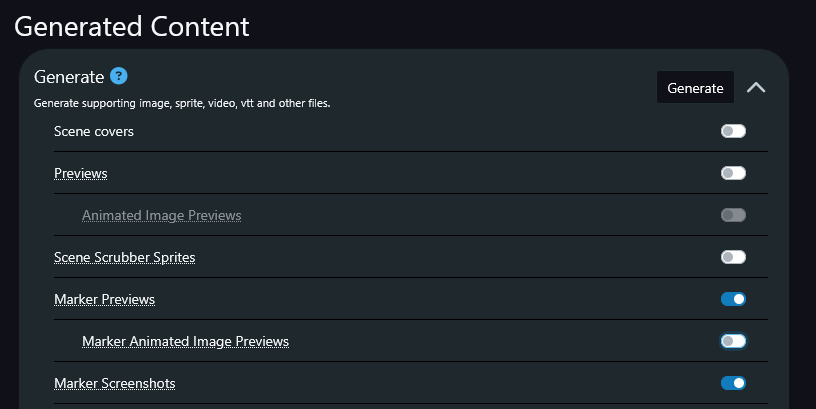
Hmm, have you generated marker previews for your markers?

This is what we load in the cards

I do not. When I go to the Generate section, I don’t have the “Marker Animated Image Previews” option though. Is that needed for this? Or do I just do “Marker Previews”?

jus previews and screenshots. animated previews is a webp thing that is used by stash in certain situations to display markers. might aswell generate them, they are tiny

StashGifs v3.2.0 - HD Mode & Improvements

HD Mode

  • New HD mode plays full scene videos markers instead of generated marker clips. Can be selected from the header area in stashgifs

image

  • Global mute/unmute button (defaults to muted), when unmuted, whatever you hover over / in view will play audio, “HD mode” and “HD enabled” markers. this was surprisingly challenging to implement XD.

  • “HD” Videos play on highlight to reduce load on Stash

Other improvements

  • Usability and visual updates

  • Better mobile experience

Enjoy the update.

1 Like

this plugin is great thank you! :star_struck:

1 Like

Thanks!

Update – Random Mode + Fixed Search

What’s new

  • Random Mode: Browse scenes randomly with a single toggle. (no markers needed!)

  • When Random Mode is on:
    **The search bar shows “Discovering randomly” with a shuffle icon.

  • Tag/saved filter chips and suggestions are disabled (since results are random).

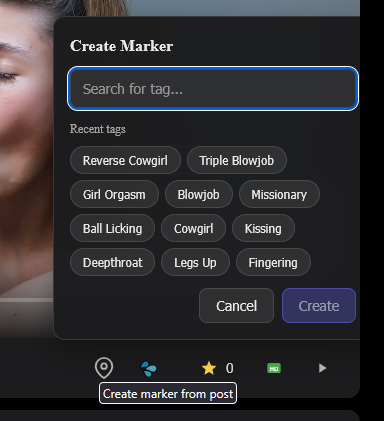
  • When in Random mode, you can save the position as a marker by pressing the pin

  • Clicking the search bar turns Random Mode off so you can search again.

  • “HD mode” must be on to use Random Mode. Since we just search through the scenes, and not marker previews.

  • HD Mode is moved to inside the search overlay, to save space.

Thanks for the feedback—keep it coming!

Broke some stuff in the last update, its fixed now in 3.4.0

some new features,

  • you can add additional tags to existing markers
  • you can favorite markers you create in random mode

im still not super happy with how we handle playback in hd mode, atm its on mouse hover / scroll to on mobile, but the “gif” version works pretty well. it will depend on how good your stash instance is a guess, if it can serve all these videos. i try to be pretty agressive in cleaning stuff up, but i see from my own stash instance runnign locally that it can struggle, so be nice with it and dont try to break it too hard :stuck_out_tongue:

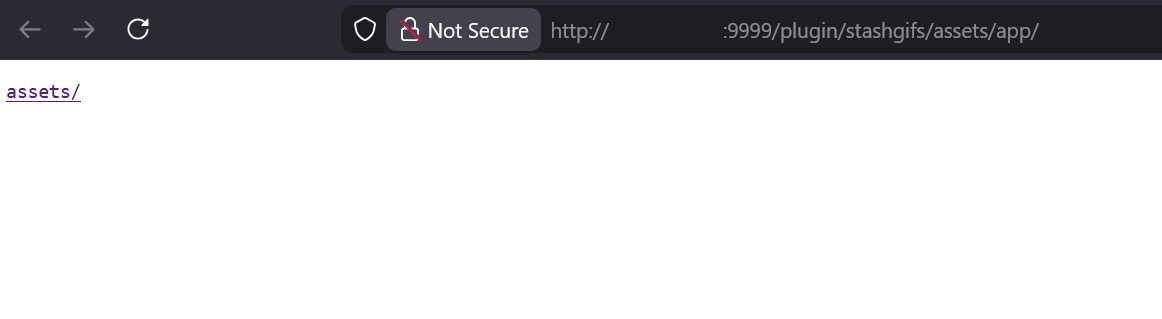
The latest update is broken for me. It only goes to a blank page for assets:

i think its because i dont know what im doing in terms of plugin development, just delete the folder and reinstall :frowning: that shoudl work :slight_smile:

For me that’s in C:\Users%username%\.stash\plugins\stashgifs

Think i didnt include all the files in the manifest last update so the uninstaller doesnt know what to remove entirely.

1 Like

yeah i had to uninstall and reinstall the plugin and it worked after. thank you!

1 Like

I’m using the plugin and it works well. Does it only play gifs of markers? Or all gifs in the library?

1 Like

It plays the markers, it uses stashs Graphql API to look for markers and filter them based on tags

I could expand it to play other sources aswell, if you give me some info about your setup, do you have gifs etc in images folder or soemthing?

Yes please. I have a folder of movies and a performer folder, in which they each have their own folder with photo’s and gifs to round out their profiles in Stash. But I always forget I have them, so having them pop up in StashGifs would be nice. :slight_smile:

Added support for this :), accessible form the search overlay

This will fetch images, i’ve set it up so you can chose what type of images you want to see, gifs, webp, png, jpg etc. It tries to blend the feeds togehter, some videos, some images/gifs etc. try it out, let me know what you think.

You can favorite, increment o-counter and add tags to images too
Images will have a slightly subtle yellow border.

Might need to reinsatll the plugin, i have done a lot of refactoring behind the scenes.