 |
Summary | StashApp Basic Folder View Implementation (English). |
 |
Repository | https://github.com/ialhabbal/StashFolderView |
[!info]
Fork of StashFolderView.
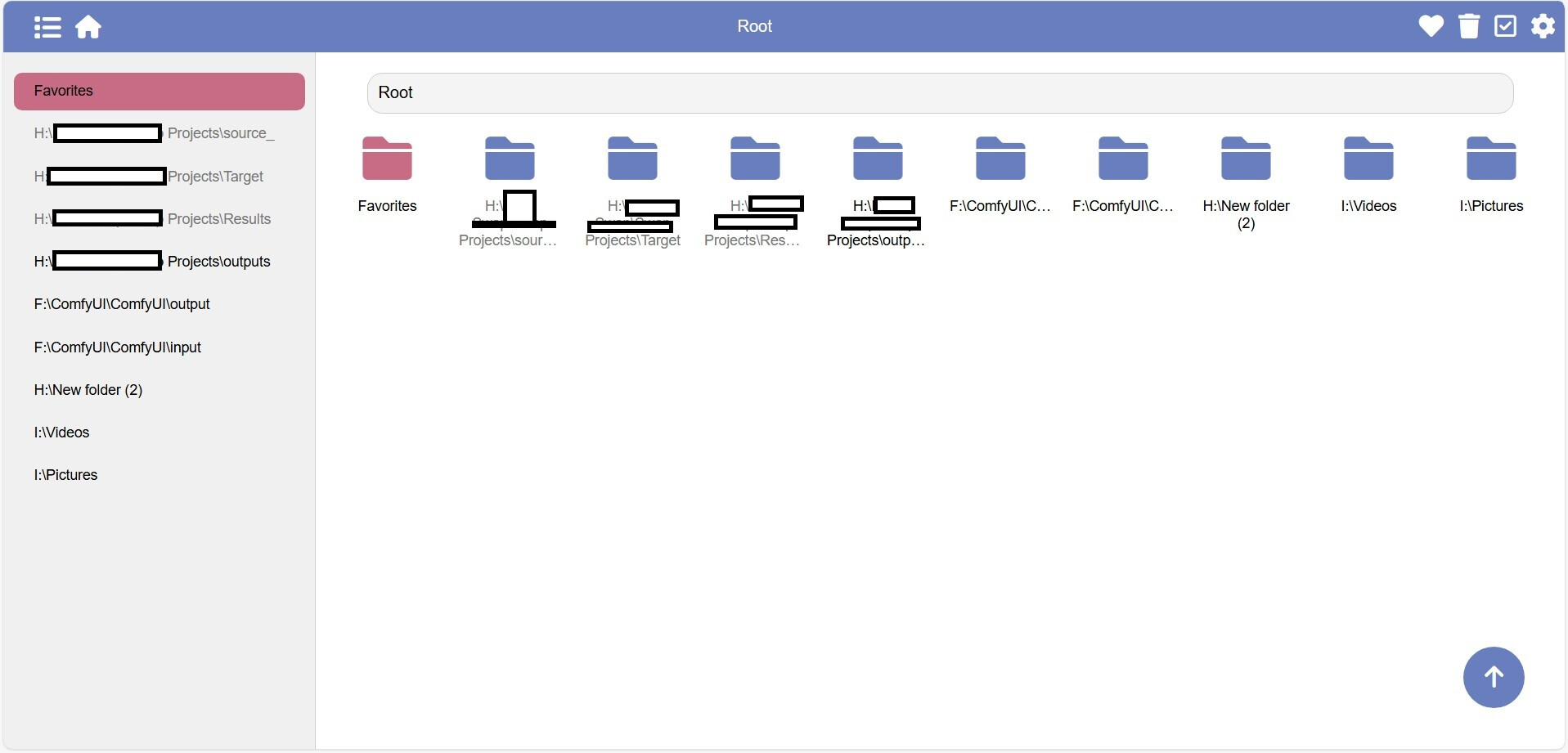
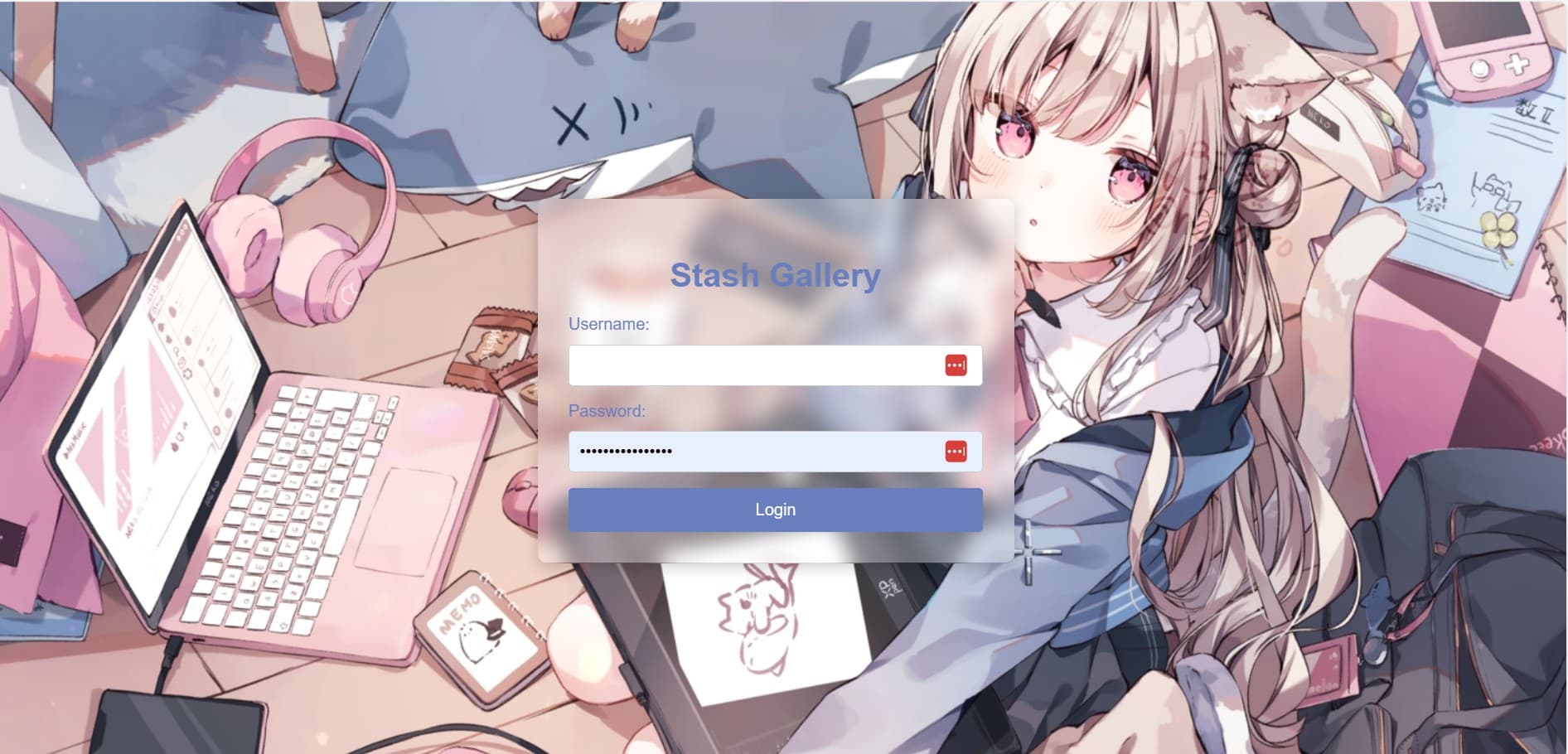
Preview
Features
- Folder-style browsing with a masonry (waterfall) image layout and favorites support.
- Folder-level read, favorite and delete flags.
- Integration with Stash to favorite images and videos.
- Simple login interface.
- Mobile-friendly layout.
- Docker deployment support.
- Dedicated views for favorite images and favorite folders.
Installation:
In the directory where you want this program to run:
- open a command window (CMD) then type:
- git clone GitHub - ialhabbal/StashFolderView: StashApp Basic Folder View Implementation (English)
- cd StashFolderView
- python -m venv venv
- cd venv
- cd scripts
- Activate
- cd..
- cd..
- pip intall -r requirements.txt
- pip install python-dotenv
Deployment
1. Deploy Stash
If you don’t already have Stash deployed, see the upstream project: GitHub - stashapp/stash: An organizer for your porn, written in Go. Documentation: https://docs.stashapp.cc
2. Get a Stash API key
Configure your Stash account credentials and generate an API key.
Configure the .env file (in the main folder)
open the .env file in notepad and fill the required information and save it.
BASE_URL=http://localhost:9999/
JUMP_URL=http://localhost:9999/
USERNAME=Type Your Username that you created in Stash
PASSWORD=Type Your Password that you created in Stash
API_KEY=Type Your API_Key that you created in Stash
3. Run stash-folder-view
Double-click on the file: run.bat
then ctrl-click on either of these links:
 http://127.0.0.1:8000
 http://192.168.1.13:8000
TODO (as per the developer)
- Improve floating button behaviors (done)
- Show favorite button in masonry grid (done)
- Display favorite files and folders on home (done)
- Improve login flow (done)
- Folder icon list view (done)
- Auto-scroll and highlight current folder on the left (done)
- Separate favorites page (done)
- Favorite-folder view page (done)
- Left navigation pinning (removed)
- Collapse read folders in left nav (done)
- Make breadcrumb scrollable horizontally
- Change floating button to go up one level when returning to top
Translated and adapted by ialhabbal