 |
Summary | Implementation of StashApp’s Folder View. |
 |
Repository | https://github.com/unimrq/StashFolderView |
[!info]
Below text in machine translated from Chinese to English.
Preview
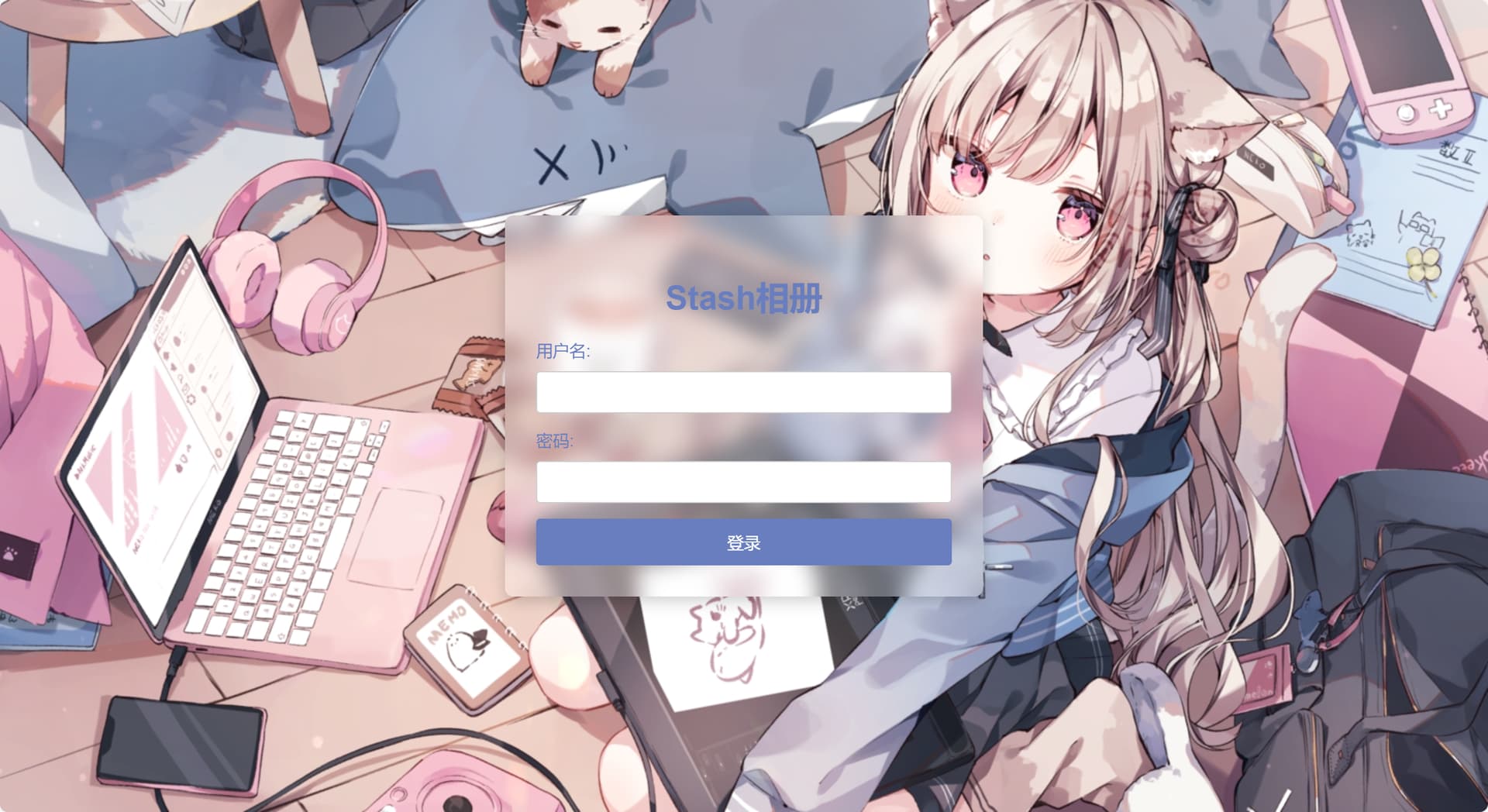
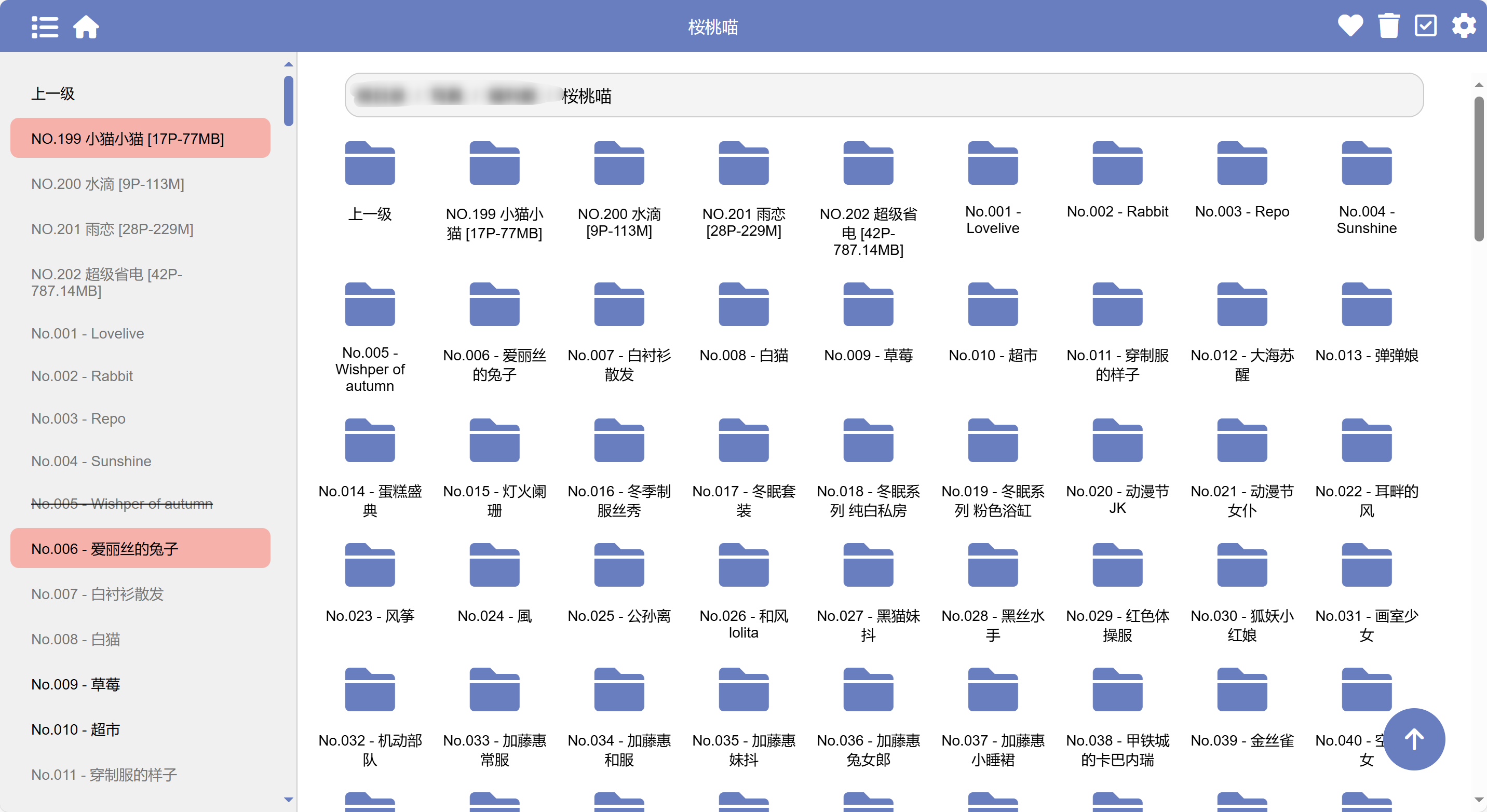
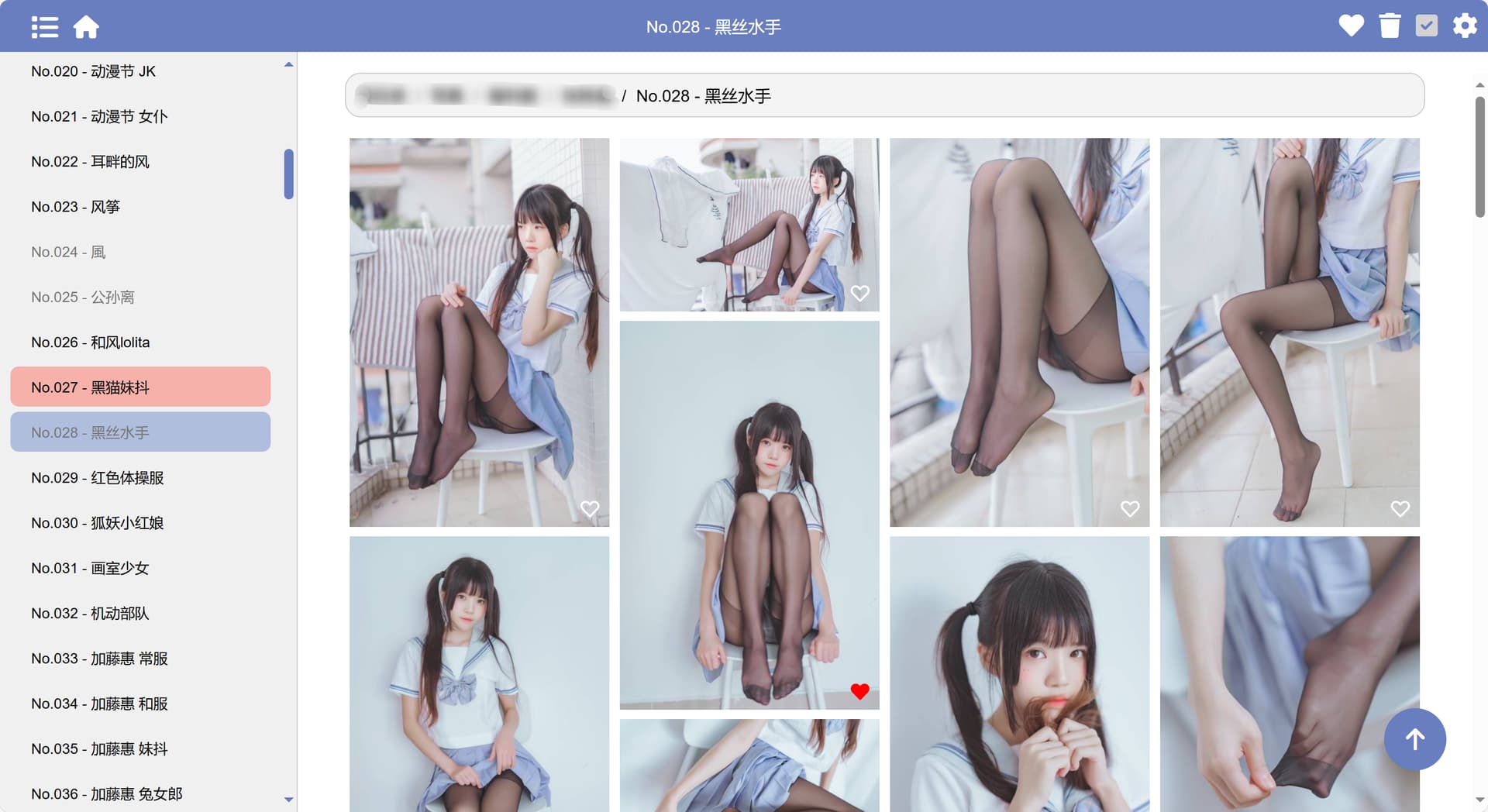
Features
- Folder-style browsing with waterfall display of images for easy image collection.
- Read, favorite, and delete markers at the folder level.
- Linked stash for collecting images and videos.
- Simple login interface implemented.
- Mobile-friendly design.
- Supports Docker deployment.
- Displays favorite images and favorite folders.
Deployment
1. Deploy Stash
If you haven’t deployed Stash yet, please refer to the original repository at GitHub - stashapp/stash: An organizer for your porn, written in Go. Documentation: https://docs.stashapp.cc.
2. Obtain Stash API
Set up the account credentials for Stash and generate the Stash API.
3. Deploy Stash Folder View
docker run --restart=always -v /app/data:/app/data -e base_url=[stash_url] -e jump_url=[stash_url] -e username=[username] -e password=[password] -e api_key=[stash_api] -p 8000:8000 -d unimrq/stash-folder-view
- stash_url: The address for the container to access Stash; must end with a “/” (e.g., “http://192.168.1.51:12001/”).
- jump_url: The Stash address for image redirect links; leave blank for it to default to the same as stash_url.
- username: The login username for stash-folder-view; does not need to match Stash credentials.
- password: The login password for stash-folder-view; does not need to match Stash credentials.
TODO
- Optimize floating button logic; complete.
- Add favorite button in waterfall display; complete.
- Show favorite files and folders on the homepage; complete.
- Improve login functionality; complete.
- Implement folder icon list functionality; complete.
- Automatically locate and highlight the current folder on the left side; complete.
- Separate the favorites page; complete.
- Add a display page for favorite folders; complete.
- Add fixed functionality for the left navigation; removed.
- Add functionality for collapsing read items in the left navigation; complete.
- Add functionality for horizontal scrolling on the path bar.
- Modify the floating button functionality to return to the previous level when scrolling to the top.