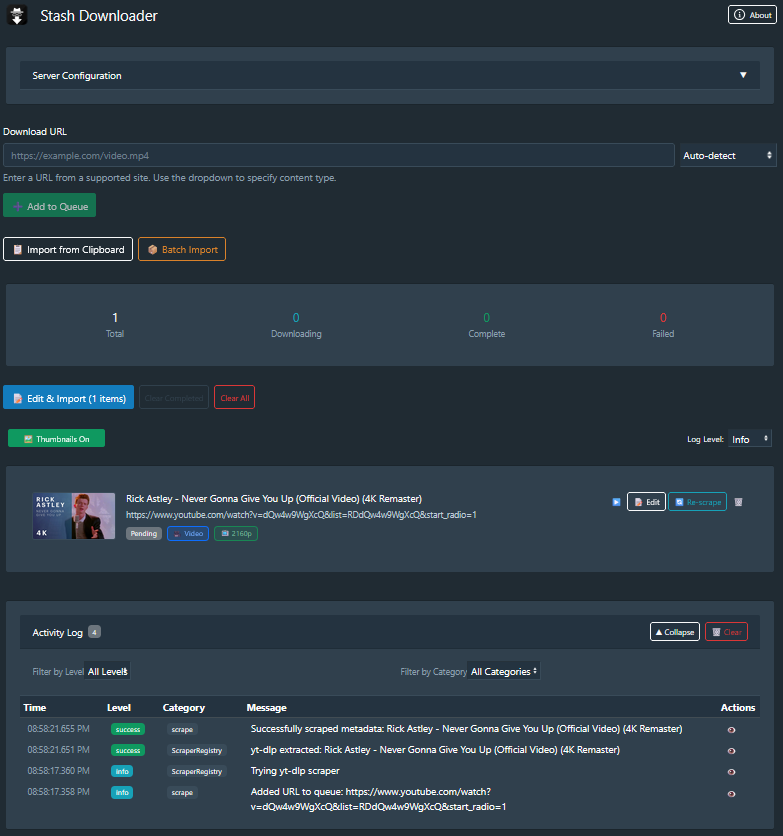
Download videos and images directly to your Stash library from external URLs with automatic metadata extraction powered by yt-dlp. Includes a browser extension for sending URLs directly to your download queue.
Browse booru sites (Rule34, Gelbooru, Danbooru) directly from Stash and add content to your download queue with one click. — Search, filter, and queue content without leaving Stash.
Install from the same source URL — both plugins are included.
This is amazing, thank you! Is there an opion to automatically “Import” so I don’t need to wait for the edit box to pop up when I batch add links? As it stands, I can add a bunch of links with the batch import, but I need to wait for each link to be downloaded and then click the “Import to Stash” button for each new link in the same batch. I hope that makes sense. I’m on 0.4.2
@bliks6 Fixed/enhanced in v0.5.0 - should be able to update via Stash now. I added a new button in the Queue Header for ‘Auto-Import’ which just triggers the download/import for all queue items and skips the edit modal. You can still make changes before triggering the Import. Let me know if any issues!
Greetings! I have yt-dlp installed using this path: /usr/local/bin/yt-dlp, but the plugin does not see it, where can I specify the path with the installation of yt-dlp?
@MyBlood@Juste667 I think it has mostly to do with which user the stash instance is running under. Not knowing how stash handles this internally but my guess would be that yt-dlp is not present in the PATH variable of the user you’re running stash as.
Hey @MyBlood and @Juste667 — I pushed a fix in v0.5.3 so hopefully that helps . Apologies for the delay.
Claude Description:
What changed: The plugin now uses a smarter detection strategy instead of just looking for yt-dlp on your system PATH:
Python module (python -m yt_dlp) — works as long as yt-dlp is pip-installed in the same Python environment as Stash, even if it’s not on PATH
System PATH — the old behavior, kept as fallback
Custom path — new yt-dlp Path setting in Stash → Settings → Plugins → Stash Downloader, where you can point to the exact binary (e.g. /usr/local/bin/yt-dlp or
C:\tools\yt-dlp.exe)
Auto-install — if nothing is found, the plugin will try to pip install yt-dlp automatically (with fallbacks for Docker/restricted environments)
The Server Config panel in the plugin now also shows how yt-dlp was detected, which should help with debugging.
Docker users: pip install yt-dlp inside your container should now just work — no PATH configuration needed. For persistence across container restarts, add RUN pip install yt-dlp
–break-system-packages to your Dockerfile.
I am having an issue setting this up. I also have the browser companion app. When I browse using the companion app, I am able to browse and send rule34 content to the downloader no problem. Issue is when I am in the browser, I can see all the tags for a post. But when I send it to the downloader, it doesn’t grab any of the tags. Is there something I am not setting up correctly or require additional plugin? The yt-dlp scapper is grabbing anything. And I have a choice of a Booru scraper as well, but I get an error saying “Scraping Failed: No adapter found for URL: https://api-cdn-mp4.rule34.xxx/images/6930/581c45fb5fa8ca37ab34092416aad25c.mp4” for instance.
I am using docker, and after some more troubleshooting, it seemsthe Booru scraper does not work because the url that is being sent to the downloader is the direct media url, not the post url that contains all the tags.


 - working on it now!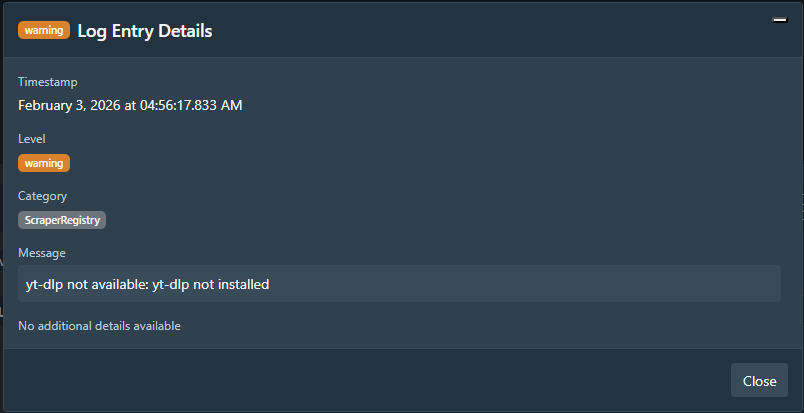
 . Apologies for the delay.