 |
Summary | Browse booru sites and add content to Stash Downloader queue |
 |
Repository | https://github.com/Codename-11/Stash-Downloader/tree/main/plugins/stash-browser |
 |
Source URL | https://codename-11.github.io/Stash-Downloader/index.yml |
 |
Install | How to install a plugin? |
[!info]
Requires Stash Downloader - Download Videos & Images with Metadata Extraction.
Stash Browser
Browse and search booru sites directly from Stash, then add content to your Stash Downloader queue with one click.
Features
-
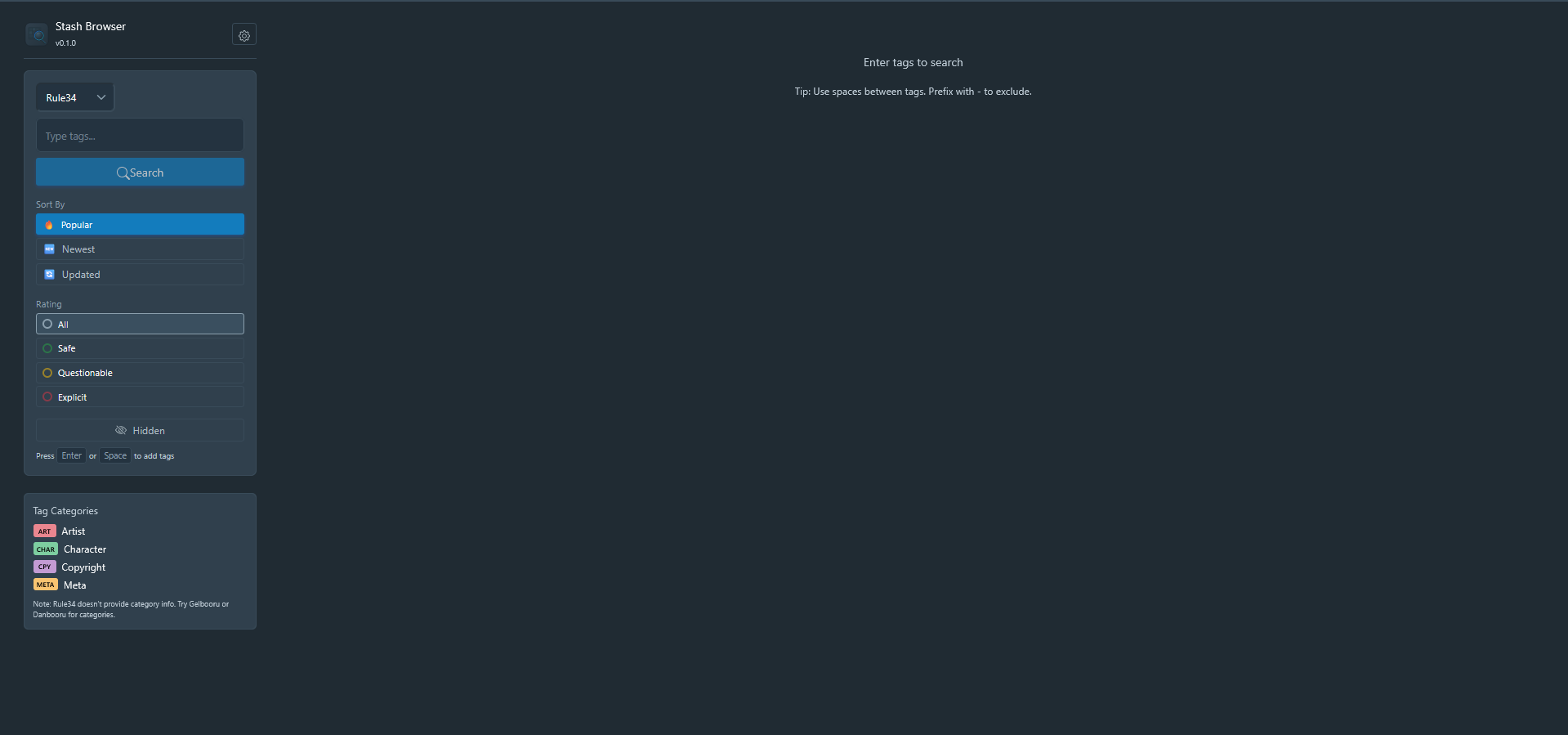
Multi-Source Search — Browse Rule34, Gelbooru, and Danbooru from a unified interface
-
Tag Autocomplete — Real autocomplete with post counts and category colors (Artist, Character, Copyright, etc.)
-
Sort & Filter — Sort by Popular/Newest/Updated, filter by rating (Safe/Questionable/Explicit)
-
Infinite Scroll — Keep scrolling to load more results automatically
-
Quick Add to Queue — Click “+” on any post to send directly to Stash Downloader
-
Post Details — Click thumbnails to view full images/videos and all tags
-
Safe Mode — Optional safe-only content filtering
Requirements
-
Stash v0.20+
-
Stash Downloader plugin (handles the actual downloads) → See Stash Discourse Post
-
API credentials for Rule34/Gelbooru (free, see setup below)
Installation
-
Settings → Plugins → Available Plugins
-
Add source:
https://codename-11.github.io/Stash-Downloader/index.yml -
Install Stash Browser (and Stash Downloader if not already installed)
API Credentials Setup
Rule34 and Gelbooru require free API credentials for search and autocomplete:
Rule34:
-
Create account at rule34.xxx
-
Go to My Account → Options
-
Find your API Key and User ID
-
Enter in Stash: Settings → Plugins → Stash Browser
Gelbooru:
-
Create account at gelbooru.com
-
Go to My Account → Options
-
Find your API Key and User ID
-
Enter in Stash: Settings → Plugins → Stash Browser
Danbooru: Works without authentication.
Workflow
-
Open Stash Browser:
http://your-stash/plugin/stash-browser -
Select a source (Rule34, Gelbooru, or Danbooru)
-
Type tags and search
-
Click “+” on posts you want to download
-
Switch to Stash Downloader to review and import
Screenshots
Feedback & Support
Have questions, ideas, or need help?
- GitHub Issues: Report bugs or request features
 Thanks for the info!