 |
Summary | Changes the stash background to a random image of your choosing with the ‘background’ tag. |
 |
Repository | https://github.com/bprpisync/stash/tree/main/plugins/stash-randomBackgrounds |
 |
Source URL | https://bprpisync.github.io/stash/main/index.yml |
 |
Install | How to install a plugin? |
Random Backgrounds
Automatically change the Stash background using images from your own Stash library.

What it does
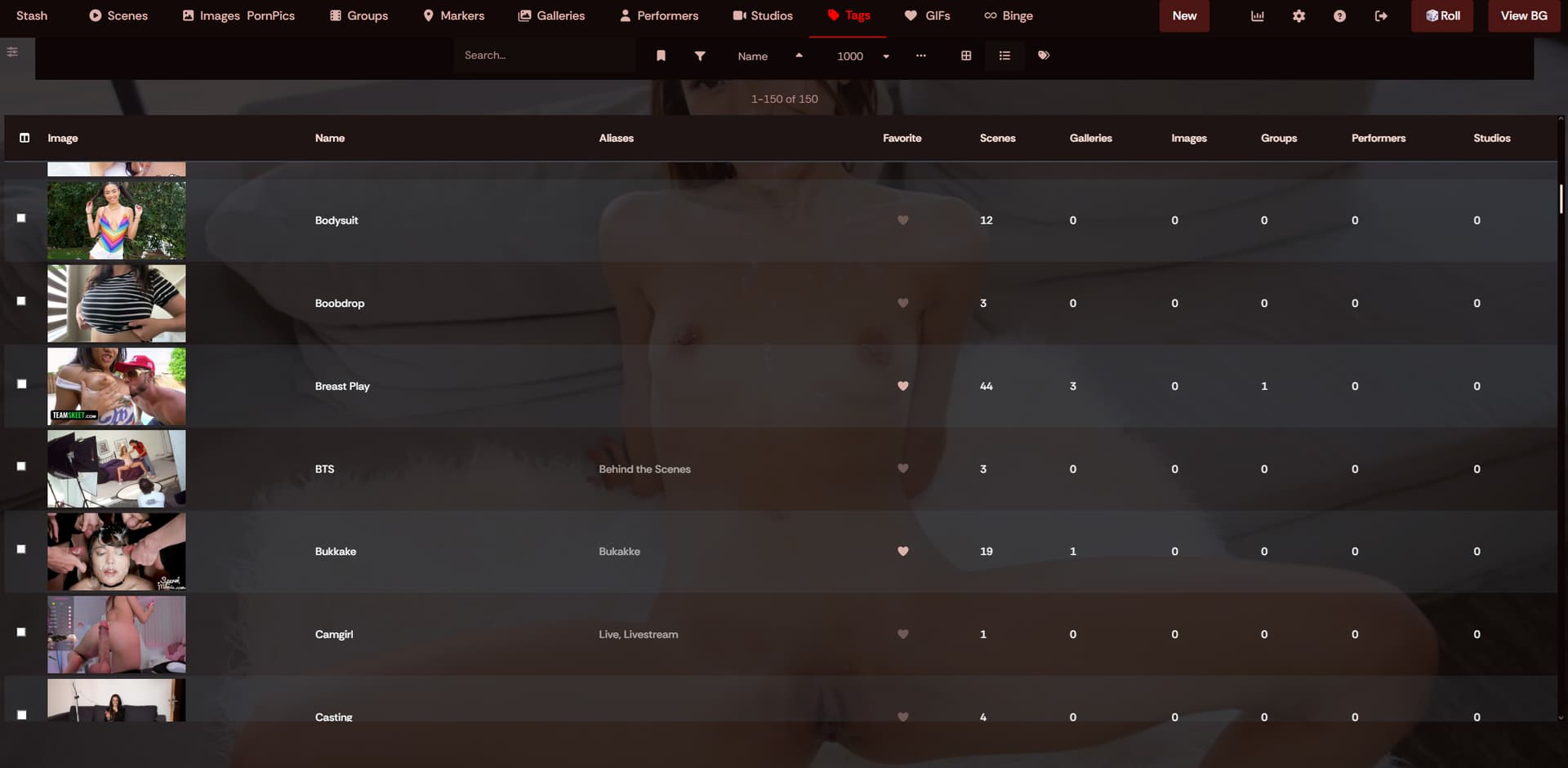
Random Backgrounds changes the Stash background automatically while you browse.
Add the tag:
background
to images you want the plugin to use.
The plugin queries Stash through GraphQL, finds images with the background tag, and chooses a background as you move through Stash.
It is also context-aware. Instead of always choosing a completely unrelated image, it can look at the page you are currently viewing and prefer relevant images for things such as:
- Performers
- Studios
- Groups
- Other supported Stash pages
This makes the background feel connected to the content you are browsing.

How to use
-
Install Random Backgrounds from this plugin repository.
-
Choose images in your Stash library that you want to use as backgrounds.
-
Add the tag:
backgroundto those images.
-
Add at least 2 background images.
-
Browse Stash normally.
The background will automatically change as you navigate between pages.
Almost all themes are supported. If it does not work for you, please get in touch with me and I’ll take a look!
Why add multiple images?
The plugin is designed to rotate backgrounds instead of showing the same image everywhere.
Using several tagged images also gives the context-aware matching more options when you open a performer, studio, group, or another supported page.
The more images you have tagged, the better the plugin will function!
note: For the context-aware feature: You need to have content linked to the images for example for it to show on a performer page, the image needs a performer tag of that performer!