Very solid plugin. It’s nice having some simple shortcuts for in/out points similar to video editing software, but without the extra complexity of a dedicated interface like Stash Marker Studio.
My only minor complaint is that I don’t love the positioning of the small floating dialogue that shows on the lower right corner of the scene page. I’m not sure where exactly would be better though, and I can always tweak with custom css if necessary.
Added a Android Support. tested it a little bit seems to work fine. You can also use it on Desktop and use the mouse instead of shortcuts. Just click 2 big buttons
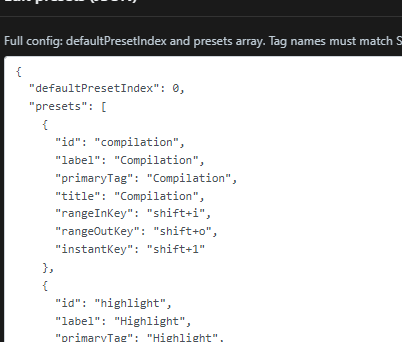
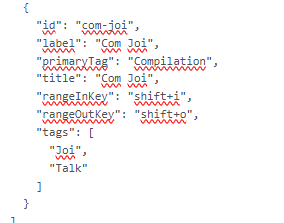
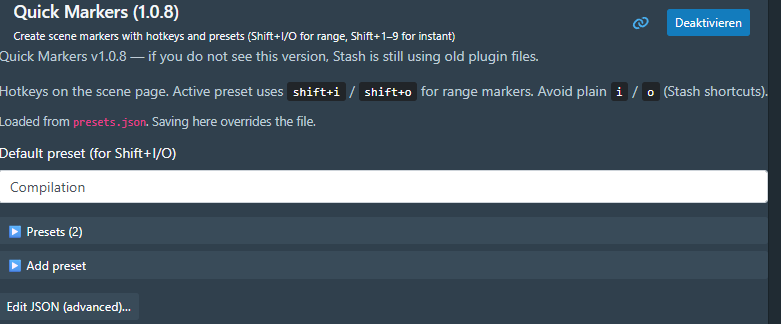
Click at the Bottom Json File edit. There you can change it. You can change there everything if needed. I think that is the best option for max freedome
am i missing something with the primary tag thing? say im chopping up a video by position, it just keeps inserting a new tag for whatever I have defined as my preset whenever I want it to be something else. I guess I just dont understand the workflow?
I hope I understand you correctly but I assume I do
Basically: the primary tag is tied to the preset, not to each individual marker click. So whenever you create a marker with a preset, it always uses that preset’s primaryTag.
If you want a different tag, you’ve got a few options:
switch to another preset that has the tag you want
change the primaryTag for that preset in the Quick Markers settings
or just edit the marker afterwards in Stash as usual
Hope that clears it up
Edit: Maybe you have an issue with the hotkey function? First of all I would recommend to use the button that I have added for android but also can be used on PC.
But if you use hotkeys make sure every tag has it indviduel Hotkeys for the instant marker. For Compilation it is shift 1.
But I understand the issue here. Thanks for that question. I will make sure that every preset has the same hotkey for instant marker as default. That will make it easier.
Then you have to choose the preset in the popup window and same button will work.
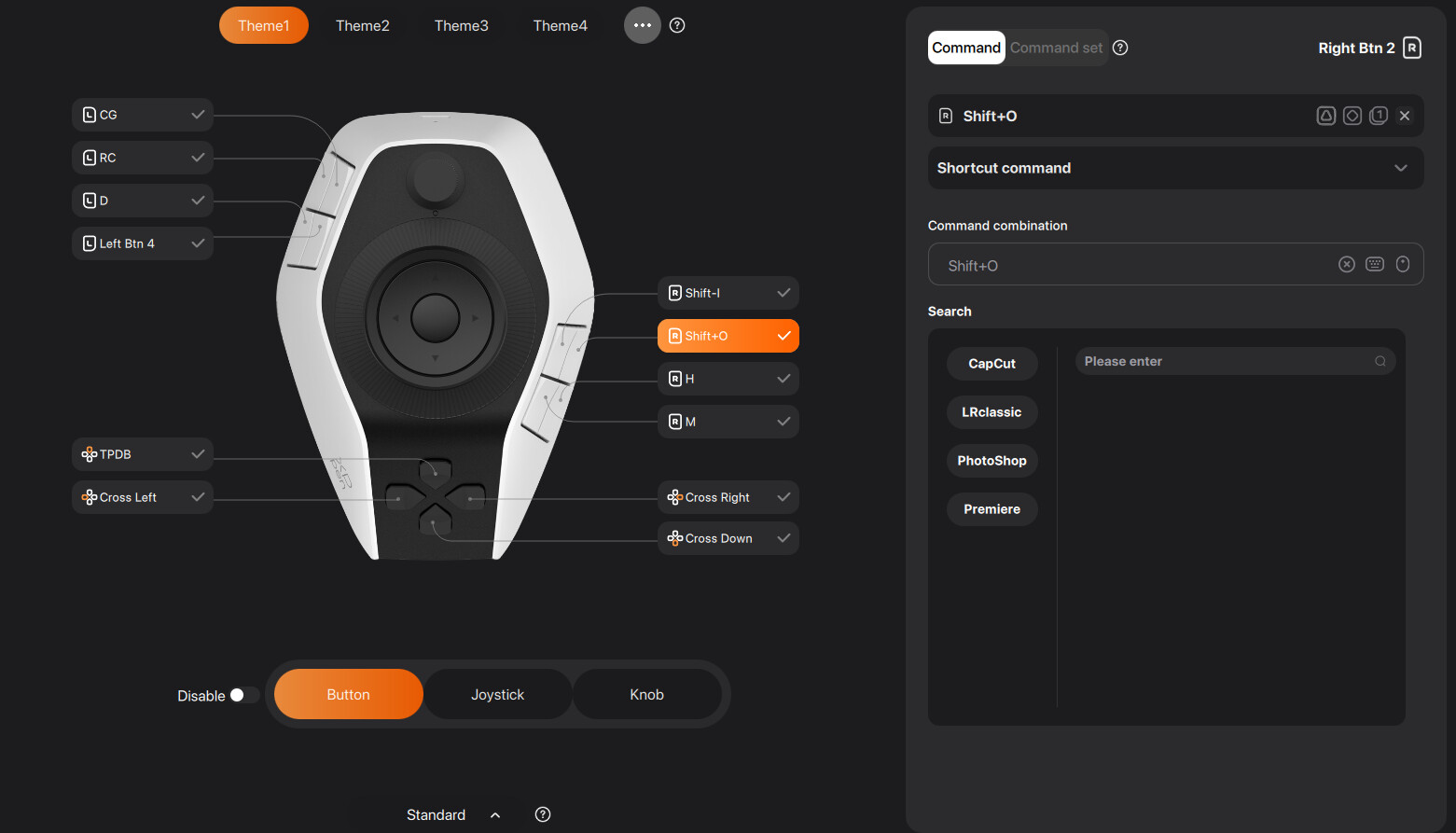
ok i got a new macro pad to try to speed up my workflow but I think something is just funky about it (not the plug in). Plug in works as expected, but something is getting lost in translation with the macropad. so say I have shift I+O for in and out, and then want to do like shift+3 for missionary, when I hit shift+o it will insert a new marker for what my primary tag is assigned, even when i selected shift+3 before the start of the new clip (or series of shift i + shift o).
Hardly expect or ask you to fix my stupid macropad, but just thought it was worth throwing out there as an FYI. I’ve tinkered with these things lots over the years and as far as I can tell my key assignments are correct.
Thanks for updates + being able to move the box around, that alone helps a ton.
Shift+3 (instant key) doesn’t select that preset for In/Out — it fires an instant marker right away. Shift+I / Shift+O always use whatever preset is currently active.
So the flow is:
Switch active preset first (Shift+[ / Shift+], or click it in the panel)
Then Shift+I → Shift+O
Or just use Shift+3 alone if you only need a point marker with that tag.
Not a macropad ghost-key thing.
My intention was that you can a quick shiort marker asap
But if you use it for real marker I understand the problem
I made a change.
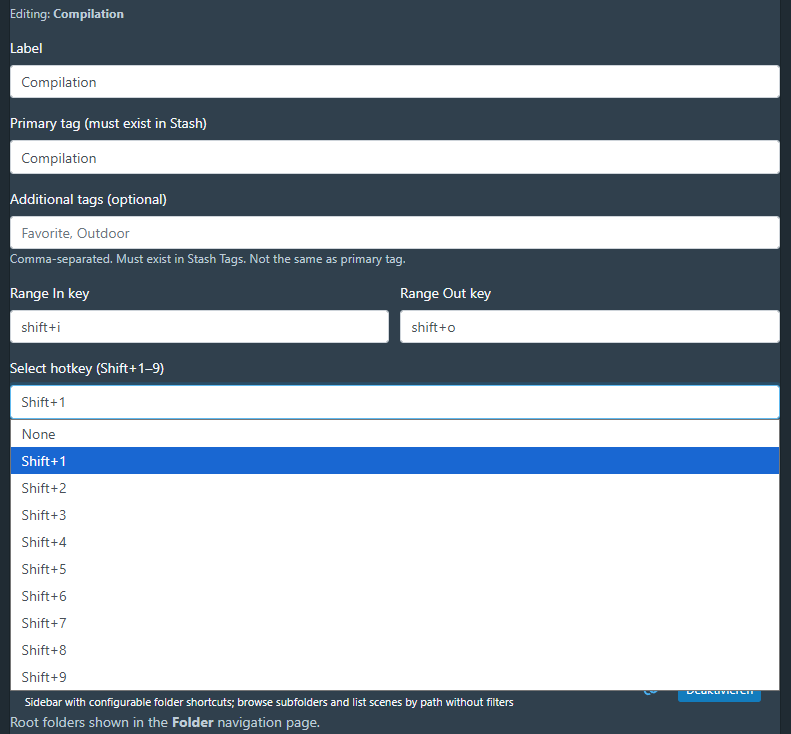
Now you can add to preset a change button that changes the whole preset and then with eg shift+m set a short marker. I think shift1-9 should be enough for your workflow if you have more markers I recommend to edit it what you need right now.
Defaults (out of the box):
Shift+1–9 = select/activate a preset (no marker)
Shift+I / Shift+O = range In/Out for the active preset
Shift+M = instant marker for the active preset
Typical flow: Shift+3 → Shift+I → Shift+O
You can still customize this per preset under Edit:
Select hotkey — which Shift+1–9 activates that preset (or None; handy if you have 10+ presets)
Range In / Out — free to change
Instant key — free to change (default shift+m)
Please update to v1.3.1, then Reload plugins + Reload UI.


 exactly what i wanted.