|
Summary | Browse, review and import full-size PornPics images into Stash. |
 |
Repository | https://github.com/bprpisync/stash/tree/main/plugins/stash-ppics |
 |
Source URL | https://bprpisync.github.io/stash/main/index.yml |
 |
Install | How to install a plugin? |
PornPics Importer
Browse PornPics.com from inside Stash, select the photos you want, review the metadata, and import full-size images directly into your library.
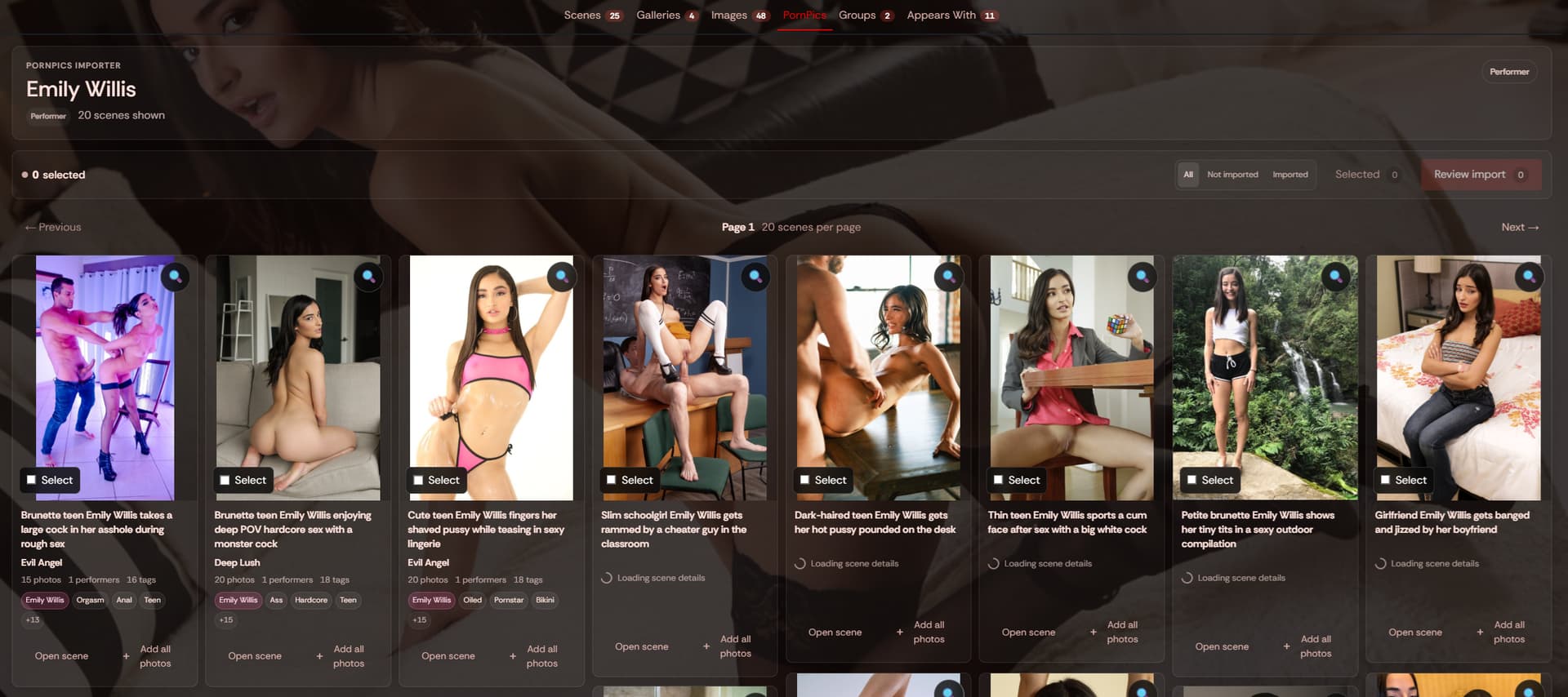
Click here to read the latest changelog (v3.1 , Oct '26)
What it does
PornPics Importer adds a complete PornPics browser to Stash.
You can search for performers, studios, tags, or scenes, open PornPics galleries without leaving Stash, select individual photos or entire galleries, review the metadata, and import the full-size images into your configured Stash library.
It also adds a PornPics tab to performer pages, so you can immediately browse matching PornPics galleries for the performer you are viewing.
Highlights
-
Global PornPics search inside Stash
-
Search performers, studios, tags, and scene keywords
-
Supports PornPics gallery, performer, studio/channel, tag, and category URLs
-
Dedicated PornPics tab on Stash performer pages
-
Full-screen spotlight viewer: Zoom, pan, keyboard navigation, thumbnails, and mobile swipe navigation
-
Select individual photos or add an entire gallery at once
-
Detects previously imported photos
-
Detects files that were removed from the output folder
-
Prevents duplicate imports across performer, studio, and tag searches
-
Full metadata review before import
-
Performer, studio, and tag matching
-
Map PornPics metadata to existing Stash entities
-
Hide age-verification scenes.
-
Import all tags, Choose what tags apply to what image, or don’t import tags or metadata at all!
-
Optional gallery cover selection
-
Optional linking to an existing Stash video scene
-
Optional organized status
-
Live import progress
-
Manual cache and session reset tasks
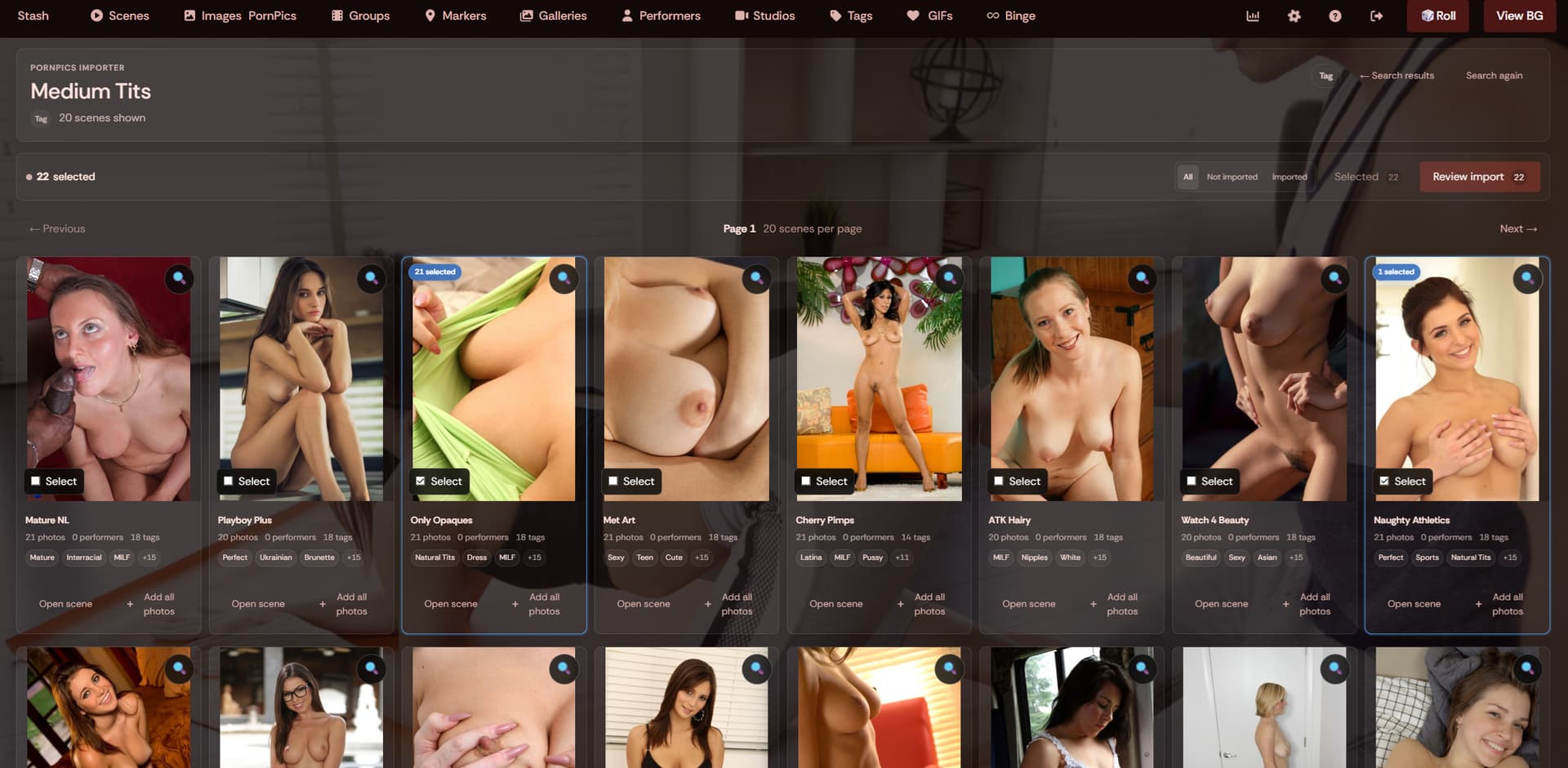
Browsing PornPics
Open PornPics from the main Stash navigation.
The search field accepts normal search terms such as:
Pornstar
Studio
Category/tag
You can also paste a PornPics URL directly
Performer integration
When viewing a performer in Stash, the plugin adds a PornPics tab alongside the normal performer tabs.
That view uses the same browser, selection, spotlight, imported-status, and import system as the global PornPics page.
Easy searching
Use the image spotlight to easily preview images and select them for importing.
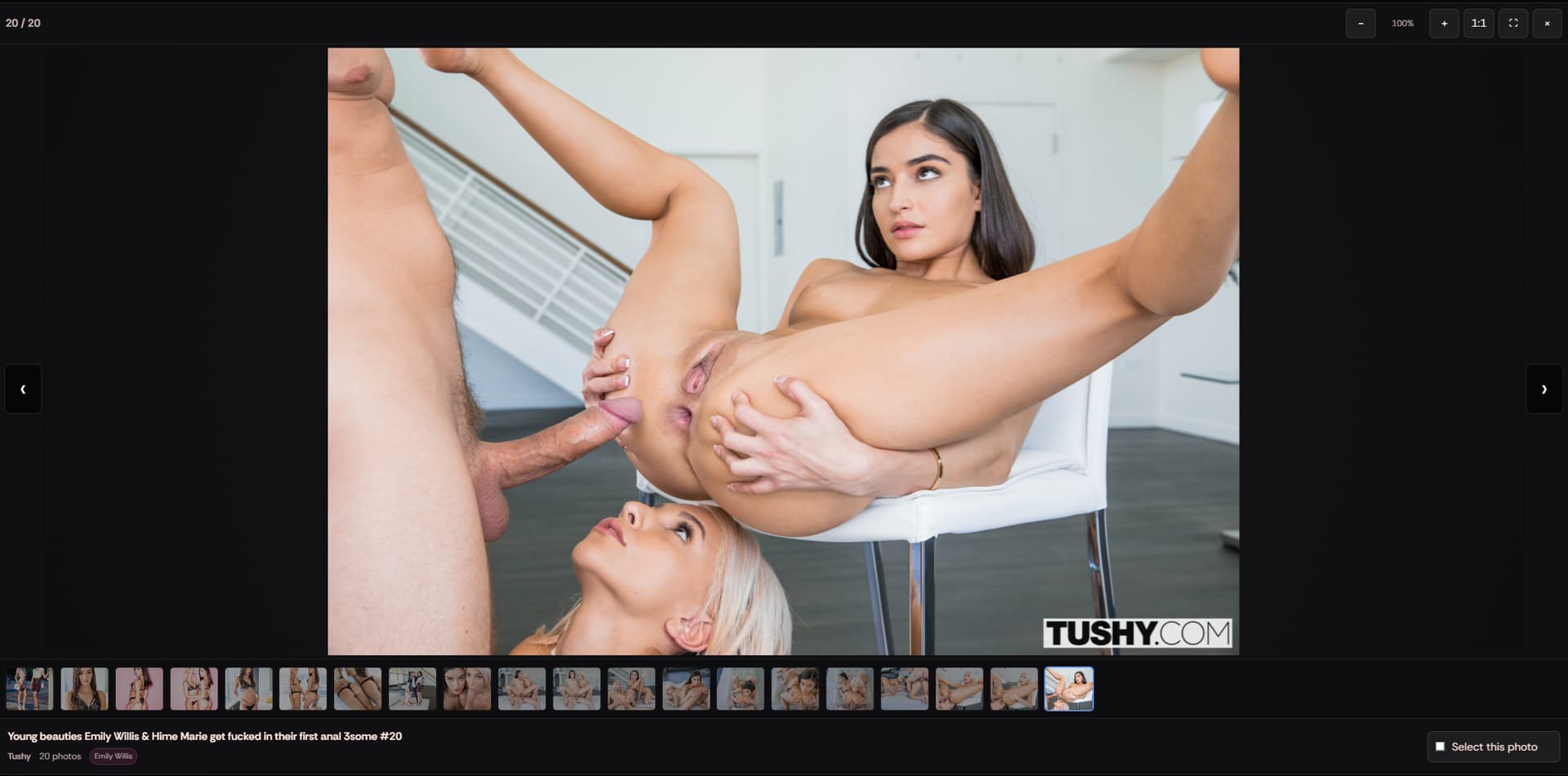
Selecting photos
Open a PornPics scene to select individual images, or use Add all photos directly from the scene list.
Your current selection is available through the Selected button, where photos are grouped by scene.
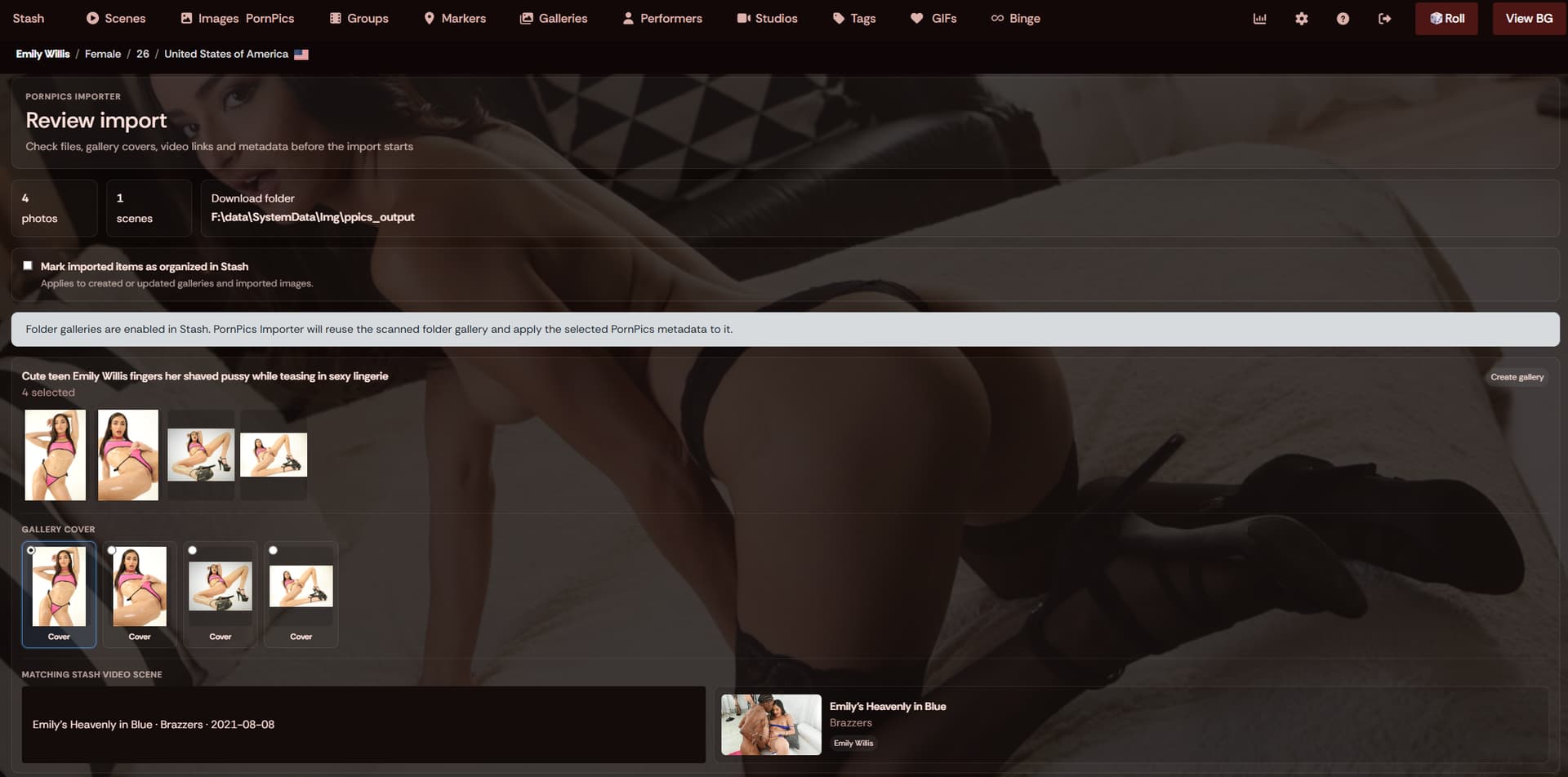
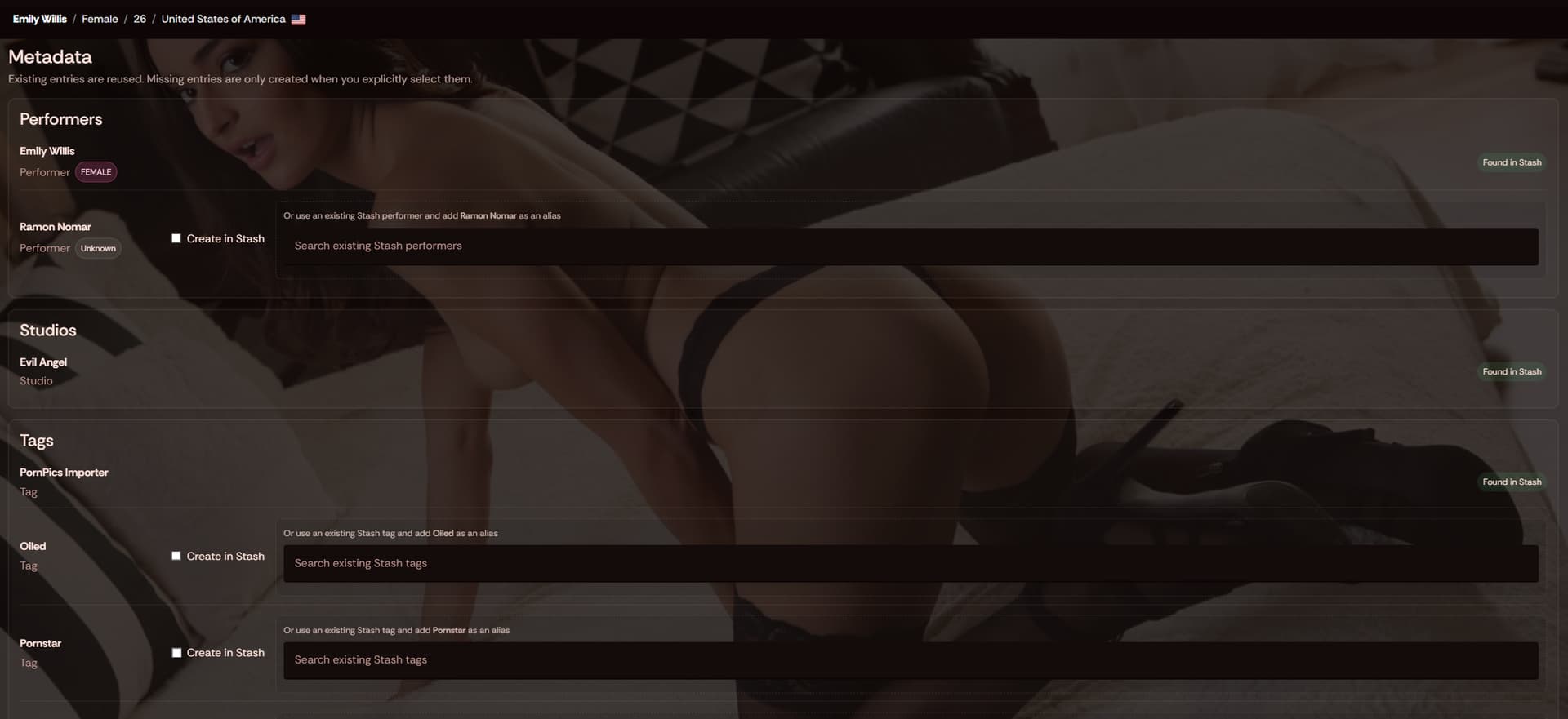
Review before import
Before anything is imported, PornPics Importer opens a review screen.
Depending on the gallery, you can review and adjust:
- Performers
- Studio
- Tags
- Existing Stash entity matches
- Metadata mappings
- Gallery cover
- Related Stash video scene
- Organized status
Missing PornPics performers, studios, and tags are not silently created. You decide whether to create them or map them to an existing Stash entity.
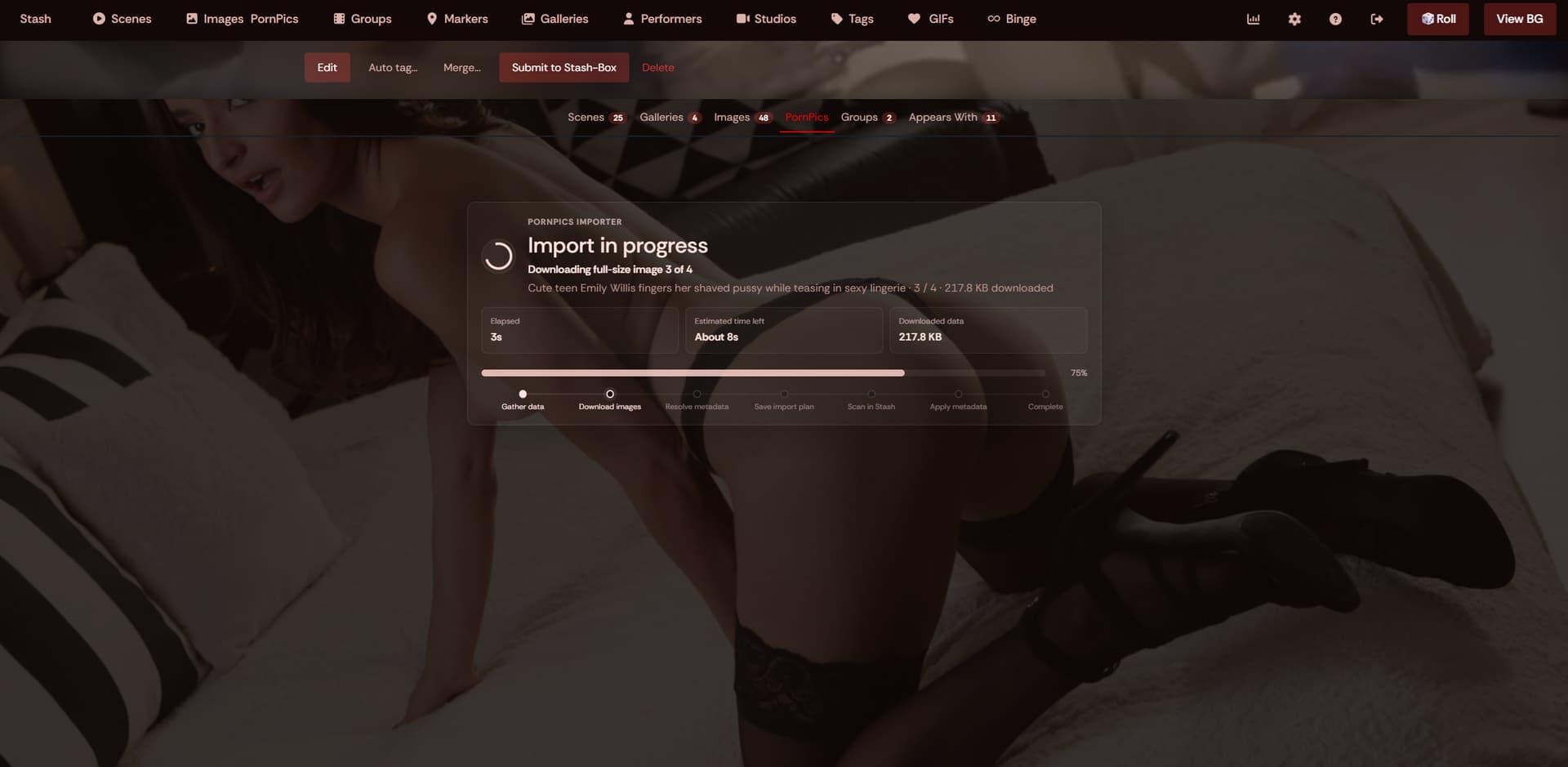
Import progress
Imports show live progress while images are downloaded, scanned by Stash, and updated with metadata.
For larger selections the importer also shows an estimated time remaining.
If an individual image fails, the entire import does not have to fail. Successfully imported photos continue normally and failed photos can be retried afterward.
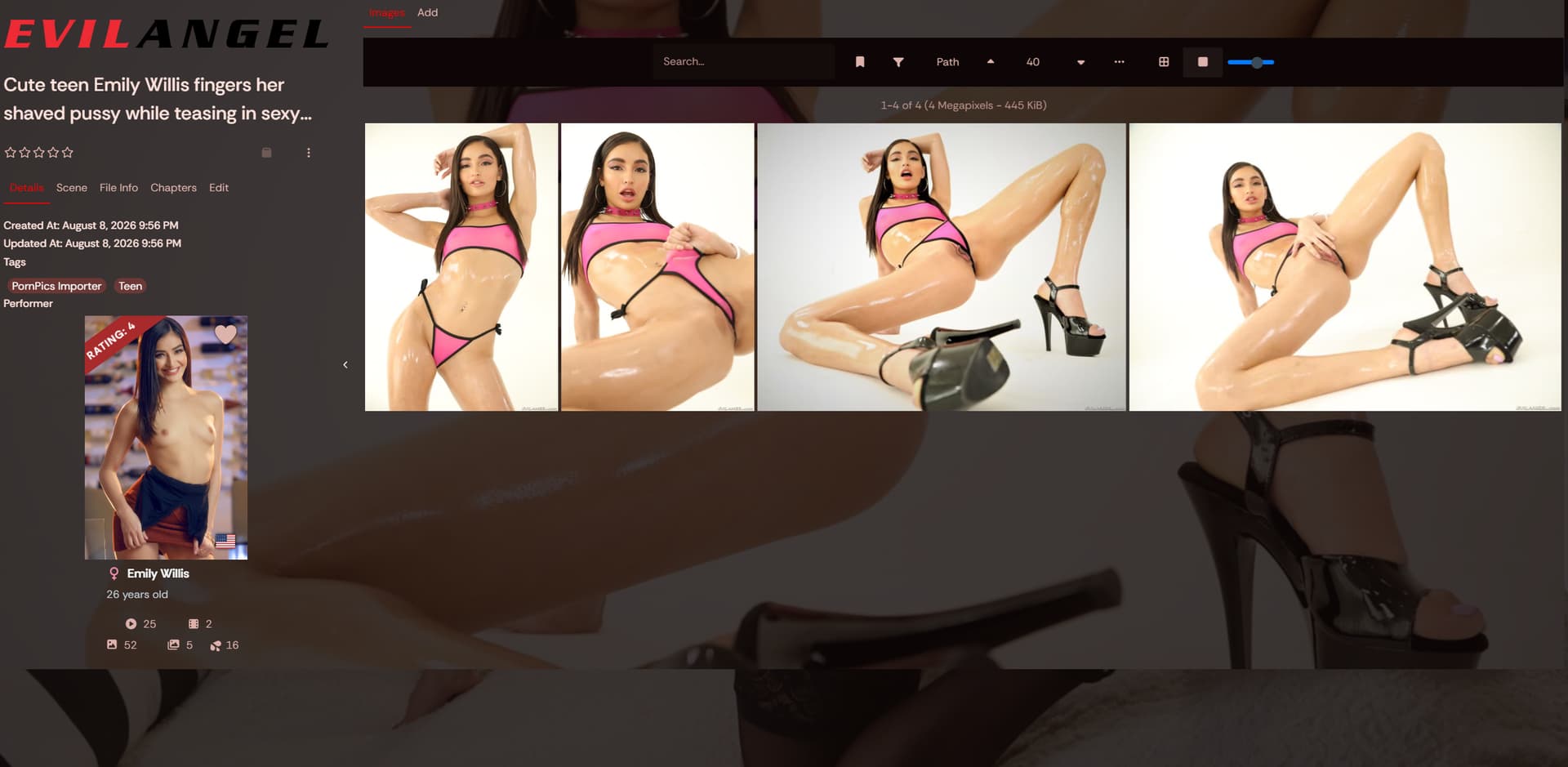
Result
See the created gallery instantly after importing. All files are downloaded to the output folder you provide in plugin settings and automatically scanned into stash.
 website