Please turn on the hide age-verification scenes setting in plugin settings and let me know how it goes.
And about your error message: That function is not used within my plugin. I think another plugin you installed is causing this. But I had my error catching setup incorrectly so it was showing like that an error occurred within the plugin, when it actually wasn’t.
Hello
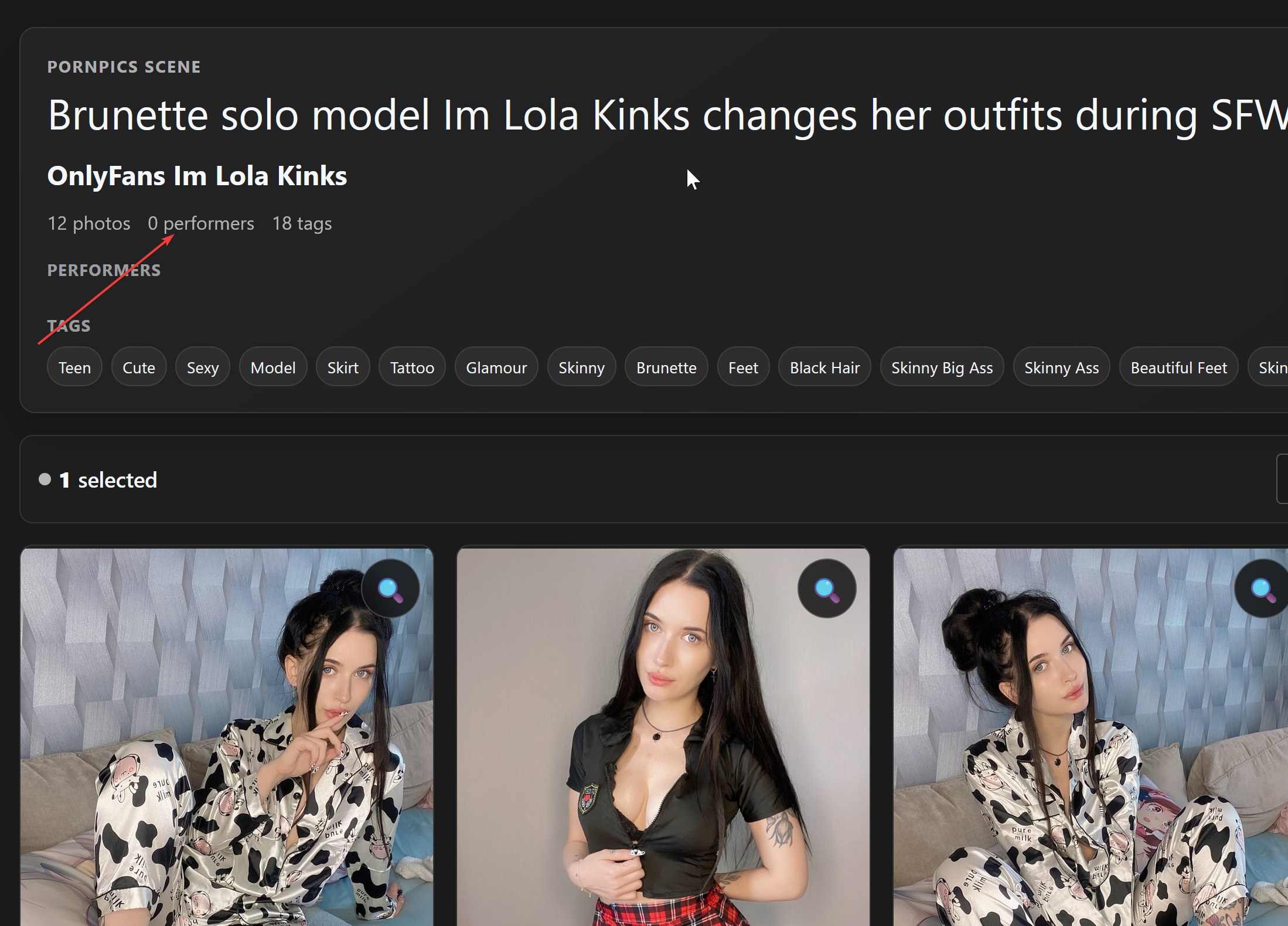
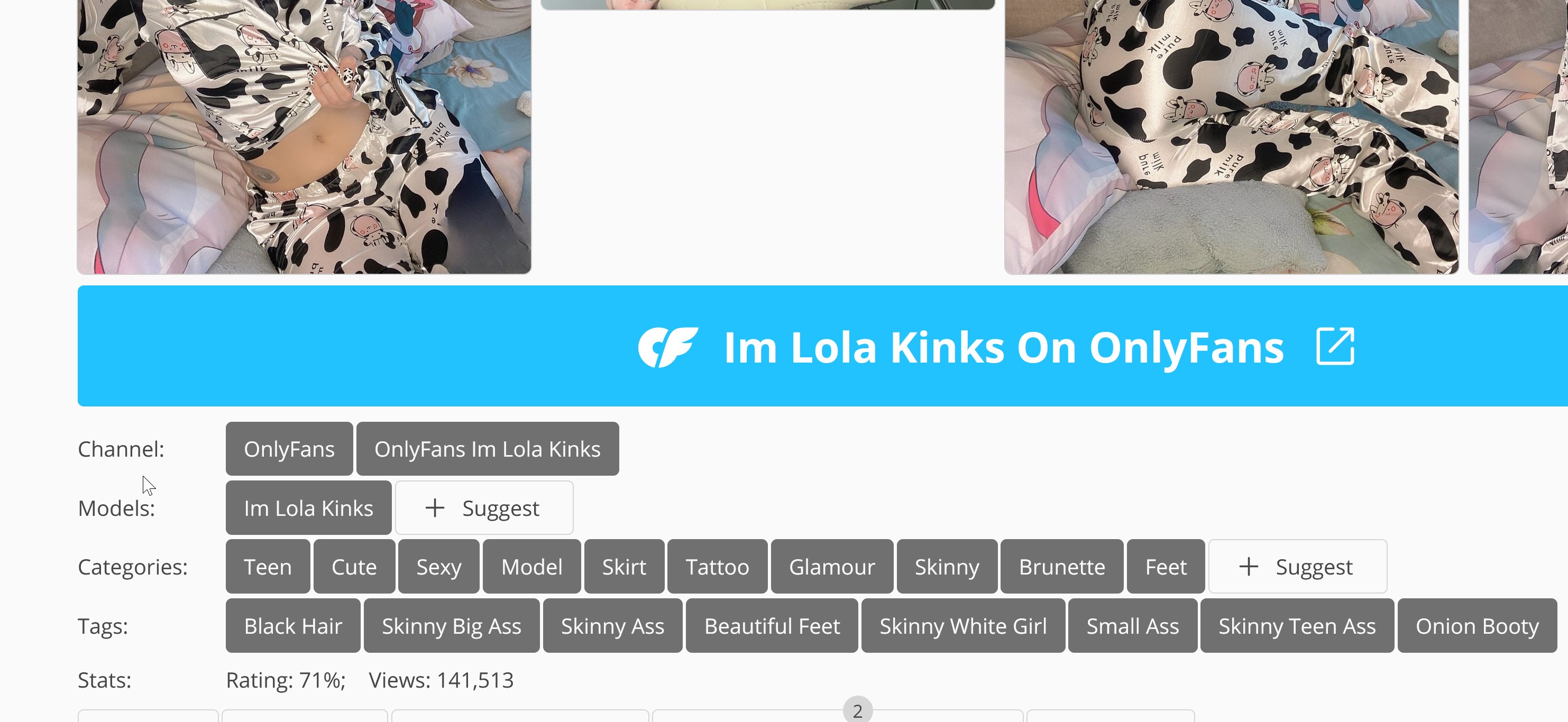
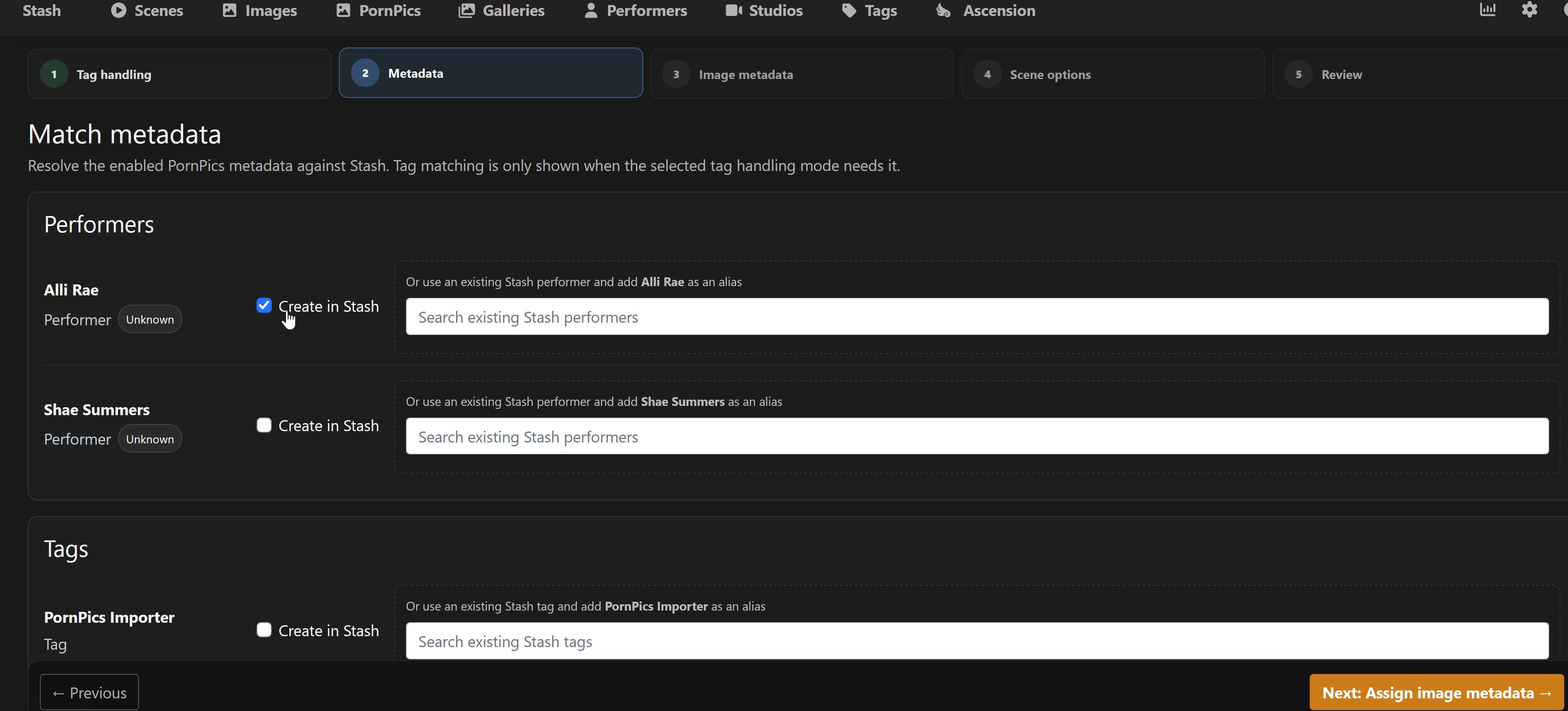
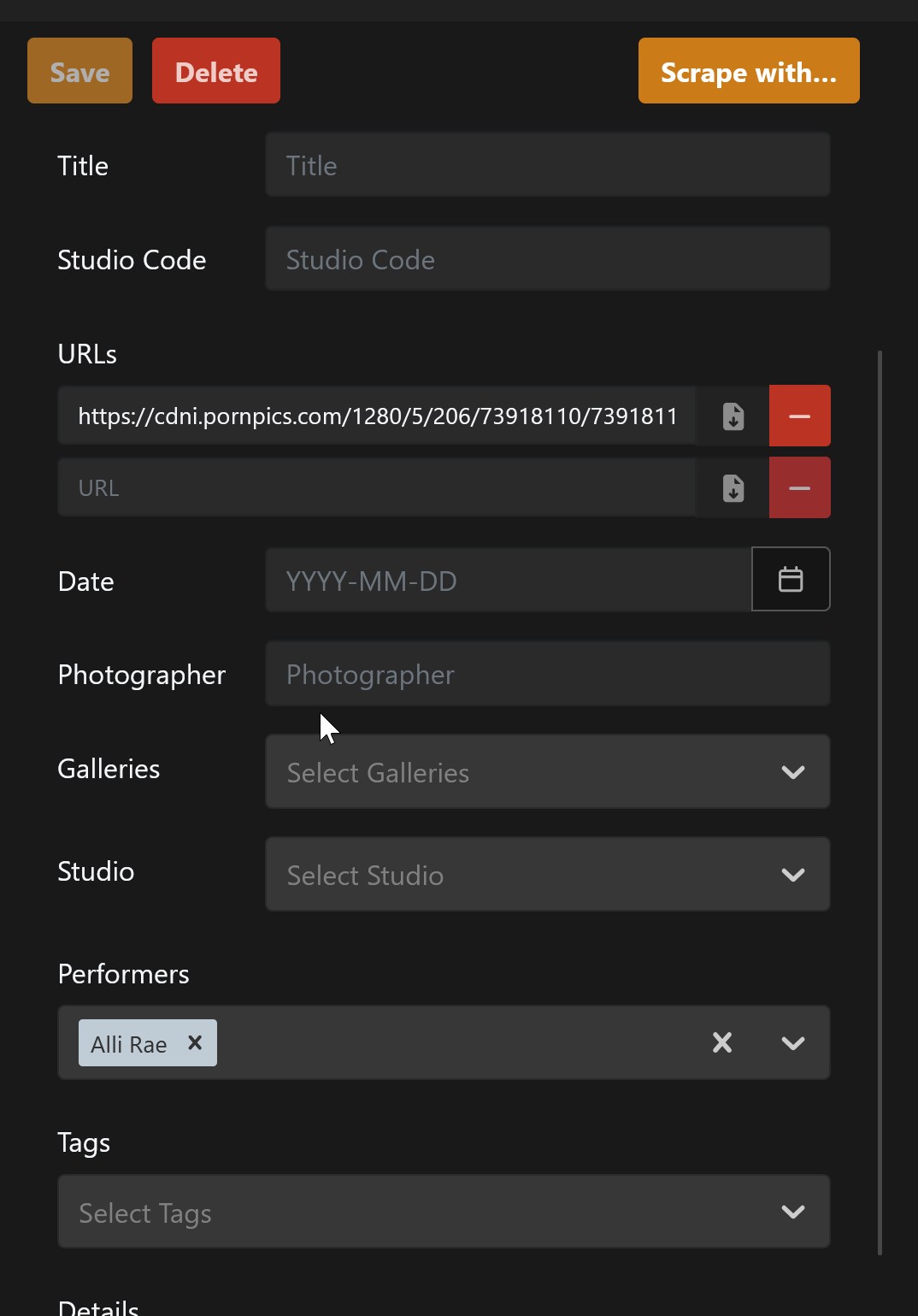
It works well but on all images it cant seems to find the performer. It always says performer none. So you cant create it either. Can you check it out ?
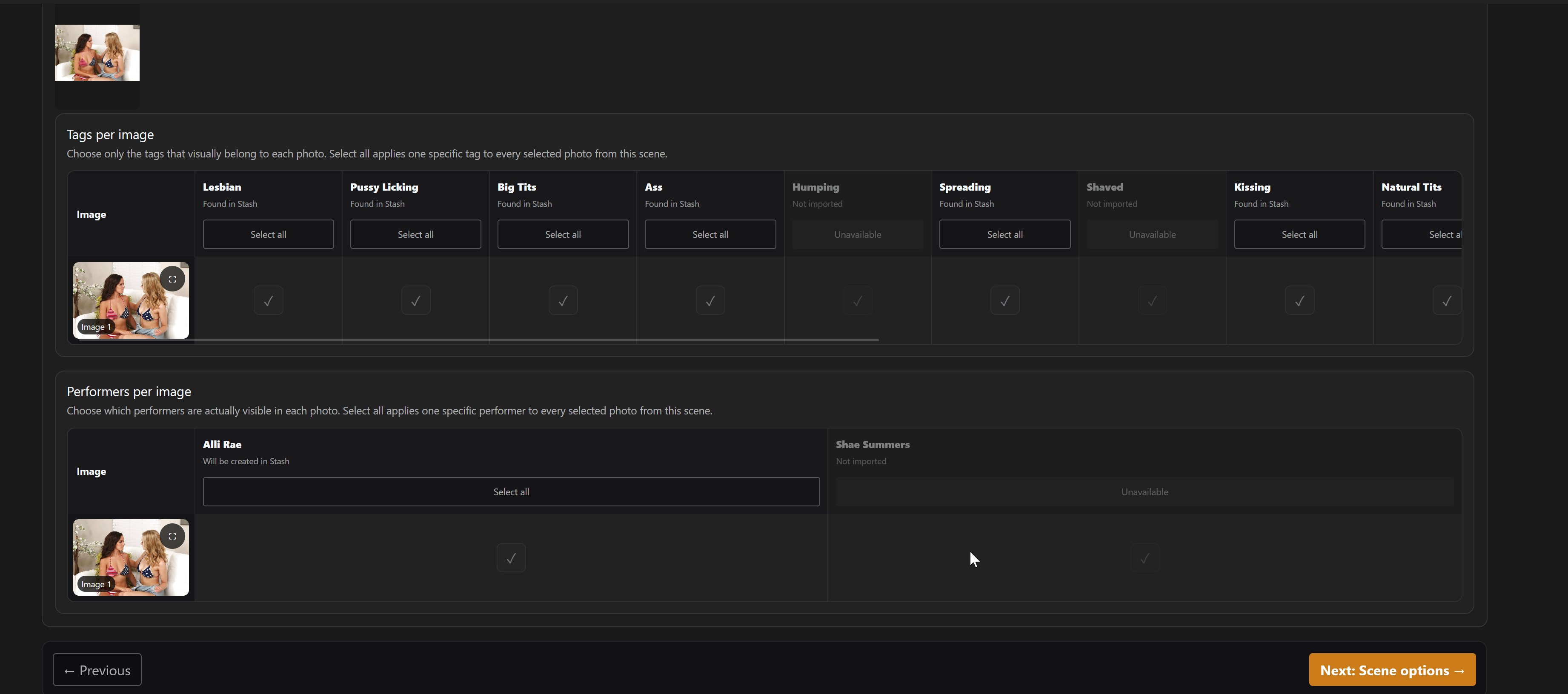
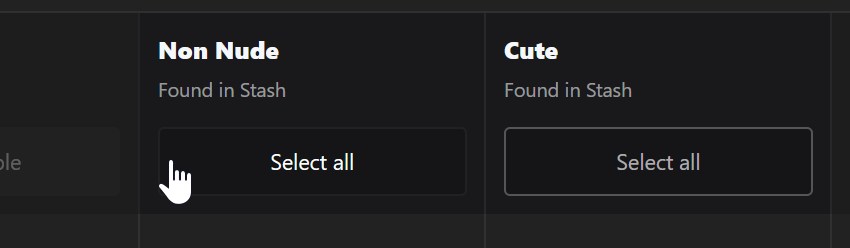
Just like selecting tags per image, you’re now also able to select performers per image!
Fixed an issue where for some scenes, no performer name/data could be scraped; resulting in a bugged performer selection.
Fixed an error that was popping up on fresh installs of the plugin. A folder was not available where the whole scraping system was built on. (fixed!)
Updated the UI of the tag selector (per tag)
Added a What’s New popup.
The update is available now to download. Head over to your stash and go to stash > settings > plugins > check for updates. Make sure to CTRL + F5.
Please have a look and let me know what you think! And if you have other ideas for this plugin, or a request for a different plugin, please let me know via DM!
Thanks for your detailed description. I tested it myself and did not see any issues. could you maybe send over some step by step screenshots of what’s happening? and any logs in settings > logs if available.
I want to make it work obviously so I’m here to solve it untill it works!
26-10-02 13:05:22Error error serving file C:\Users\Besitzer\.stash\plugins\stash-ppics\ui\style.css: open C:\Users\Besitzer\.stash\plugins\stash-ppics\ui\style.css: The system cannot find the file specified.
2026-10-02 13:05:22Error error serving file C:\Users\Besitzer\.stash\plugins\stash-ppics\ui\script.js: open C:\Users\Besitzer\.stash\plugins\stash-ppics\ui\script.js: The system cannot find the file specified.
2026-10-02 13:02:10Error error serving file C:\Users\Besitzer\.stash\plugins\stash-ppics\ui\style.css: open C:\Users\Besitzer\.stash\plugins\stash-ppics\ui\style.css: The system cannot find the file specified.
2026-10-02 13:02:10Error error serving file C:\Users\Besitzer\.stash\plugins\stash-ppics\ui\script.js: open C:\Users\Besitzer\.stash\plugins\stash-ppics\ui\script.js: The system cannot find the file specified.
Now I found out: The Plugin was displayed as installed in the detailed settings without being listed under “Installed Plugins“. I installed it again and the nav button appeared. Strange but the main thing is that it works.
Hmm that is really weird indeed. I’ll look further into it. Could you test the plugin out with a simple test run of a few pictures of different scenes to test if everything works?
Fixed tag selections being overwritten when performer selection was also enabled.
Performer selections are now enabled for all selected photos by default and can be deselected per image.
Imported images now use the PornPics gallery page as their URL instead of the CDN image URL.
Imported images now use the PornPics gallery title as their image title.
Added installation-safe packages that always include the UI files.
If for some reason there is’nt a navigation item for the plugin, reinstall the plugin.
The update is available now to download. Head over to your stash and go to stash > settings > plugins > check for updates. Make sure to CTRL + F5.
Please have a look and let me know what you think! And if you have other ideas for this plugin, or a request for a different plugin, please let me know via DM!