|
Summary | An optimized single-hand gallery and image viewer for Stash that replaces the default image viewer. |
 |
Repository | https://github.com/Servbot91/Sakotos-Stash-Repo/tree/main/plugins/Deck%20Viewer/plugins/Deck%20Viewer |
 |
Source URL | https://raw.githubusercontent.com/Servbot91/Sakotos-Stash-Repo/main/plugins/manifest.yml |
 |
Install | How to install a plugin? |
Overview
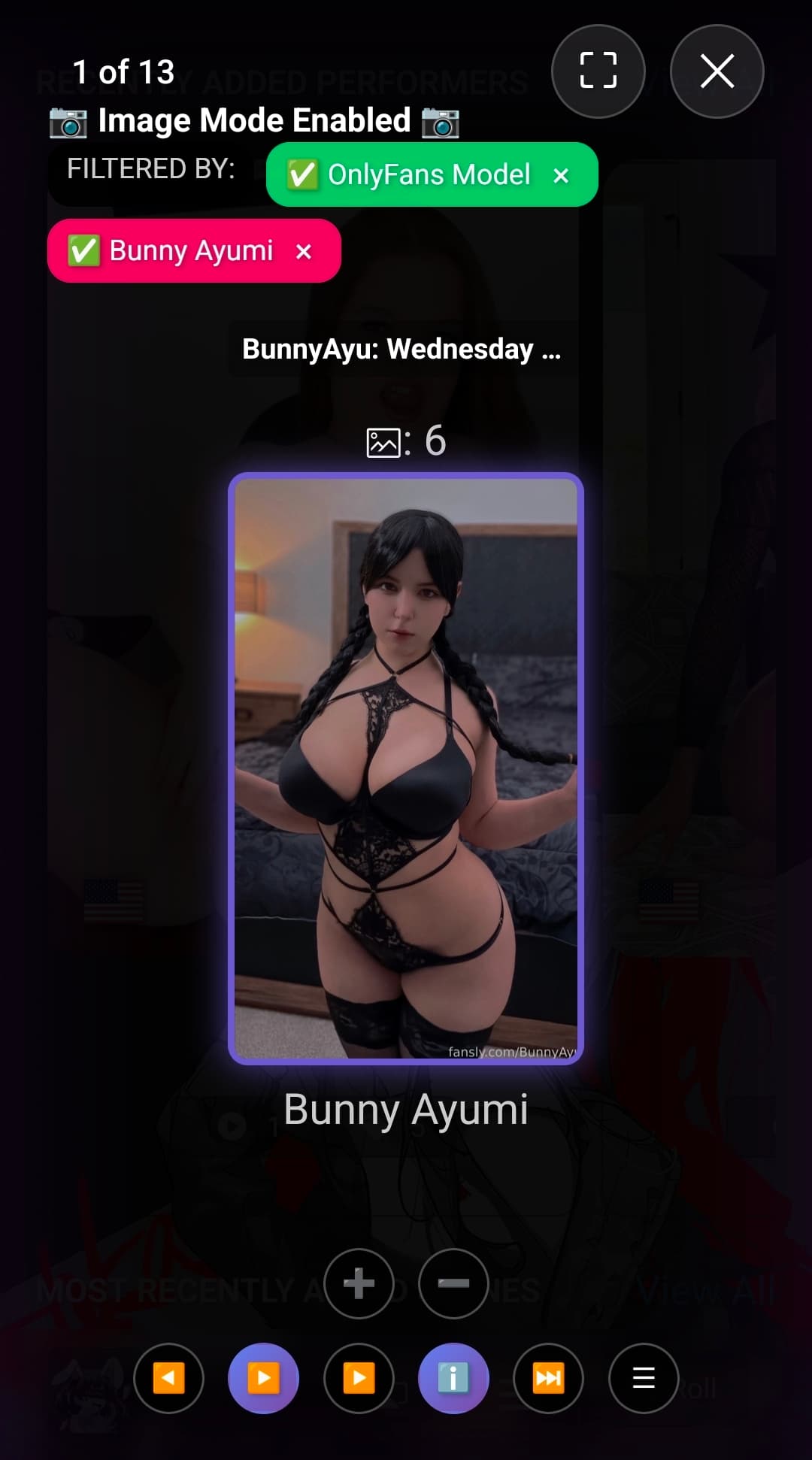
Deck Viewer is the Sakoto fork and complete re imagination of the original Image-Deck plugin. It hijacks the built in stash image viewer. It is meant to further enhance gallery and image content consumption, streamlining one handed use while providing necessary functionality for cataloging and reducing accidental clicks\swipes.
Deck Viewer was written with AI assistance (qwen3-coder:480b, and my local qwen3-coder30b) following general Dev standards and hygiene while also protecting integrity of the plugin with simple A\B testing and versioning.
Screenshots

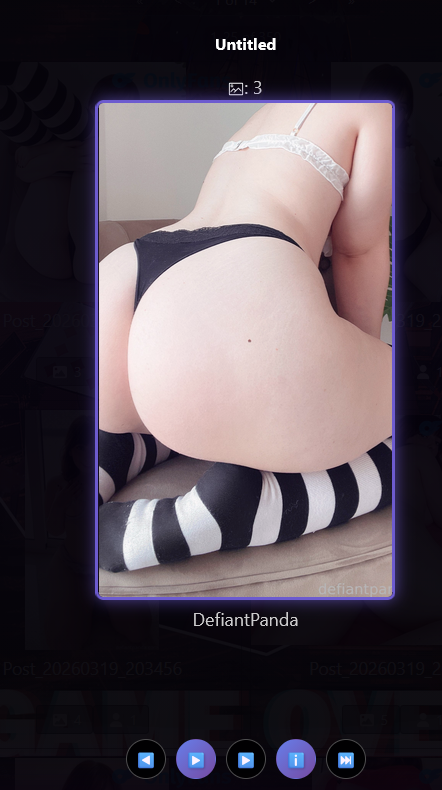


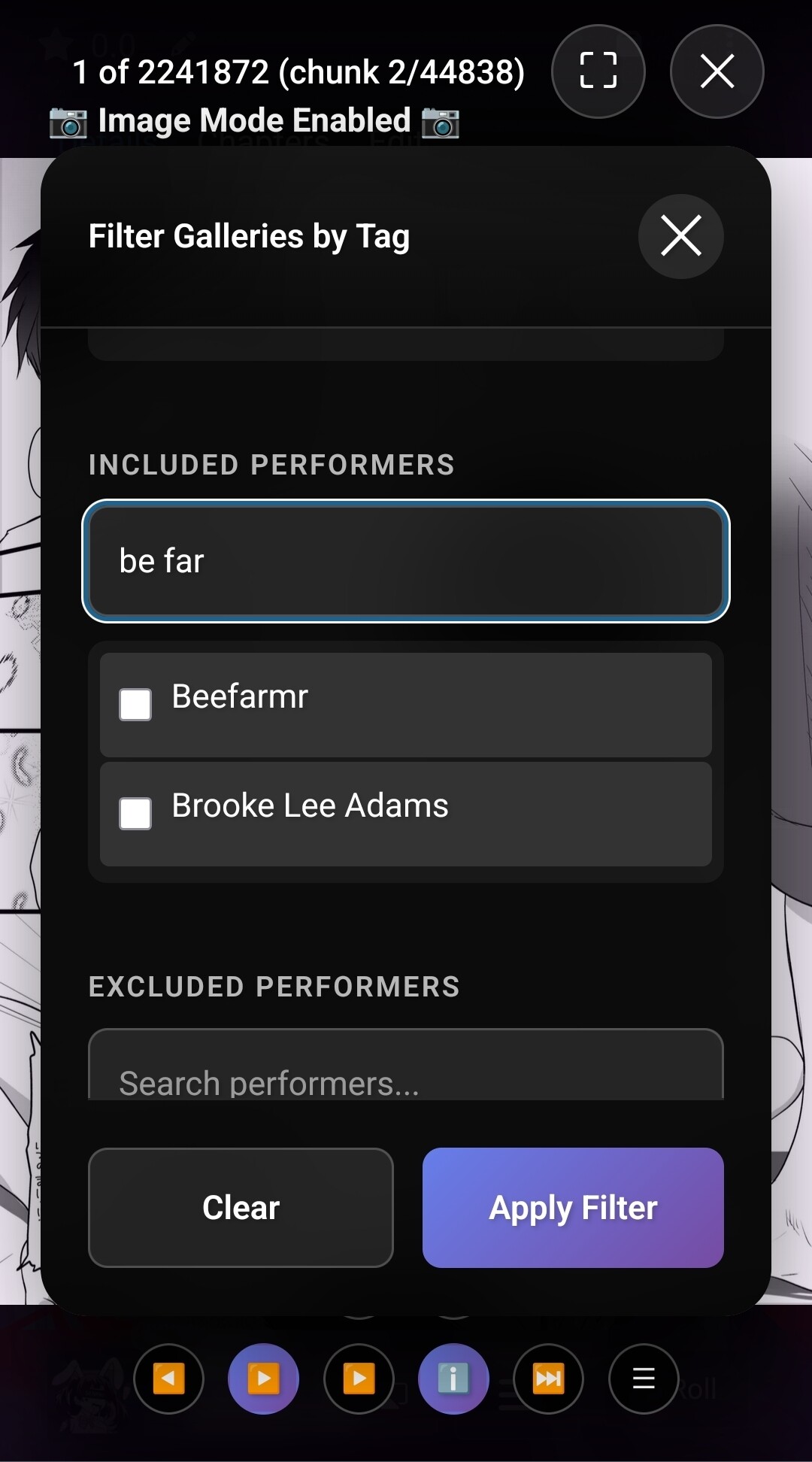

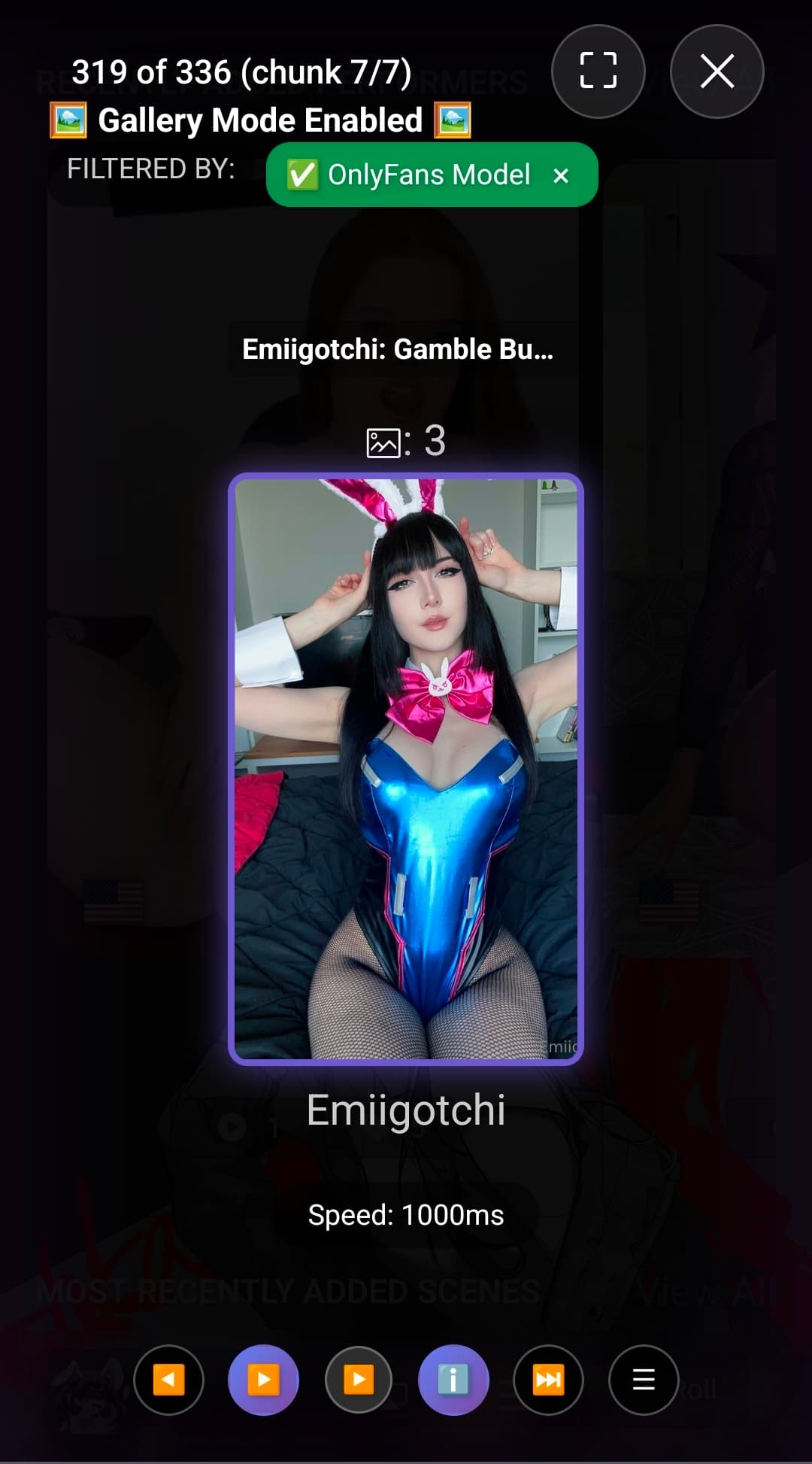
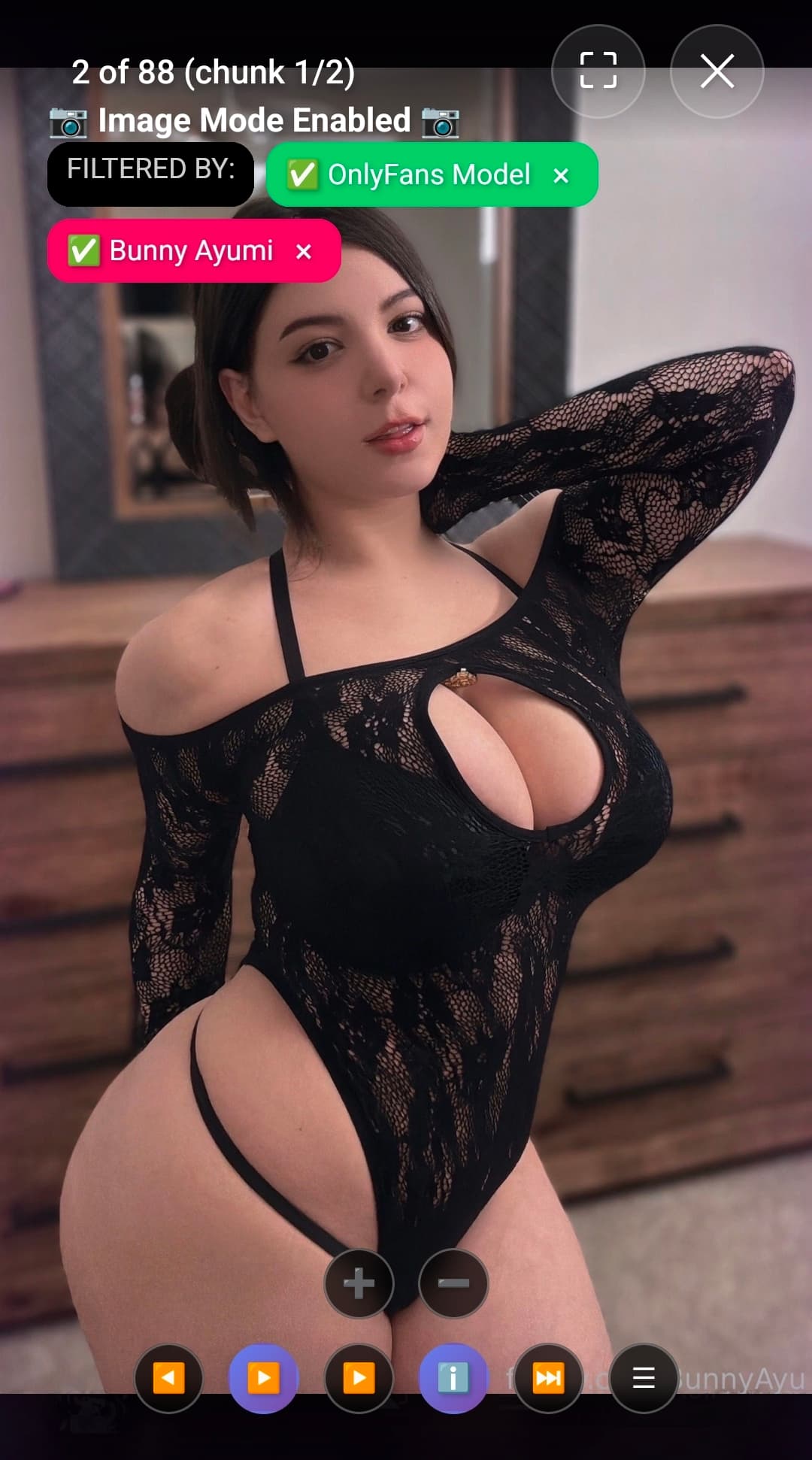
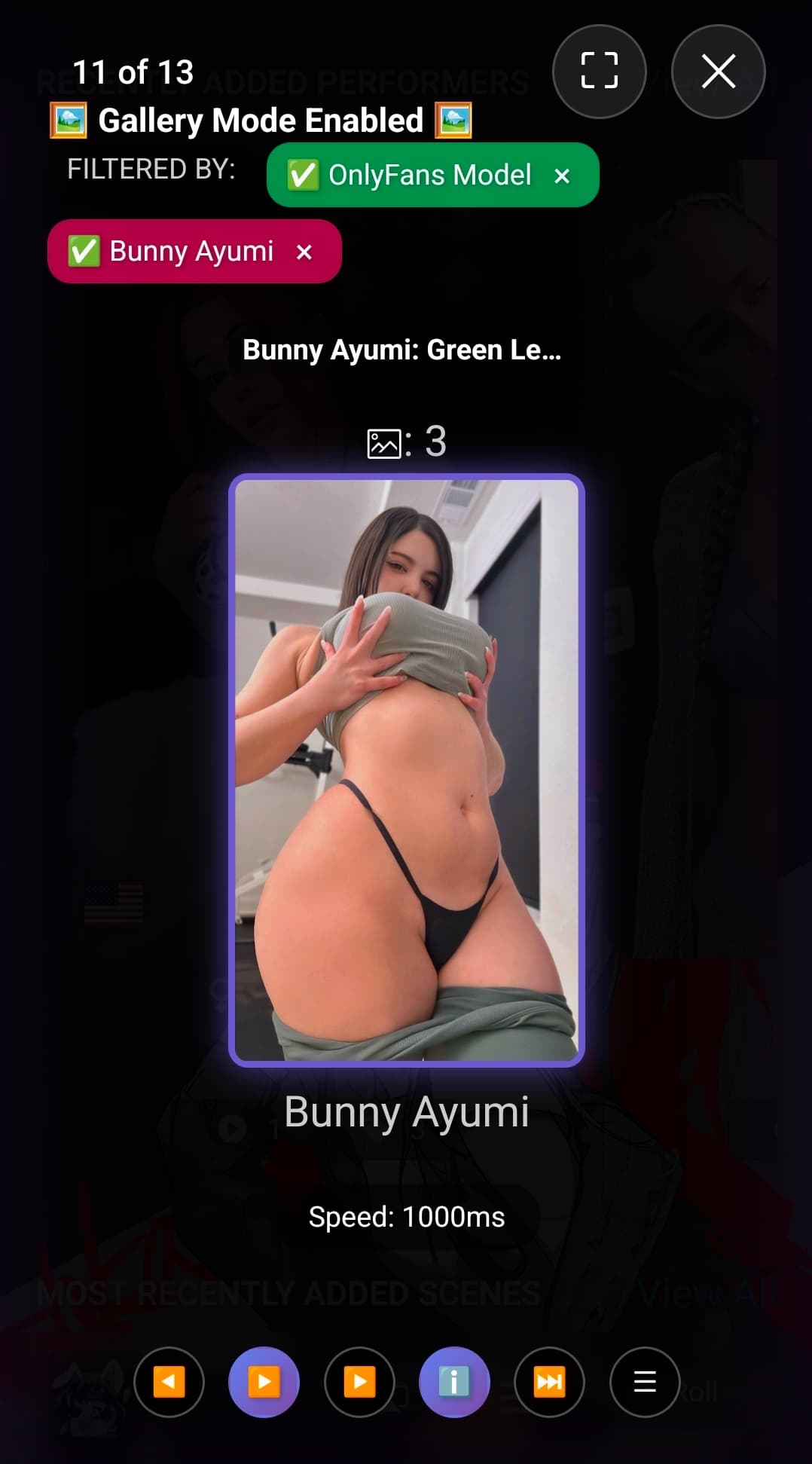
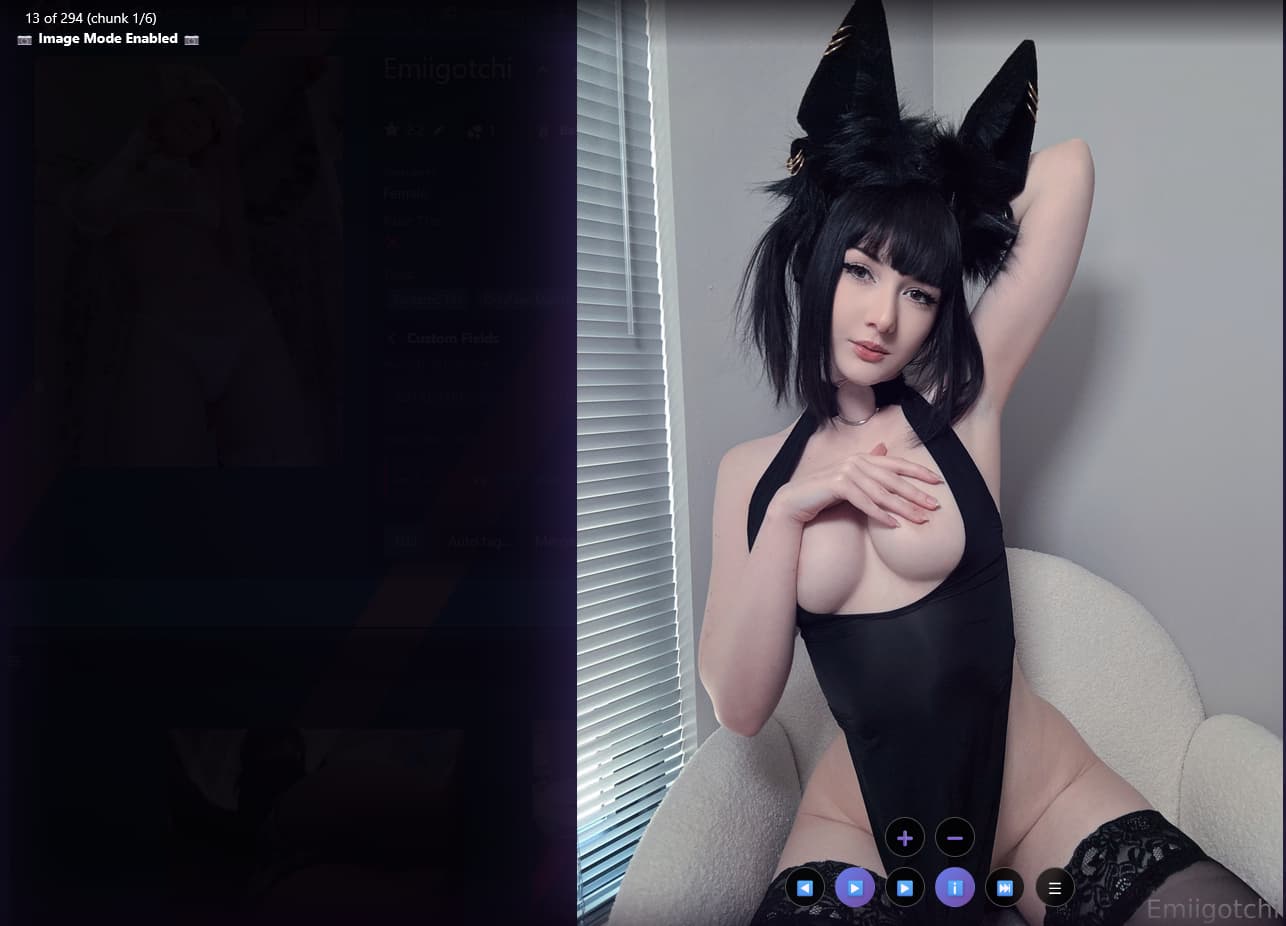
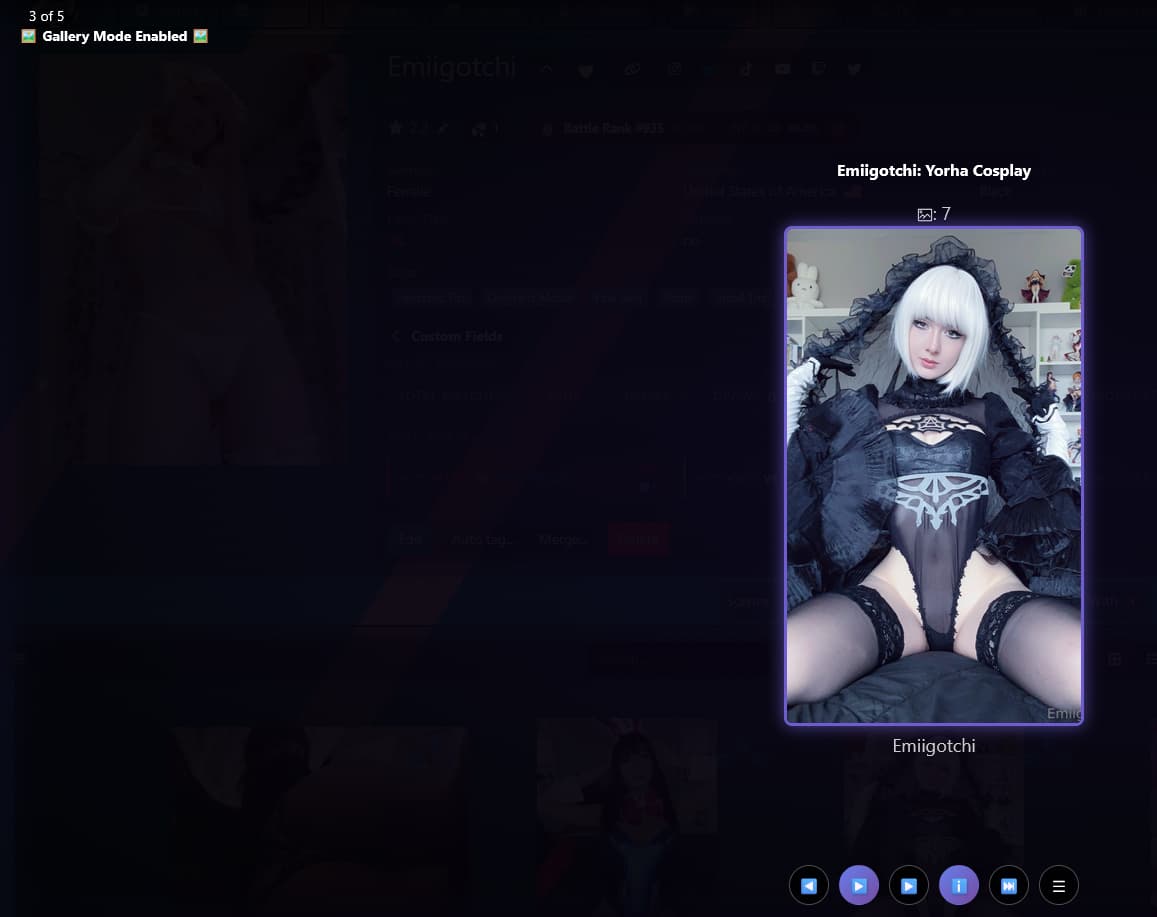
Improvements
Feature Integration
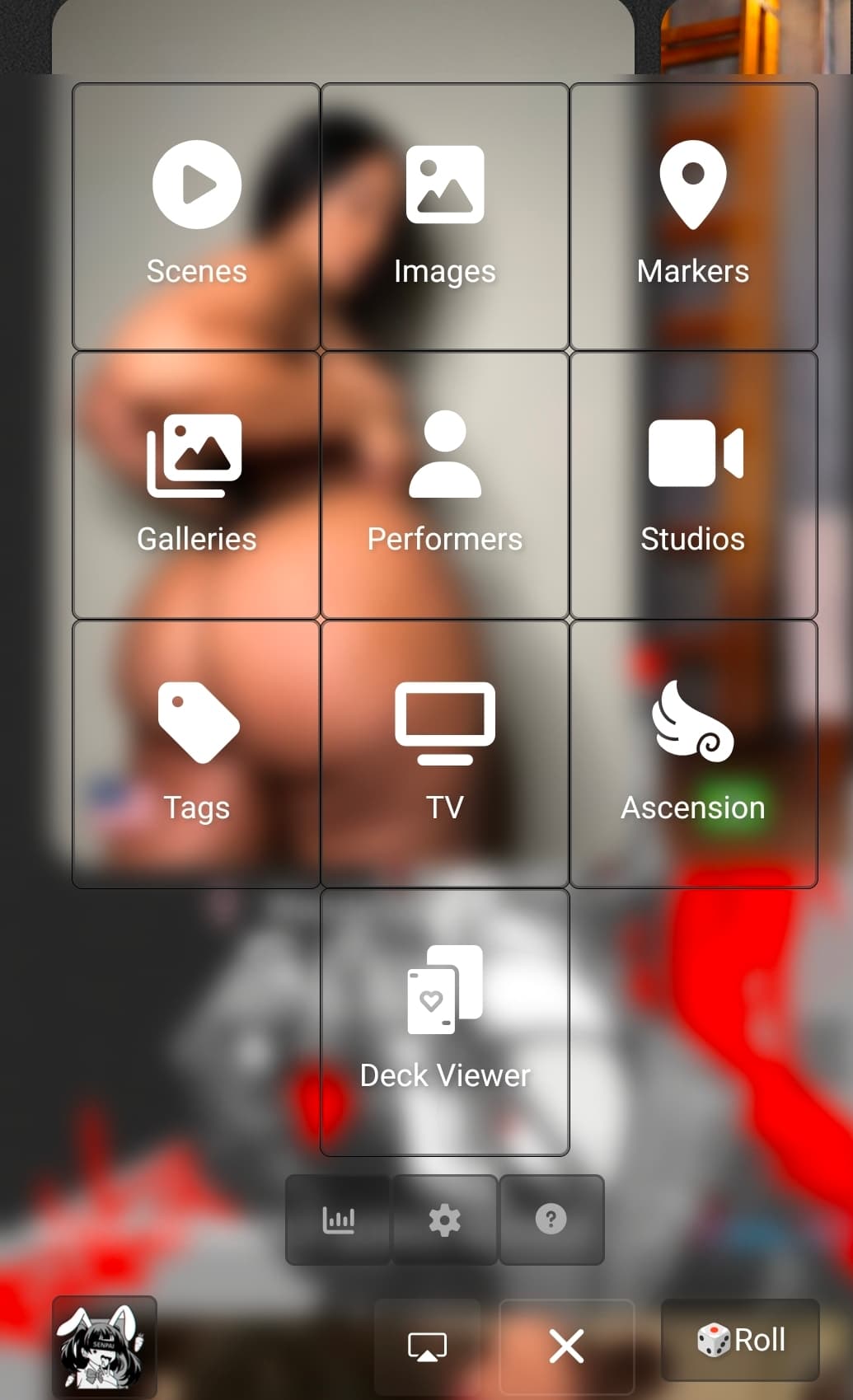
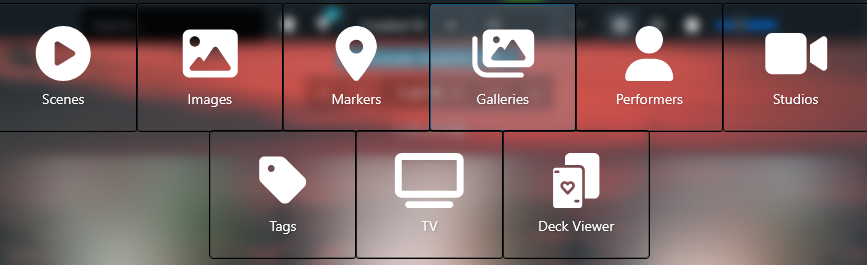
- Performer page integration. Switch Between Gallery Mode and Image Mode anytime regardless of where you are in stash even on performer pages!
- Added Mouse wheel functionality
- Tag images\galleries with studios, update titles, details, performer gallery tags
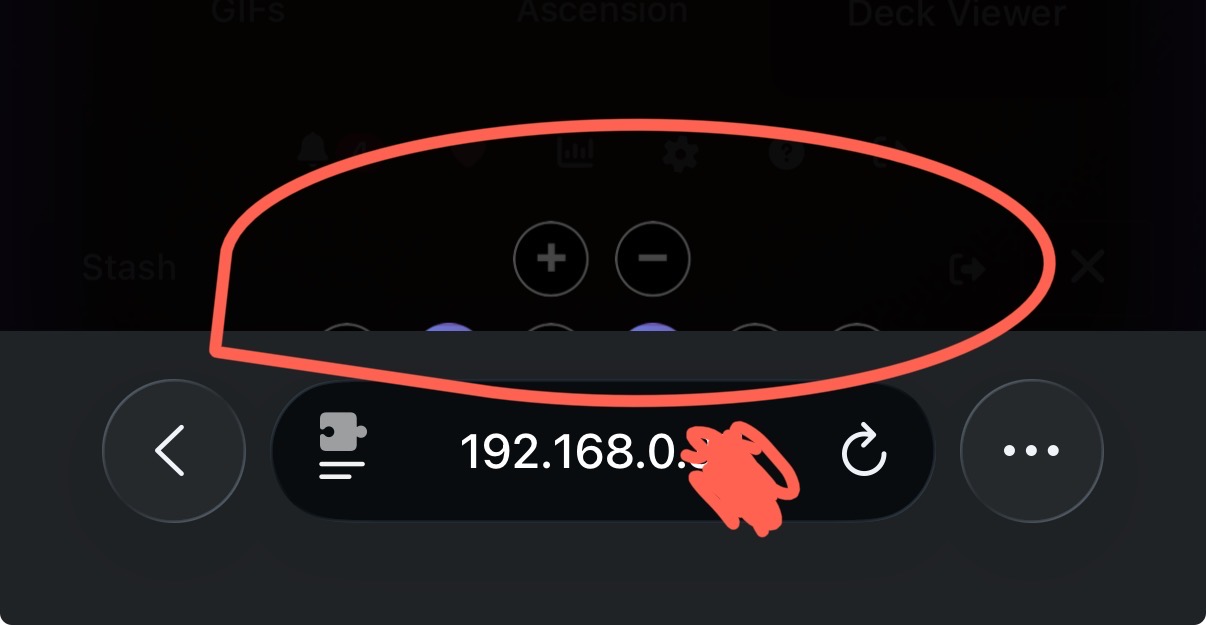
- Added zoom functionality for mobile and desktop (buttons respect context ie no zoom on galleries)
- Full mobile integration and optimization
- One Handed browsing
- Added Gallery support
- Added keyboard support (strict)
- Supports SFW Plugin
- Integrated with default stash buttons
- Filter your galleries\images in real time. Add exclusions, or filter for performers. It all happens server side with minimal client side stress.
- Default Stash Image Viewer Hijacking
- Localstorage utilized to remember states and places, persists.
- Infinite Scroll
- For as long as you have content. It will scroll as long as content exists, it however does not loop around.
Performance
- Optimized for large datasets (in the millions)
- Added ‘Chunk’ system
- Images are locked to 50 on load for performance. Once you are nearing the end of a chunk, the next chunk is loaded. You also have the option to preload multiple chunks ahead by pressing the load next chunk feature.
- Chunk system has a safety check to prevent backend query spam and will skip if a chunk load is in progress
- Can manually load the next chunk via button
- Removed bloat effects
- Backend GraphQL is properly using stash schema
QOL Improvements
- Server Side Filtering
- Focused view over original card view
- Buttons and text fade out when zoomed in
- Single hand optimizations
Release notes
Installation
- Settings → Plugins → Available Plugins
- Add Source → Name: Sakotos Stash Repo
- Source URL: https://raw.githubusercontent.com/Servbot91/Sakotos-Stash-Repo/refs/heads/main/plugins/manifest.yml
- Click checkbox, Install
- Reload Plugins