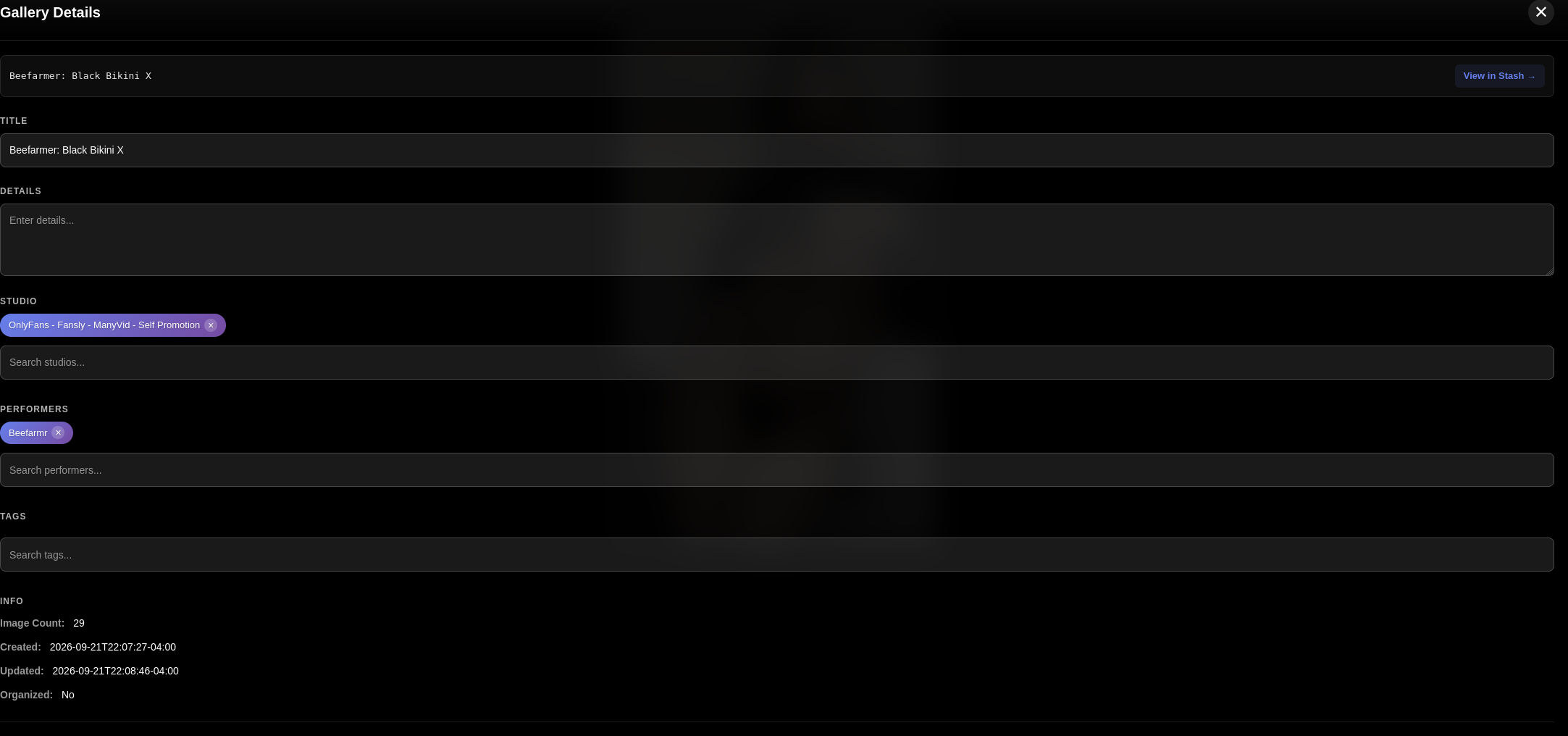
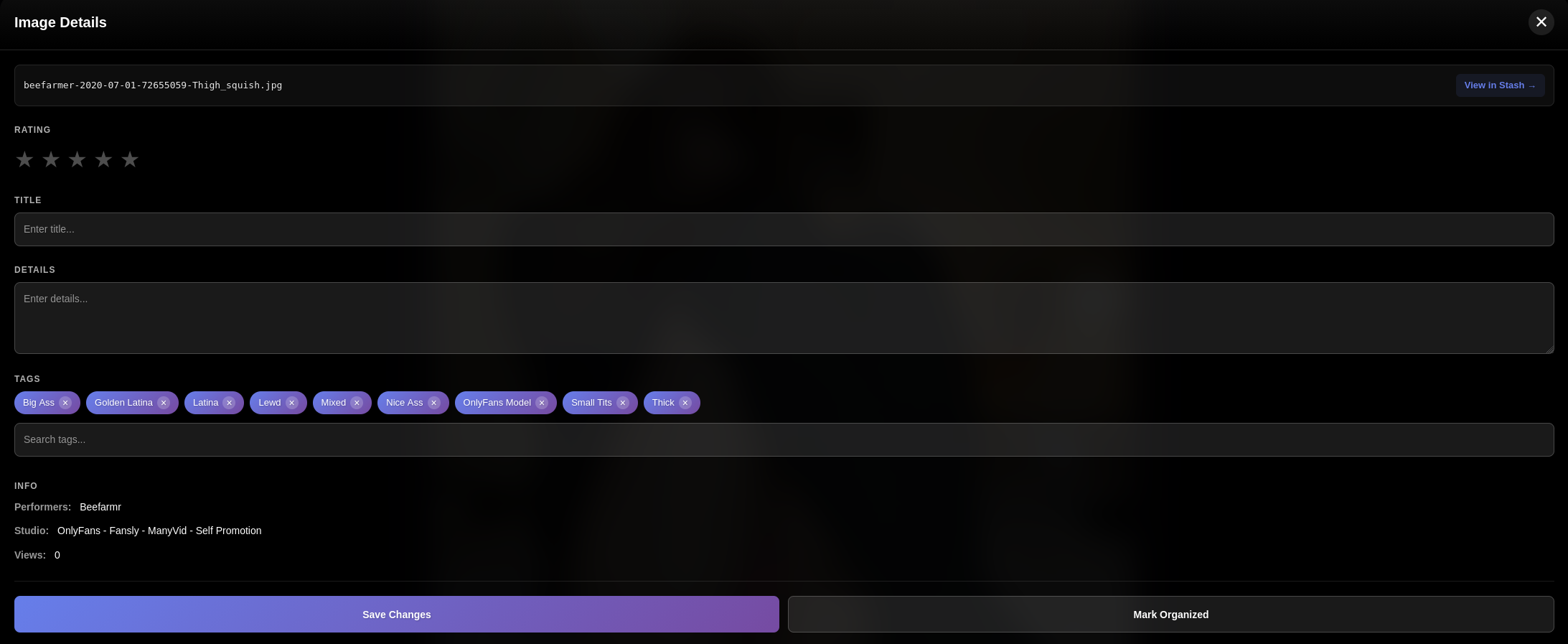
A major performance update was prodded today.
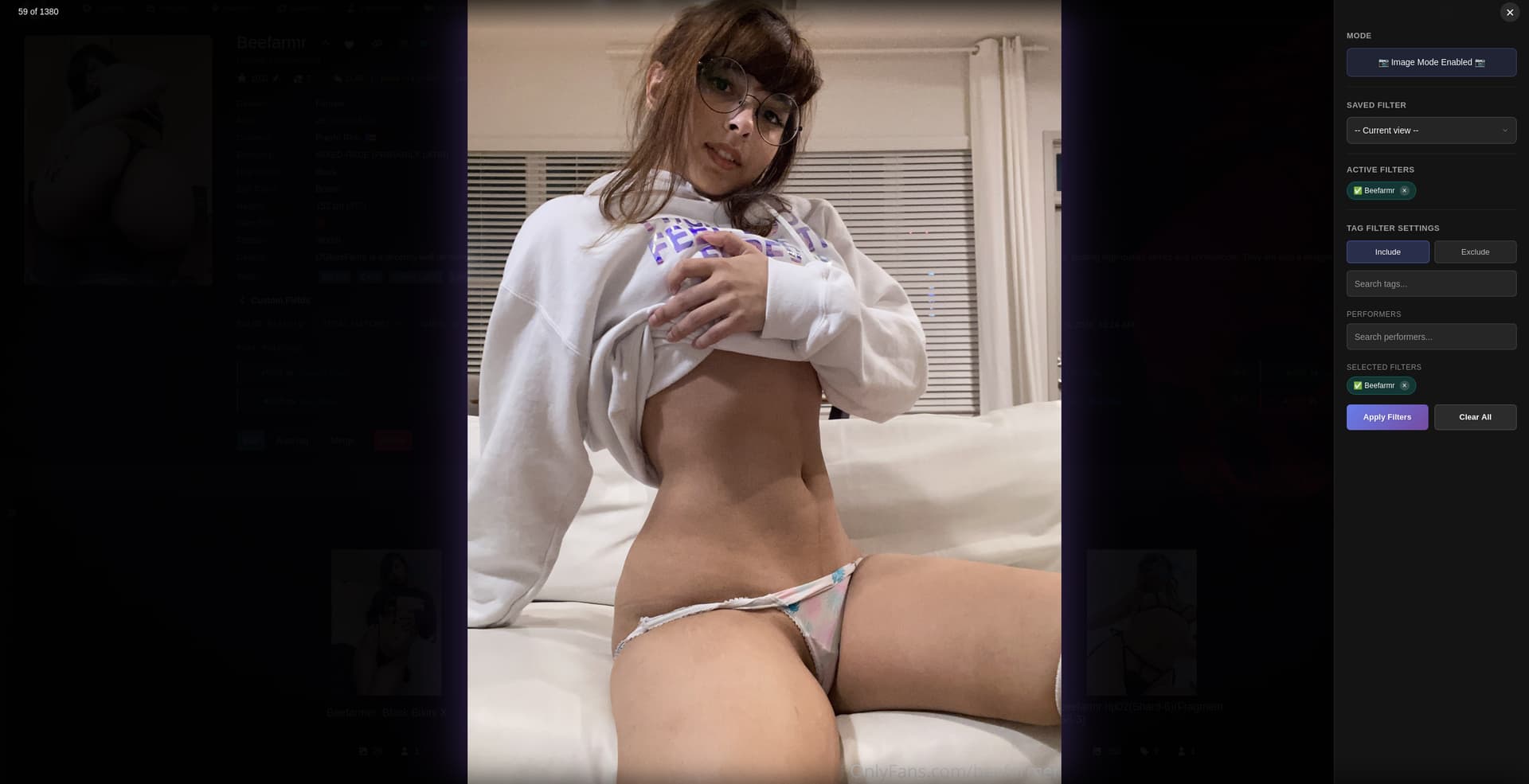
I have the same issue, sometimes it’s extremely low res, almost looks like it’s the thumbnail stretched to screen size. 100% repro when I enter from Images tab clicking the magnify glass.
I have not been able to reproduce this issue at all. Yall are going to need to provide more data than “its low res” the code (and the graphql query thats doing it) behind it is pulling the true image. It is not pulling any thumbnails or anything of the sort. That is solely used for gallery covers.
Workflow
Screenshots
Console logs
Device
Something. I cant operate off of perceptions and no evidence, clearly something is going on or its group think. Regardless, I need data.
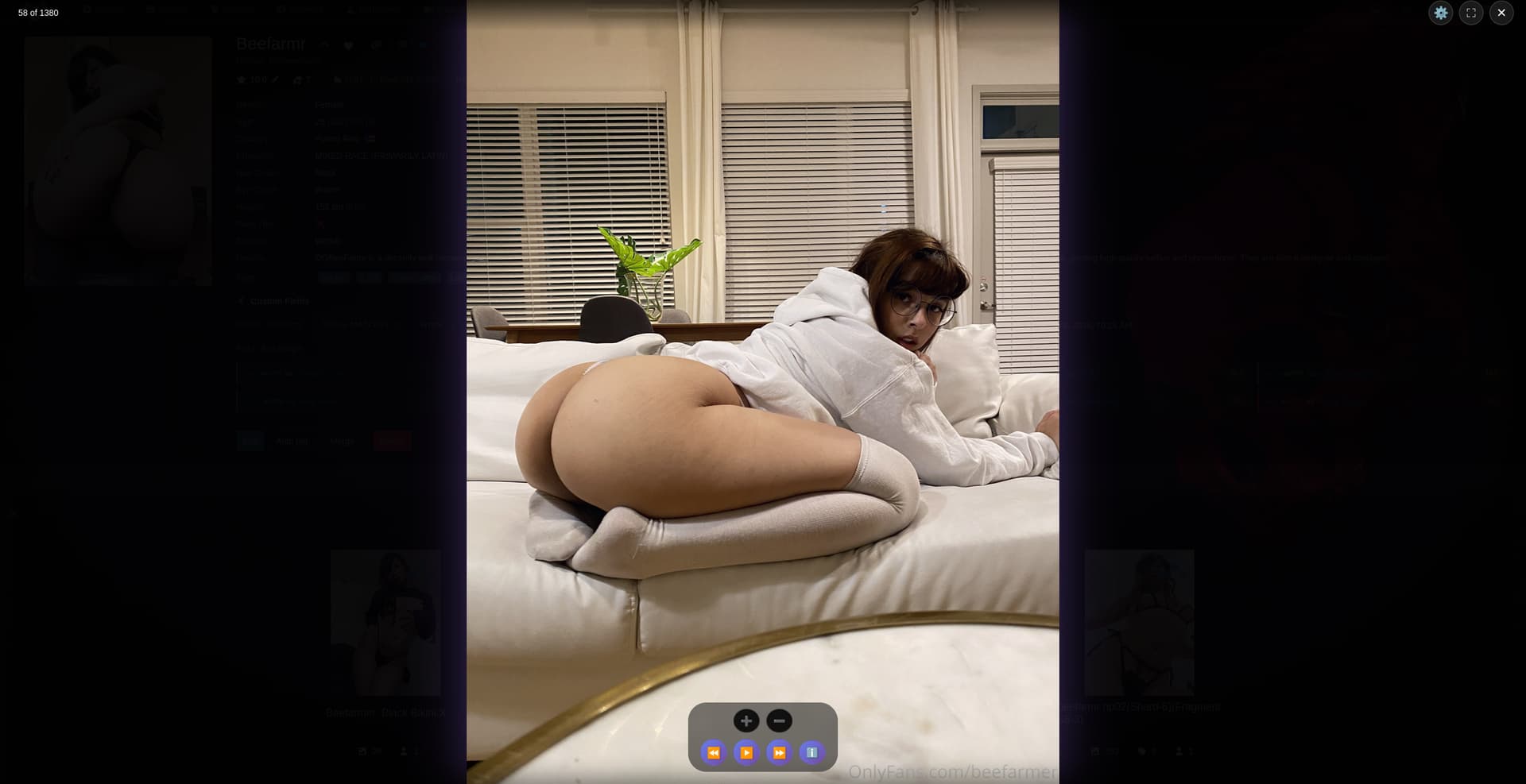
Minor complaint but not sure if you want to make the “Play” button more distinct as it is the same as the “Next”, also the >>| button seem like an odd-ball compare to all other icon.

I do agree. To be honest Deck Viewer is still a ways off from where i want it to be. Personally i do consider it in beta at the moment even though it isnt conveyed as such. Since its functionality is mostly in tact and serves its purpose for now ive been directing my efforts to Ascension. They are both really ambitious plugins and i can only do so much for each as one person while also trying to live my life and enjoy myself.
They will get there though. It just takes time. I have high expectations for their finish line.
1 Like
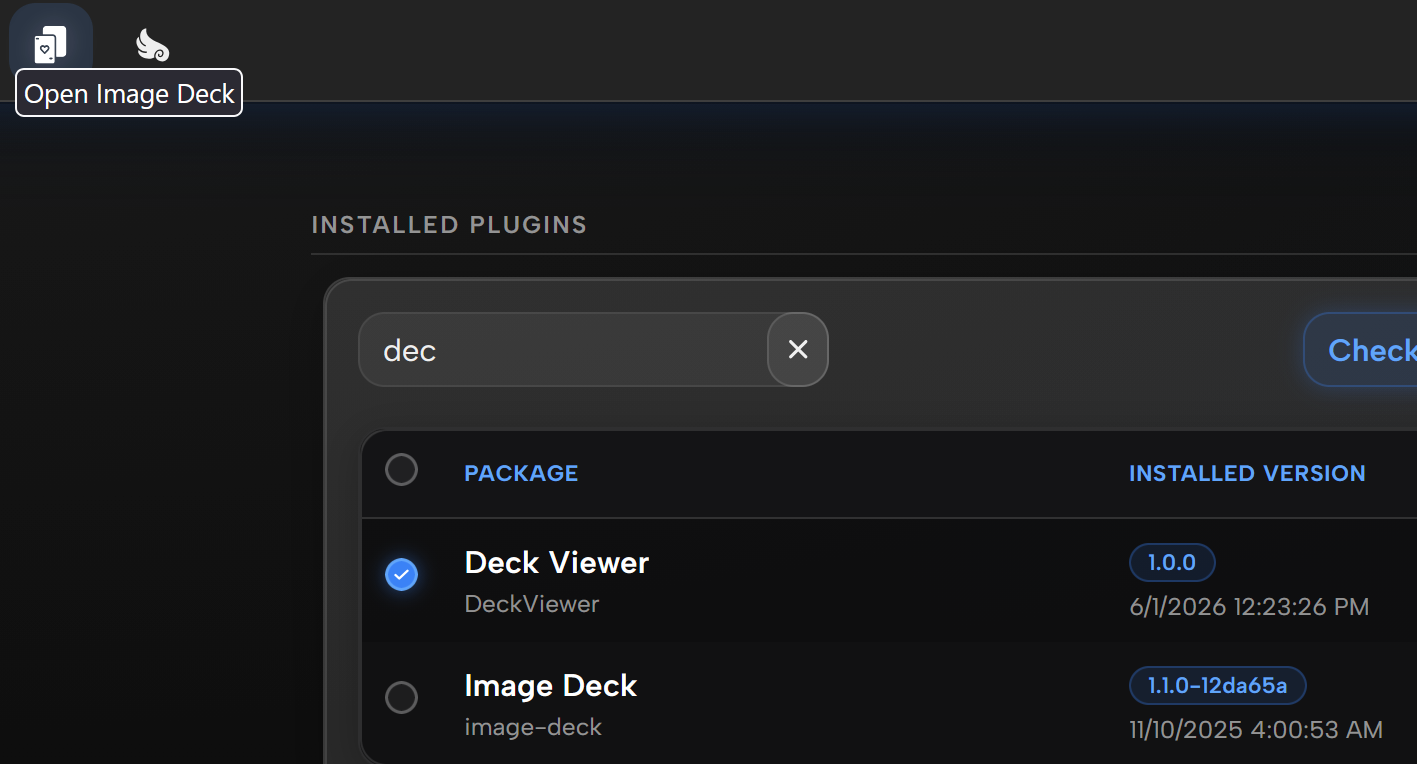
Amazing plugin, but I’m having an issue, the auto play interval seems to stay the same speed no matter what value I set. I’m not really sure what to do
I might have broke it when i ripped out alot of related code bloat. Thanks for letting me know itll be addressed next patch.
1 Like
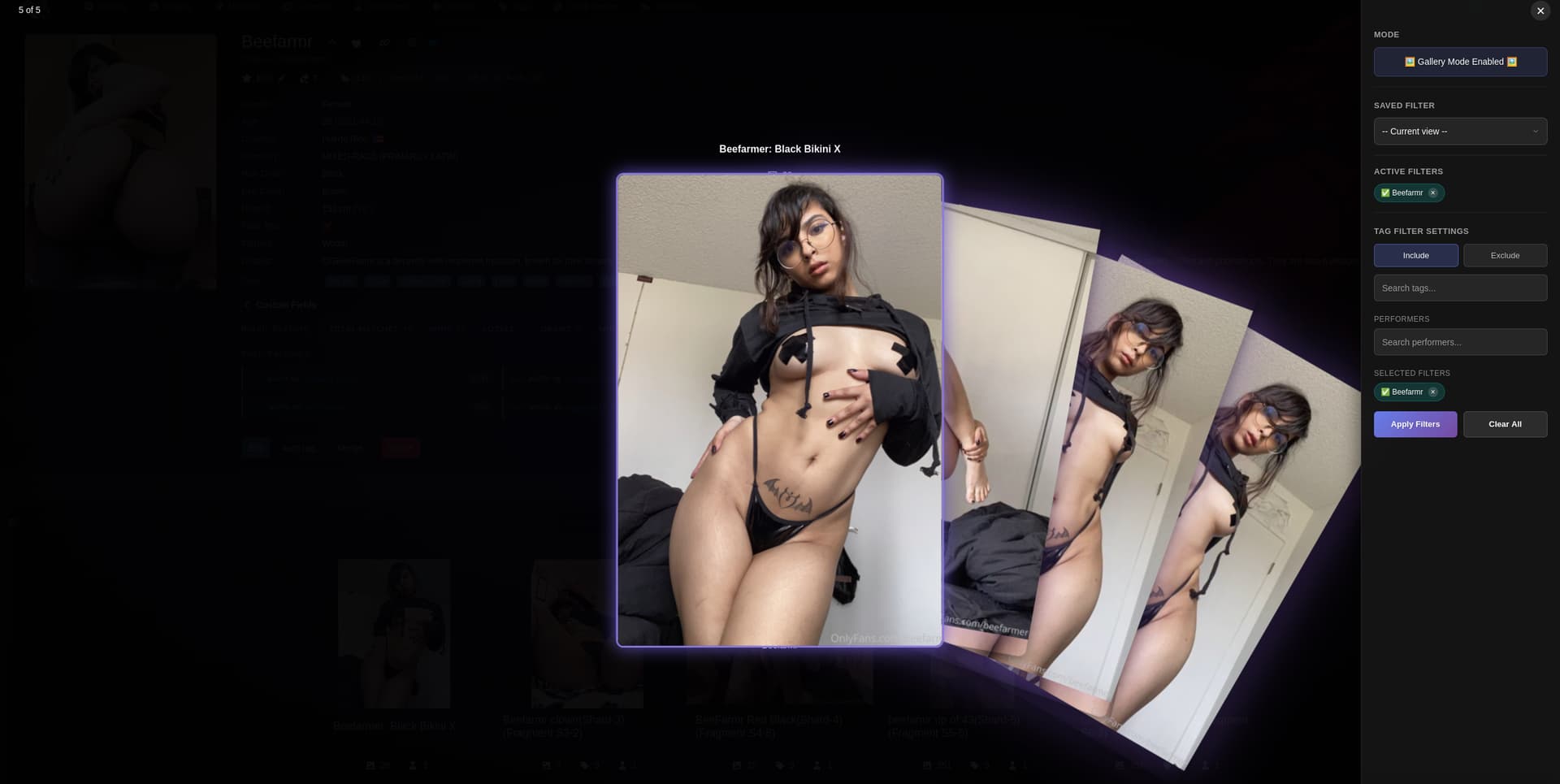
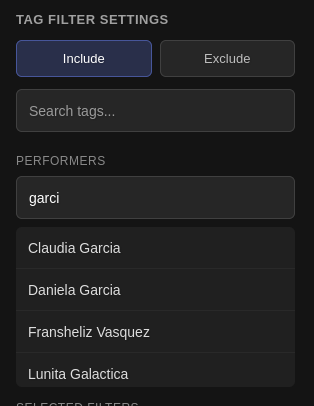
Pretty major update to Deck Viewer has been prodded. I’ll update some screenshots later. This update introduces the use of saved filters, a fan out image preview for your galleries, a ton of performance and QOL improvements, and better meta data and UI.

1 Like