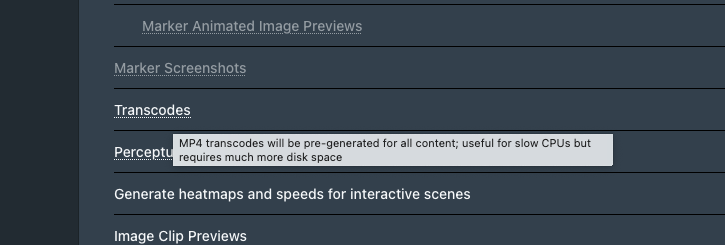
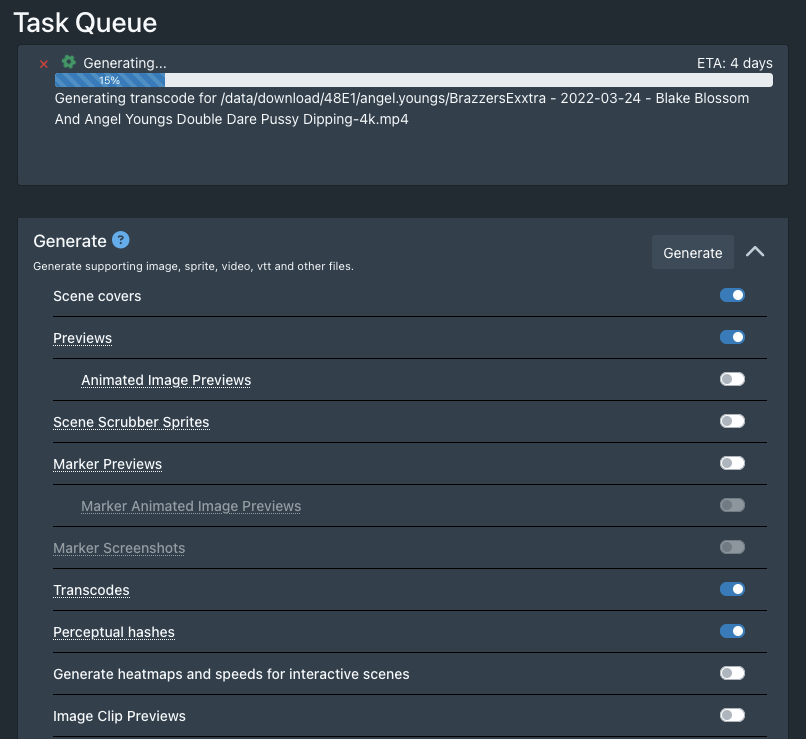
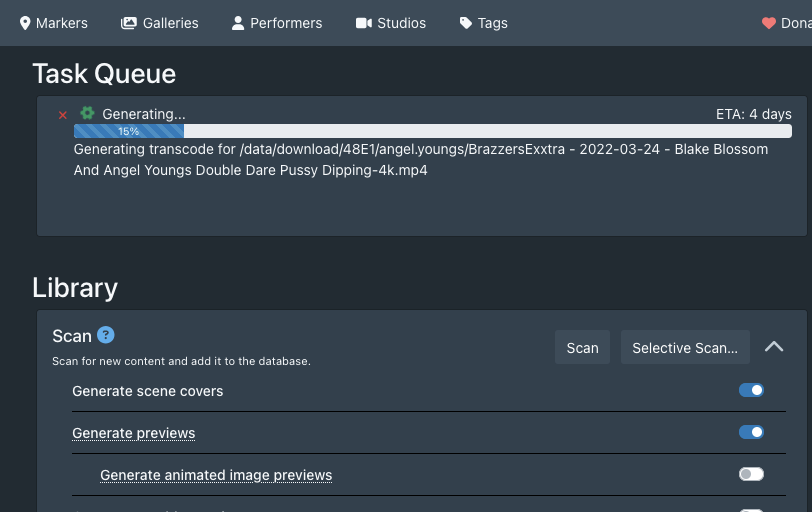
Hi
When Transcodes are finished, how-to delete Original file?
I wish to keep only transcoded file
thanks
opened 07:51PM - 01 Jul 21 UTC
Stash offers a feature to generate transcoded MP4 files of unsupported video for… mats. The transcoded files reside in ```stash/generated/transcodes/```. The transcoded files are given generated filenames that don't offer a clue via the filename which file they were transcoded from. The transcoded files are typically smaller in file size and are not distinguishable in quality from their original files and could be used to replace the original file rather than having two copies that contain the same video content.
I would like an option to be able to replace the original video with their transcoded counterparts. For example, a transcoded file:
```stash/generated/transcodes/3bfd1442e897af86.mp4```
Would replace on disk it's corresponding original file:
```Path-to-File-1/.../Path-to-file-N/OriginalFileName.wmv```
The replacement file ```3bfd1442e897af86.mp4``` would be renamed to the original file's name but with the new file extension: ```OriginalFileName.mp4```
In addition, the metadata would all be preserved and the transcoded file in ```stash/generated/transcodes/``` would be removed.
For me personally, because of the amount of disk space that transcodes can take up the only other option is to not have stash perform the transcodes.
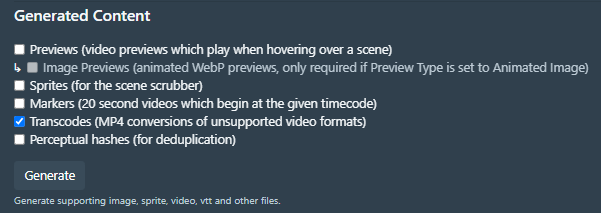
The transcode option I am referring to:
Transcodes are not meant to replace the original file, you’ll have to move it out of generate/transcodes manually and scan it back in. You might want something like tdarr/ unmanic/ handbrake instead
1 Like
system
October 12, 2025, 4:37am
3
This topic was automatically closed 30 days after the last reply. New replies are no longer allowed.