<img> tags suffer greatly when they are playing longer animated images because of performance optimization. This bypasses this entirely by replacing them with videos with fallbacks to static images.
When tag videos are hovered, they are unmuted and restarted until they are no longer hovered.
When the tab is not focused, the videos will auto-pause and mute after 2 seconds, and slowly restart when back in focus
can you post your developer console (F12 on most browsers), it should show specific error information. otherwise force refresh (Ctrl + Shift + F5) clears cache and solves some init issues
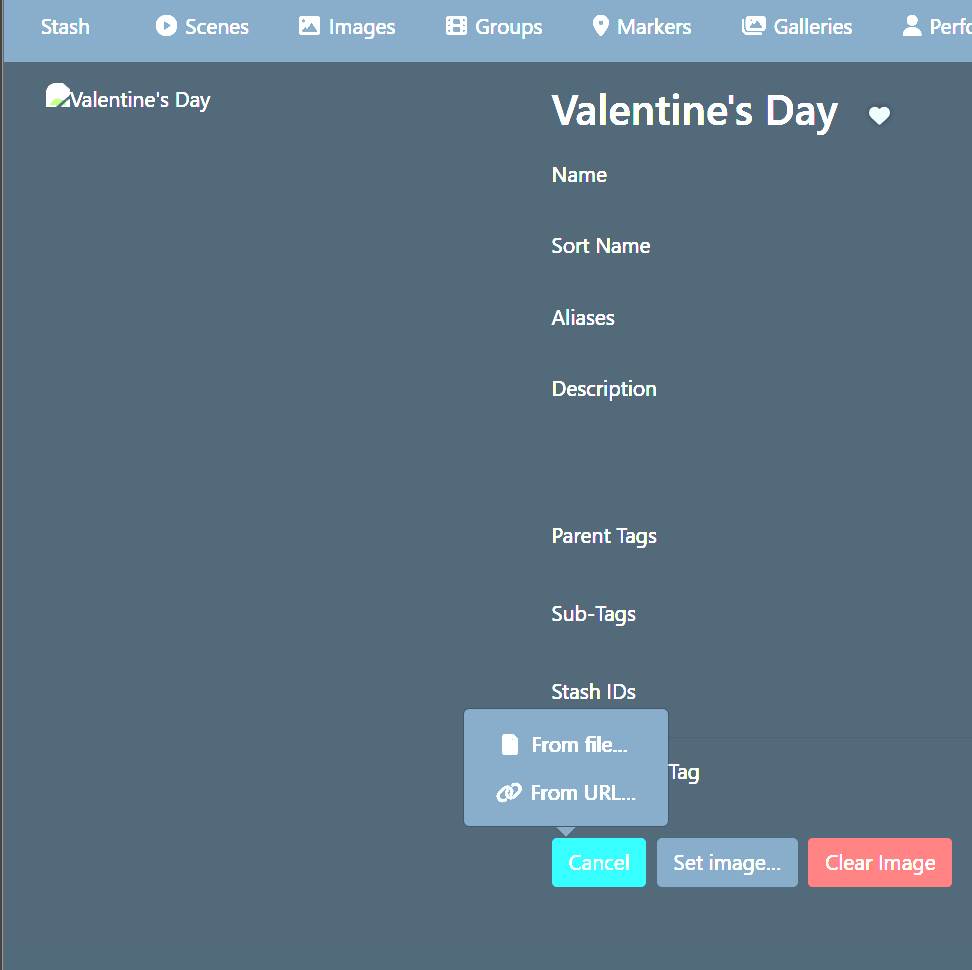
it will initially show a broken image since we can’t hook into the live replacement, it should work once you refresh, its just that initial replacement that is hot-loaded
Hm, I’m on 0.31.1 and it works just fine. Maybe you mean you can’t paste videos from clipboard anymore? That was a stash change and if you select file instead, you can change filetype and upload anything
Hello, I read your previous advice and refreshed the cache and the browser. I also recreated the tags with the optimized video, but it still doesn’t work. Could it be the plugins? i saw the files on the blobs folder and they can be played.
hi! first of all a great plugin. but can you make a way for it to gather the video for the specific tag image automatically based on the video-previews inside that tag? A bit like this Video Banner but in the tag image instead