This plugin automatically propagates gallery-level tags and performer associations down to individual images. Similar to Tag galleries from images, I just didnt like it coming from the bottom up and would rather it behave like the other auto-taggers.
Features
Bulk Tag & Performer Synchronization
Automatically copies tags and performers from galleries to all contained images.
Avoids duplication by only adding missing tags or performers.
Configurable Exclusions
Option to exclude images with specific tags
Option to skip already organized galleries
Only updates images that are missing gallery-level tags or performers.
I like it very much, thank you @sakoto
I used to tag images manually, and it turned out to be a huge pain, so I stopped. I just added the studio and performers on the pics.
If it were possible to also transfer the studio, would a new line next to those do the trick?
gallery_tag_ids = {t["id"] for t in gallery["tags"]}
gallery_performer_ids = {p["id"] for p in gallery["performers"]}
A line looking like this on line 74?
gallery_studio_ids = {s["id"] for s in gallery["studios"]}
Its actually really funny you say that because the reason I didnt commit to my own git is because I plan on making a unified manifest and repo to streamline everything. The task is long overdue and it needs to be done. It’ll probably happen this weekend.
Thanks a bunch for taking my request into account. I’m still alive, and still appreciate your plugin a lot!
I was trying to update via the plugin settings in Stash (which is running in a container on my NAS), without success. I guess @sashi 's answer helps me understand why
I’ll wait after the week-end, then. Could you please post here when you are done? That way I’ll know if I simply update or if I need to modify the repo URL.
Sashi I really appreciate it man. Unfortunately Ive come to hate discord and the cretins that use it and more so just use it for random dev questions. But I tend to avoid that place. This is the best place to reach me as I get emails and can respond more naturally as I get time.
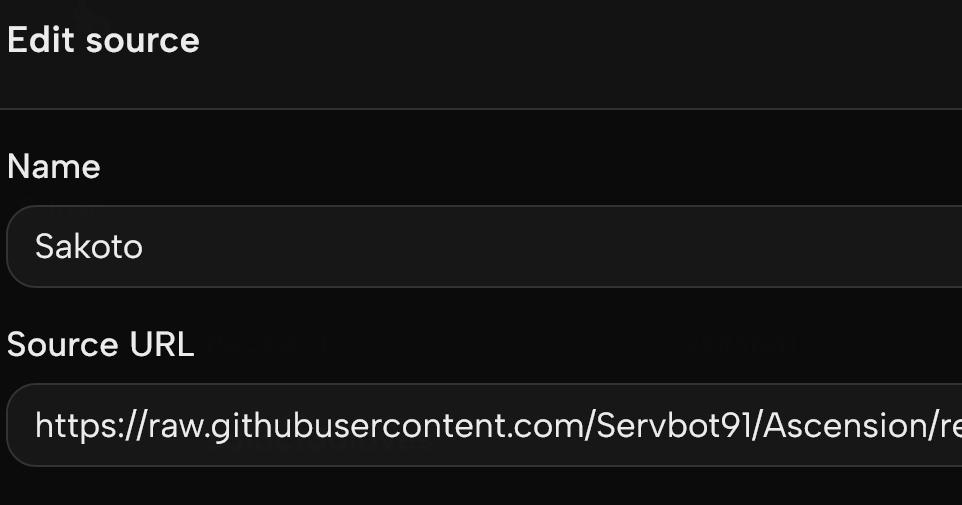
What do you think would be the best method after updating the manifest pointer?
Remove the old plugin and reinstall the new one
Install the new version on top of the old one
It could be easier to just install, but is there a risk of conflicting files? Or does the new one use some of the old config file? Or maybe my install would need some files it may have created? I have to admit I don’t really know how stash plugins work…
For the sake of simplicty its best you remove the existing plugin (tagimagesfromgalleries) folder. Delete the existing manifest setup then install the new one. Theres no data persistence with this plugin so its fine. If you are using something like Ascension, then you would need to move your snapshot files. However that is not the case here. But you can always backup the plugin DIR just to be safe.