 |
Summary | Adds a new stash page that uses a tag based content browser filter. This recreates the content browser functionality of scenes, images, galleries, studios and performers in a self contained tag-based browser. |
 |
Repository | https://github.com/RollainKraus/stash-plugins/tree/main/plugins/TagBasedBrowser |
 |
Source URL | https://rollainkraus.github.io/stash-plugins/main/index.yml |
 |
Install | How to install a plugin? |
[!info] ALPHA - EXPERIMENTAL Shouldn’t break anything, but several known issues and UI/UX pain points + missing planned features.
Made another plugin which accomplishes what this set out to do but better implementation:
Tag Sidebar
Features
-

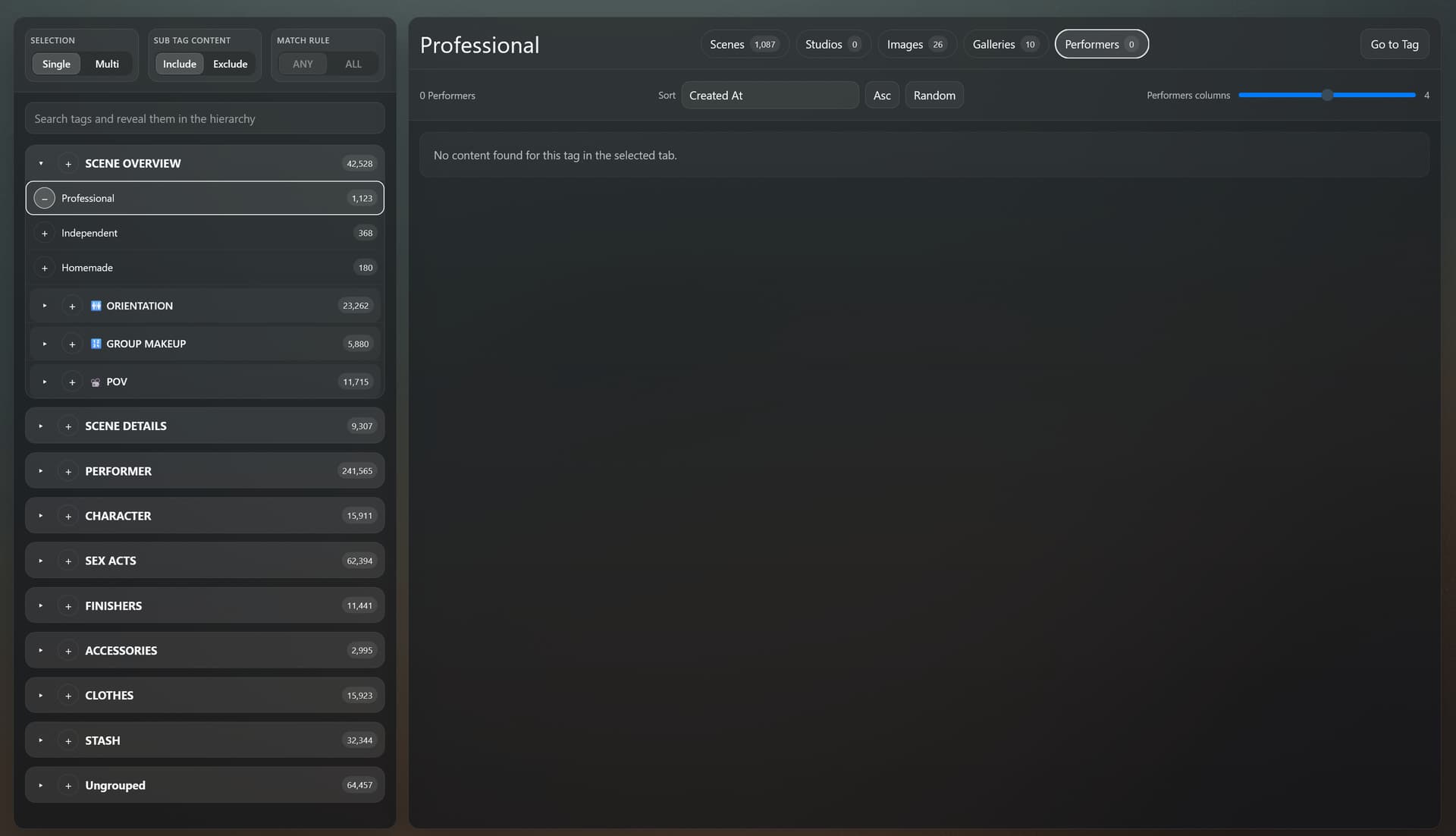
New Tag Browser page for filtering through scenes, images, galleries, studios and performers with tags
-
Options for including child tags, single or multi select with ‘any’ and ‘all’ behavior
-
Clicking on content opens the content page
-
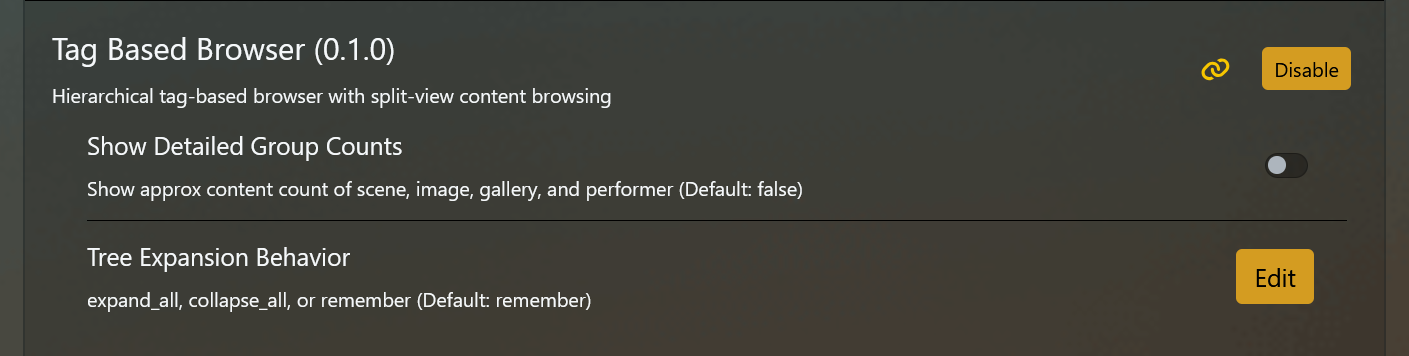
Shows approximate count of all content with selected tags
**Known Issues
-
Refreshing Tag Browser returns 404
-
Approximate aggregate content counter is wildly inaccurate
-
UI scales/adjust poorly
-
Missing information and sort rules normally displayed via stash (scene description, O-count, resolution, etc)
-
Initial startup takes a long time to load, might require reloading plugins/refreshing/restarting a few times (Recreating stash’s browsing functionality is not ideal but I couldn’t think of another way to unify different categories under one browser menu, also I didn’t want to risk breaking anything. This plugin in particular is certified 100% AI slop. If the idea sticks it would be nice for an actual programmer to try something like this)
**Planned Features
-
Tag Selection Presets: this is redundant since you can do the same with stash’s own content browsers but it feels like a natural feature in the context of this plugin
-
Add missing metadata displays and sort rules
-
UI customization
-
Installation
-
Available Plugins >> Add Source
-
Source Name: RollainKraus
Source URL: https://rollainkraus.github.io/stash-plugins/main/index.yml -
Click Checkbox >> Install
-
Reload Plugins
Screenshots
Made with AI - sharing in case it comes in handy for someone else or maybe inspires some different ideas.