|
Summary | Your studios, complete: watch time and a stash-box catalog on studio pages, and a page that links studios to StashDB (or your other stash-boxes) and fills networks, logos, links and aliases. |
 |
Repository | https://gitlab.com/allisless0/stash-plugins/-/tree/main/plugins/StudiosToolkit |
 |
Source URL | https://allisless0.gitlab.io/stash-plugins/main/index.yml |
 |
Install | How to install a plugin? |
The studio sibling of Performers Toolkit. My studio list had grown to about 2,000, with a few hundred missing a logo or a parent network, and some there twice. Logos matter more than they look: with the Flexoki theme every scene card shows its studio’s logo.
On a studio’s page
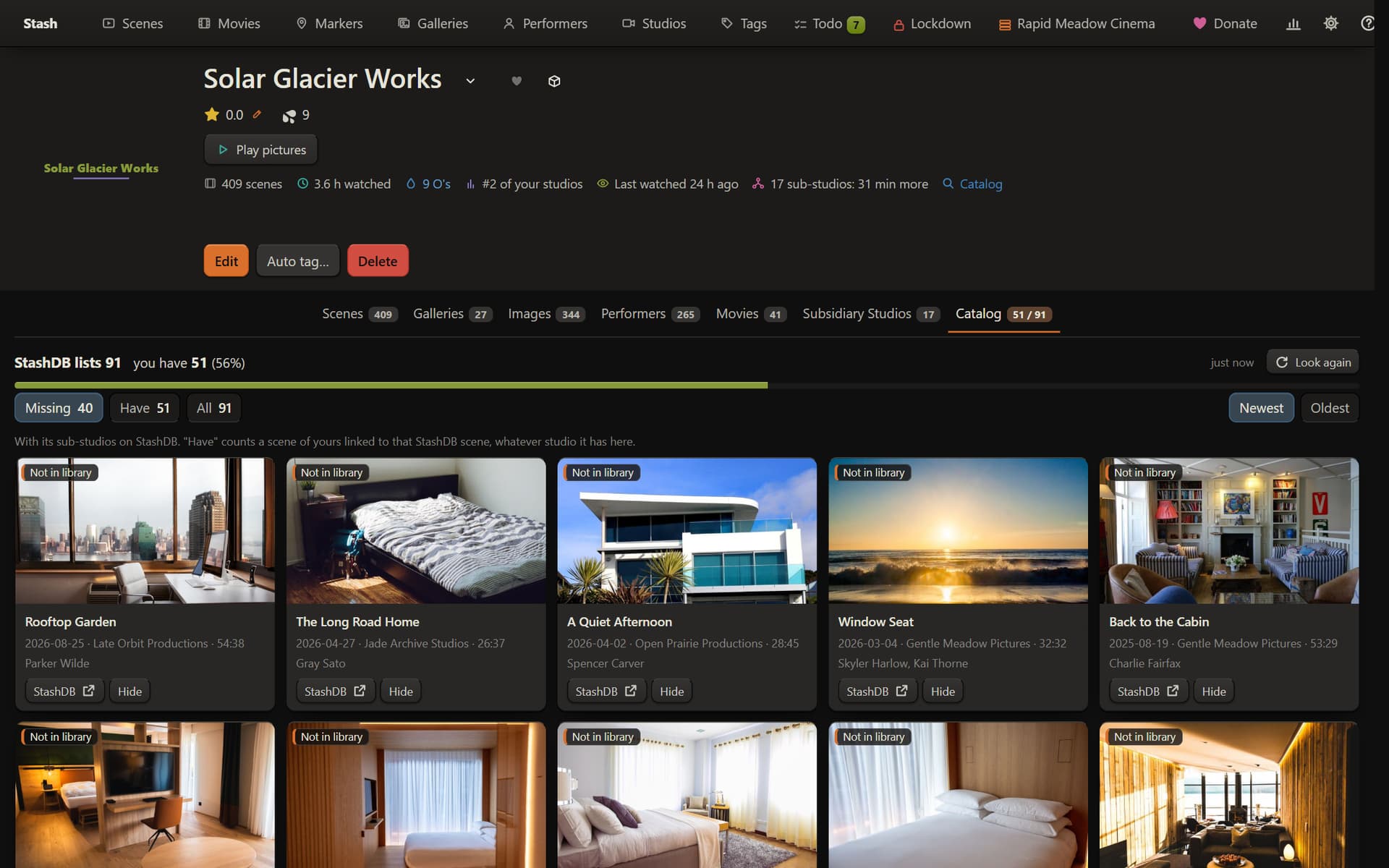
- Under the name: its scenes, how long you’ve watched it, its O’s, its rank among your studios, when you last watched it, and for a network what its sub-studios add
- The Catalog tab (for a studio linked to a stash-box): the scenes it lists for the studio and its sub-studios, as cards: Missing, Have, All, and Hidden for the ones you never want. A Copy button on the ones you don’t have copies studio, performers and title, ready to search elsewhere
The toolkit page
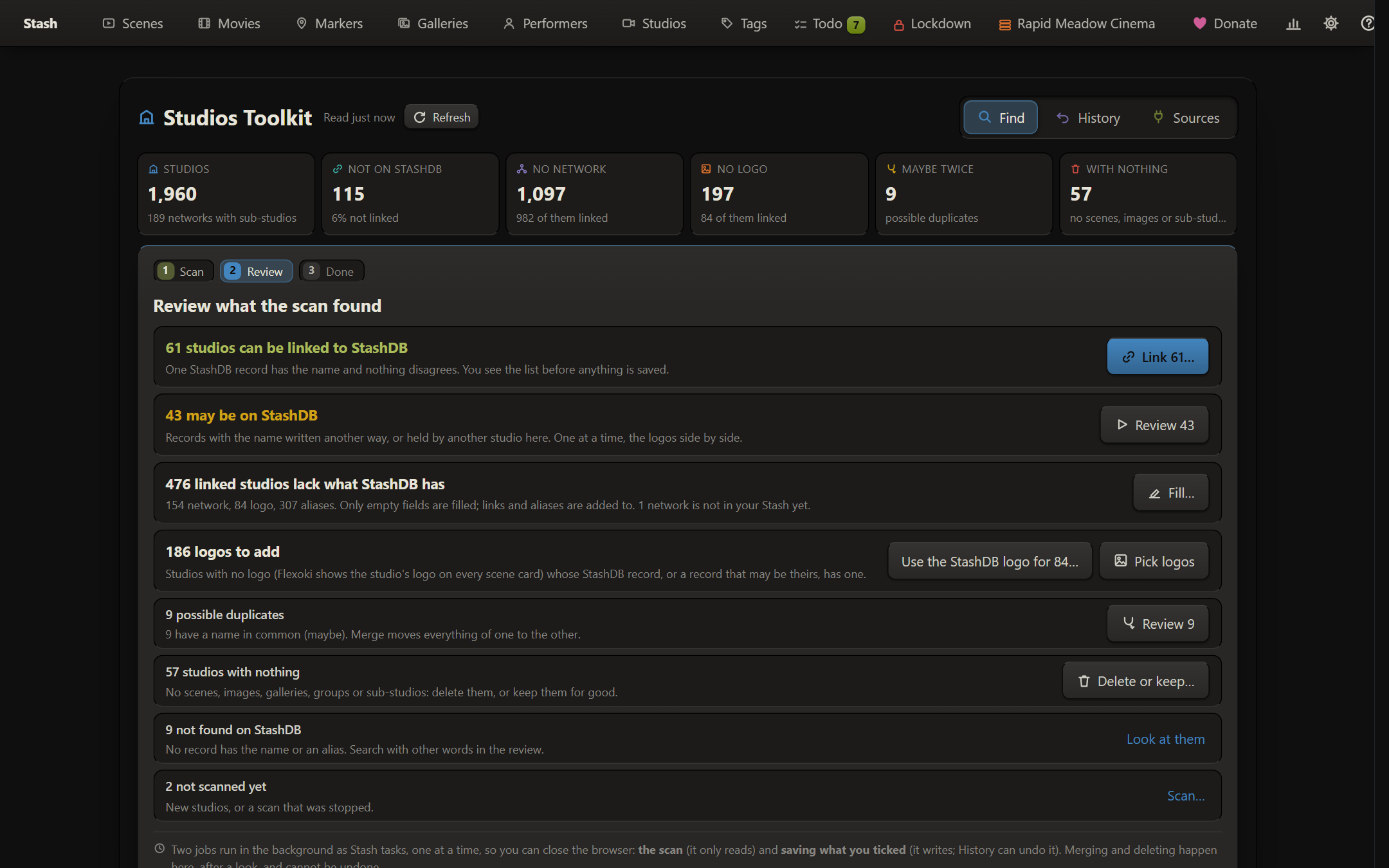
- Find first shows your studios as they are: how many aren’t linked, have no network or no logo, may be there twice, or have nothing at all
- Scan (a Stash task that only reads, under a minute for about 2,000 studios): searches your stash-boxes for unlinked studios by name and aliases, and reads the record of every linked one for what it could add
- Review, one row per kind of work:
- can be linked: one record with the studio’s name and nothing disagreeing, linked in one go
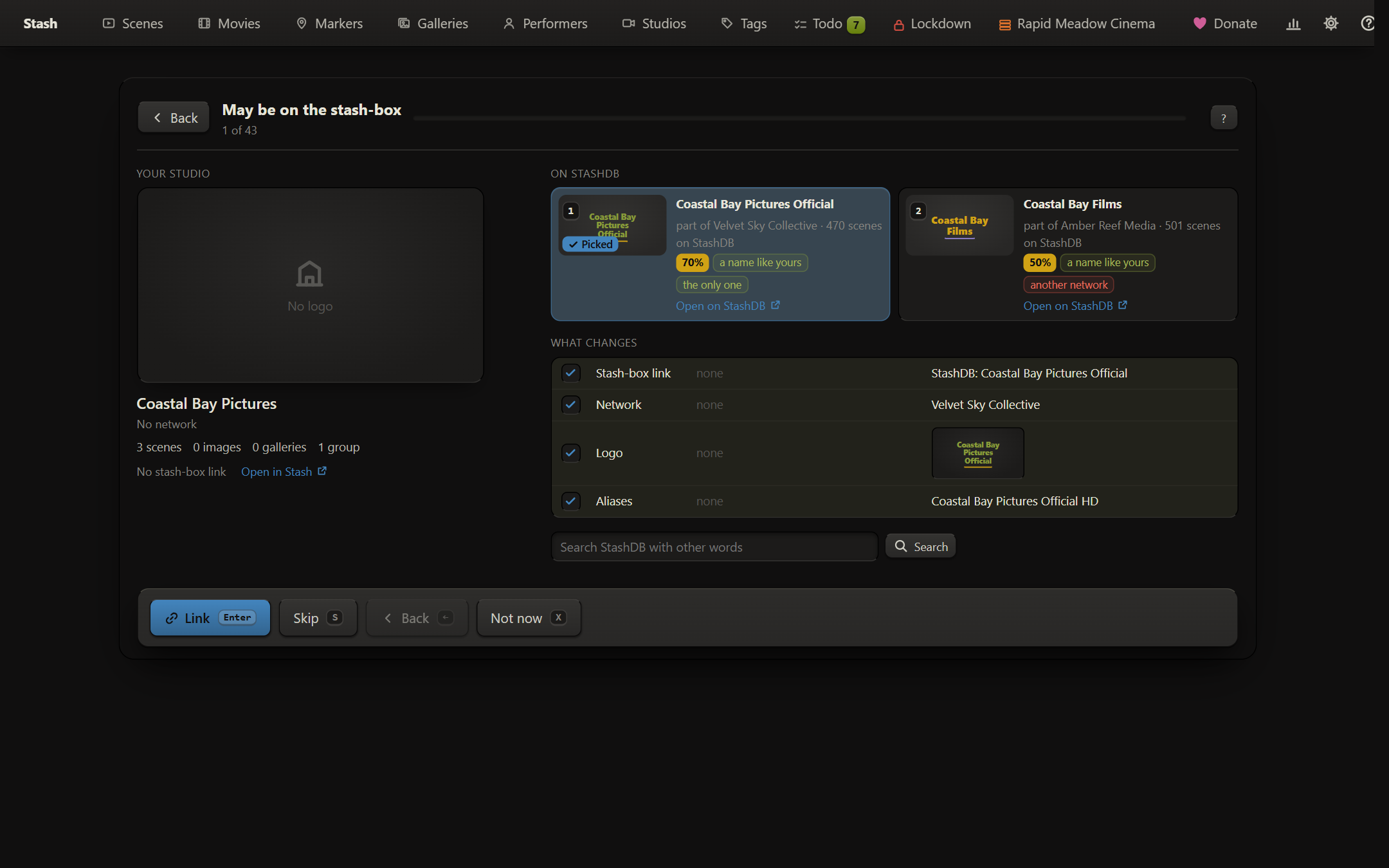
- may be on a stash-box: one at a time, your studio beside the records with their logos, network and scene counts
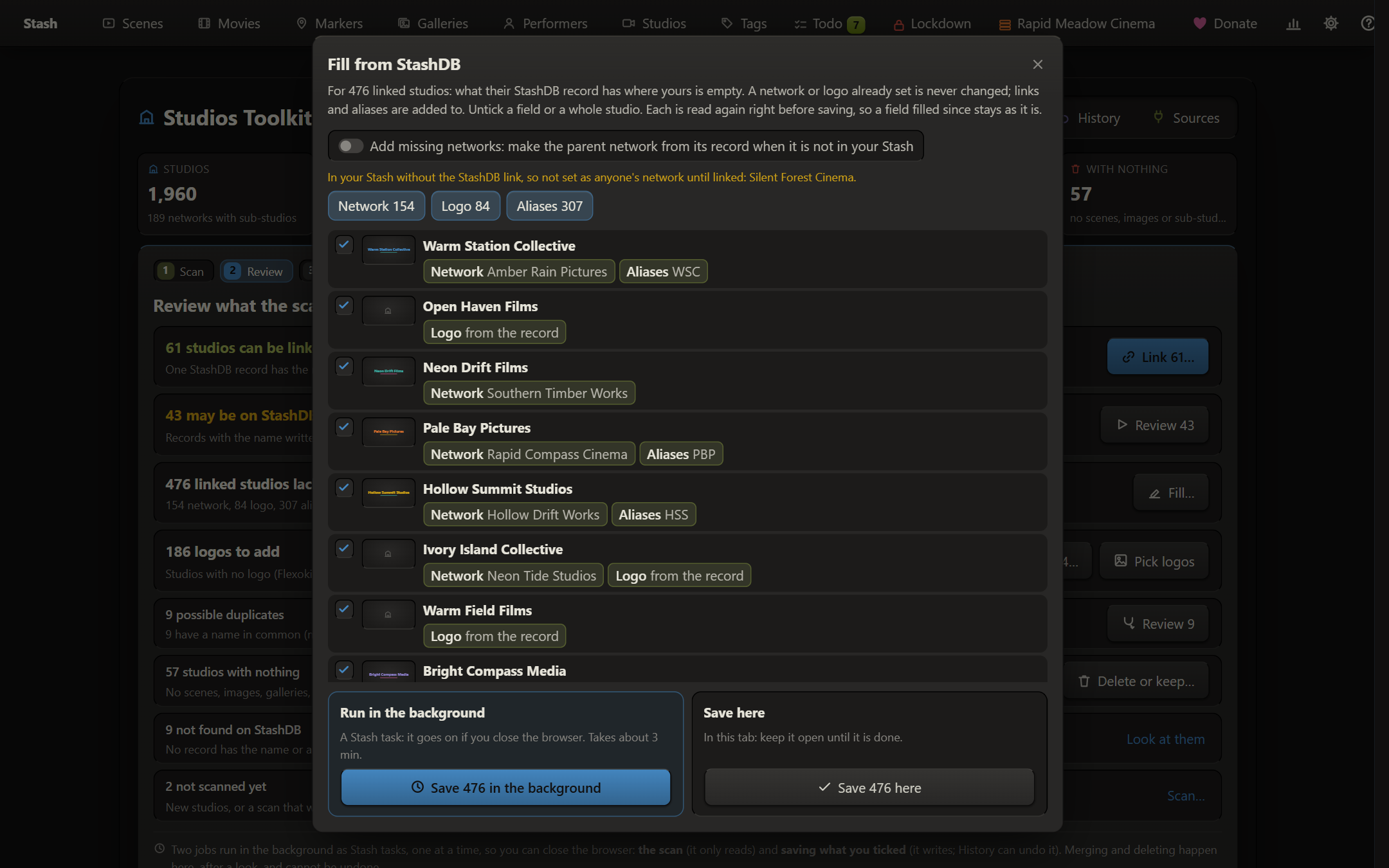
- lack what the stash-box has: parent network, logo, links and aliases, a tick per field. Optionally add a missing network from its record
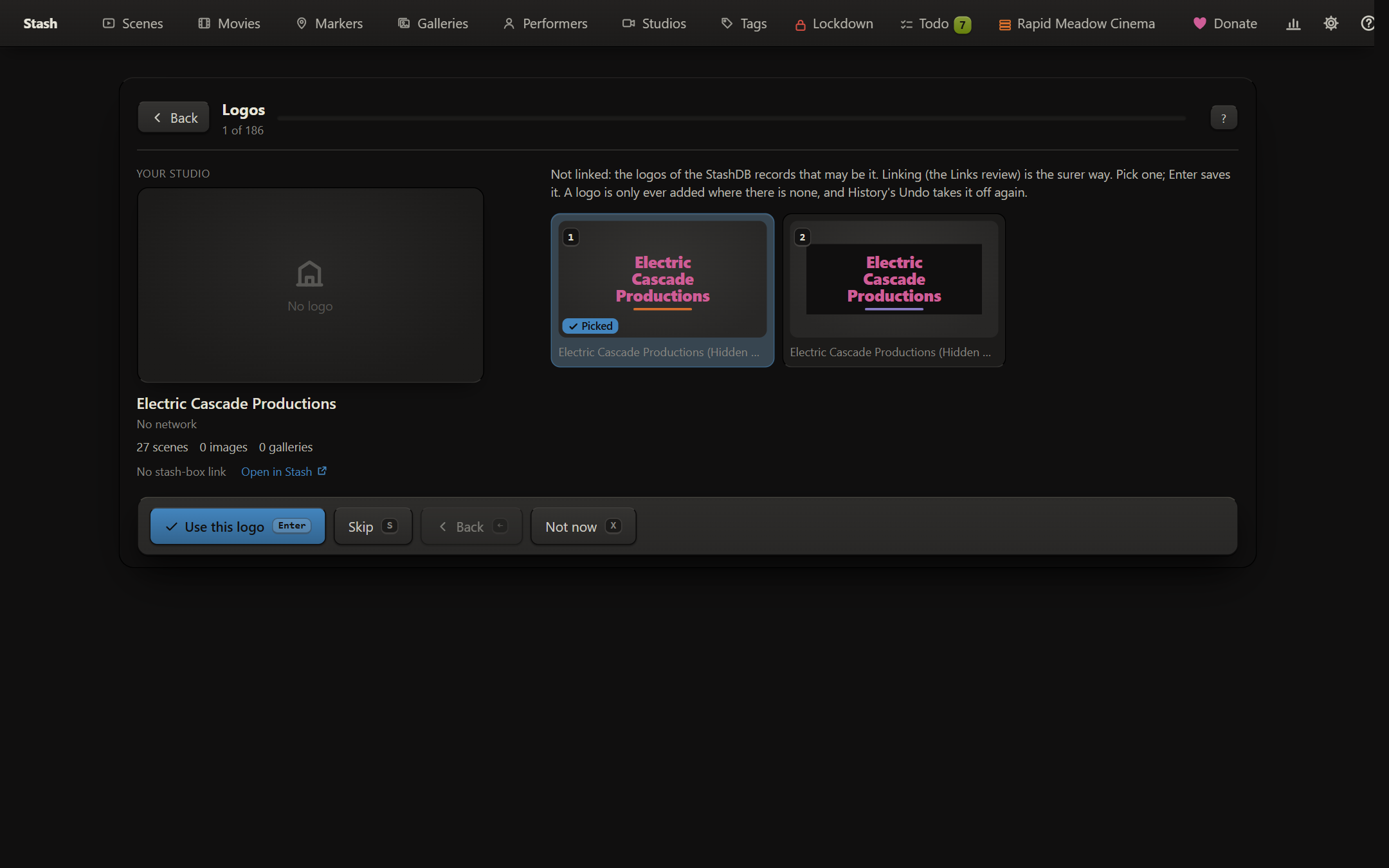
- logos to add: the stash-box logo for linked studios in one go, or pick them one at a time
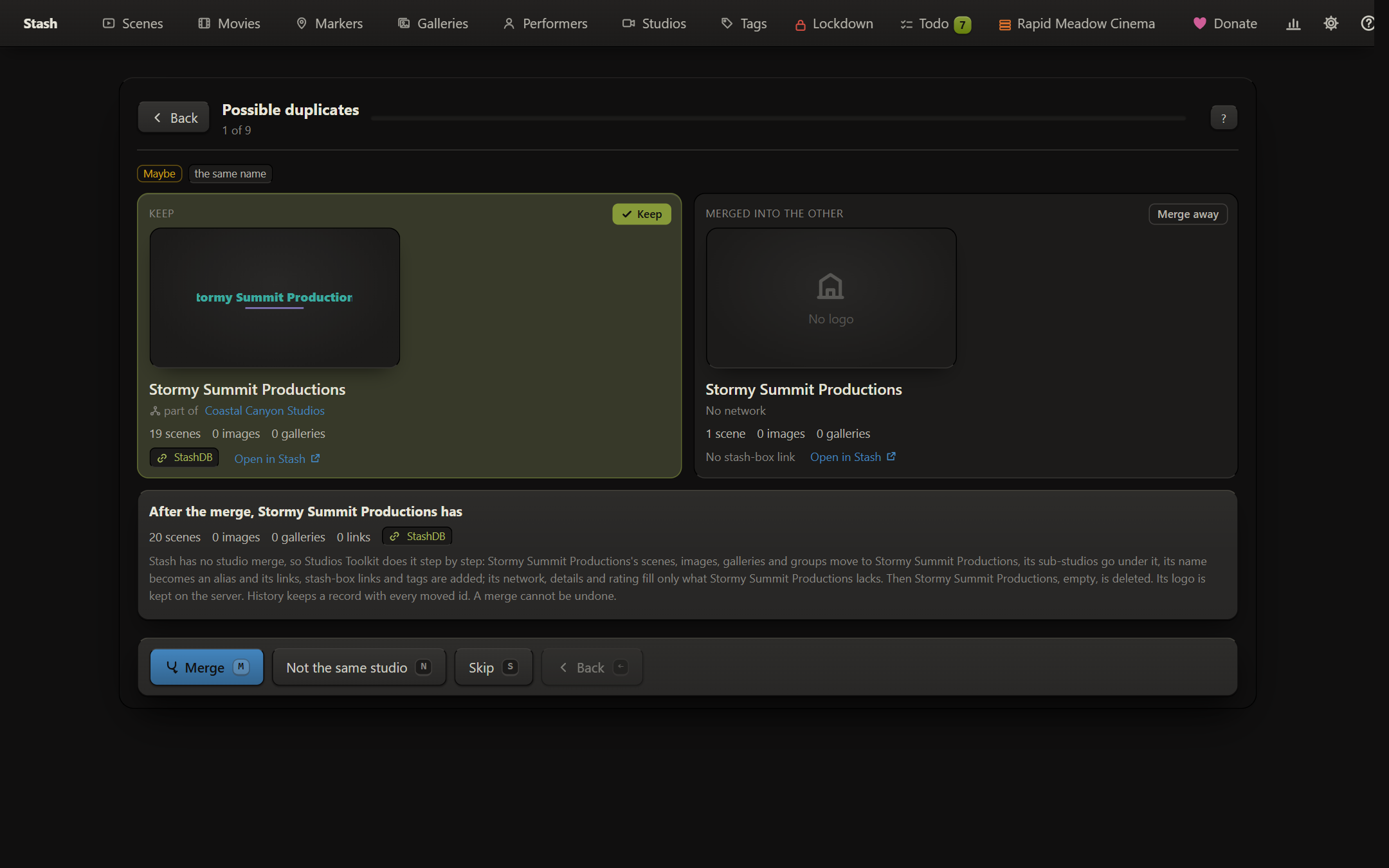
- possible duplicates: merge (press twice) moves scenes, images, galleries, groups and sub-studios over. Stash has no studio merge of its own, so it’s done step by step and every moved item is recorded
- studios with nothing: delete or keep for good
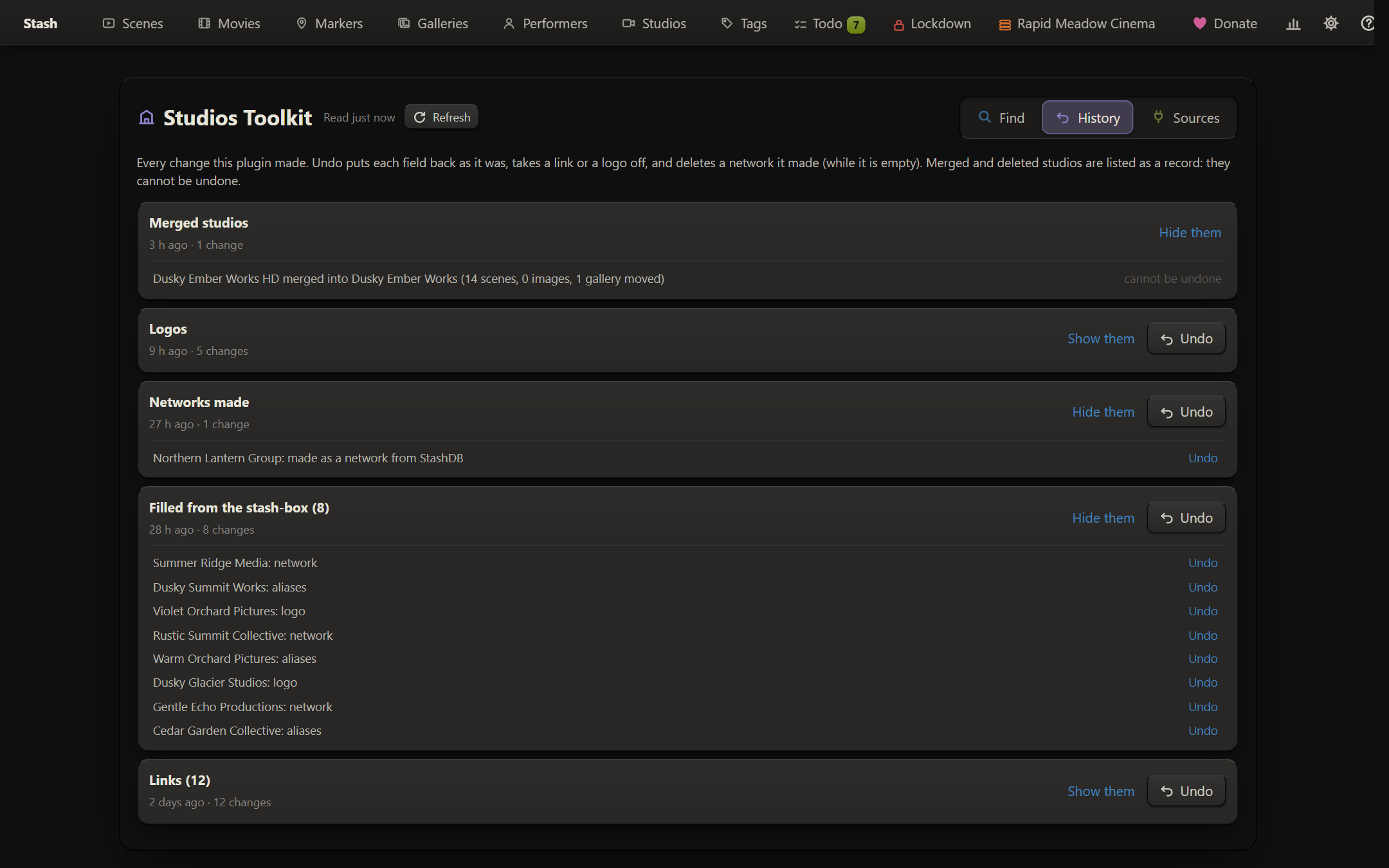
- Every save can run in the background or in the tab. History undoes fields, links and logos; merges and deletions are records only
Requirements and notes
- Python 3 on the Stash server (Stash’s Docker image has it)
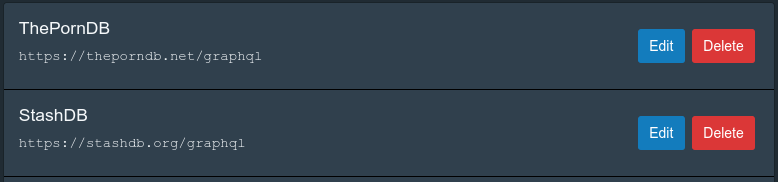
- A stash-box endpoint (StashDB, FansDB…) set up in Stash. Sources > Stash-boxes picks which ones it uses and in what order; a studio linked to any of them counts as linked, and every record in a review shows its box
- With Insights, its Actions tab shows the to-do counts and can start the scan
- With Suite Data, History and the job state are kept there
- Follows your Stash theme (Flexoki’s colours with the Flexoki theme, your theme’s otherwise)
- It’s the newest of the toolkits (0.3). Back up your Stash database before merging or deleting
Installation
- Settings > Plugins > Add Source:
https://allisless0.gitlab.io/stash-plugins/main/index.yml - Install Studios Toolkit, reload.
- Open any studio, or click Studios Toolkit on the Studios page (or go to
/studiostoolkit).