Stats Enhancement

:placard: Summary Adds country, age distribution, and timeline charts with interactive filters.
:link: Repository https://github.com/dmanitoba/stash_plugins/tree/main/plugins/stats_enhancer
:information_source: Source URL https://dmanitoba.github.io/stash_plugins/main/index.yml
:open_book: Install How to install a plugin?

Features

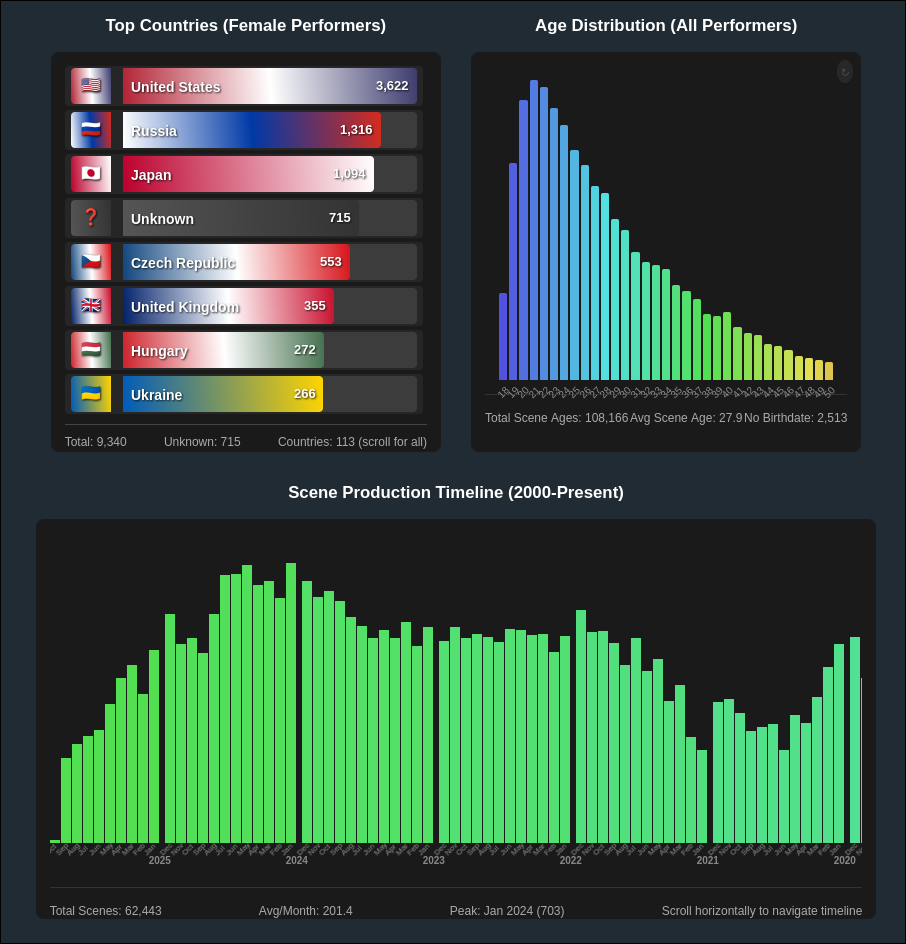

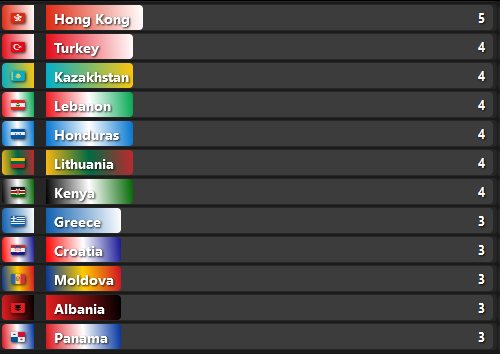
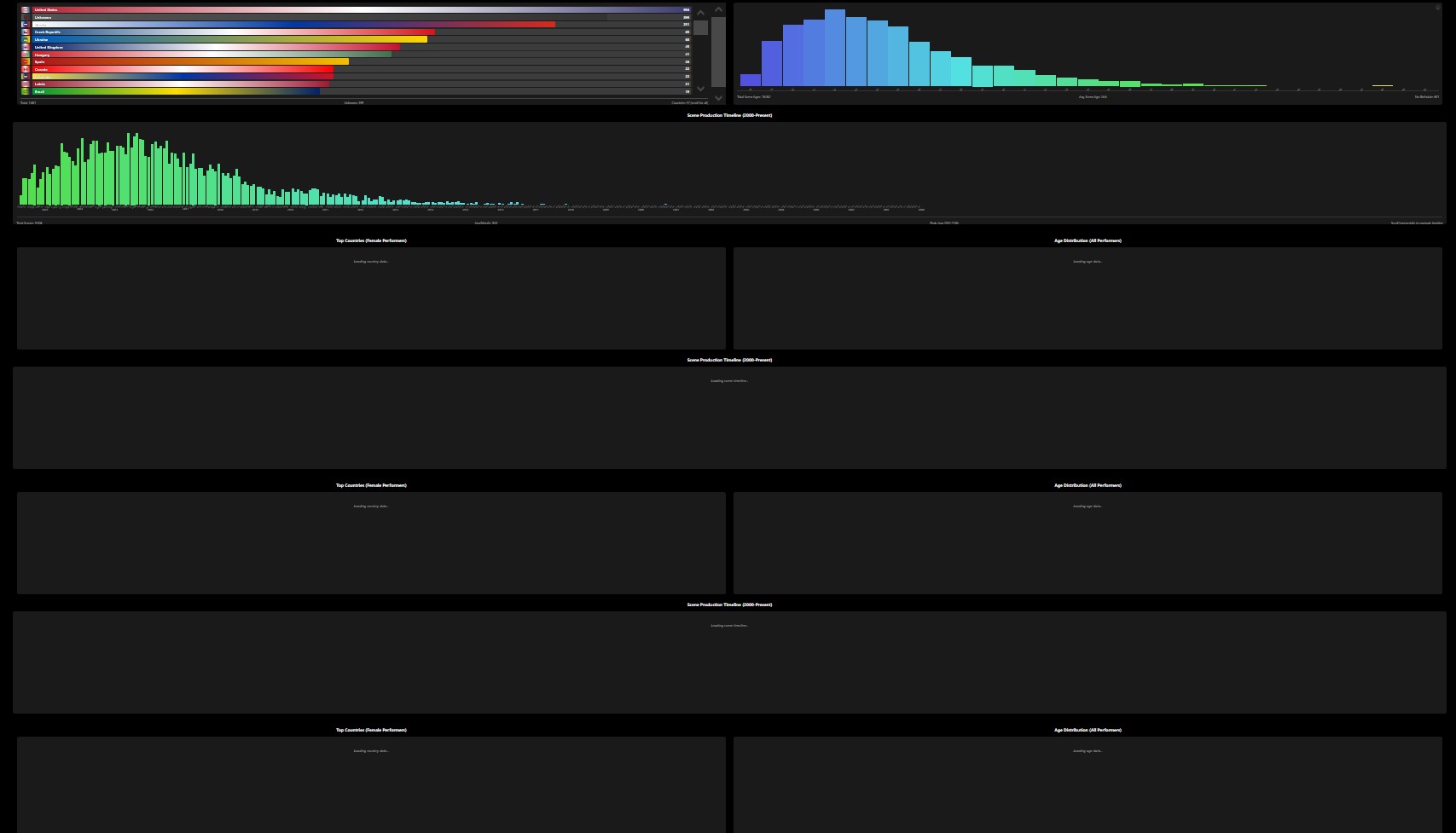
  • Interactive Country Statistics: Click on any country bar to see a popup with the top performers from that country, sortable by scene count or rating, with flag emojis and themed colors

  • Age Distribution Analysis: Shows performer age distribution based on age at the date of production

  • Scene Production Timeline: Interactive monthly timeline visualization showing scene production volumes with clickable month bars that display scene counts and allow filtering by specific time periods

Screenshots


output

3 Likes

Some bug reports.

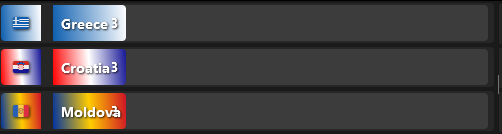
  1. Number counters sometimes overlap with the country name.

  2. The counter is also not accurate. E.g.
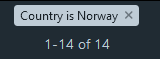
    It shows 1 for Norway, while Stash returns 14.
    image
    image

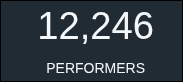
It appears it only loaded in about half the performers. Out of ~15000, it only listed ~7400.

I’ll fix #1,
For #2 I’m just curious if it’s still wrong if you add a Female filter. When building it I was only interested in that, so for me I have:

2025-10-07-152849_hyprshot
2025-10-07-152858_hyprshot

Overall counter is correct, but the countries counter is still wrong.
image

In the Norway example:

  • Top Countries counter shows 1.
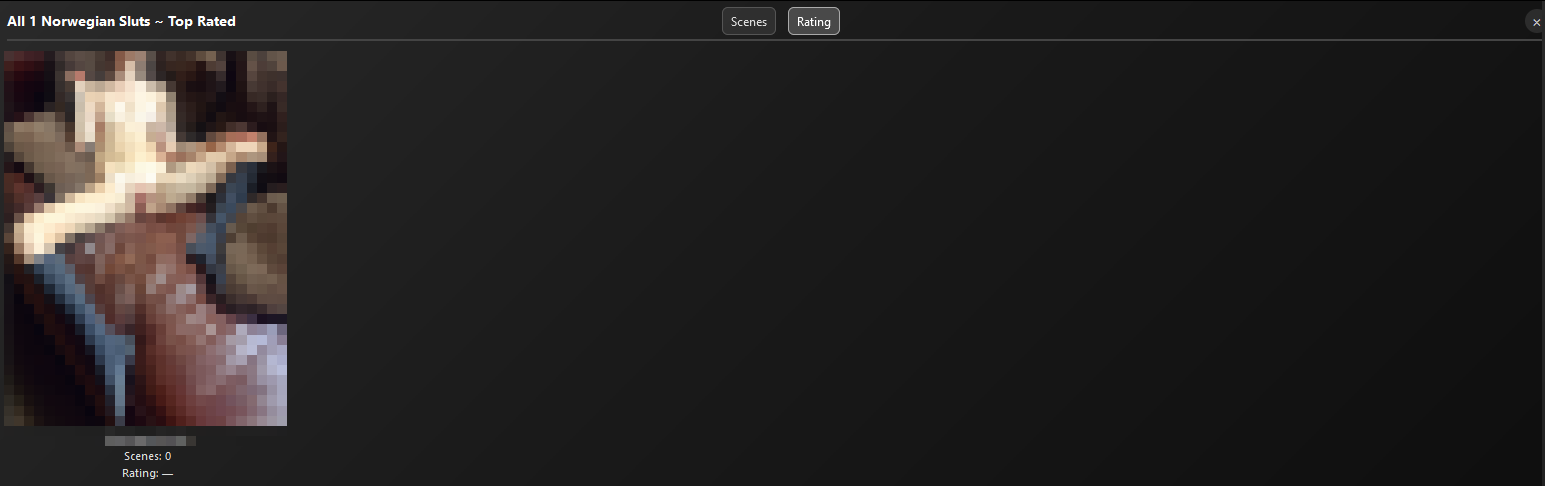
  • If I click on Norway and navigate to Rating tab it shows 12.
  • Filtering in Stash shows 13.
    image

I fixed the style issue.
As for the other issue its hard to say without knowing more about your data. I was only capturing performers with at least 1 scene, so maybe you have some image only performers that weren’t being counted. I can only guess without knowing more. The count in the country bar should match the filter Country + Female. LMK if it works better.

Can confirm that the numbers look better now.

On this particual instance I have 0 scenes and 0 images.

Norway still shows 1, but now when clicking on it and navigating to Rating tab that also only shows 1 performer (instead of 12 before).

image


image

So I found on my own instance I for example had 150 UK performers, than way at the bottom in its own row 1 UK performer. I went into that performer page and just reselected UK and saved, and that cleared it up - so maybe it’s something stale with the country in the DB.
Another thing you can try is there is a refresh button in the top right on the age box that recalculates some things.
As a last resort you can try clear your cache/local storage - I do save some things there for performance.
If you’re running multiple instances, that’s not really something I anticipated or have in my own workflow - all those counts could get mixed up.

Good idea. That apprears to be the case. Some are in all uppercase, while others are all in lowercase.
image

That shouldn’t be a problem as localforage is tied to domain and multiple Stash instances can only run on different port.

So it sounds like everything is cleared up - which is great to hear.
LMK if you have other ideas for the stats or rater plugin, and how you’re liking them.

Based on the Norway example the cause appears to be that only lowercase performers are counted when both lowercase and uppercase country code values are returned by Stash. That is still an issue.

Can confirm this fixed it.

image

1 Like

Hello, love the new stats :slight_smile: But the graphs are being repeated many times. Does this happen to someone else?

Do you use another plugin to add more stats like Stash Stats or Extended Stats?

1 Like

Yes, I use Extended Stats (1.1) aswell and if I disable this, its fixed. But is there a way to use both? Not a big problem, but wanted to point out :wink:

I would suspect there is some conflict between them, but I have no idea how to solve it, sorry.

1 Like

Cool idea, but as someone with an all-male stash, the plugin is useless. Any chance to do away with the female only aspect of it? Maybe a configuration somewhere.

2 Likes

Quick and dirty way would be to search for FEMALE and change it to MALE in the code.

I created an update and made it so you can choose now.

1 Like

I made a fix, hopefully that doesn’t happen for you anymore. LMK.
Thanks for checking it out!

1 Like

thank you so much! works like a charm

1 Like