|
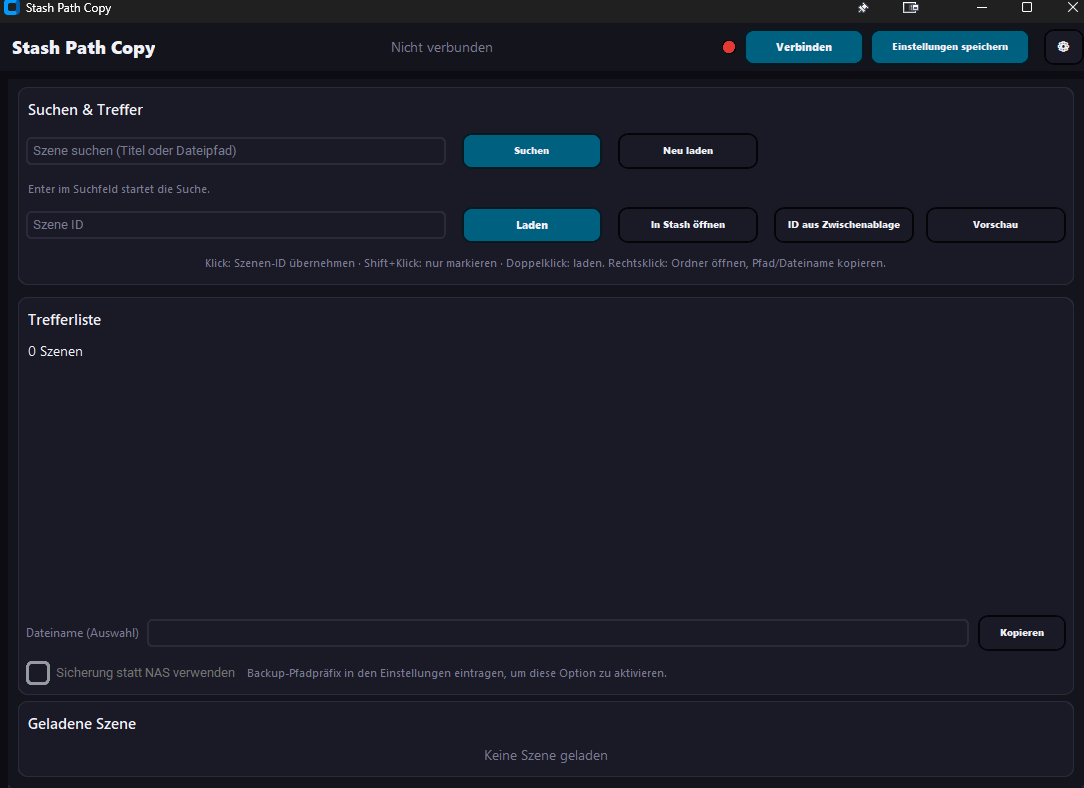
Summary | Copy real file paths from your Stash library for import in other apps. Optional AutoHotkey helper pastes the full path into Windows open dialogs — no more manual folder hunting. |
 |
Repository | https://github.com/PepegaSan/Stash-path-copy |
Features
-
Find the scene in Stash Path Copy → Copy full path.
-
In your other program, open File → Open / Import (file dialogue appears).
-
Use the AutoHotkey option for faster workflow
-
Press your hotkey (default F20) — the full path is pasted into the file name field and confirmed.
Installation
-
Run
install.bat(optional.venv, thenpip install -r requirements.txt). -
Run
start.bat. -
Open Settings: GraphQL URL, path prefixes, and optionally create the AHK script.