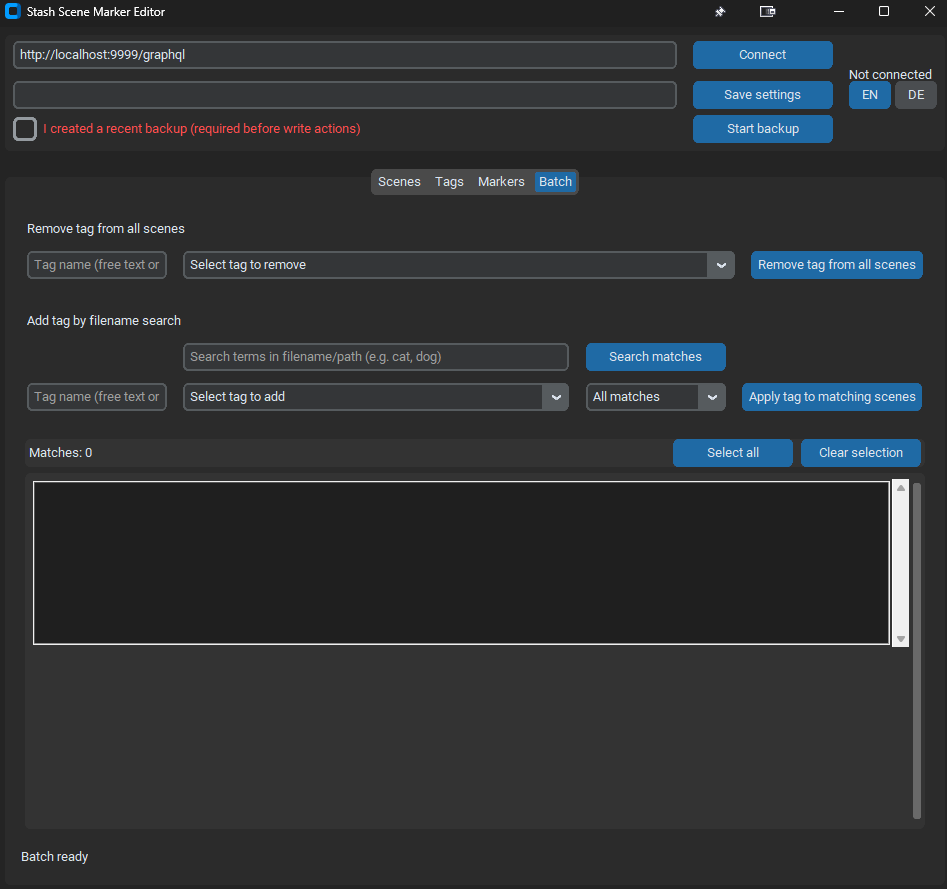
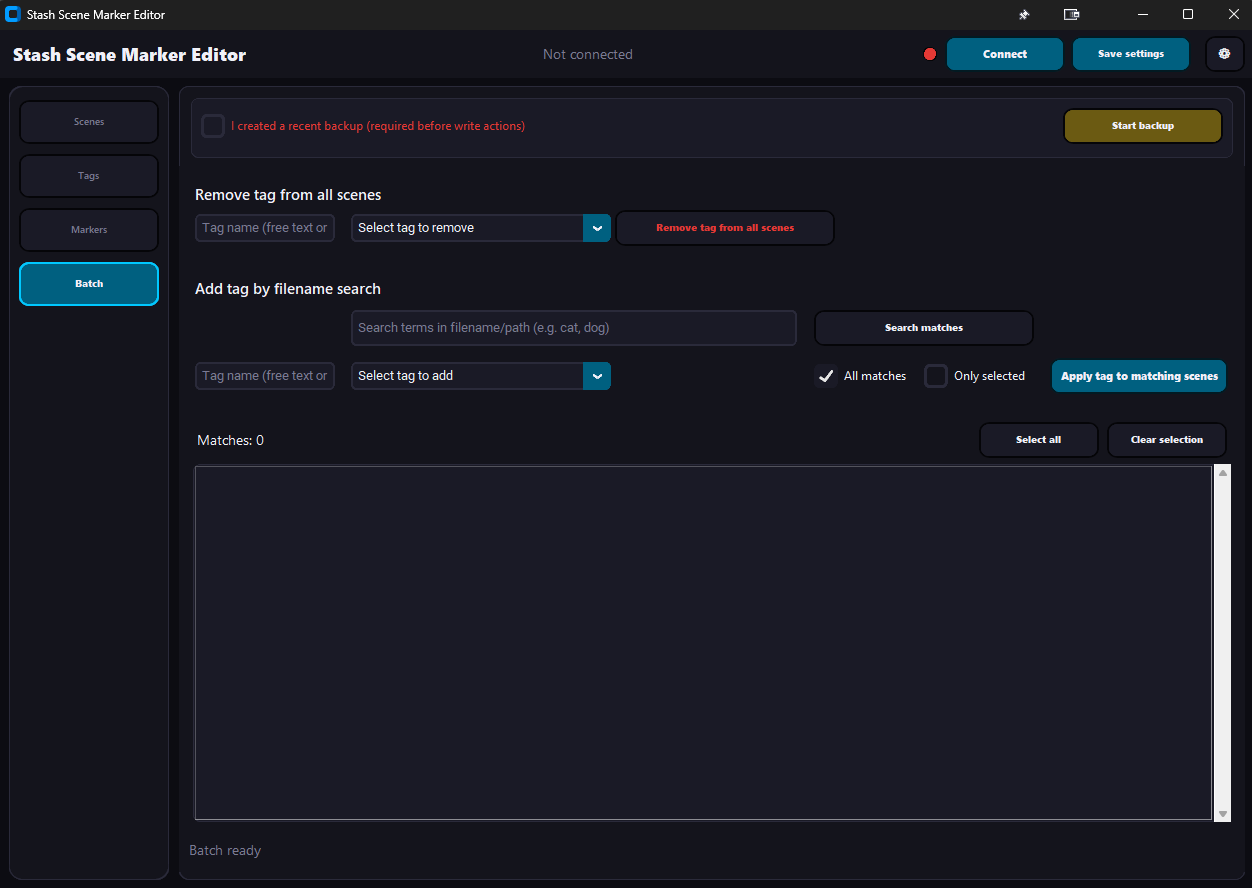
Made an update
v1.2.0
-
You can add Markers by viewing in a player (use keys “i” and “o” for start and end)
-
You can copy paste the full stash url and it finds the right ID and file
-
You can copy markers 1:1 to another video
-
Means you can fully edit markers in this tool
If you have any suggestions to improve workflows, feel free to write here or on GitHub
Release v1.2.1
Improved workflow
-
Open the player from Scenes, Markers, or Batch (detach) — no need to jump to another tab first.
-
Loading a scene on the Scenes tab updates the player automatically (URL + video) when the player window is open — less manual copy‑paste.
-
Click a marker in the list to edit it as before; click the same row again or use Clear selection to get a fresh, empty marker — handy before using I/O in the player.
-
Opening the player clears the marker selection on purpose so I sets up a new marker instead of silently overwriting the last one you clicked.
-
Right‑click the video → Open in Stash — jump to the scene in the browser without detours.
-
Batch “detach from matches” with “Selected only”: the tag dropdown shows only tags that appear on your checked scenes — less hunting through the full tag list.
I think more workflow isn’t possible at the moment. have fun
Release v1.2.2
- Added NAS support
- Marker tab is now second place
- Added buttons for last/next scene in marker tab
- you can delete more marker at once of a scene. also use “entf/del” button for delete
Added onefile.exe as well
I created a multi-tool with this software included.
Added a Quickmarker option equl to my Quickmarker Stash Plugin
I will only update this in the future.