Really dig this. One issue and a couple wish list items for consideration.
Issue
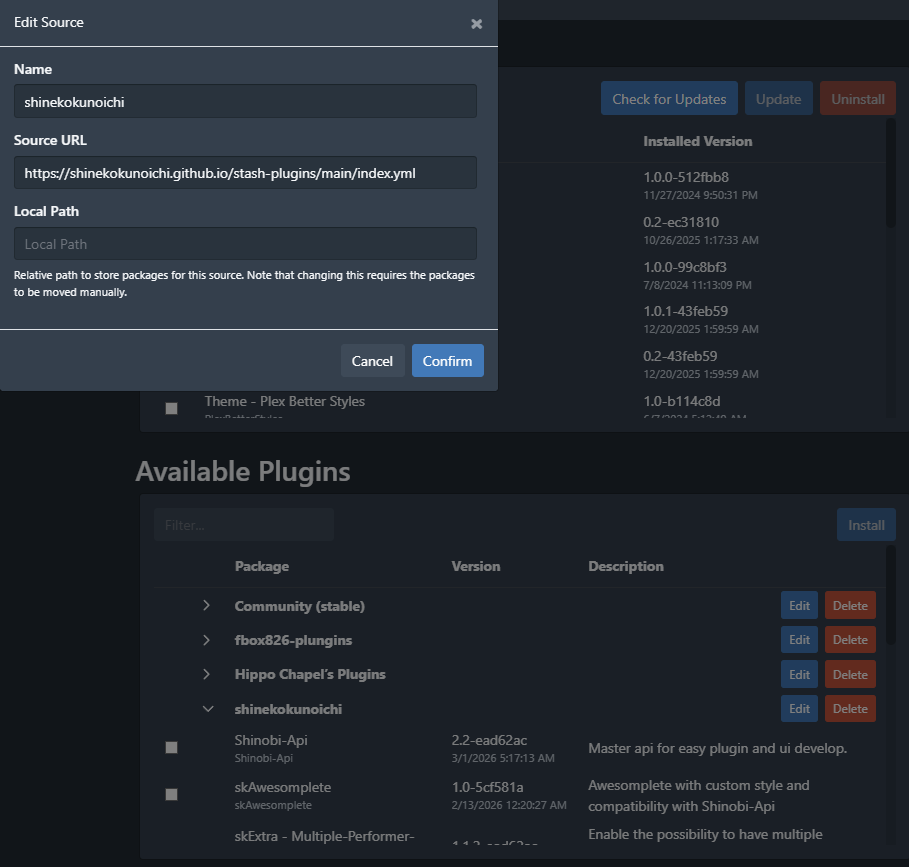
When I have the shinobi-api plugin enabled anytime I try to scrape a scene from StashDB the save button spins forever and never saves. There is nothing in the log, however the below error shows in the browser console log. If I disable shinobi-api and only that plugin the error goes away. Took a lot of trial and error to figure out this was the cause.
VM284:1 Uncaught (in promise) SyntaxError: "undefined" is not valid JSON
    at JSON.parse (<anonymous>)
    at window.fetch (javascript:133:26)
    at K (SceneList-QNSCpqeN.js:1:43269)
    at g (OperationButton-BIcuUwfn.js:1:306)
    at Object.I01 (index-CcPORYqs.js:34:16406)
    at R01 (index-CcPORYqs.js:34:16563)
    at H01 (index-CcPORYqs.js:34:16623)
    at Dq (index-CcPORYqs.js:34:36007)
    at K3e (index-CcPORYqs.js:34:36426)
    at index-CcPORYqs.js:34:41440
window.fetch @ javascript:133
K @ SceneList-QNSCpqeN.js:1
g @ OperationButton-BIcuUwfn.js:1
Wish List
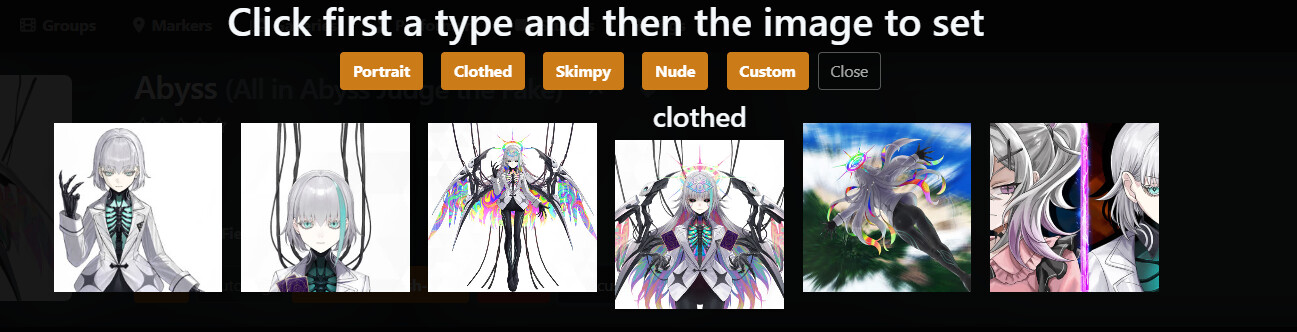
Is it possible to maintain the order of the categories so whatever you select they are always in the same order as listed in the preset? It seems like whatever you select just gets tacked on to the end so they kind of scramble up. Keeping the same order let’s you create a sort of sequence of images. (ex. dressed → nude)
The selection previews being square makes sense to make the layout a grid, however it can sometimes crop too much to be useful in selecting. Some options on the previews would be nice (larger size, portrait aspect ratio)
Selection preview filter. For performers with loads of images it can be a bit unwieldy. If you could filter down to a tag then that would help.
Thanks for the suggestion. About shinobi-api i will make a fix fast as possible. For your suggestion if i can i try to upload a newer version with all of them otherwise i’ll set them in github as suggesion and you will able to control the update status from there