|
Summary | PanicButton! |
 |
Repository | https://github.com/Pouki-dlb/stash-plugins/tree/main/plugins/PanicButton |
 |
Source URL | https://pouki-dlb.github.io/stash-plugins/main/index.yml |
 |
Install | How to install a plugin? |
Panic Button! 2
⚠️Upgrading from version 1? Read this first⚠️
Uninstall the 1.0.0 version first
Version 1 shipped as Panic Button!.yml. Stash derives a plugin’s identifier from its manifest file name, so version 1’s identifier carried a space and an exclamation mark. Version 2 could not keep it: webpack, which builds this plugin, refuses an exclamation mark both in the file names it produces and in the path it writes them to. The identifier is now PanicButton, which means Stash sees the two versions as unrelated plugins rather than as an update. Install this one alongside the old one and both will load, each with its own keyboard listener — you will most likely see the screen flash on and straight back off, or not appear at all, as the two of them toggle against each other on the same key press.
To check, open Settings > Plugins: exactly one PanicButton entry (PanicButton! 2.0.0) should be listed. If you see two, either disable the old one — Stash stops serving a disabled plugin’s scripts entirely — or delete its folder from your plugins directory. Then click Reload plugins and hard-refresh the page (Ctrl+F5, or Cmd+Shift+R on a Mac).
Apologies for the manual step.
Hide everything with one key press
Someone walks into the room. One key, and Stash is gone: the video stops, the screen goes black, and the browser tab looks like an ordinary empty tab. Press the same key again and you’re back exactly where you left off.
What it does
- Everything playing stops
- Fullscreen player closes, if you were in it.
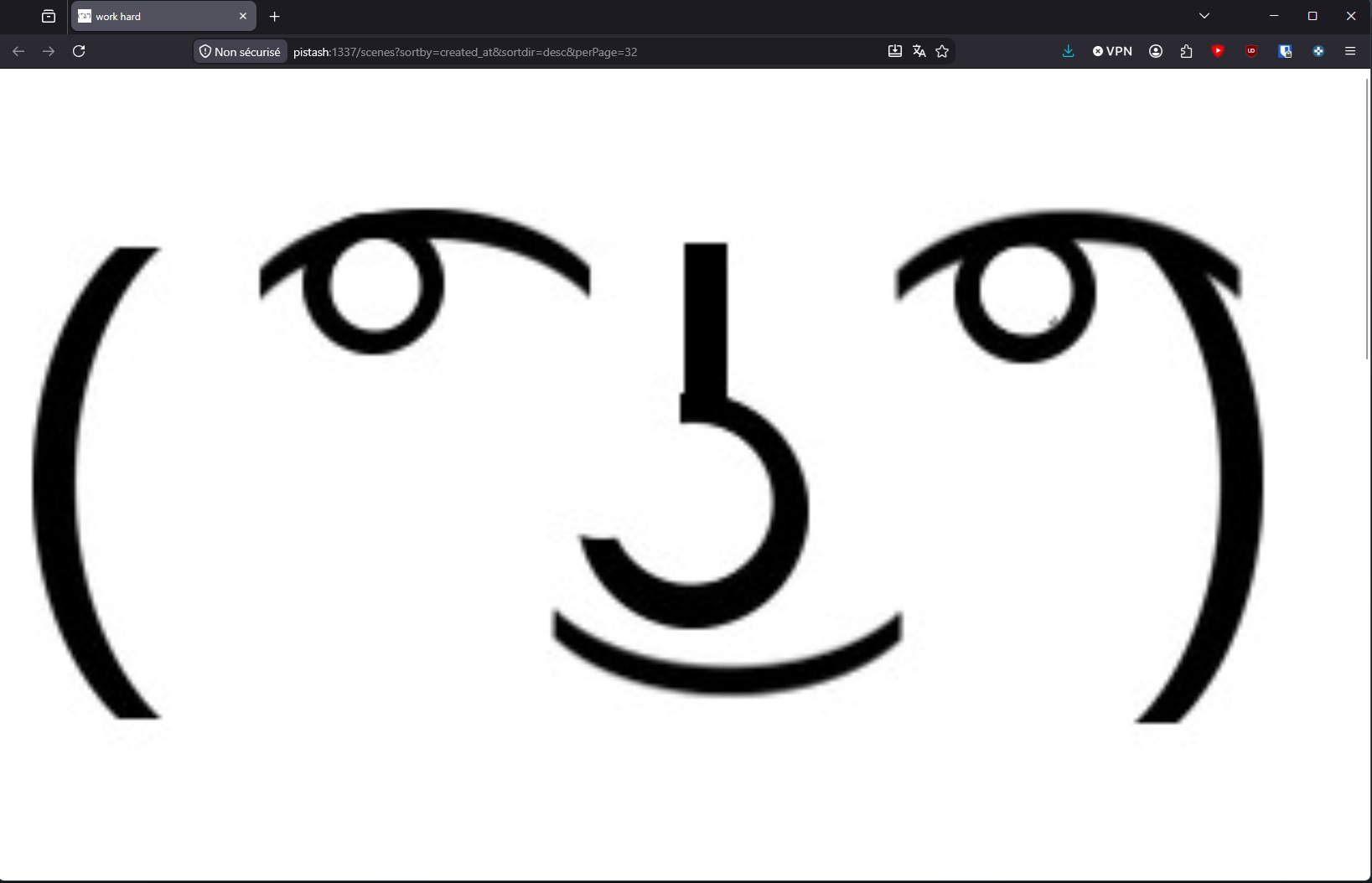
- The screen goes opaque. A plain colour, or an image of your choosing. Clicks don’t go through it.
- The tab changes its name and icon. By default it reads “New Tab” with a blank icon — nothing to catch the eye in a row of tabs.
Your key
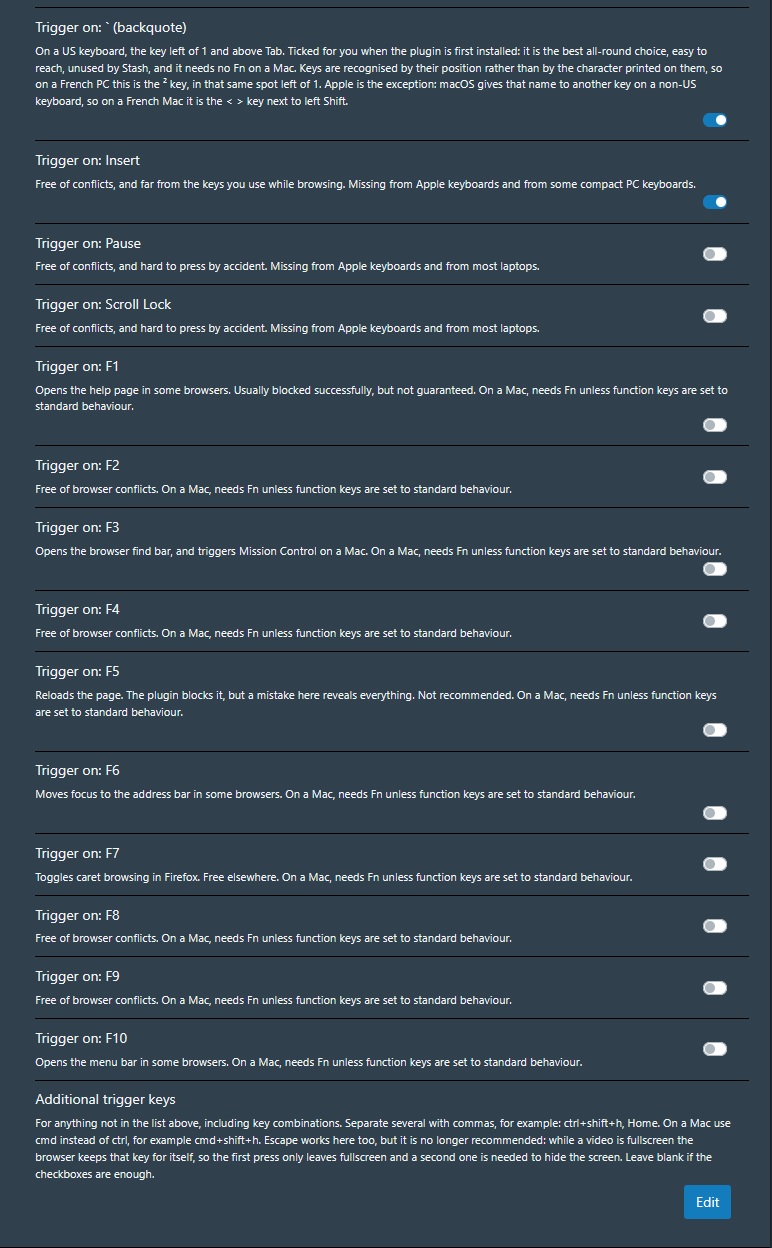
Backquote — the key left of 1 — is set up for you at install, and works out of the box. On a French PC that’s the ² key in the same spot; on a French Mac, the < > key beside the left Shift.
Prefer something else? Tick Insert, Pause, Scroll Lock or any of F1 to F10 in the settings — each one comes with a note telling you what it might clash with in your browser. Tick as many as you like.
If you’d rather have a combination, a free-form field takes anything, for example ctrl+shift+h, shift+p, ctrl+g, but also special keys like Home or End, etc.
Settings
| Setting | Default | What it does |
|---|---|---|
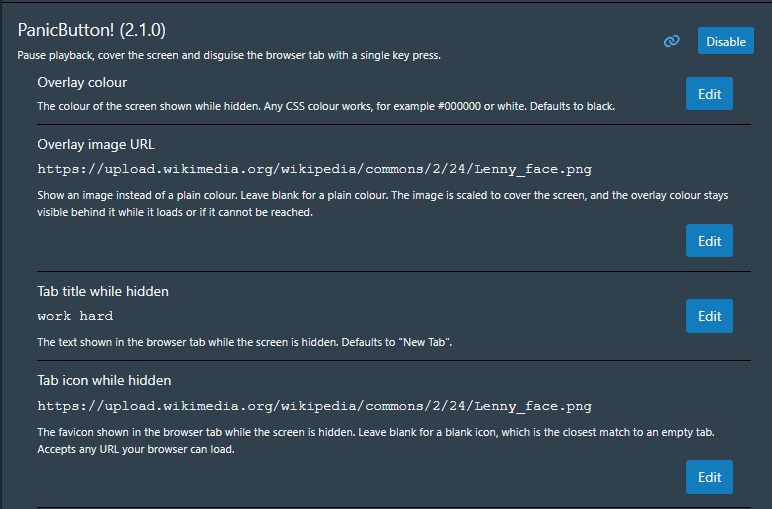
| Overlay colour | Black | The colour of the hiding screen. Accept any css color like #FFFFFF, red, rgb(123,123,123), etc |
| Overlay image URL | blank | Show an image instead of a plain colour — a desktop wallpaper, a blank page screenshot, whatever looks innocuous. Any URL your browser can load works. Scaled to cover the screen. |
| Tab title while hidden | New Tab | The text shown in the browser tab while hidden. |
| Tab icon while hidden | blank | The favicon shown while hidden. Any URL your browser can load works. |
| Trigger keys | ` (backquote) | The checkbox list described above. |
| Additional trigger keys | blank | Free-form field for anything else, including combinations. |
Changelog
v2.1.0 (04/08/2026)
-
Triggering the plugin while a video was fullscreen used to pause it without hiding anything — It now closes fullscreen for you, then hide yor screen.
-
Escape is no longer offered as a trigger key. Browsers keep that key for themselves to leave fullscreen and never pass it on to the page, so with a video playing fullscreen, the first press only left fullscreen and a second was needed to hide — exactly the moment the plugin is supposed to work. If you had ticked it, you have nothing to do: it moves itself into the free-form field on first load, and keeps working. You can continue using it that way, but do so knowingly.
v2.0.0 (31/07/2026)
- Initial Upload