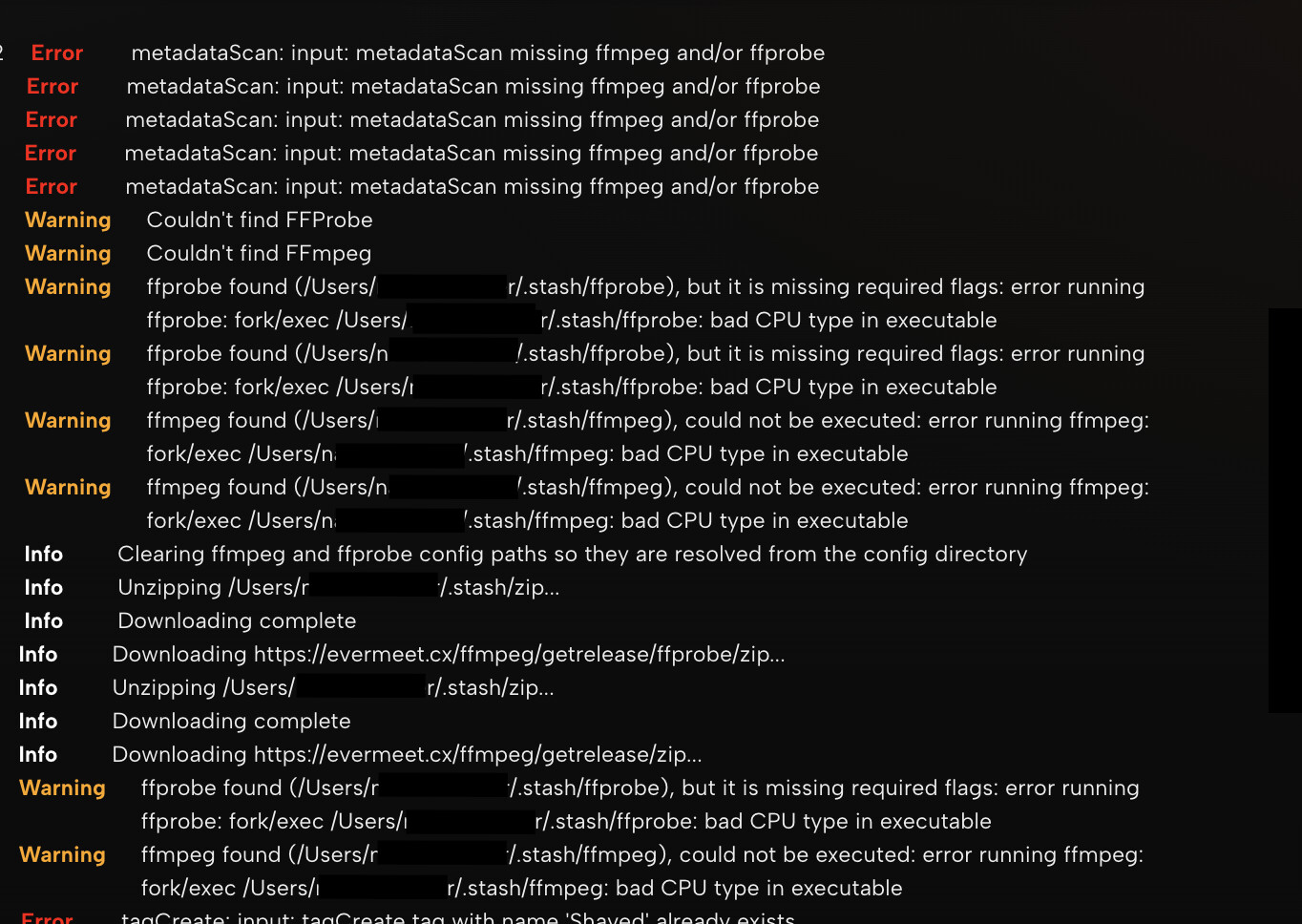
Currently stash wont work on my M1 Mac. something like ffprobe and ffmpeg cant be found when i try to do a library scan. I remember sometimes it used to say support for intel based programs ending. Am I screwed?
Recently I tried to figure out how to open stash fully from an external AES HDD something about changing the directory in the terminal? After failing I settled for only having the library path set to an External HDD which worked, even with scans. The issue is, when running stash locally and connected the HDD for the library. The scan will not work all of the sudden, a prompt saying “missing ffmpeg and/or ffprobe” appears, however these files are in the same .stash file as the config? Im confused.
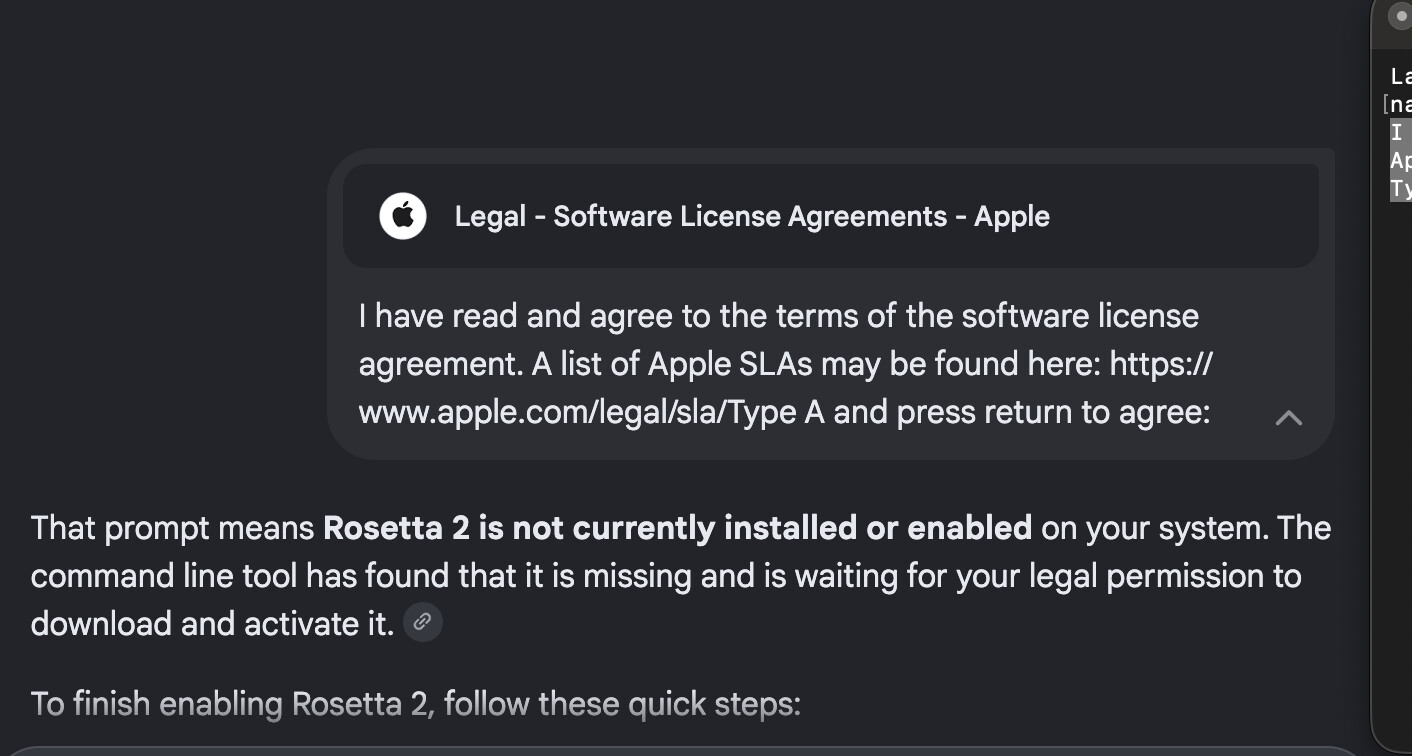
Wow this is odd. I thought rosettea works automatically in the background on apple silicon. I must of unknowingly prodded around and deleted stuff i didn’t know about. I wouldn’t of had a clue without your help. u certainly know your stuff.
Anyway lets hope it works, so I installed both;
“Install of Rosetta 2 finished successfully” and
“ffmpeg 8.1.2 is already installed and up-to-date.”
This caught me on the beta for the new macOS - when you update to Golden Gate, even if you already had Rosetta 2 installed, it gets uninstalled and has to be reinstalled under the new OS, and Stash doesn’t prompt the OS to make you install it. If you open an Intel app, it should prompt you to install Rosetta 2, then Stash will work fine after a restart.