|
Summary | Syncs funscripts to your toy while you watch. Vibrators and strokers, via Intiface Central or a Handy over WiFi. |
 |
Repository | https://github.com/allisless0/stash-plugins/tree/main/plugins/IntifaceSync |
 |
Source URL | https://allisless0.github.io/stash-plugins/main/index.yml |
 |
Install | How to install a plugin? |
A fork of [vib3coda/Stash-Intiface-Handy]( GitHub - vib3coda/Stash-Intiface-Handy: Synchronizes Funscripts with Intiface devices and your Handy device · GitHub ), adding support for vibrating (scalar) toys such as Lovense, which the original did not drive.
I don’t have a Handy device myself so it’s not tested on Handy at all. worked well on Gush 2.
Features
A funscript sitting next to the video with the same base name loads
automatically. The toolbar appears under the player on any scene.
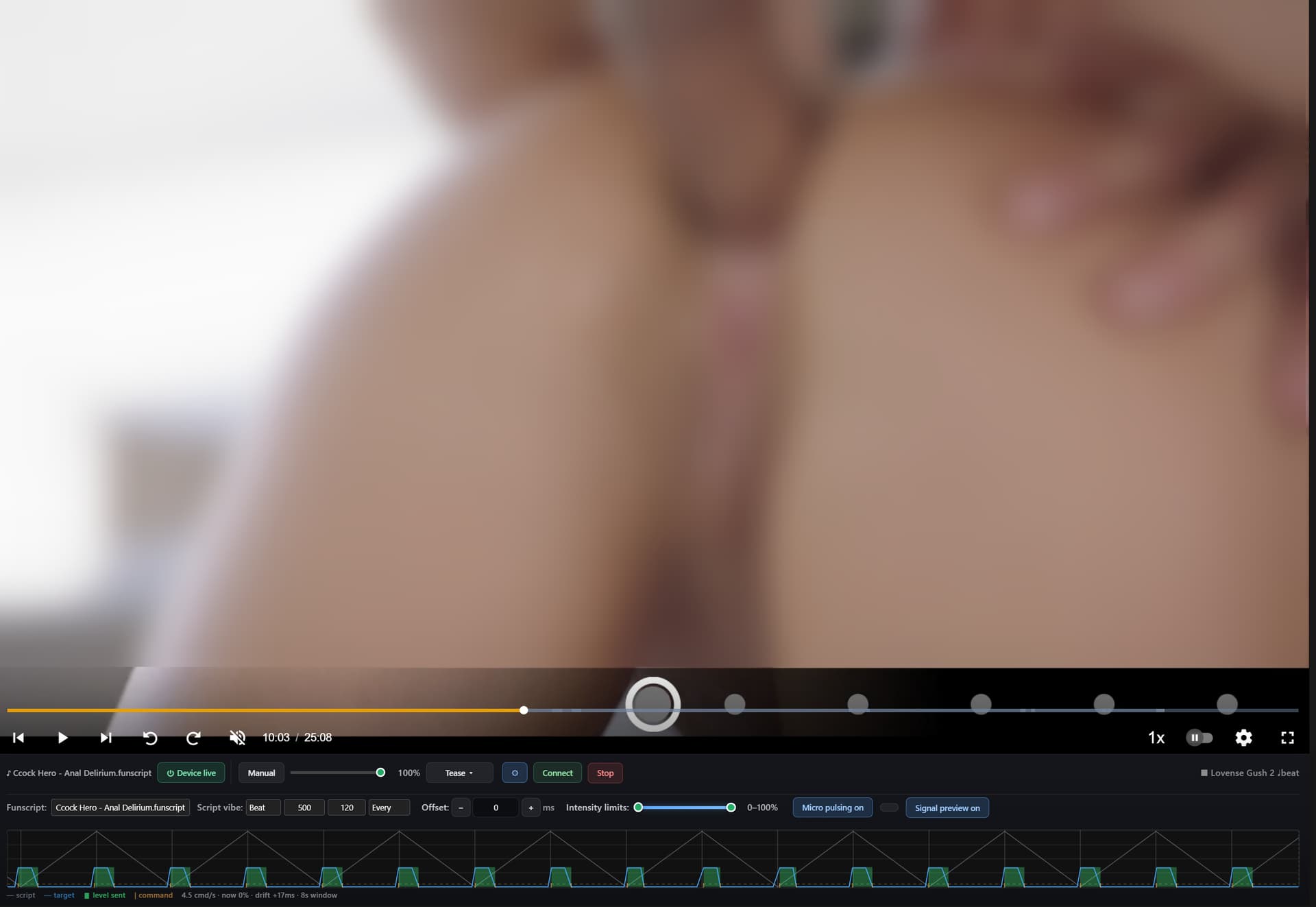
Vibe modes decide how a stroking script becomes vibration:
- Auto picks for you
- Speed intensity follows stroke speed
- Position intensity follows stroke position
- Beat one burst per stroke turnaround. Suits Cock Hero scripts and, with
peak picking, densely sampled tracker output (FunGen and similar)
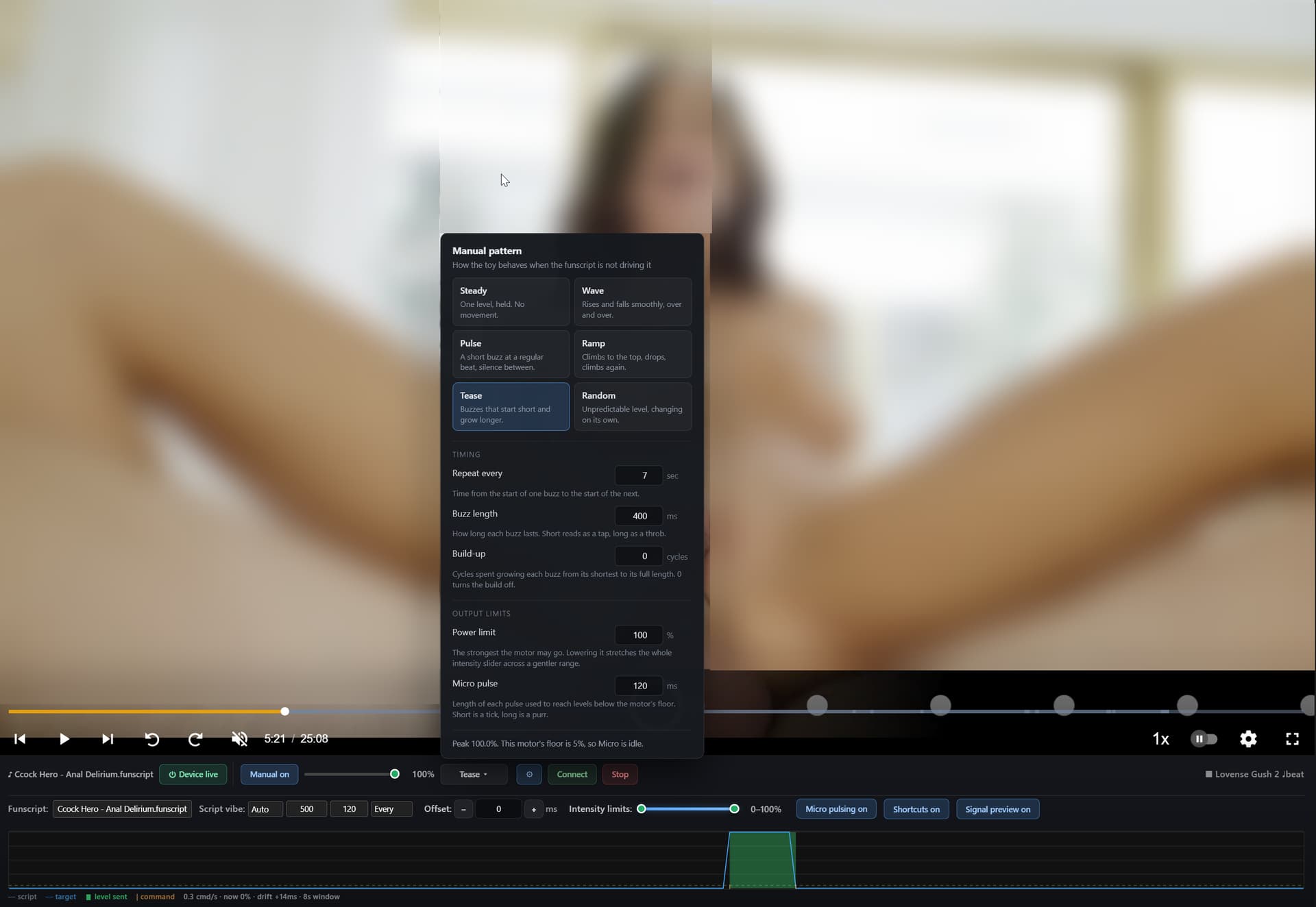
Manual patterns drive the toy directly, ignoring the script: Steady, Wave,
Pulse, Ramp, Tease, Random. Each pattern shows only the settings it uses.
Micro pulsing reaches levels below the motor’s own floor by pulsing between
silence and one step. The pattern panel tells you the peak output and whether it
sits above or below that floor.
Signal preview (under  , off by default) draws a live scope of the last 8
seconds: the funscript in grey, the intensity wanted in blue, the level actually
sent in green, Bluetooth commands as orange ticks, the motor floor dashed
yellow. Use it to check a vibe mode is reading a script sensibly.
Offset shifts device timing against the video.
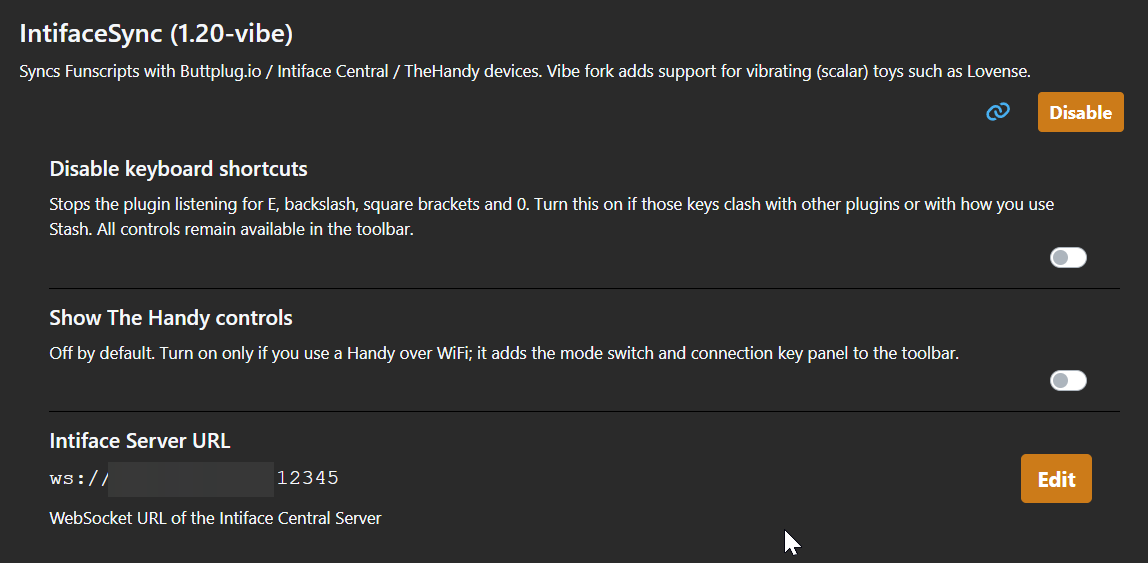
Hotkeys (disable in plugin settings if they clash):
| Key | |
|---|---|
E |
mute / unmute output |
\ |
manual mode on/off |
[ ] |
intensity down / up |
0 |
stop manual |
Multiple tabs — only one drives the toy at a time. Switching tabs hands
control over automatically, pressing play always wins.
No toy needs to be connected to find and load scripts or use the signal preview.
Useful for checking a script or a vibe mode first.
Safety
The toy stops when you close the browser, when the tab crashes, when the laptop
sleeps, when the connection drops, and when the backend shuts down. A watchdog
stops output if the page has not been heard from for 15 seconds, covering cases
where no close event arrives.
None of that helps if the Python backend itself hangs. Know where your toy’s
power button is. Provided as-is, with no warranty.
Installation
Requires Intiface Central running with your
device connected to it.
- Settings > Plugins > Add Source, paste the Source URL above, install
IntifaceSync from Available Plugins - Settings > Plugins > IntifaceSync — set the server URL if it is not
ws://localhost:12345 - Run the Start Backend task once (Settings > Tasks)
- Open any scene
Note: reloading plugins does not restart the Python process. After backend
changes, run Stop Backend then Start Backend.