|
Summary | Generate customizable group cover images from child group covers. |
 |
Repository | https://github.com/gcrosemond/GroupCover |
 |
Source URL | https://gcrosemond.github.io/GroupCover/index.yml |
 |
Install | How to install a plugin? |
Features
- Generate group covers from child group images.
- Grid layouts with dynamically generated arrangements.
- Hero layouts with selectable hero images.
- Diagonal, filmstrip, vertical strip, and fan layouts.
- Configurable aspect ratio, gutters, colors, transparency, and corner styles.
- Preview the result before generating.
- Regenerate an existing group cover.
Installation
Stash plugin source — recommended
- Open Settings → Plugins in Stash.
- Under Available Plugins, add this source:
https://gcrosemond.github.io/GroupCover/index.yml - Reload the available plugins if necessary.
- Install Group Cover for the platform running your Stash instance.
Updates published by the source will appear in Stash’s plugin manager.
Release ZIP
-
Download the archive for your platform from the latest GitHub release.
Available archives include:
group-cover-darwin-arm64.zip group-cover-darwin-amd64.zip group-cover-linux-arm64.zip group-cover-linux-amd64.zip group-cover-windows-amd64.zip group-cover-freebsd-amd64.zip -
Create a
group-coverdirectory inside your Stash plugins directory. -
Extract the archive into that directory:
plugins/ └── group-cover/ ├── group-cover ├── group-cover.yml ├── group-cover.js └── group-cover.css -
On macOS or Linux, make the executable runnable:
chmod +x group-cover -
In Stash, open Settings → Plugins and select Reload Plugins.
The default plugin directory is the plugins directory beside the Stash configuration file. Your configured plugin path may be different.
How to use
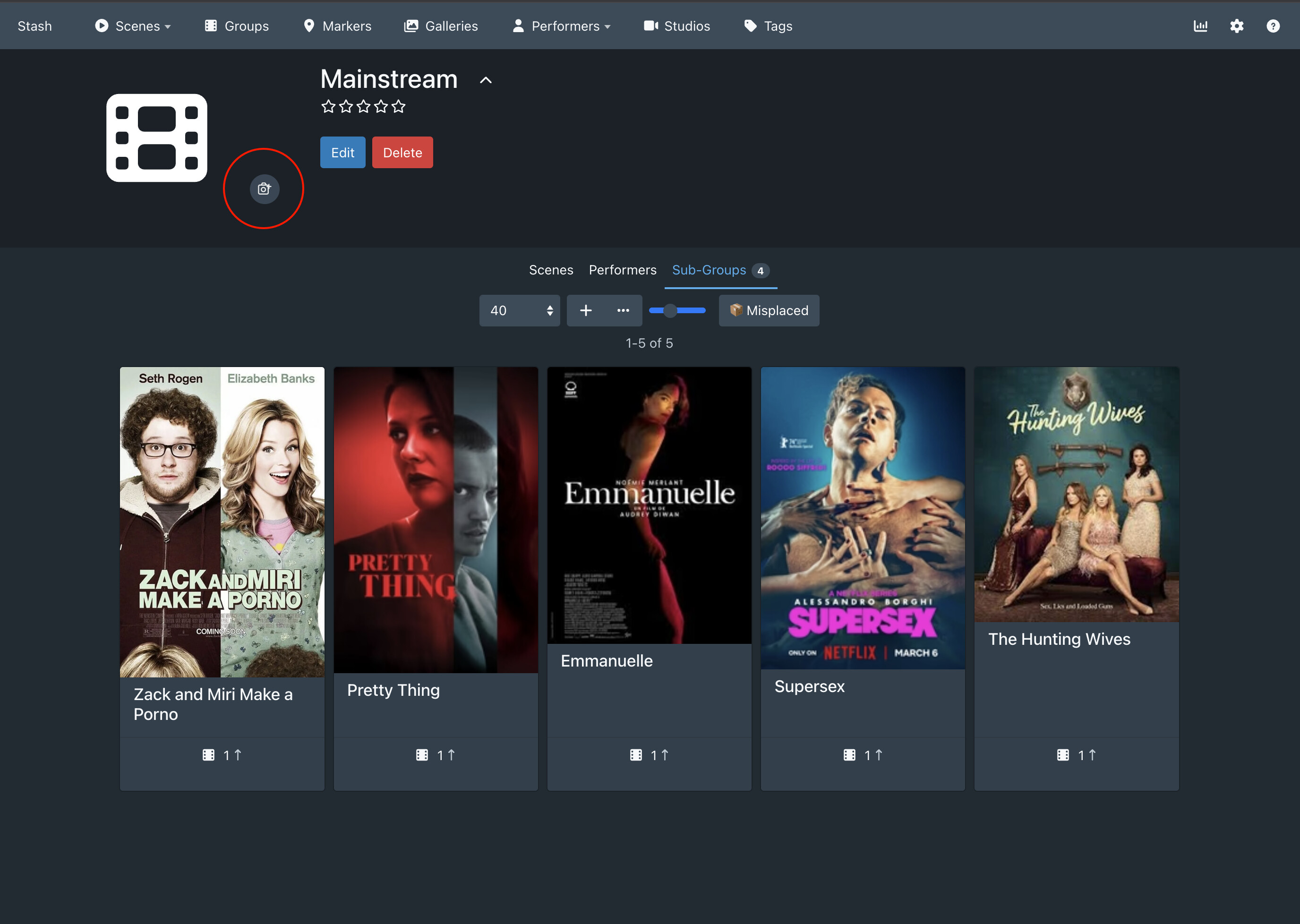
- Open a group that has child groups with front images.
- Click the camera button next to the group cover.
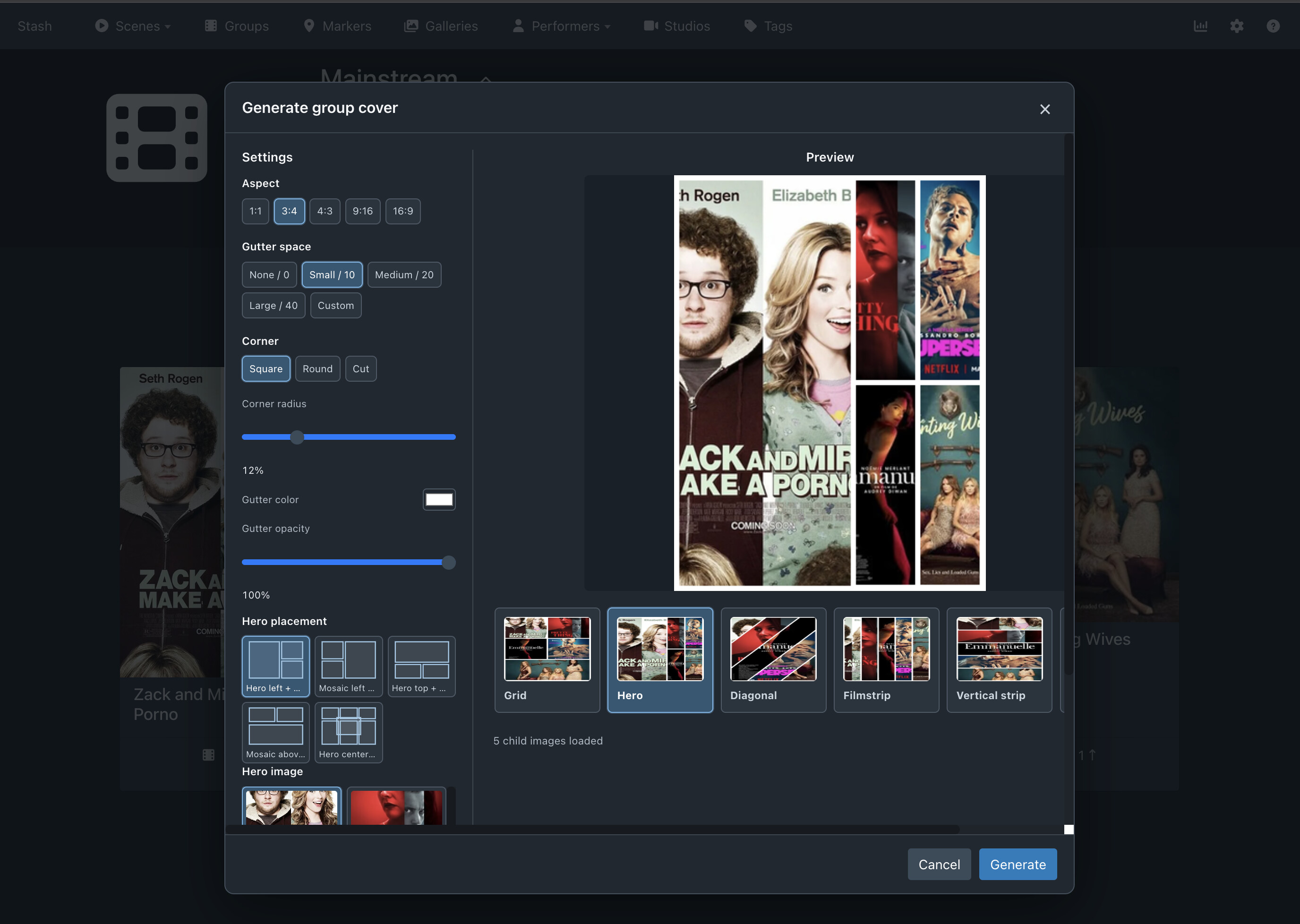
- Choose a layout and adjust the aspect ratio, gutters, colors, and corner style.
- For Grid, select one of the generated arrangements.
- For Hero, select the child image to use as the hero.
- Review the preview and click Generate to save the new group cover.
Child groups without usable front images are automatically omitted.