|
Summary | Glassy - A Stash theme that offers a window to your collection. |
 |
Repository | https://github.com/Serechops/Serechops-Stash/tree/main/themes/Glassy/Glassy%20-%20A%20Window%20to%20Your%20Collection |
 |
Source URL | https://serechops.github.io/Serechops-Stash/index.yml |
 |
Install | How to install a plugin? |
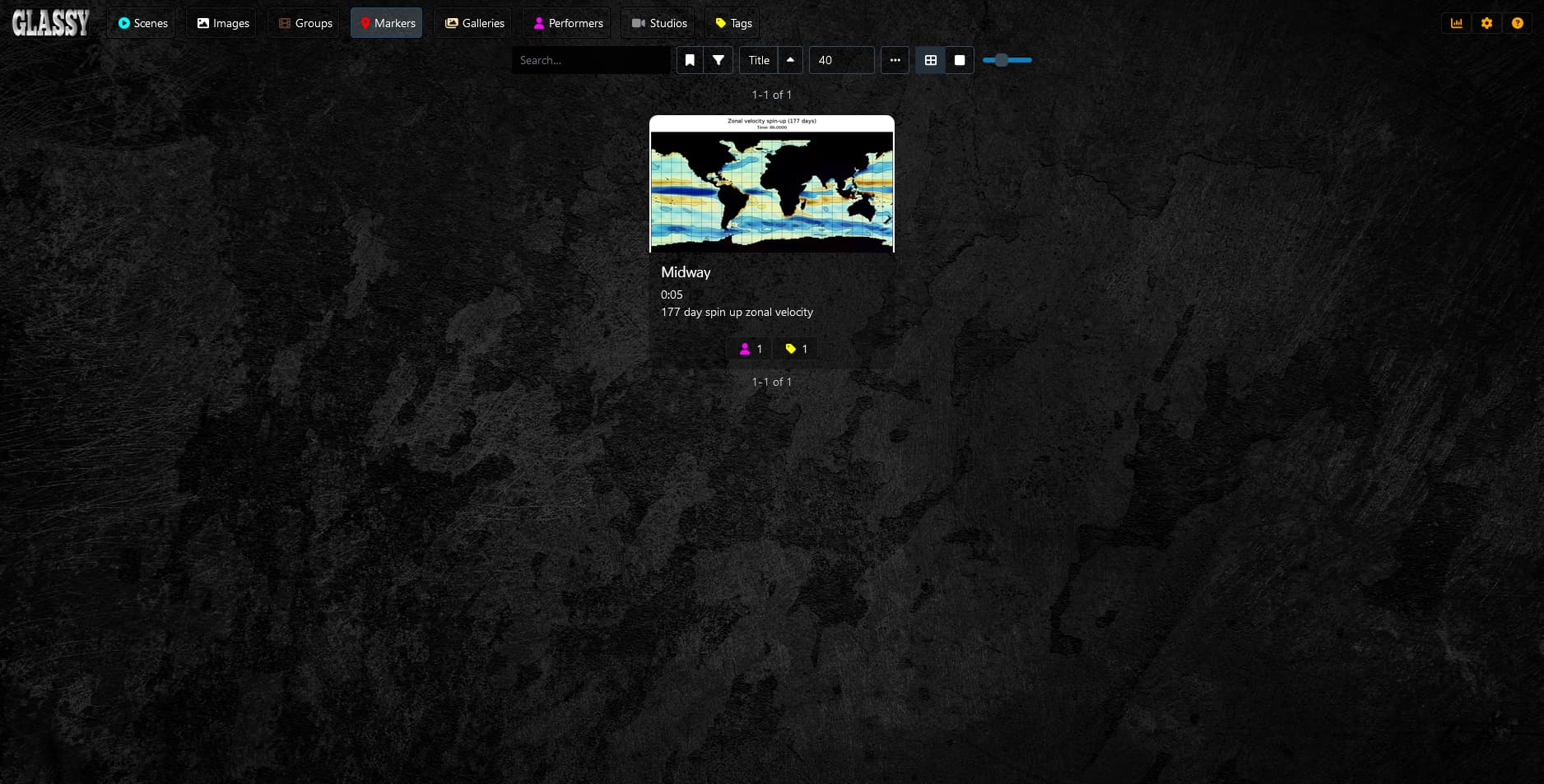
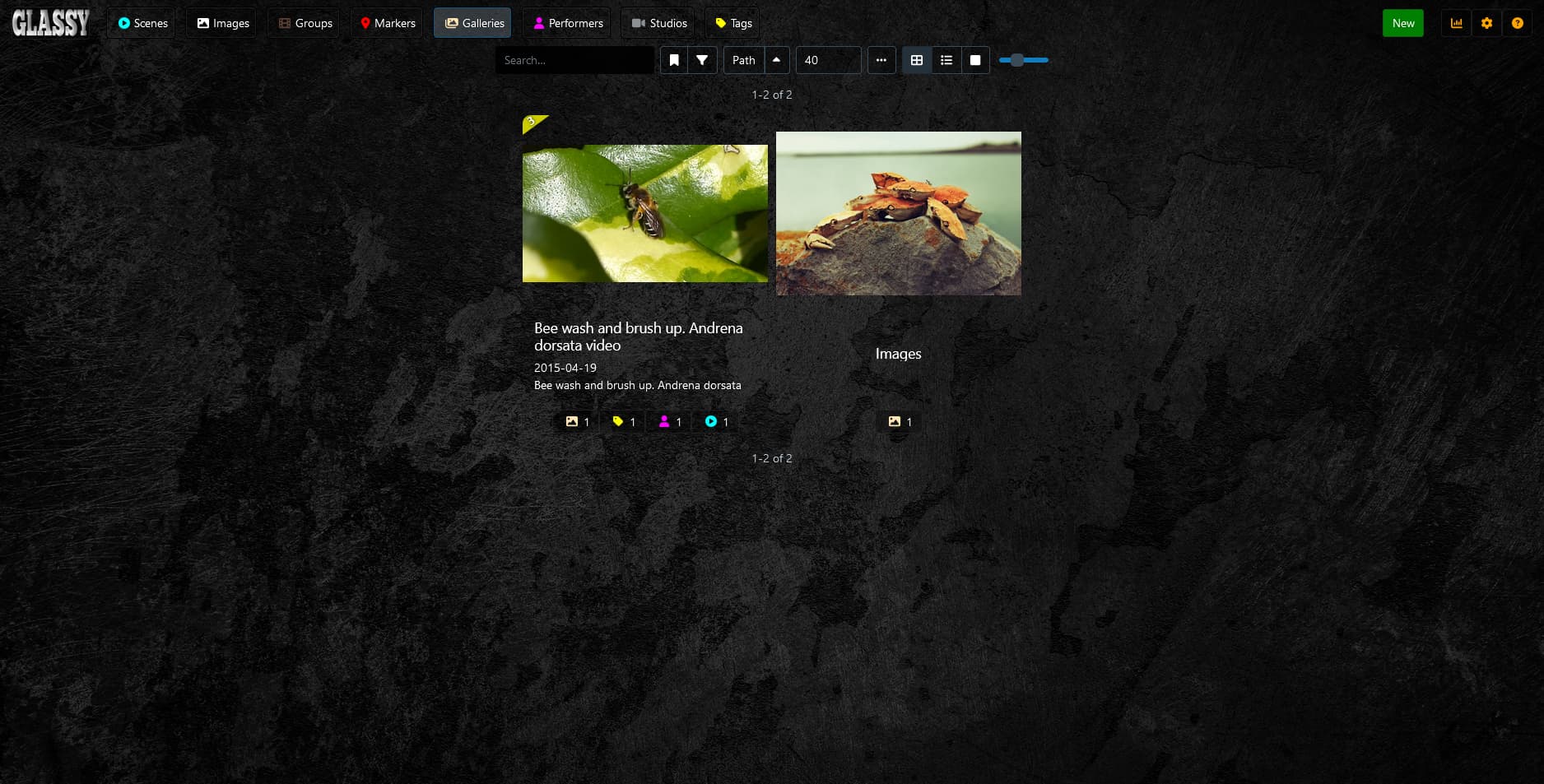
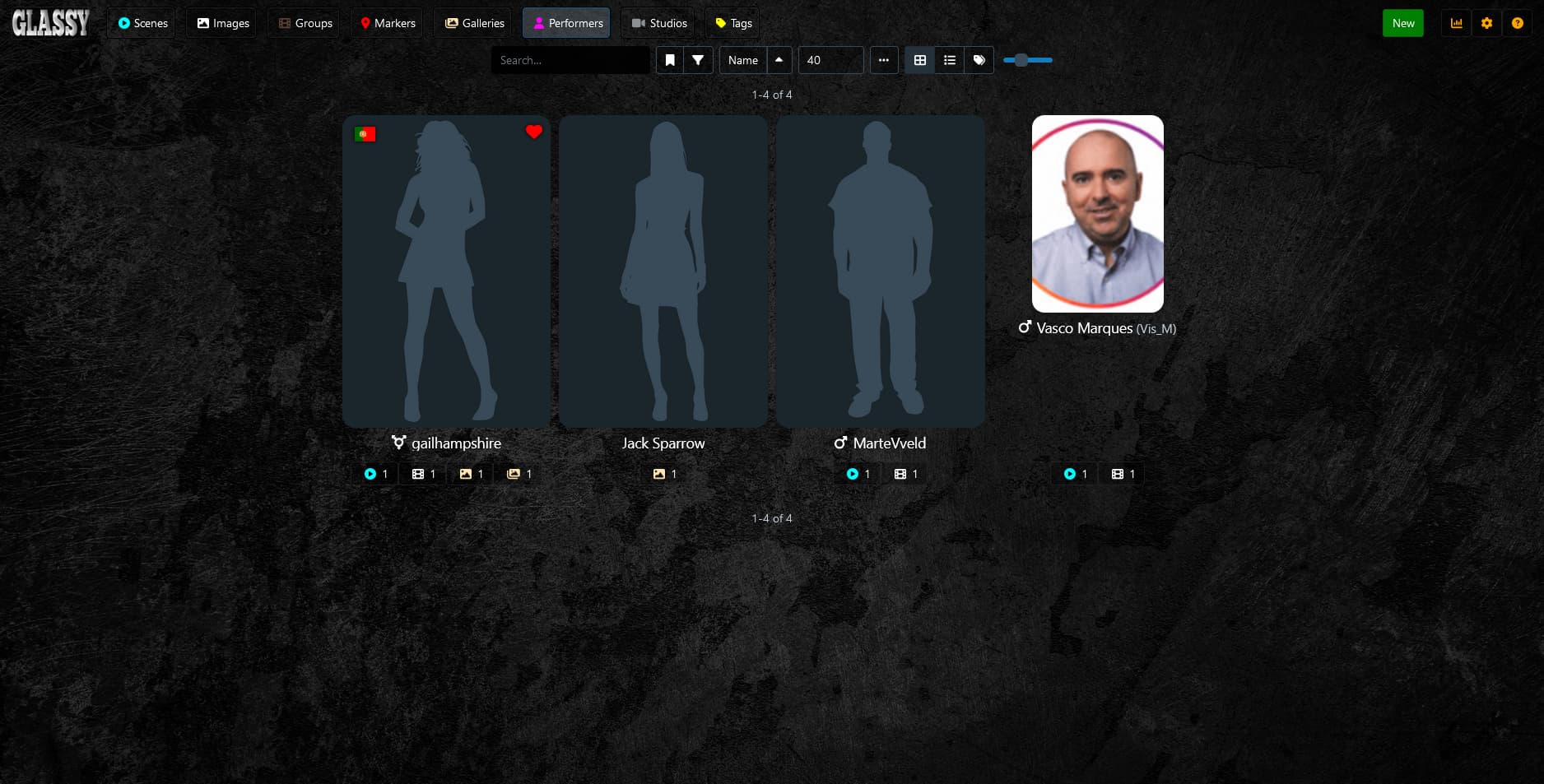
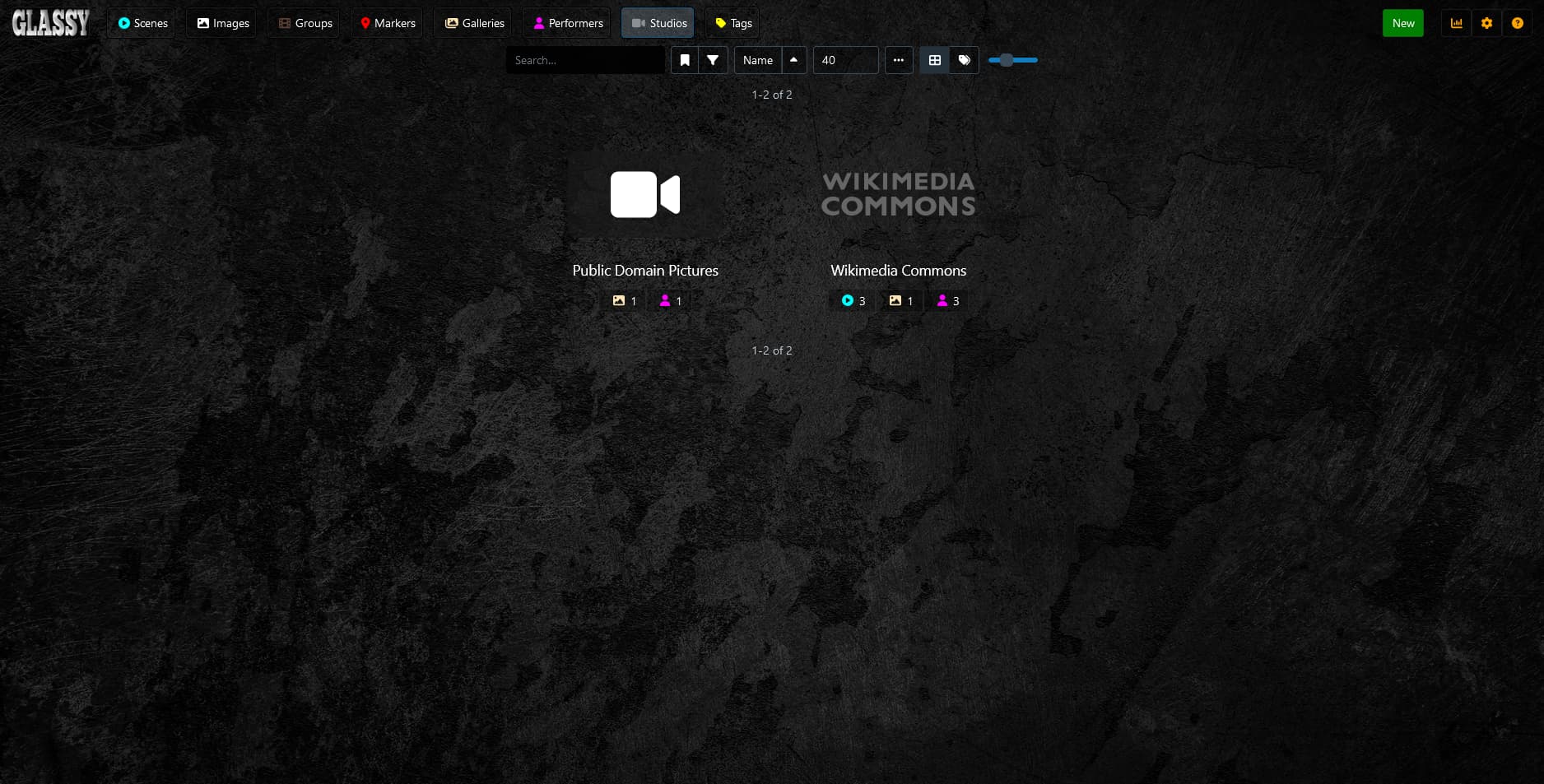
Preview

General Styling
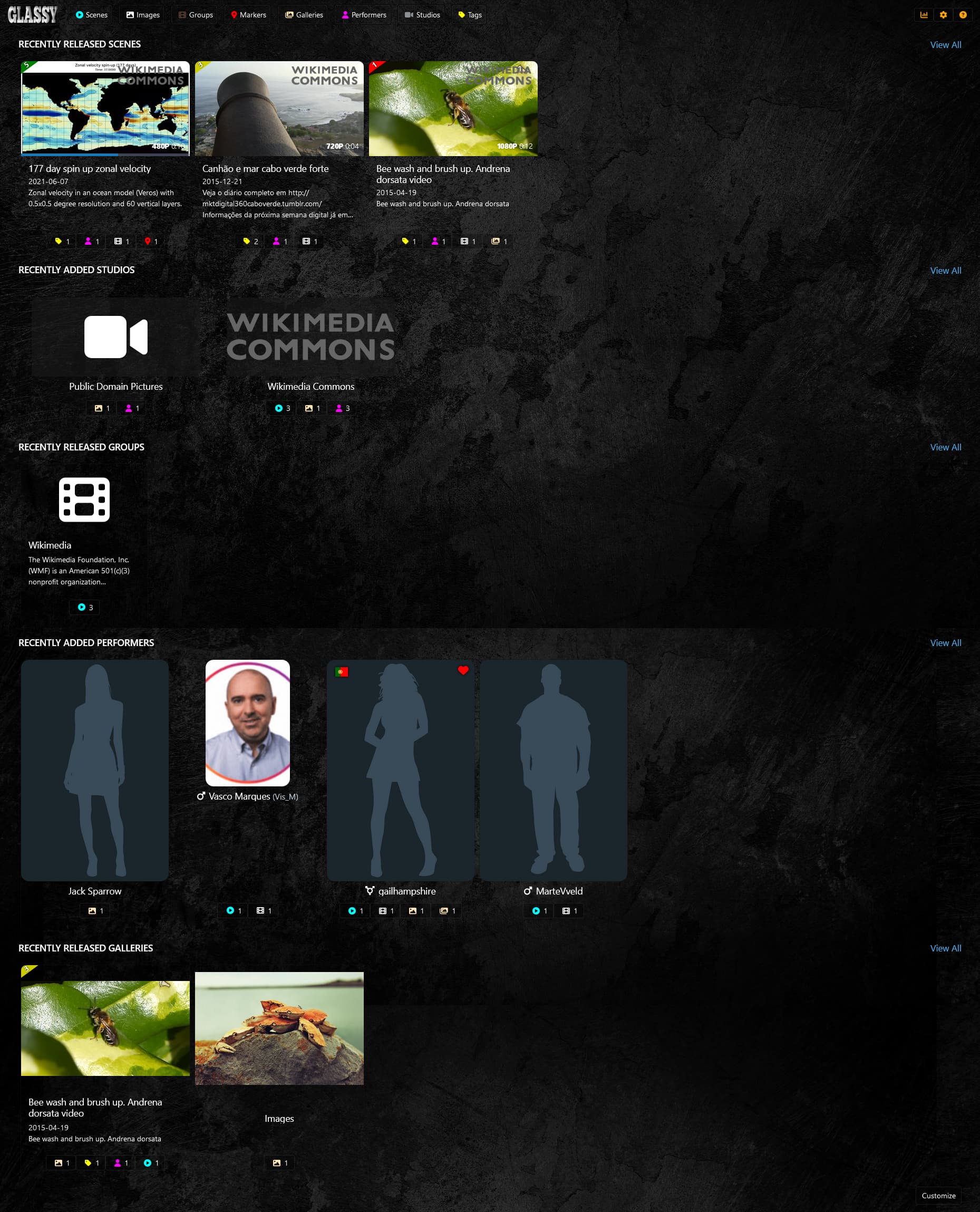
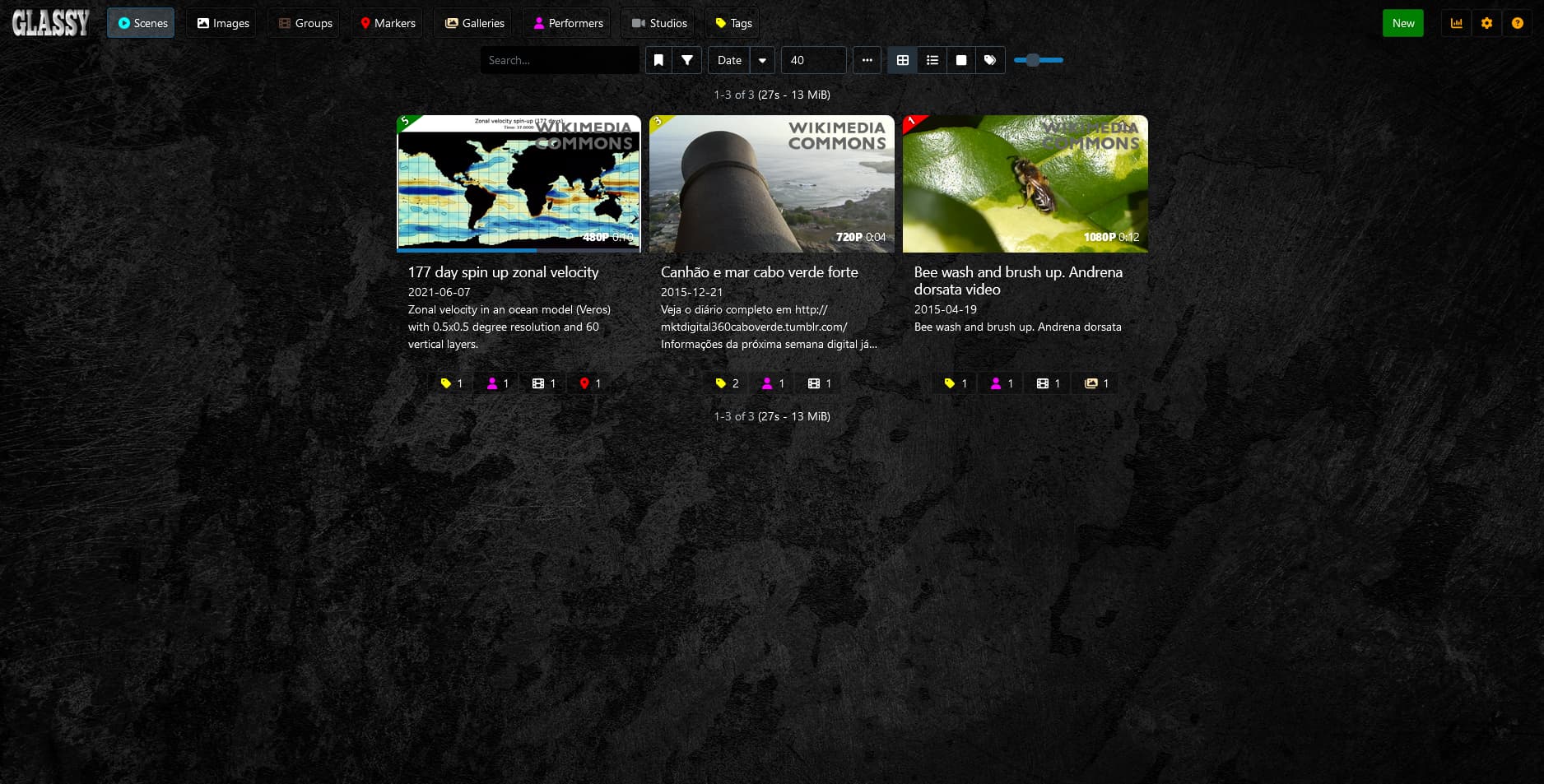
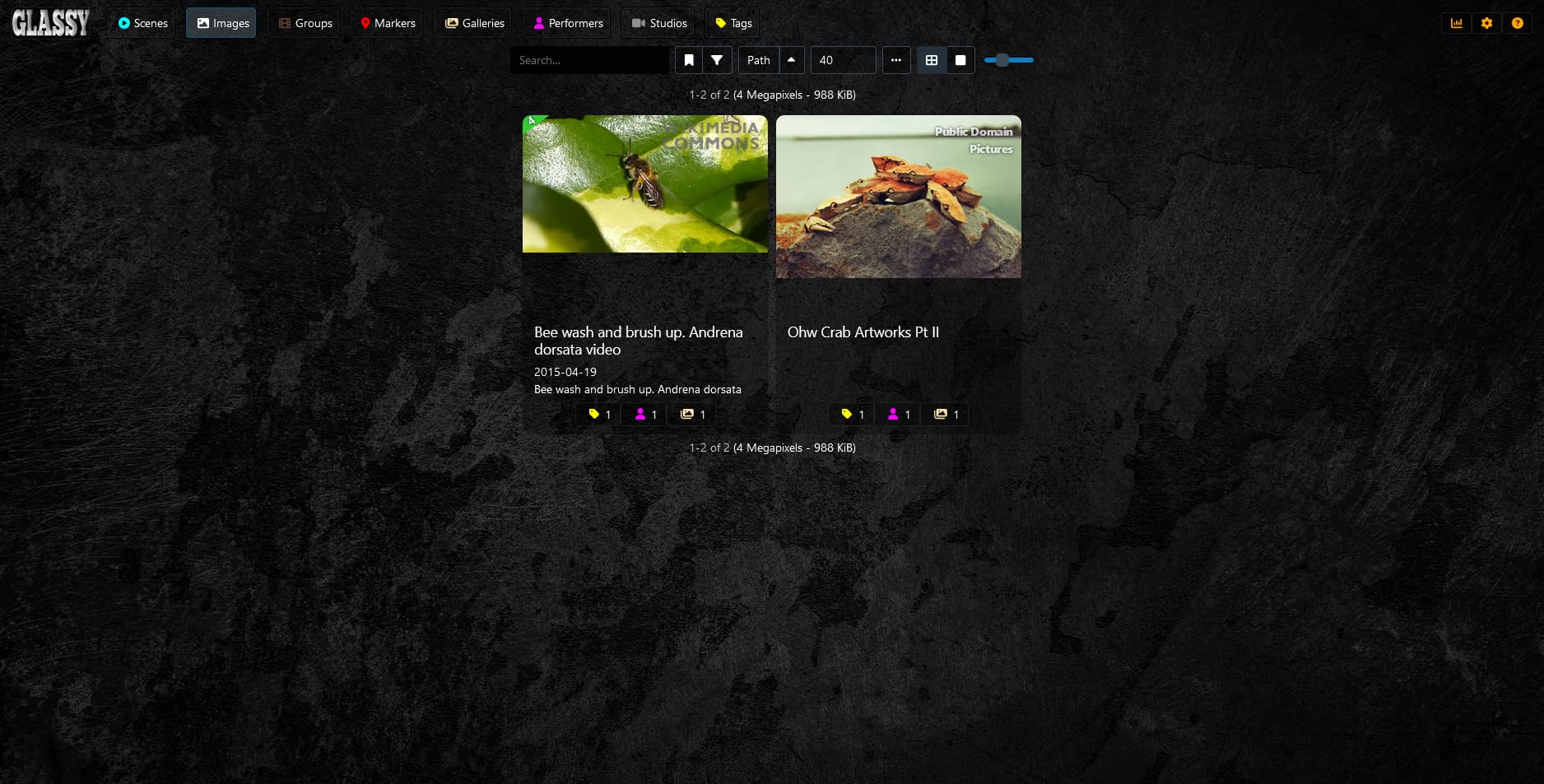
All text elements benefit from a subtle text shadow, providing a sense of depth and readability against various backgrounds.
Glassy Translucent Effects
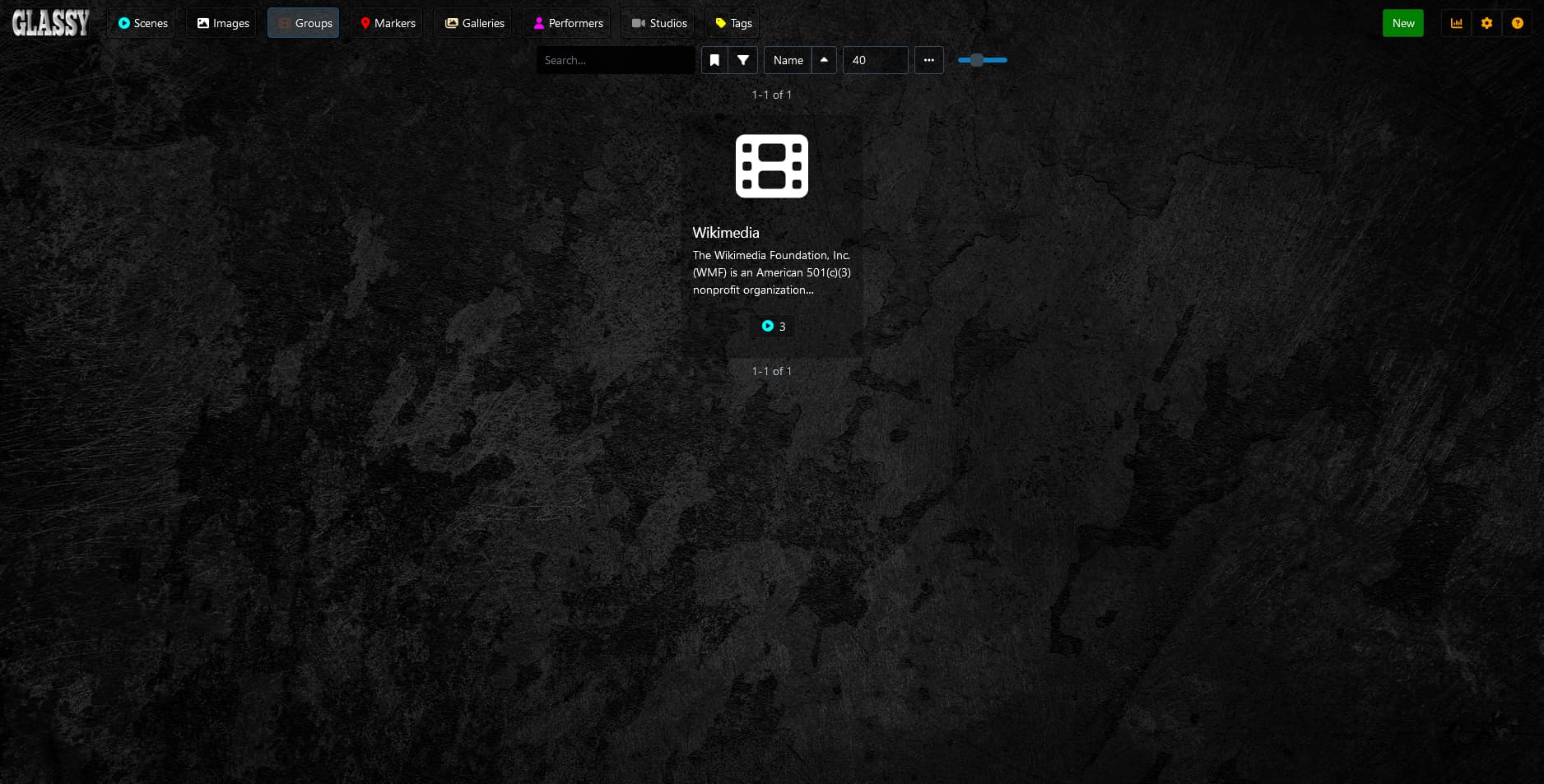
Translucent backgrounds for specific elements enhance the Glassy theme’s overall aesthetic.
Paragraphs
Paragraphs have a lighter font weight and a transparent white color for improved readability.
Responsive Adjustments
Responsive design ensures optimal viewing and interaction across various screen sizes (up to 768px).
Stylized Settings
Containers with an embossed effect and a dark background offer a visually appealing and consistent theme.
Popup Modal Styling
Dark-themed modal popups maintain the Glassy look with a translucent background.
Animation for Cards on Main Page
Scene, performer, and studio cards on the main page showcase a scrolling left-to-right animation for an engaging visual effect.
Main Page - Hover Effects
Hovering over cards triggers a vertical wipe effect, highlighting the selected card with a white border and subtle scale transformation.
Background Studio Grey Banners
Studio cards feature a background color for better readability.
Parallax Effect
A captivating parallax effect is applied to the background, providing a sense of depth.