Export, rename, and move-on-disk flows are not fully tested end-to-end yet. Use at your own risk; feedback is welcome. This is not a stable or “production-ready” release.
I made a small side project (GUI + PowerShell) that exports scene file paths from Stash to a CSV and helps with batch renaming on disk (and optional folder scan without Stash). It’s for people who prefer a simple workflow than doing everything only inside Stash.
I think stash is amazing and I like it. But I missed an easy media control. So I did what I could do with my limits and made this tool
This isn’t a plug or a product — I’m sharing it in case it makes life easier for other users. If the maintainers think it’s useful, they’re welcome to link it or mention it on the official site; no strings attached.
Thanks for Stash — happy to adjust wording if anything should be clearer.
I have just updated the project and added two new tabs.
Tab 4: File Management This tab is designed to move files or pack them into a specific folder based on two criteria:
Files containing a specific word in their filename.
Files that have a specific tag.
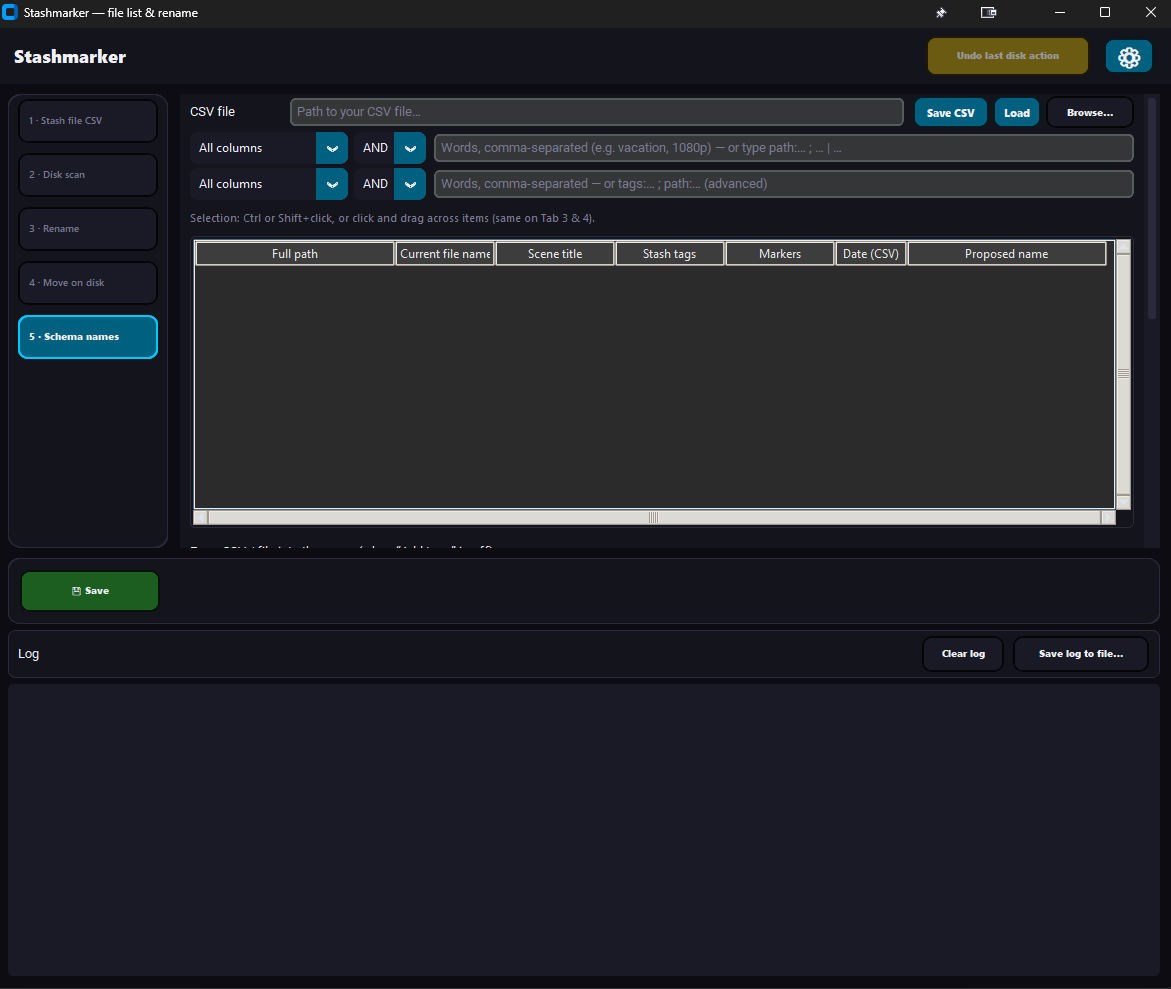
Tab 5: Video Renaming This tab allows you to rename videos according to a fixed naming schema. Its features include:
Freely selecting up to 5 tags to include in the video file name.
Using FFprobe to extract the video resolution and append it to the name.
Including the rating from Stash.
The main goal of this tab is to help you store your data more consistently on your hard drive, making it easier to find files even if you are not using Stash.
Let me know if you encounter any issues or have feedback.
And I didn’t find any issues on my test environment. It works as it should.
Feel free to test it; it’s now the first final version and product-ready. I’ve also tested it on the newest Stash update.
And don’t forget, after you change file names or file path on your disk, first scan in stash so its update it and then you can use clear. Never the other way around.
And if you have any feedback, especially about user-friendly UI, let me know.