|
Summary | Fast scene tagging workflow for Stash: edit tags, performers, studios, and galleries from scene cards with smart suggestions, bulk tagging, and sequential navigation. |
 |
Repository | https://github.com/kmarsh2311/my-stash-plugins/tree/main/plugins/fasttag |
 |
Source URL | https://kmarsh2311.github.io/my-stash-plugins/index.yml |
 |
Install | How to install a plugin? |
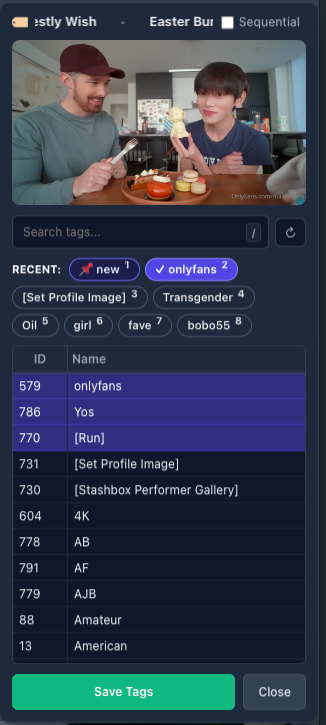
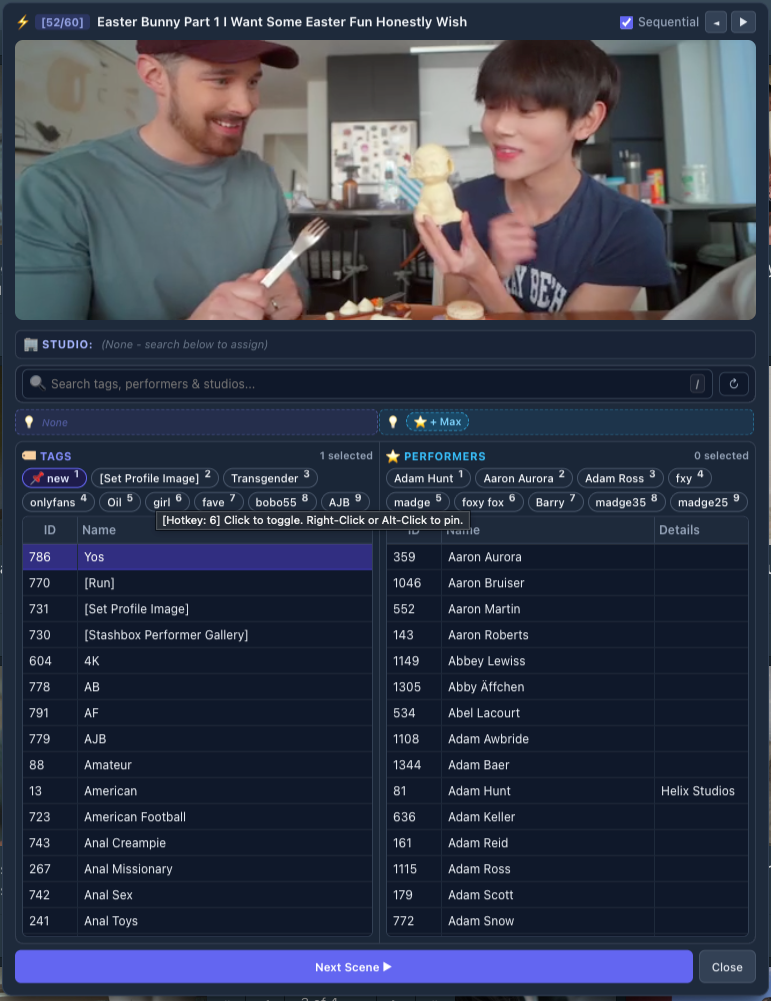
FastTag — Scene Manager & Quick Tagger for Stash
FastTag provides a lightning-fast tagging workflow directly from scene cards in your Stash library view. Assign tags, performers, studios, and galleries rapidly without ever opening full edit pages or losing your place in your collection.
 Key Features
-
 Smart Auto-Save Workflow: Quick-action suggestions, recent pills (1–9), studio chips, and search-and-select immediately auto-save to the scene. Lower table browsing lets you check multiple items without premature auto-saving.
 -
 Save-in-Place Workflow: Clicking Save saves changes directly to Stash while keeping the popup open so you can continue tagging without interruption, preserving your exact scroll position.
 -
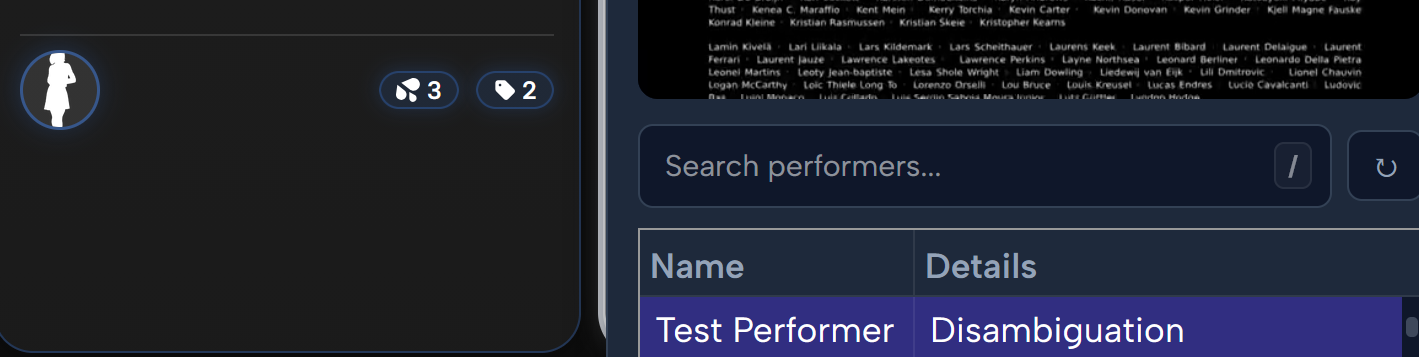
Quickly edit a tag or performer by clicking the tag or performer button at the bottom of the card. No right click needed.

 State-Aware Pulsing Save Button: The save button stays cleanly dimmed/disabled when everything is saved, and lights up Emerald Green with a gentle breathing pulse when pending list edits exist.
-
 Universal Entity Creation Modal: Creating a new Tag or Performer from any view opens a confirmation popup to verify spelling, edit aliases, or cancel before creating.
 -
 Dedicated FastTag Settings Modal: Right-click ➔
 ⚙️ FastTag Settingsto toggle the numeric ID column, enable/disable suggestions, and switch themes (Dark, Light, Match Stash). -
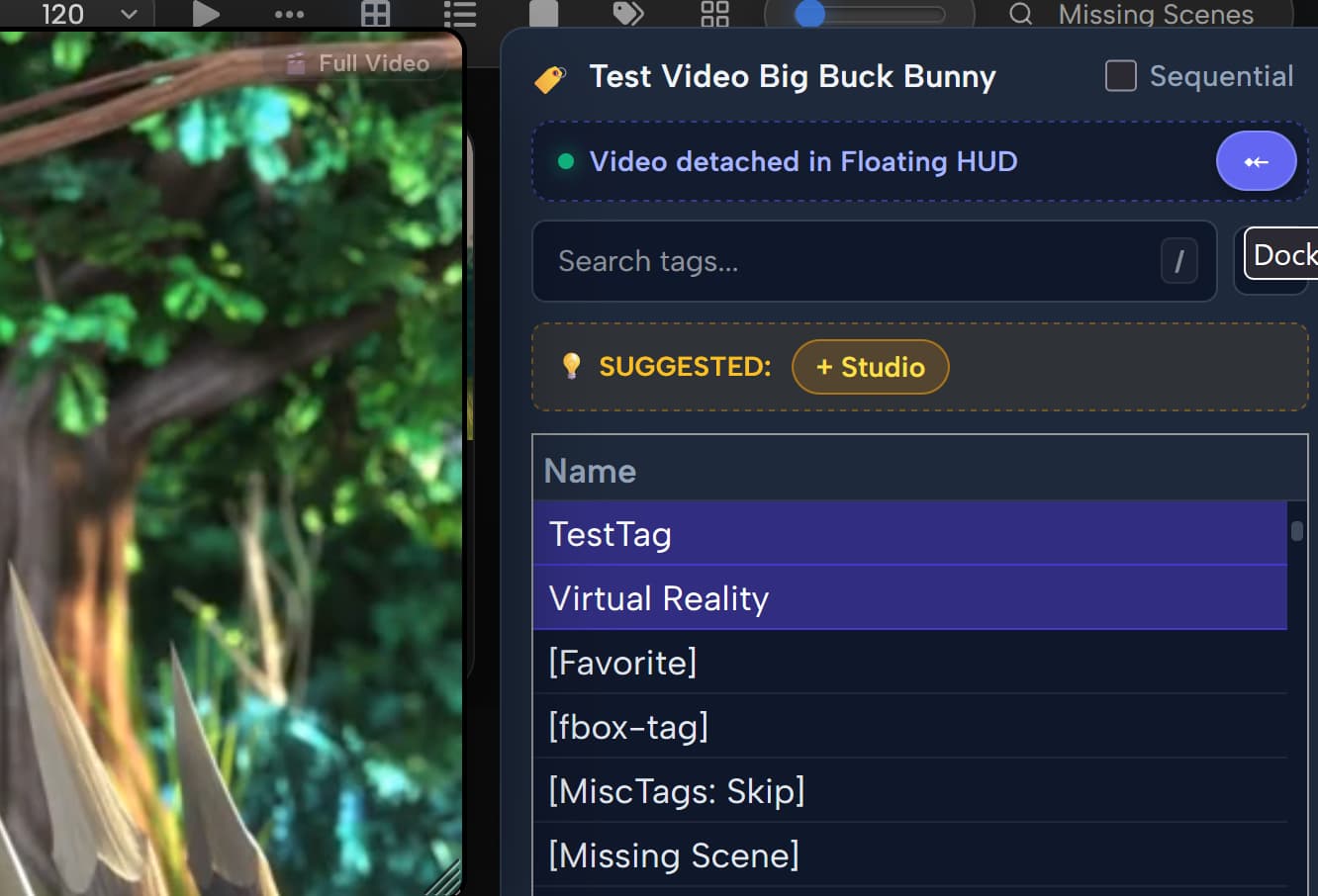
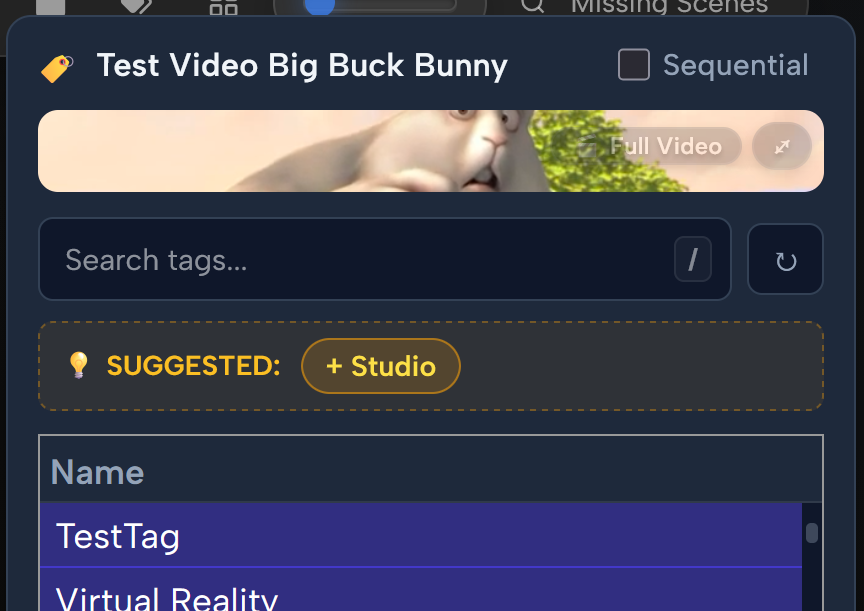
 Smart Scene Suggestions: Automatically detects and suggests matching tags, performers, and studios from filenames, titles, directory paths, and quality badges (
4K,1080p,NEW). One-click+ Tagor✓ Accept Allwith instant autosave. -
 Pinned Tokens: Pin favorite tags, performers, and studios (Alt + Click or Right-Click) for fixed, permanent muscle-memory number hotkeys.
 -
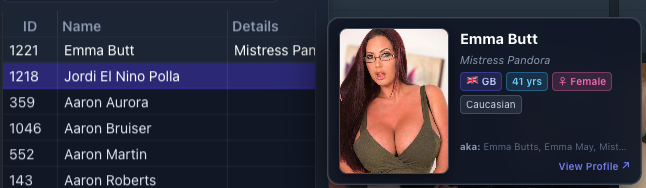
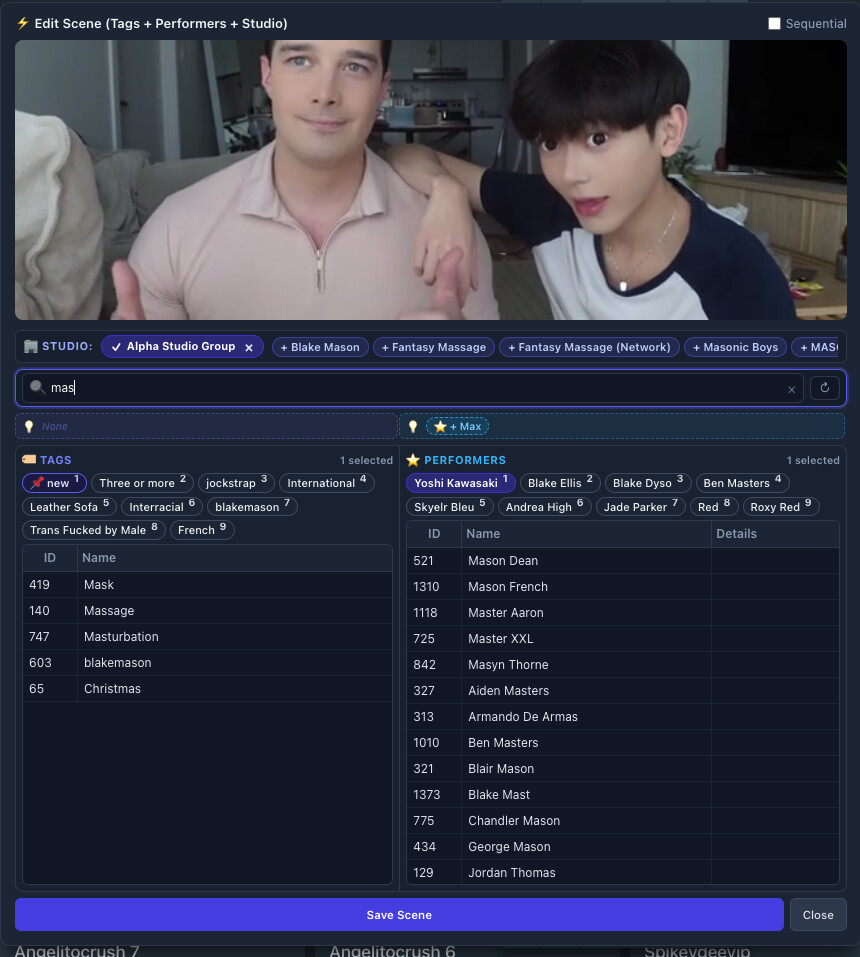
 Full Entity Editing: Edit Tags, Performers, Studios (with parent hierarchy search), and Galleries directly from any scene card.
 -
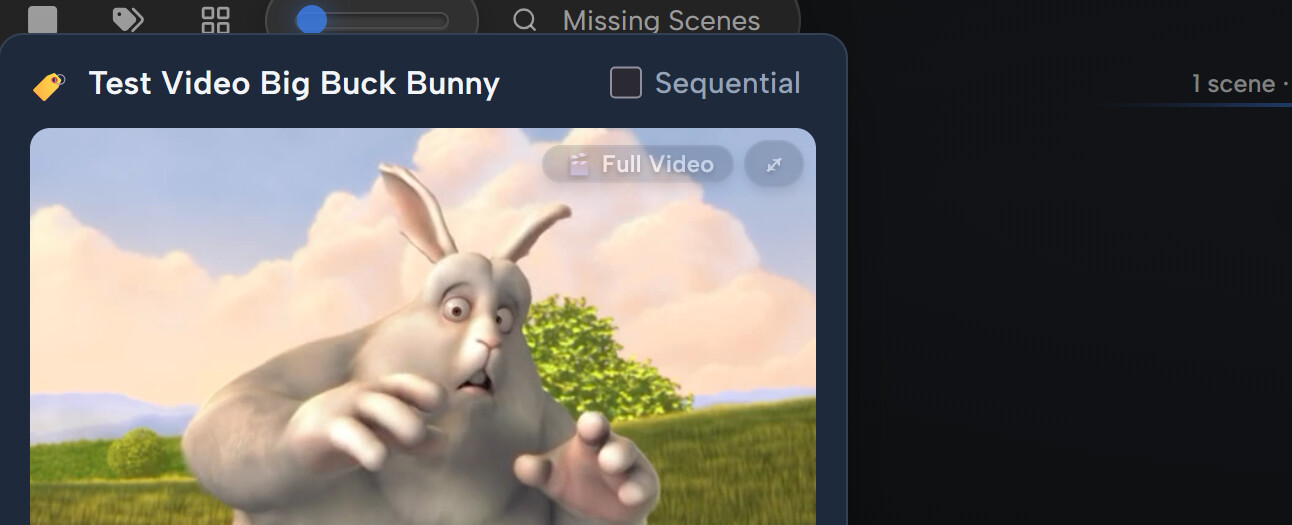
Edit Everything (All-in-One): Dual-table workspace for editing Tags, Performers, and Studios simultaneously with resizable columns and 16:9 video preview.
-
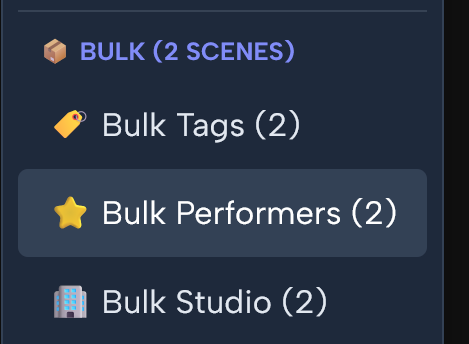
 Multi-Scene Bulk Tagging: Batch-apply or remove tags, performers, and studios across multiple selected scenes simultaneously.
 -
 Number Hotkeys (1–9) & Search Shortcut (/): Fast single-key toggling for the first 9 tokens, with / or S to jump into search across all views.
 -
 In-Place Sequential Navigation: Review and tag scene-by-scene sequentially (
[1/60]) with instant in-place transitions. -
8-Direction Resizing & Size Memory: Stretch the modal from any edge or corner with automatic size persistence.
 Installation
Method 1: Stash Plugin Manager (Recommended)
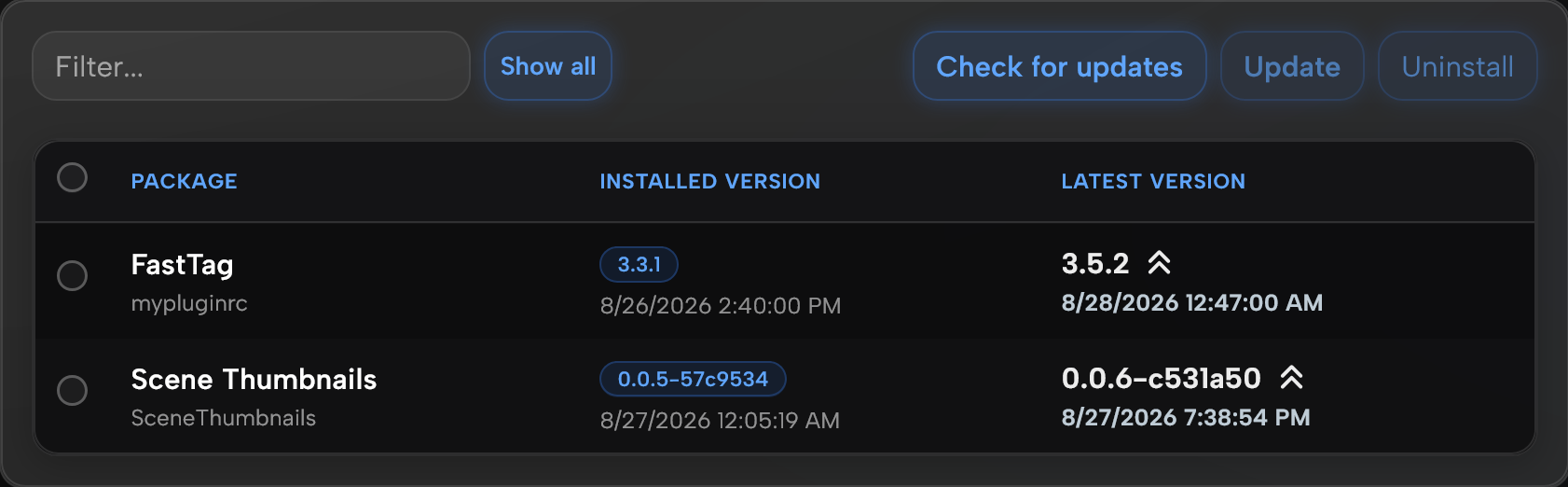
- In Stash, go to Settings ➔ Plugins ➔ Community Sources ➔ Add Source.
- Paste the Source URL:
https://kmarsh2311.github.io/my-stash-plugins/index.yml - Find FastTag in the Available Plugins list and click Install.
Method 2: Manual Installation
- Download
fasttag.jsandfasttag.ymlfrom the GitHub Repository. - Place them into your Stash plugins folder:
.stash/plugins/mypluginrc/. - Go to Settings ➔ Plugins in Stash and click Reload Plugins.
How to Use
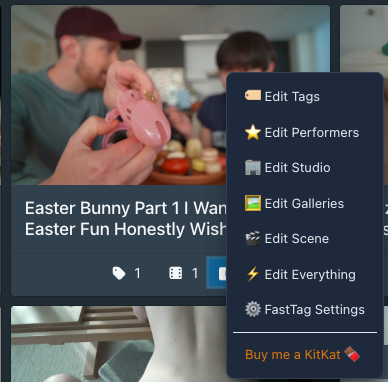
- Open FastTag: Right-Click anywhere on any scene card in Stash to open the context menu.
- Edit Everything: Tag everything in one unified window with dual side-by-side tables for Tags & Performers, dedicated Studio bar, smart suggestions, and 16:9 video preview.
- Single Entity Modes: Choose
Edit Tags...,Edit Performers...,Edit Studio..., orEdit Galleries...for focused edits. - Sequential Mode: Check
[x] Sequentialto review and tag scene-by-scene ([1/60]) with instant in-place transitions. - Smart Suggestions: 1-click accept tags, performers, and studios auto-detected from filenames, titles, and video quality badges.
- Pin Favorites: Alt + Click or Right-Click any recent chip to pin it for permanent number hotkeys (1–9).
 Quick Entity Creation: Type a new name into search and click
 + Createto check spelling and aliases before adding it to Stash and your scene.- FastTag Settings: Right-click ➔
⚙️ FastTag Settingsto toggle database ID columns, enable/disable suggestions, and switch themes. - Save in Place: Clicking
Save(or pressing Enter) saves changes immediately to Stash and keeps the popup open so you can continue tagging.
Keyboard Shortcuts Reference
| Shortcut | Action |
|---|---|
1 – 9 |
Toggle the corresponding recent/pinned chip (auto-saves immediately) |
/ or S |
Focus search input box |
Esc |
Clear active search text, or close the popup |
Alt + → |
Navigate to the next scene (Sequential Mode) |
Alt + ← |
Navigate to the previous scene (Sequential Mode) |
Alt + Click |
Pin / Unpin a recent chip (📌) |
Enter |
Save in place (or Save & Next Scene in Sequential Mode) |
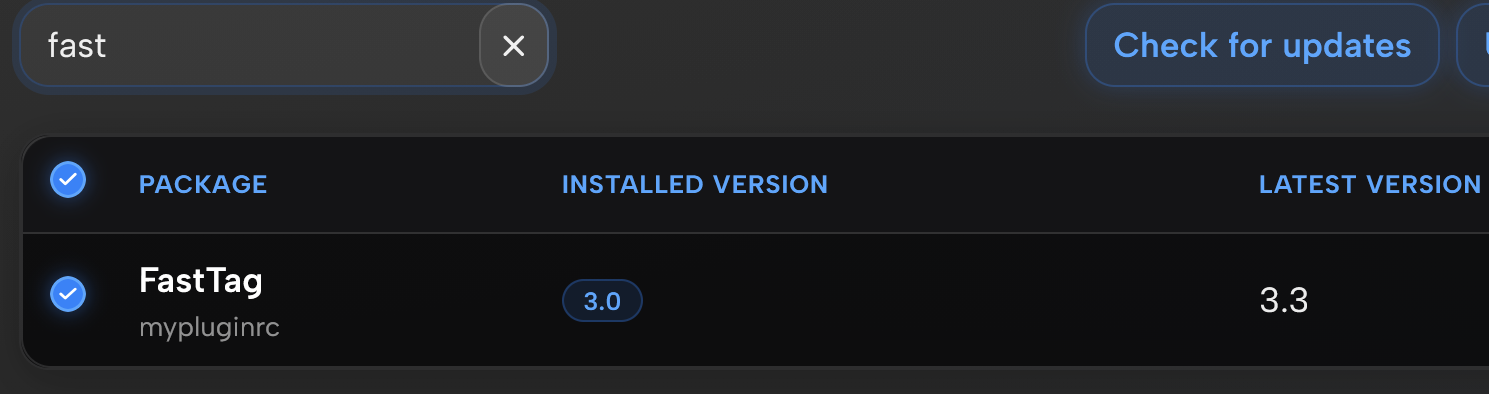
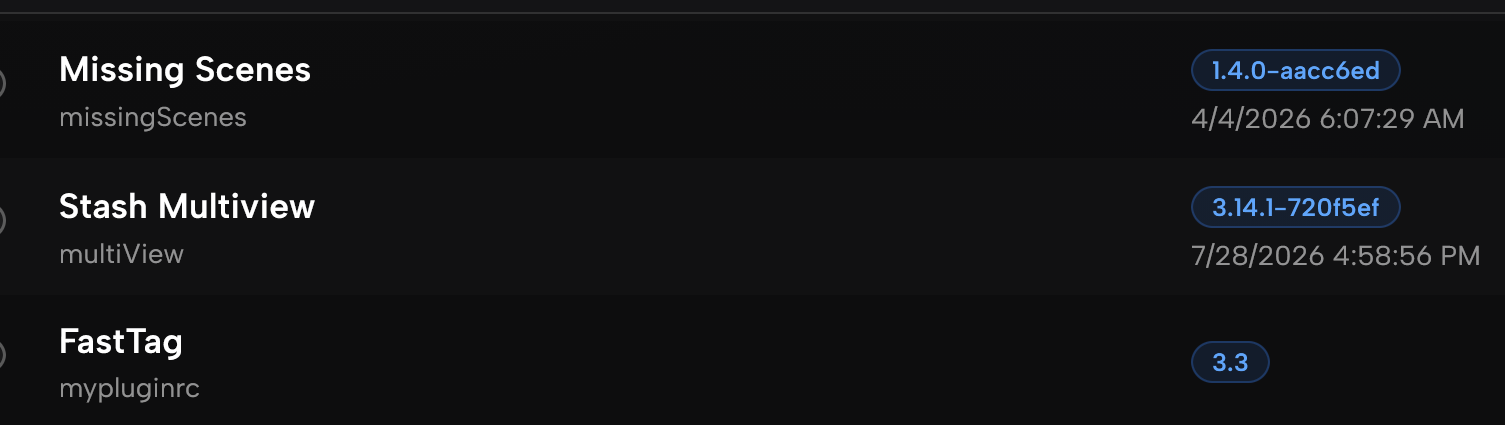

 How to Update to v3.3.1:
 Clean Reinstall (If the update doesn’t trigger):

 FastTag v3.5.0 Update — Smart Auto-Save, Creation Modals & UI Polish
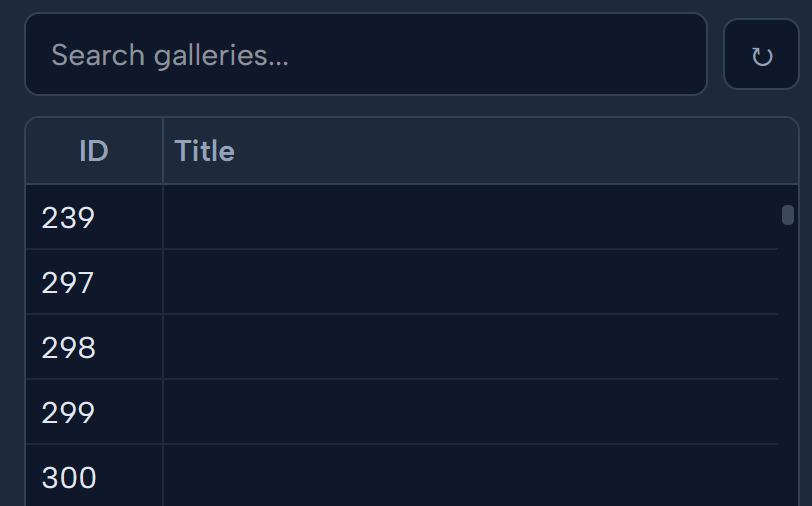
 Gallery Auto-Fallback**: Galleries with blank titles now automatically display their Folder/Zip name.
 Bug Fixes**: Fixed performer suggestion filters, duplicate sequential navigation listeners, and redundant save triggers.