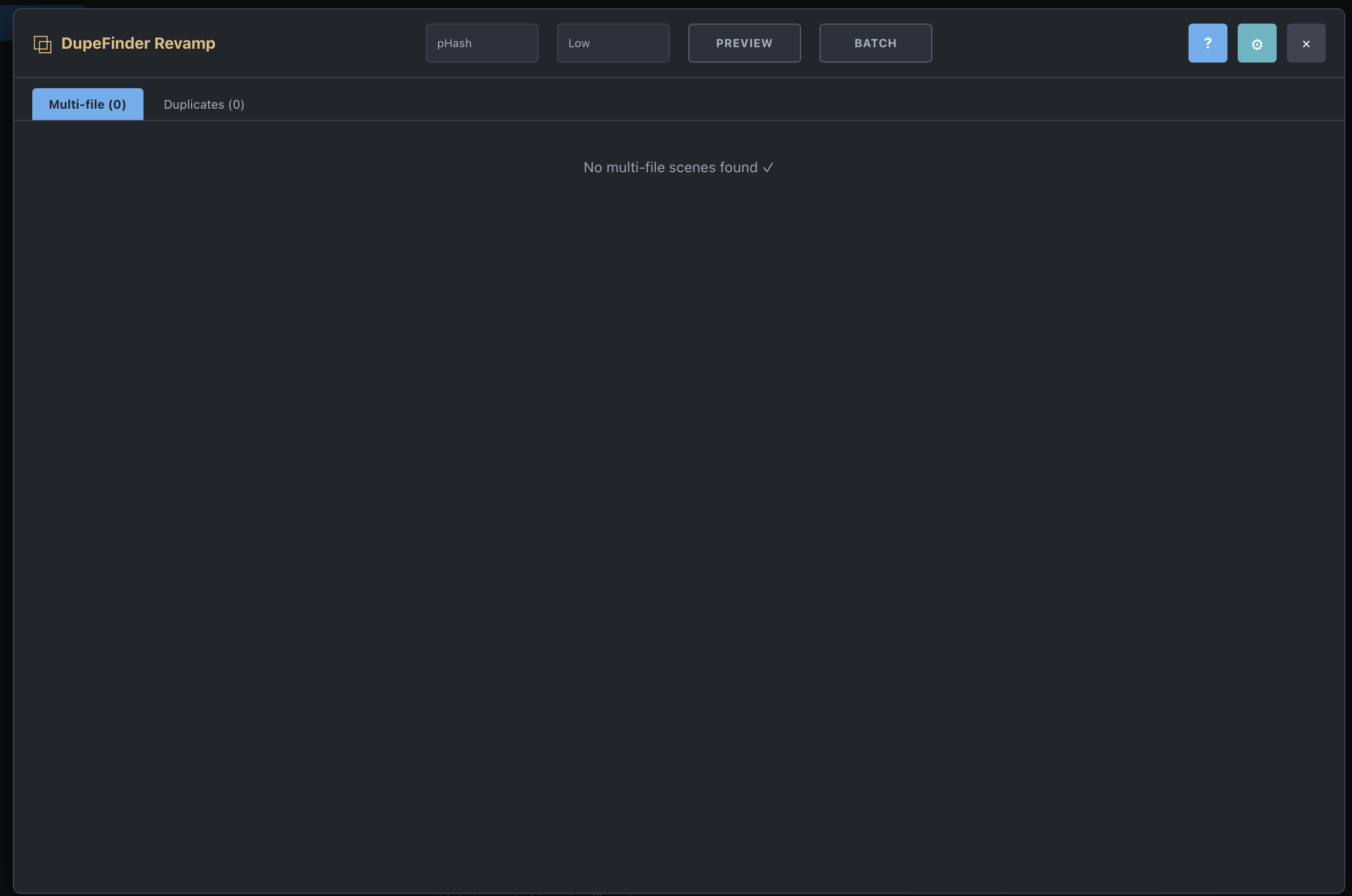
DupeFinder Revamp is a fork of DupeFinder with added features - it finds duplicate scenes and multi-file scenes, then helps you review, split, merge, or clean them up.
This project started from the original DupeFinder plugin by zzzinsCode
I really liked the original plugin, but development seemed stalled and
there were a few features I wanted, especially having the ability to delete files from multi-files scenes without erasing the whole scene . What began as a
few changes turned into a substantial rewrite, so I gave it a new name to make
the difference clear.
Although Ive developed several plugins for personal use this is my first release, there may still be rough edges but all features have been tested on my stash instance. If you run
into a problem, please open an issue on GitHub with as much detail as you can.
Features
Duplicate detection using pHash, with an optional legacy fallback for scenes
without a pHash, or legacy-only title/date/studio matching
Detection of scenes with more than one attached file
Explicit keep selection: click a file or scene to choose what remains
Keep, Split, and Merge actions for cleaning up multi-file and duplicate scenes
Batch operations for included scenes and duplicate groups
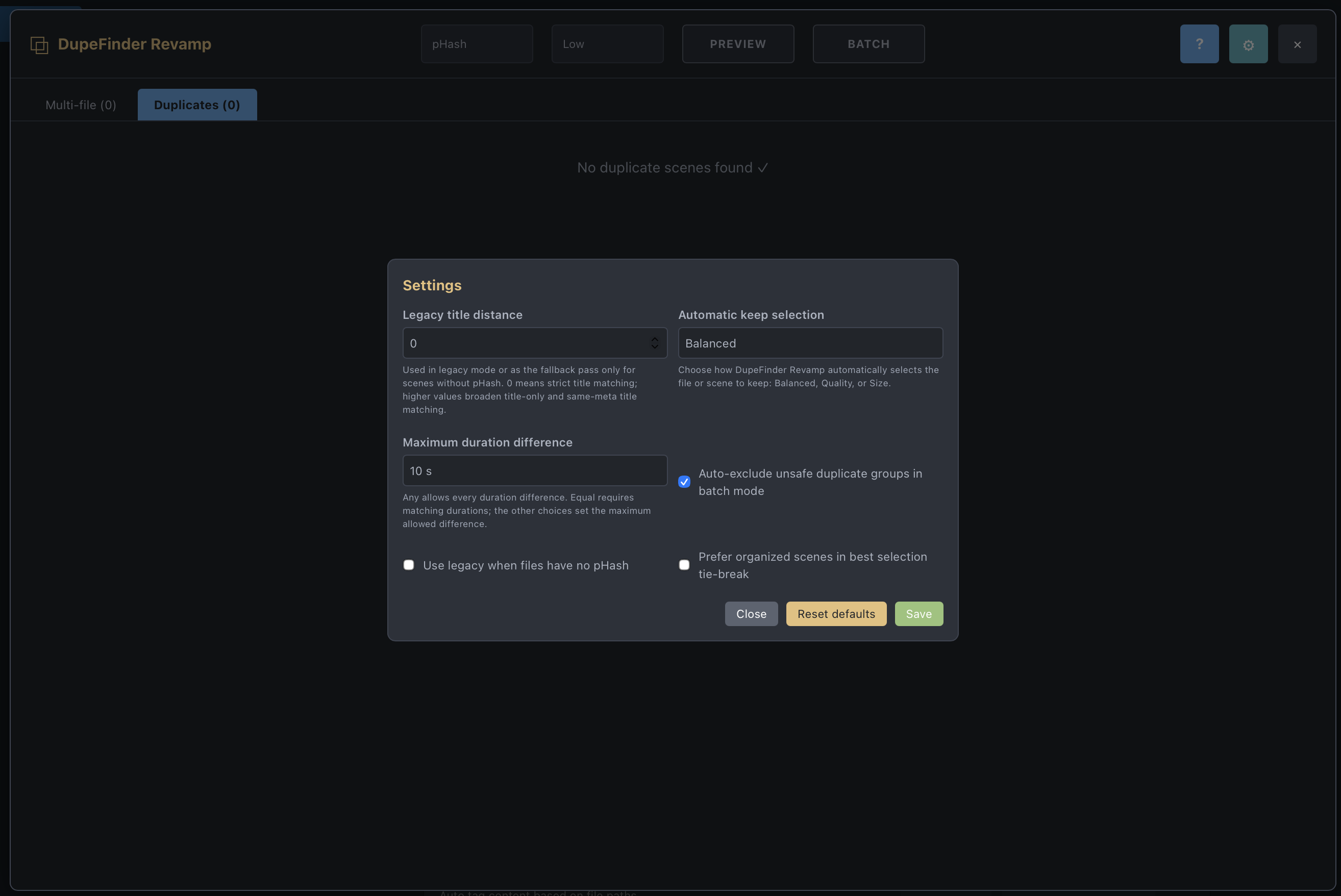
Safety filtering for scenes with large duration differences
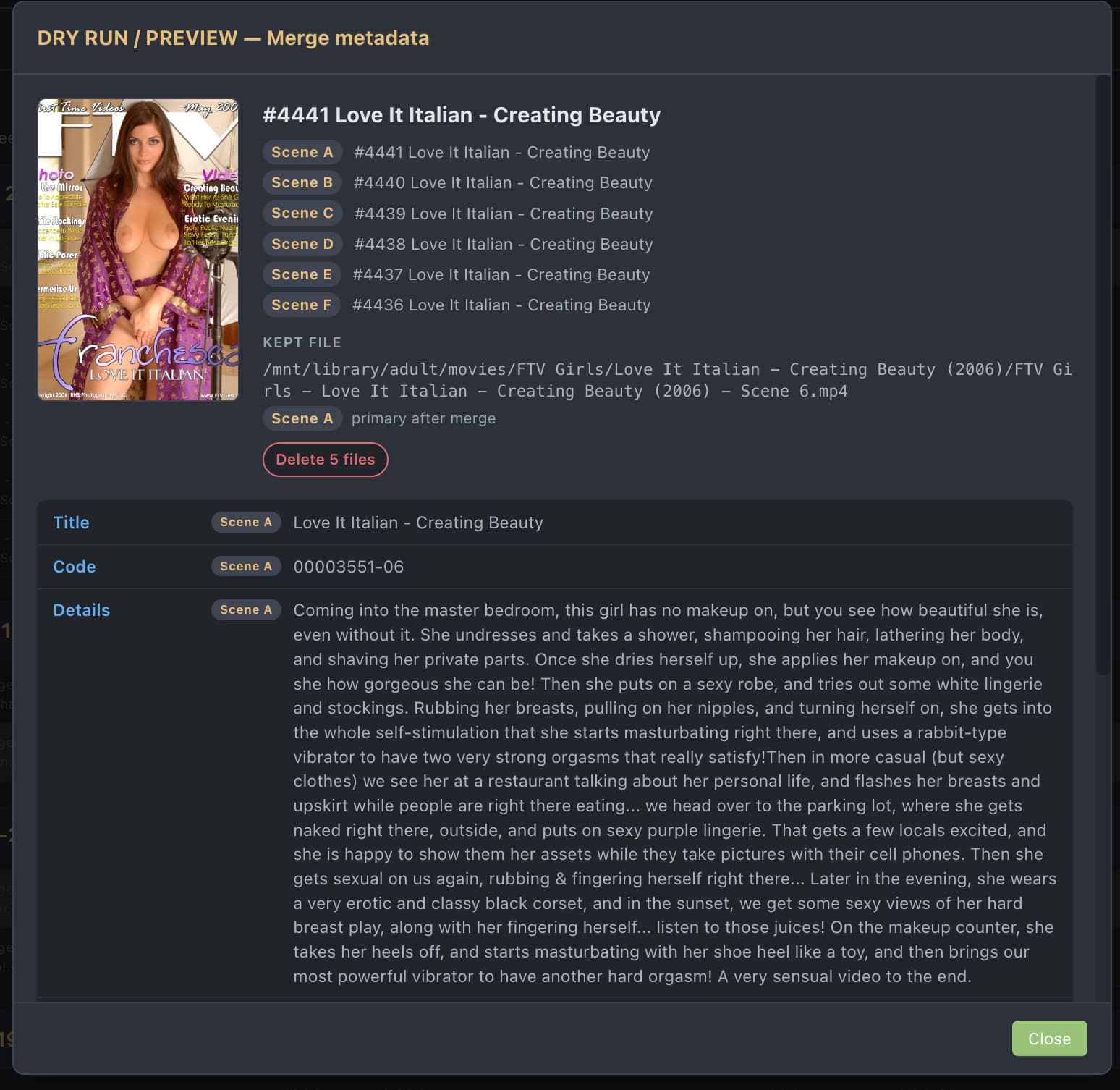
Preview mode so you can check destructive operations before running them
Automatic keep selection using balanced, quality, or size-based rules
Progress and abort controls for batch operations
Launch from Settings → Tools or the optional header icon
No Python dependency; everything runs in the Stash frontend
WARNING
Keep and Merge can permanently delete video files from disk. Split changes
scene and file associations, and may remove the original scene metadata when no
keeper is selected. Back up your Stash database before doing a large cleanup,
double-check your selections, and use Preview mode first.
nice to know it worked for you! its what I had in mind when I started the fix - make it work as expected - lemme know if you have suggestions or bugs that needs fixing.
Tried to use it as I re-encoded about a thousand inefficient video codecs and stash imported them as new files instead of associating them with the originals. But all my originals have studio and tag metadata, and most have performers too.
When I tried this plugin, the duplicates function is very nice and better than the built in one, but unless I am mistaken it doesn’t have a way of merging the metadata from one or all of the identified duplicate files with the file marked keep.
If it can’t do that, is that something you could add? I realize recognizing which scene to grab the metadata from to merge into the kept scene might be difficult. Could be an option to choose a field - for example for me all of my originals have a studio at a minimum, so I would want it to always keep the metadata from the file with a studio (and in a conflict, the oldest scene), and keep the video using the great auto criteria it’s already using.
merging metadata is what happens when you select the duplicates in duplicates tab and click merge! the keep tag is the scene you will keep and the others will be merged into that - the merging process keeps by default the metadata from the ‘ keep’ one and then fills empty meta from the others into the one and should merge what can be merged - like tags stash ids etc - can you try with one and see if it works as you want? if not its ok for me to fix just can you try that first and see if it is as you intended?
That is the behavior I expected, but the metadata from the other file(s) doesn’t seem to be moved to the keep file, even if the keep file has no metadata at all, and the other file has a ton.
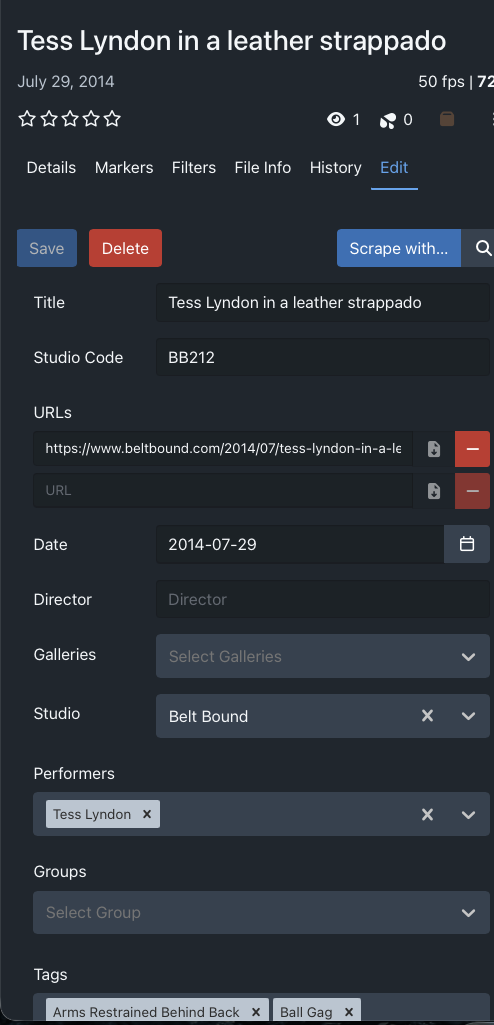
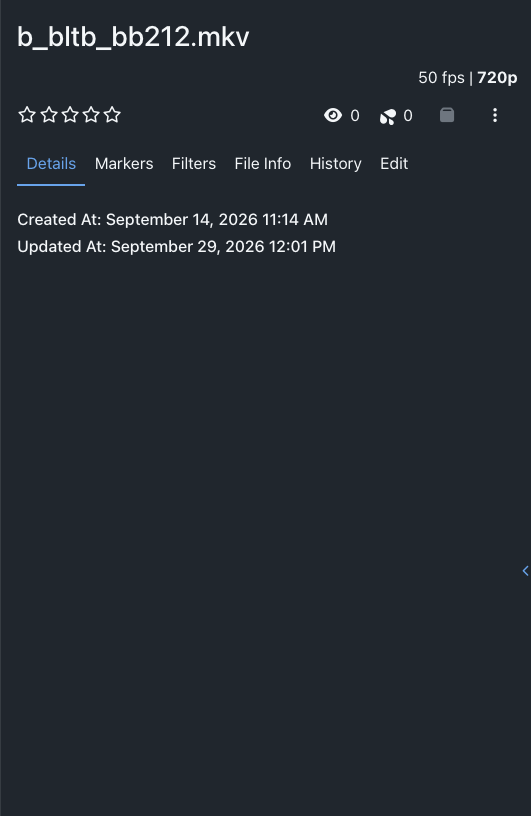
Just tried it - here are the two files. The wmv3 has all the metadata, but I want to keep the hvec file.
i was researching this here because im using a stash GraphQL call to do the merge - not doing the merge myself - and it turns out I have to specify the merge values - lemme handle this - I have some free time today so in a few hours I come back with a version for us to test, ok ?
I tried running it again with debug on in the log to see if I could find any clues. Sounds like you may already know the cause, but for my specific case the actual video file for the scene that is not the “keep” file is missing, so I was thinking maybe the plugin didn’t handle that well causing the metadata to not get copied.
26-09-29 12:14:33WarningFile "/data/prowlarr/torrents/_FETISH_LITTLE_CAPRICE/BELTBOUND - 189 - Little Caprice leather straitjacket and ballet heels.wmv" does not exist and therefore cannot be deleted. Ignoring.
hey there - I’ve updated the plugin to 1.0.1 - you can update using your stash app plugins update in the plugins settings pages - just check for updates and it should be there if you installed the repo - if you installed the zip its also updated - lemme know how things go - I’ve added a nice merge preview in the duplicates tab so if you activate preview you can see the metadata - also works for batch preview - it will show exactly how it will merge and where each field the metadata will come from. please tell me if everything worked out or if you found any problems!
Great work! Quick and worked perfectly as far as I could tell.
Not sure how you determine which file to keep when two have the same size/duration, but my only suggestions would be:
When it sees a name with (1)..(2)..etc.. at the end, it defaults to the original.
Ex:
This_is_my_filename.mp4
This_is_my_filename(1).mp4
Another, if it can detect titles with performer names at the beginning, it keep those.
Ex:
Whitney Westgate - Hot Wife Bribed for Anal.mp4
Hot Wife Bribed for Anal.mp4
I have no idea how it is making its selections now, but I just had 1000 scenes I had to go through and its seemed like 80% of the time it would select the non-performer named file or the file with (1) at the end. Maybe I just have bad luck, but thought that would be a nice feature.
Edit - Should have said this was in multi-file view. I didnt actually have anything pop up in Duplicates to see how that did.
hey there - it selects by quality / codec - duration and library location - I can work something out for custom default selections… let me see… thanks for the feedback!