Custom Tags Manager

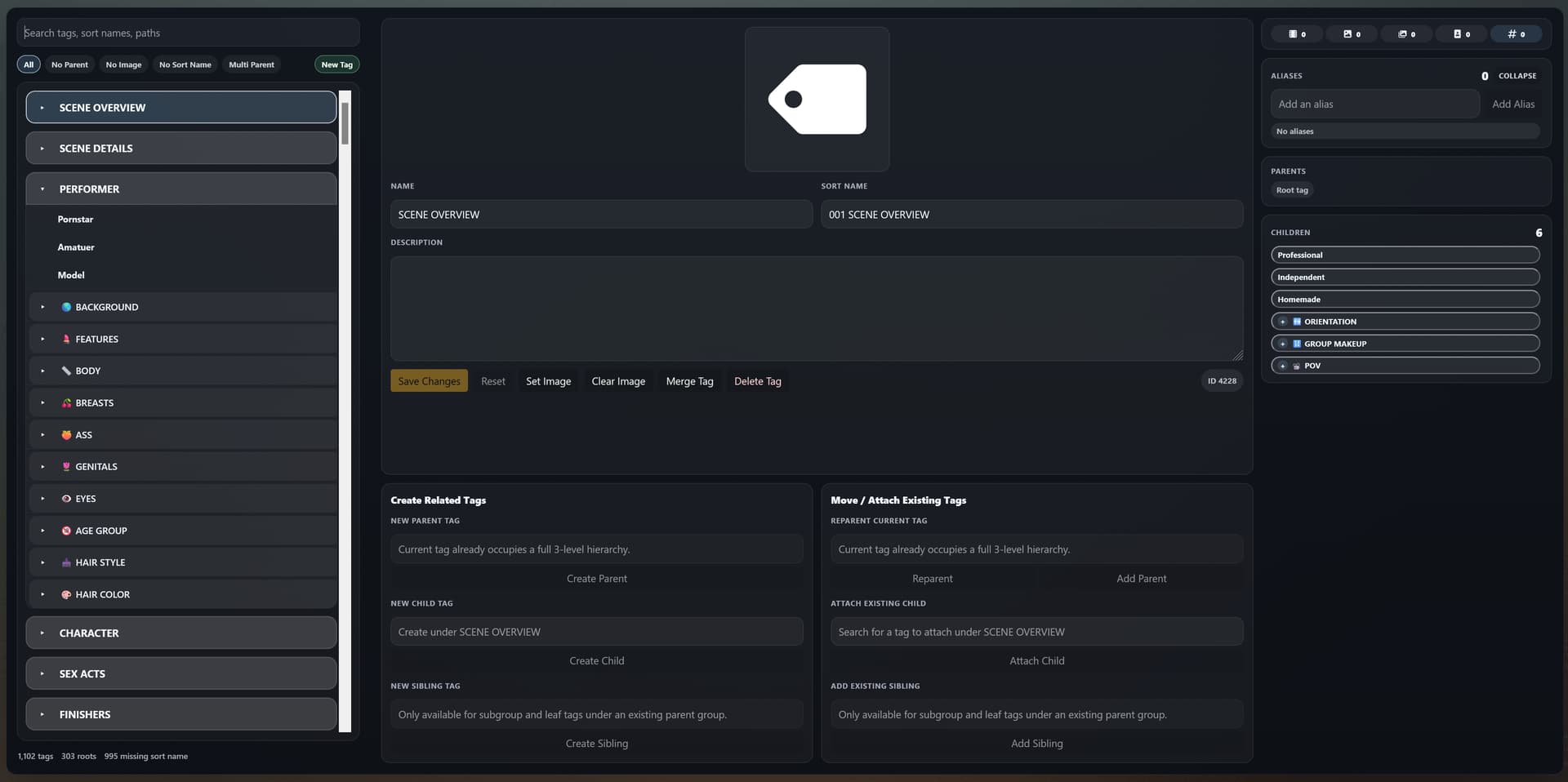
:placard: Summary Adds a standalone page for creating and managing tags. This provides an easy way to preview your current tag hierarchies and make edits/additions all in one place.
:link: Repository https://github.com/RollainKraus/stash-plugins/tree/main/plugins/CustomTagsManager
:information_source: Source URL https://rollainkraus.github.io/stash-plugins/main/index.yml
:open_book: Install How to install a plugin?

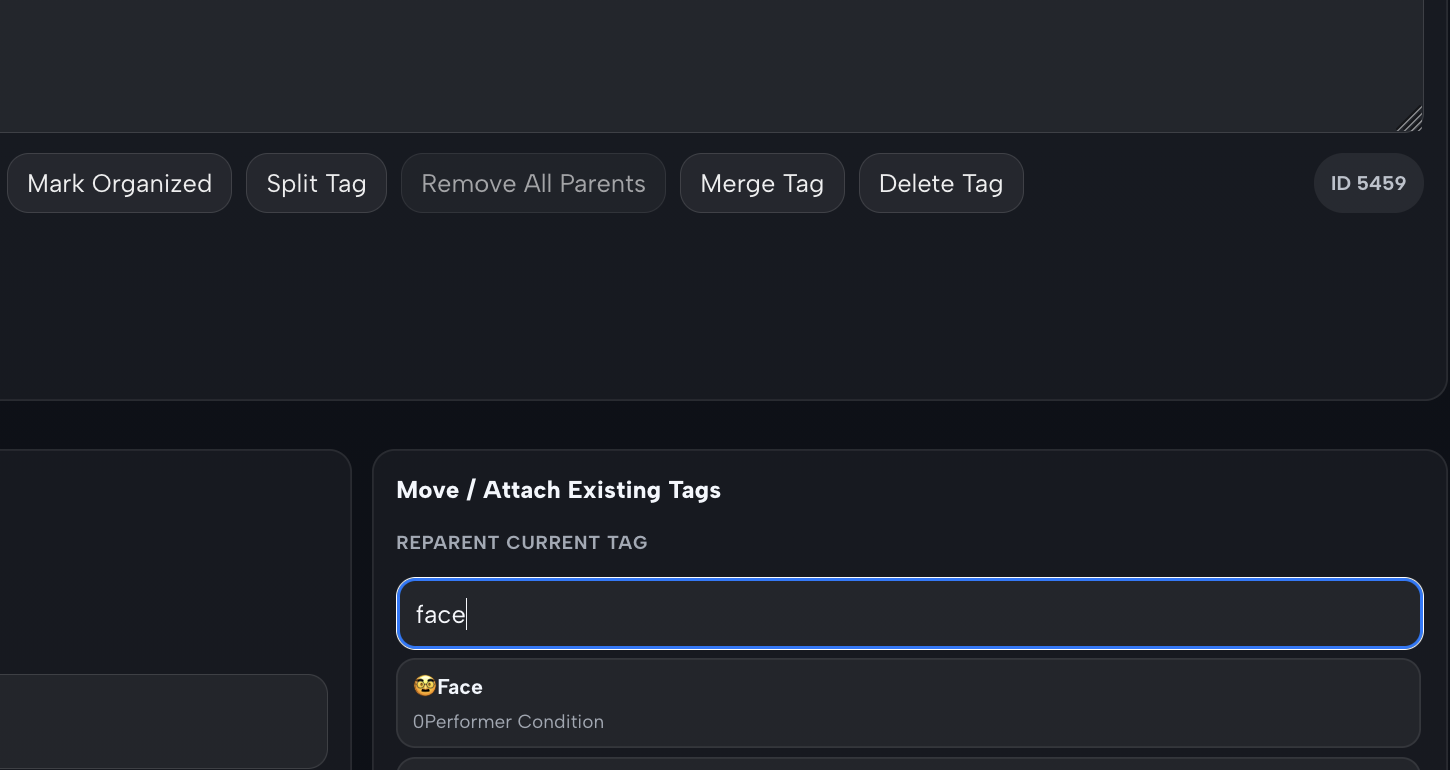
*The Custom Tags Manager Button is on the ‘Tags’ page in the header

Features


***New - Drag and Drop Sort Order: Added drag and drop for updating sort name/sort order. Much faster and easier than manually adding/adjusting sort names. Activate sort mode then simply drag and drop tags to create the desired sort order you want, press ‘Apply Sort Order’ to confirm and all sort names will be updated. Tags show current number order and when adjusted will show the new number. Orange = manual sort order change, Yellow = consequential updated sort order Warning: This will overwrite any existing sort names you have, but preserves the sort order

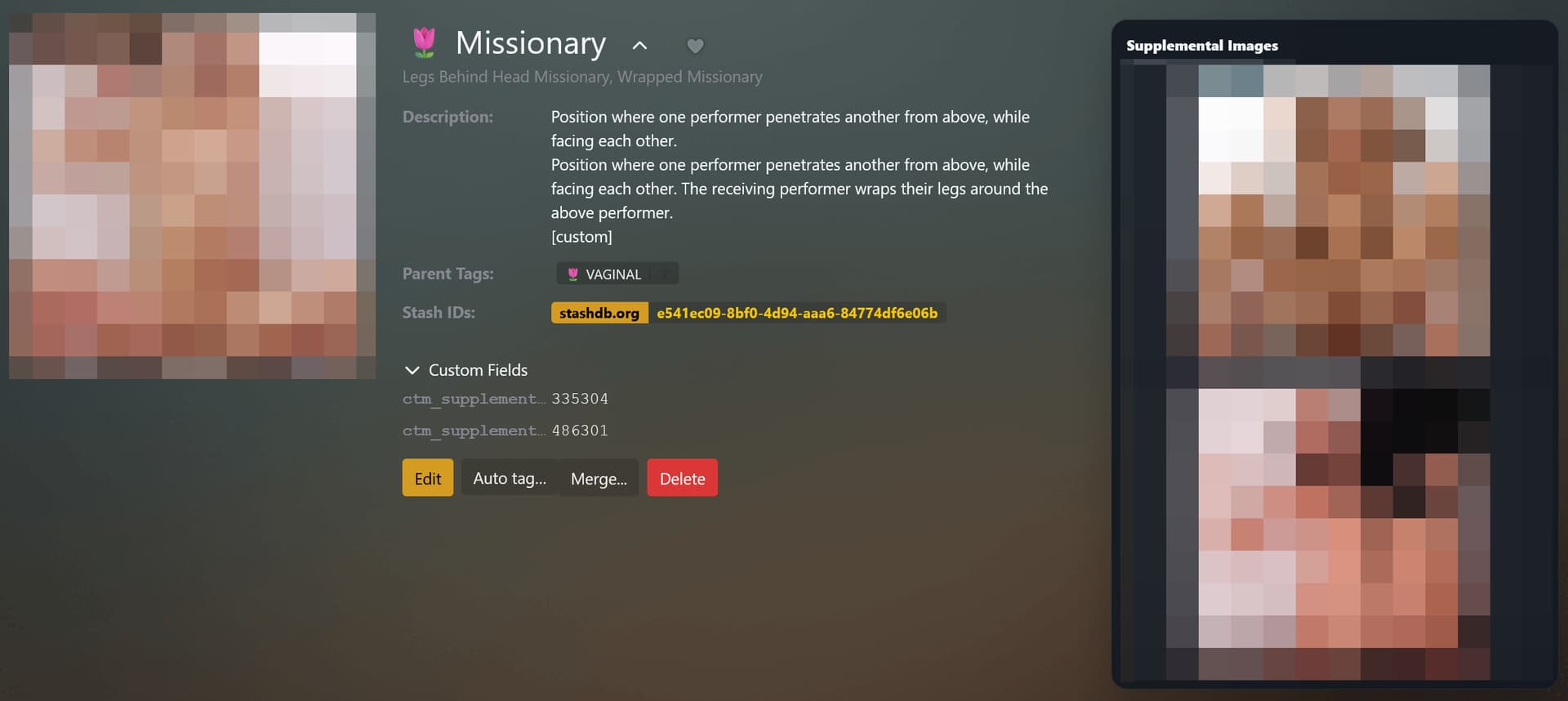
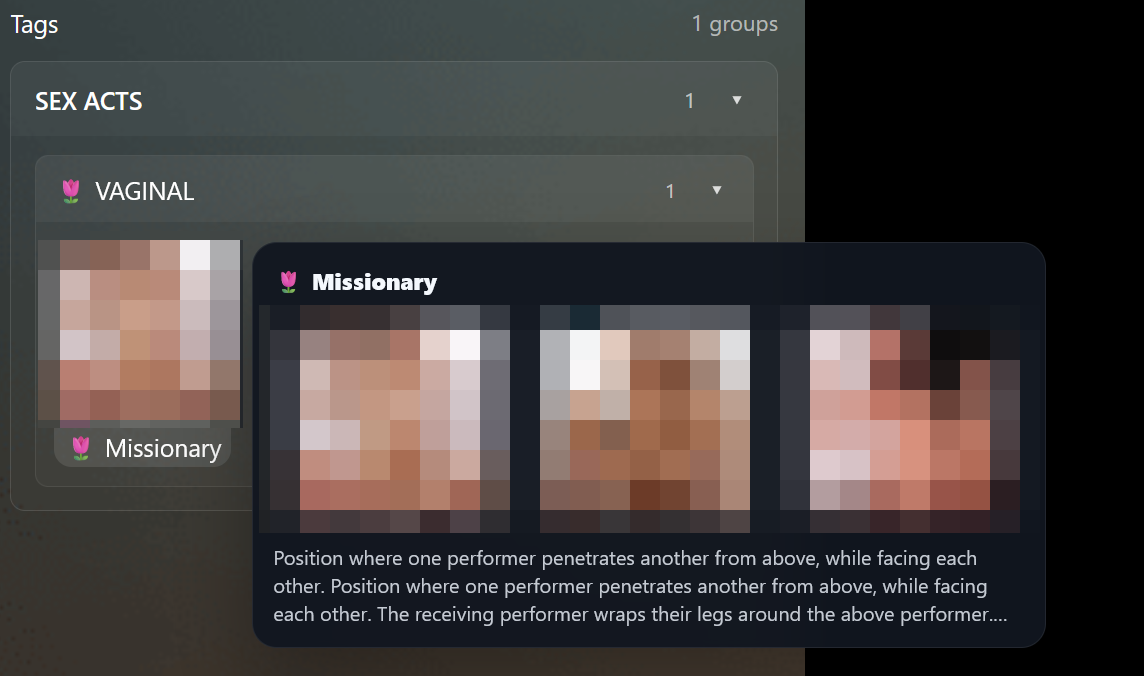
Supplemental Tag Images: Up to 2 images can be added to tags with custom_fields. These will display on the tag page as well as when hovering over tag badges. Useful if a tag is more general and a single image isn’t clear enough, or if you merge tags together and want to include some of the images from the merged tags. Hover preview also includes first 3 lines of the description.

You can add the supplemental images via the CustomTagsManager page in the Edit Tag panel, or by adding these custom fields to images:

ctm_supplemental_image_1
ctm_supplemental_image_2

and then adding the stashID for the image you want to use for the supplemental images

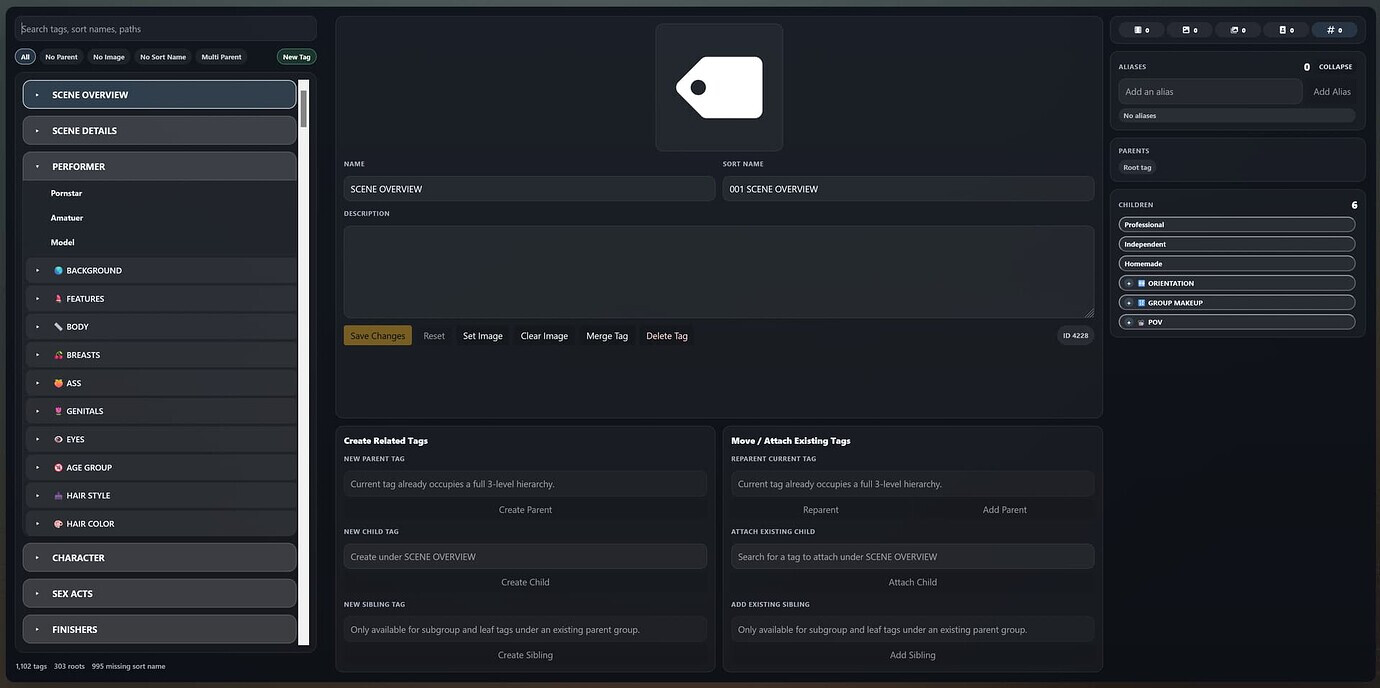
  • Standalone tag manager page that shows all your tags and their current hierarchies

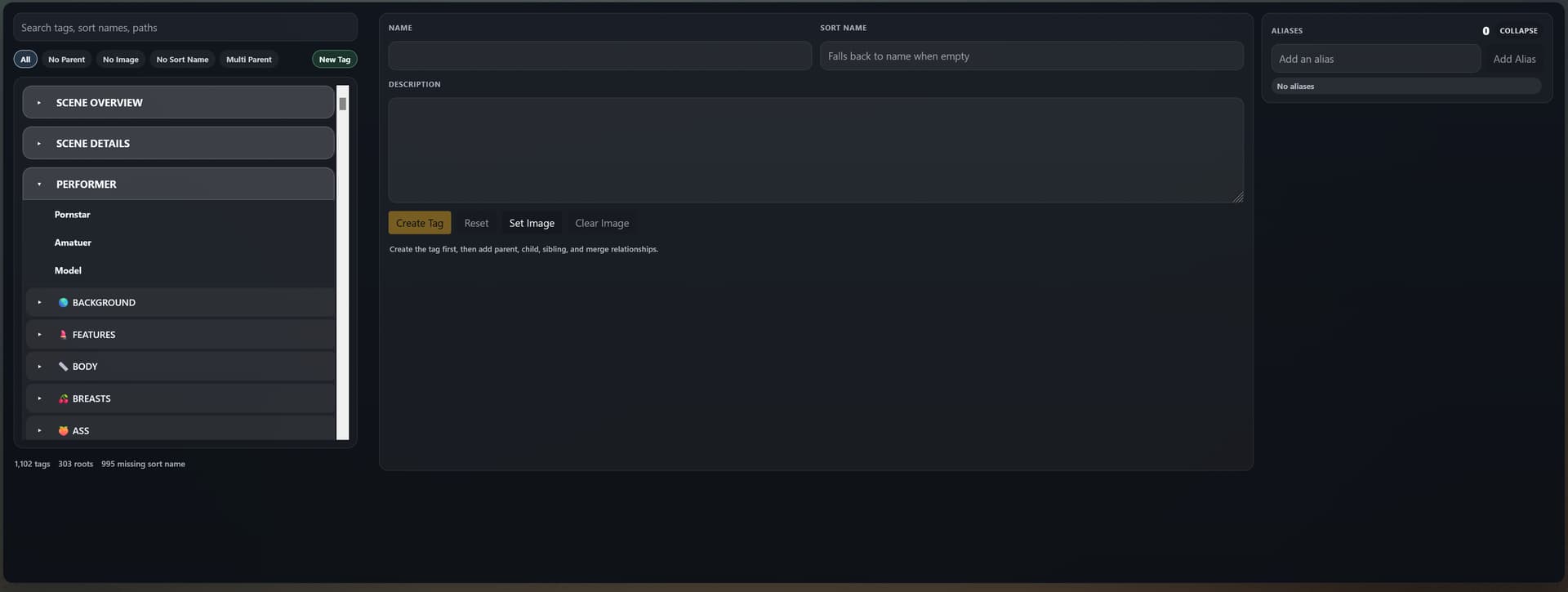
  • Can create, edit, merge, split and delete tags within the same page

  • Filters to help isolate incomplete tags or tags with multiple parents

  • Grab handles for simple drag and drop behavior. Drop tags with parents into the ‘Root’ header to remove their parent tags. Drag a tag into another tag to make it a child, or drag subgroups into other parent groups. Green = supported hierarchy, Red = breaks hierarchy rules.

  • Tag Merge UI allows for previewing both tags before confirming, also allows flipping with source/destination for merging tags

  • Support for multi-select of leaf tags to allow reparenting multiple tags at once

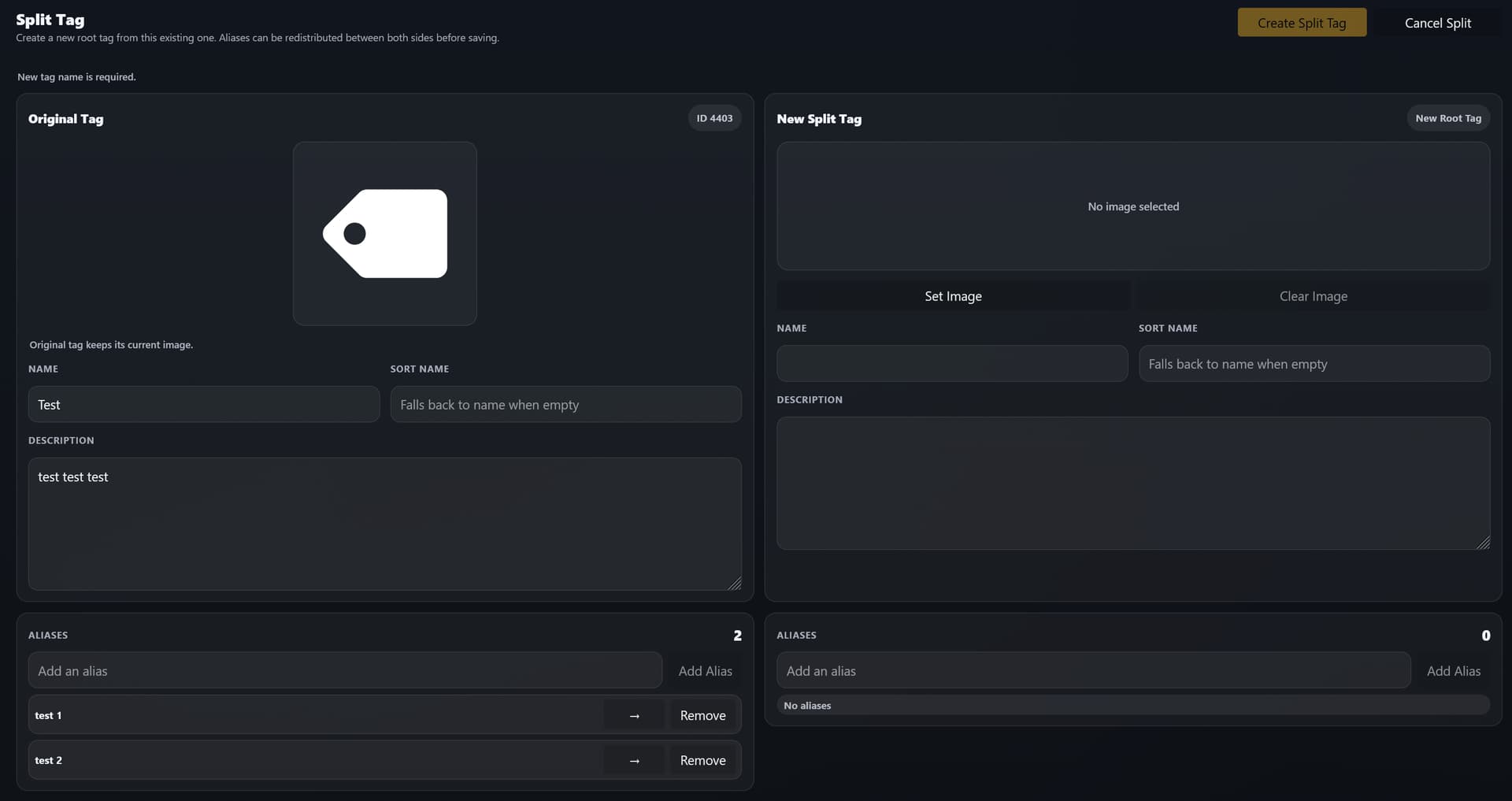
  • ‘Split Tag’ option for splitting an existing tag. This makes it easy to transfer aliases to a new tag. Useful if you have ambiguous tags that might work better as 2 focused tags.

    **This only supports tag hierarchies up to 3 layers deep. Any more layers and the hierarchies will break.

    parent >> tag (leaf tag)
    parent >> subgroup >> tag (leaf tag)

    Known Issues: Refreshing tag manager page returns 404

Installation

  1. Available Plugins >> Add Source

  2. Source Name: Rollain Kraus
    Source URL: https://rollainkraus.github.io/stash-plugins/main/index.yml

  3. Click Checkbox >> Install

  4. Reload Plugins

Screenshots

CustomTagsManagerSortOrderPreview

Having multiple tags for each form of missionary seemed excessive, but a general ‘missionary’ tag also isn’t very descriptive. This plugins lets you add up to 2 supporting images to help show more information about the tag and shows those additional images + the first 3 lines of the description when hovering over a tag.
Made By AI - just sharing if it might come in handy for someone else or inspire some new ideas.
3 Likes

it would have been really nice if i can drag and drop or or select the child tags from the list and assign it a parent tag. it make the job of creating parent tags much easier

This is damn cool. Would it be possible to import and export tag?

Yours Grouping is good and I kinda want it. I’m manually creating some from what I see in video demo

This is pretty cool, wish I’d found that before manually setting up sort order on many many tags.

Would it be possible to make the max hierarchy depth configurable / much higher / unlimited?

I’m also using a structure often, where some tags are actually a sibling and a parent of the same tag, those are kinda messy (especially combined with the depth limit).

I know I’m way over-complicating things, I’ve gone down the usual data hoarder rabbit hole of over-organizing things to an extreme degree.

2 Likes

Hey would this work on v0.30.1? When I initially downloaded this and interacted with the “custom tag manager button" it just opened another tab in chrome.

I absolutely love this plugin, can we please get a more practical and refined version?

I love how your plugins all work together well. so for the sake of user feedback here are some user ideas :).

  • I feel as if the spaces are unbalanced. Too most wasted space allotted to UI elements that are rarely used. This plugin is very useful for visualizing the tag hierarchy, and i think for this plugin that’s what most people use it for and spend most of your time developing/organizing, yet at most the tag hierarchy only covers one quarter of the custom manager page.

  • Why are there separate boxed for moving/ creating tags? It should be unified, when you type a tag in, it should give the unified option to move to a preexisting or create if unable to find a tag

  • Better integrations with themes. My understanding is that theme plugins change the default pallet colors that Stash uses to render its elements. Why doesn’t the custom tag manager also change the color based on theme?

  • Supplemental Images should be able to paste from clipboard such as with the main tag image.

  • Toggle Sort names on and off. (some people sort alphabetically/numerically such as" “performer.modifications.tattoos.arms

  • Quicker common actions/hotkeys (deleting/ moving) Moving the tag from one expanded group can be super annoying. maybe having two vertical columns source and destination for moving tags? (it can be difficult to remember the name of a group when you have many.) and having to scroll miles up and down to sort your unorganized tags gets tiring fast. Being able to press enter and have it go to the closest fit.

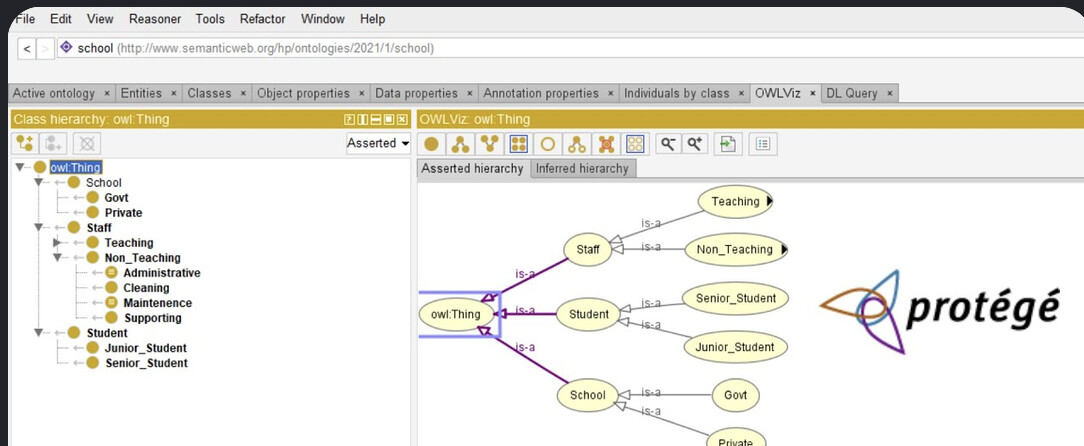
  • More horizontal aspect to the hierarchy rather than vertical. Organizing tags and their connection to one another, this is very much like an ontology. I would guess most people are on a horizontal aspect ratio rather than vertical, so desktop software inspiration from something like protege would be useful to incorporate.

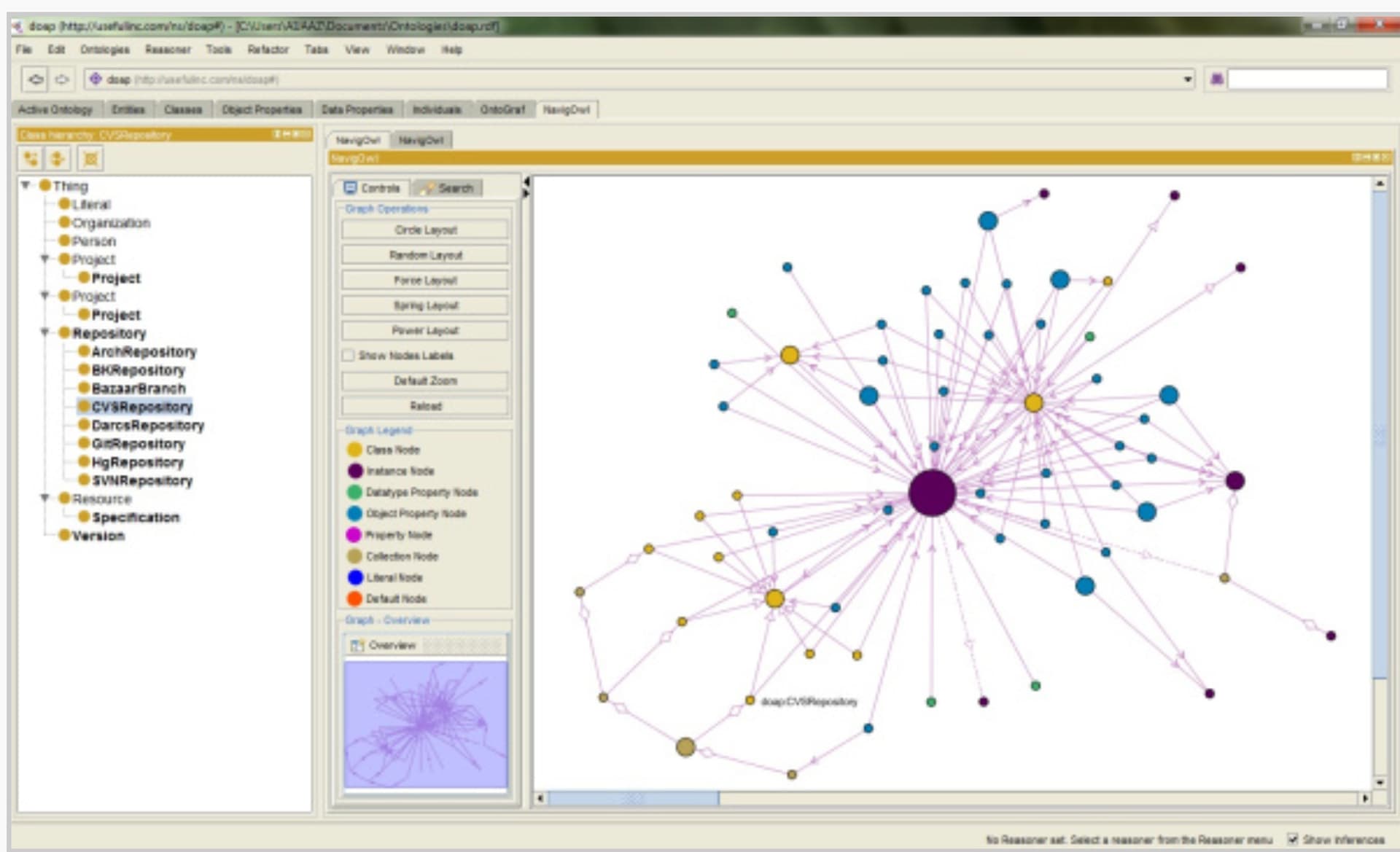
  • There is already a plugin that represents your tags as a graph. However its a bit useless by itself so integrating that would be awesome. Tag Graph

By no means do I understand the amount of effort that must go into your plugins. but I hope maybe some of these you haven’t thought about yet. or some that inspire you to continue making bangers.

Cheers,

Joe

2 Likes

good ideas thanks. I addressed some of them with the latest update but very untested.

1 Like