|
Summary | Adds scene tags from text in square brackets in the filename — e.g. [Joi] and [Talk] in My Clip [Joi] [Talk].mp4. Simpler than generic filename parsers: no regex config, just run a task or enable auto-tagging on scan. |
 |
Repository | https://github.com/PepegaSan/Stash-Folder-Sidebar-Plugin/tree/main/plugins/bracketTags |
 |
Source URL | https://pepegasan.github.io/Stash-Folder-Sidebar-Plugin/main/index.yml |
 |
Install | How to install a plugin? |
Features
-
Reads every
[...]block from the scene filename (first file on the scene) -
Multiple brackets —
[Tag A] [Tag B]or comma-separated inside one bracket:[Tag A, Tag B] -
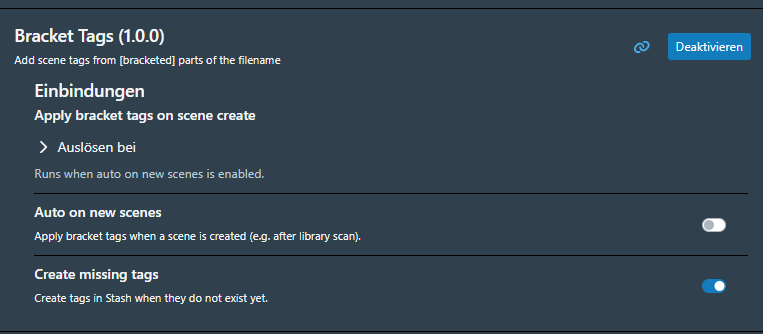
Create missing tags — optional; on by default (no manual tag setup required)
-
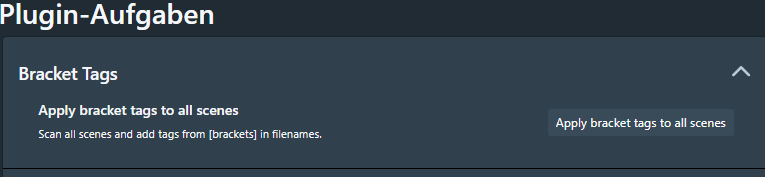
Manual task — process the whole library once from Tasks
-
Auto on new scenes — optional hook after library scan (new scenes only)
-
Skips organized scenes; only adds tags, never removes existing ones
Installation
easy way use the source url and add it as source to the plugins
or download repo and extract it to your stash plugin folder
Use:
Download the plugin, make your settings, then you can start it in Tasks