thanks for the beta release! the performer cards are looking a little better on my widescreen monitor (some foreheads being cut off) but on my laptop i still have some headless people due to the laptop screen size (macbook air) 
is it possible to revert to the previous card design? or maybe give us a toggle to revert?
i love the other features in this update, but i would really like a consistent performer image throughout. my images look fine in other part of the Stash experience (like the performer page or the scene page) so it would be nice to have everything consistent
can you provide your air resolution?
resolution is 2560 x 1664
The both of you can rejoice. I have added this feature back albeit a little differently in the latest beta (1.3.5B2). You can now filter by your saved filters which is alot more stable and consistent than using the URL parsing. I know this isnt one to one what you had before, but I think just from a design perspective this is much more efficient.
Core match making rules such as recency, weight, etc are all still maintained, it just filters based on your criteria.
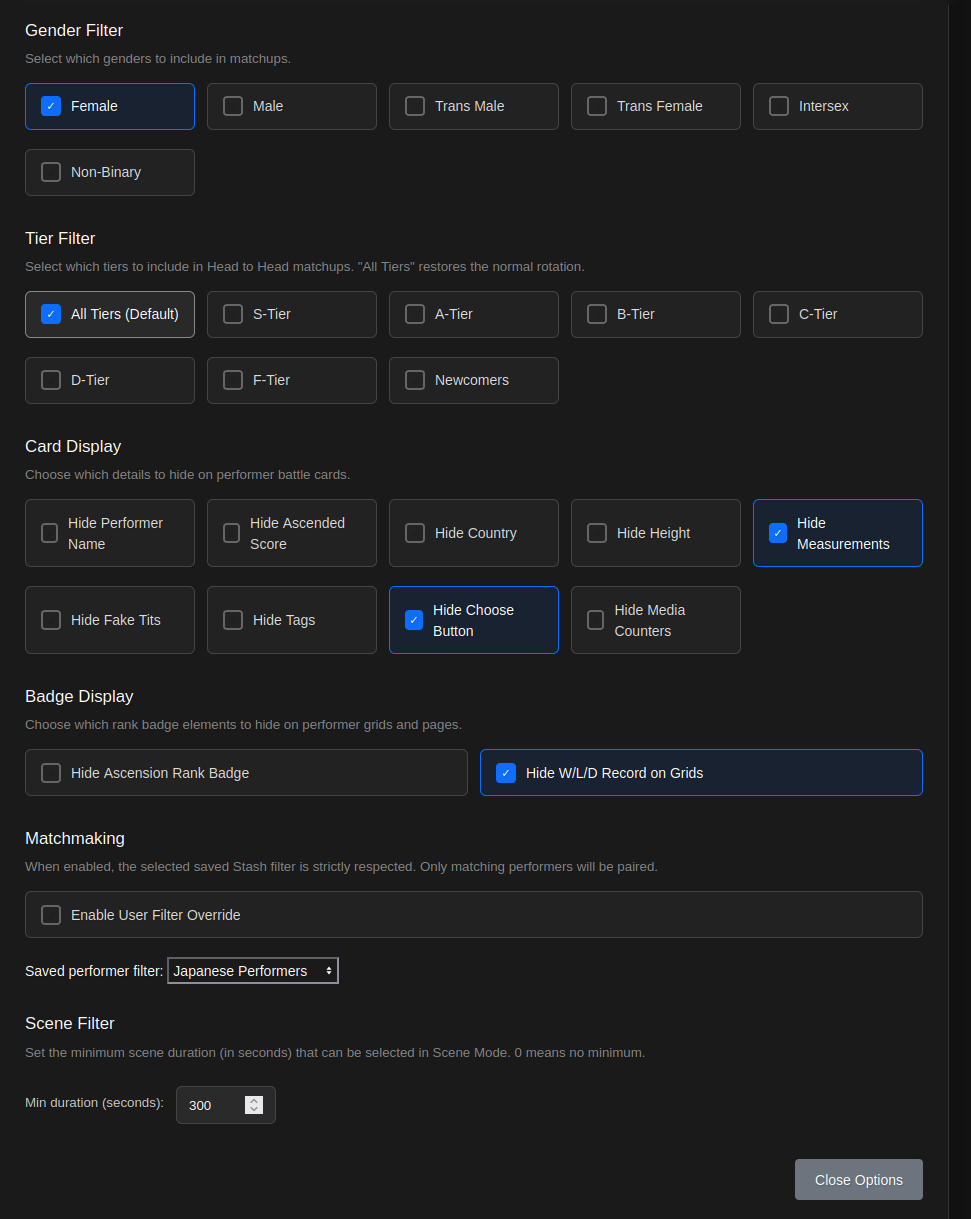
Latest PR:
Still working on some bug fixes that were previously mentioned, but I’ll let yall play with this and see if yall find something I didnt.
How do i fix this error in scene mode? Error: GraphQL Error: Cannot query field “custom_fields” on type “Scene”.
Update to the latest version of stash.
This has been resolved, the french revolution has ended.
Both of your cited issues have have resolved in B3 release.
Would it be possible to filter out unorganized scenes for scene mode? I have quite a bit of cataloging to do, but still want to have fun with scene mode in the meantime.
I’ve been loving using Ascension, thanks for your work on it!
Performer saved filters in beta do not seem to be working:
Error: GraphQL Error: cannot use map as Int
Error: GraphQL Error: cannot use map as Boolean
Really glad youre enjoying it, and Im happy to keep contributing to it.
Good news, in the beta you should already be able to do this by creating a filter with an exclusion of organized files. Save the filter, and it’ll be in the drop down. Just keep in mind, its beta and there will be bugs. You’re welcome to wait for the release.
There is still definitely some edge cases. I had this issue with scenes as well which should be resolved. I am building off the schema but graphql is pretty particular. Could you describe your filters fields ie: isMissing:Photo, fake tit is null? etc.
That’ll help me narrow it down whats going on here.

Another pretty sizeable update that brings a host of features not shown in the beta. Outside of bug fixes I will be redirecting my attention to my neglected (but very much still loved) step child Deck Viewer. In order for the next version of Ascension to be what I want it to be. Deck Viewer needs to be in way better shape than it is now and I wont spoil much else.
As for Ascension it should be in a pretty good place at this point for me to switch gears. The important and most asked for features are prodded now and most of what I have introduced is generally polished enough to keep people busy for a while.
Hope yall enjoy. Don’t forget to snapshot your database as always!
Side note: as a fun little experiment you should try picture only mode and see just how powerful subconscious and conscious bias is when you’re not looking at stats.
Screenshots
Overlay
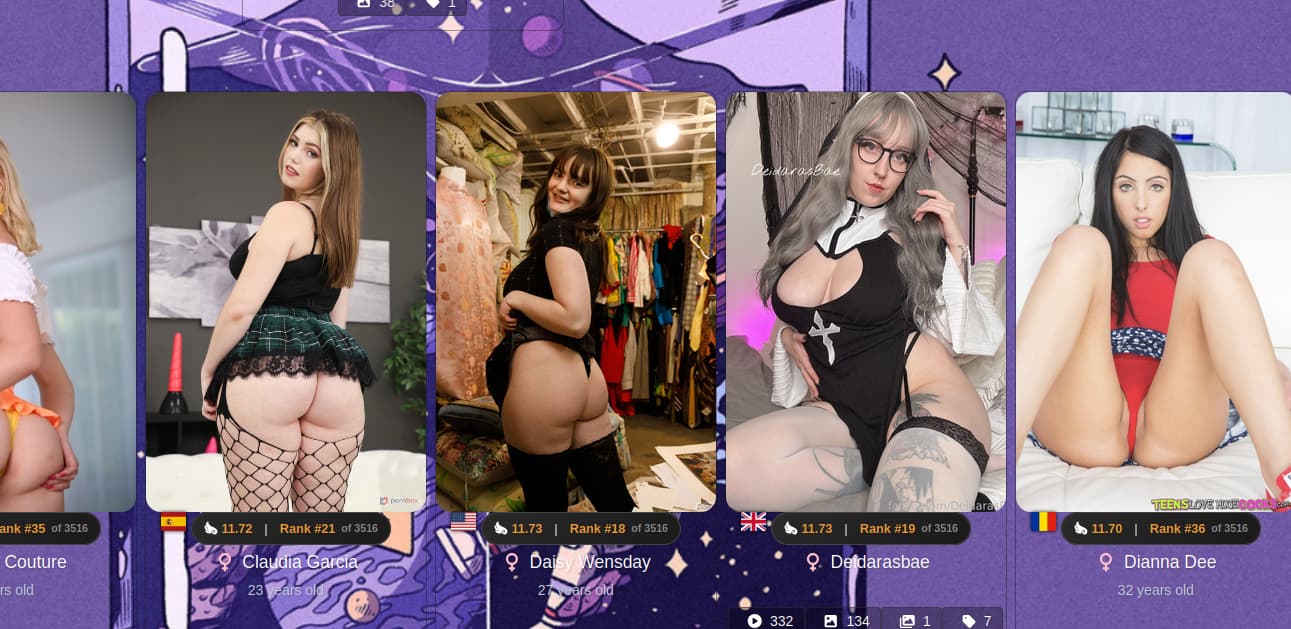
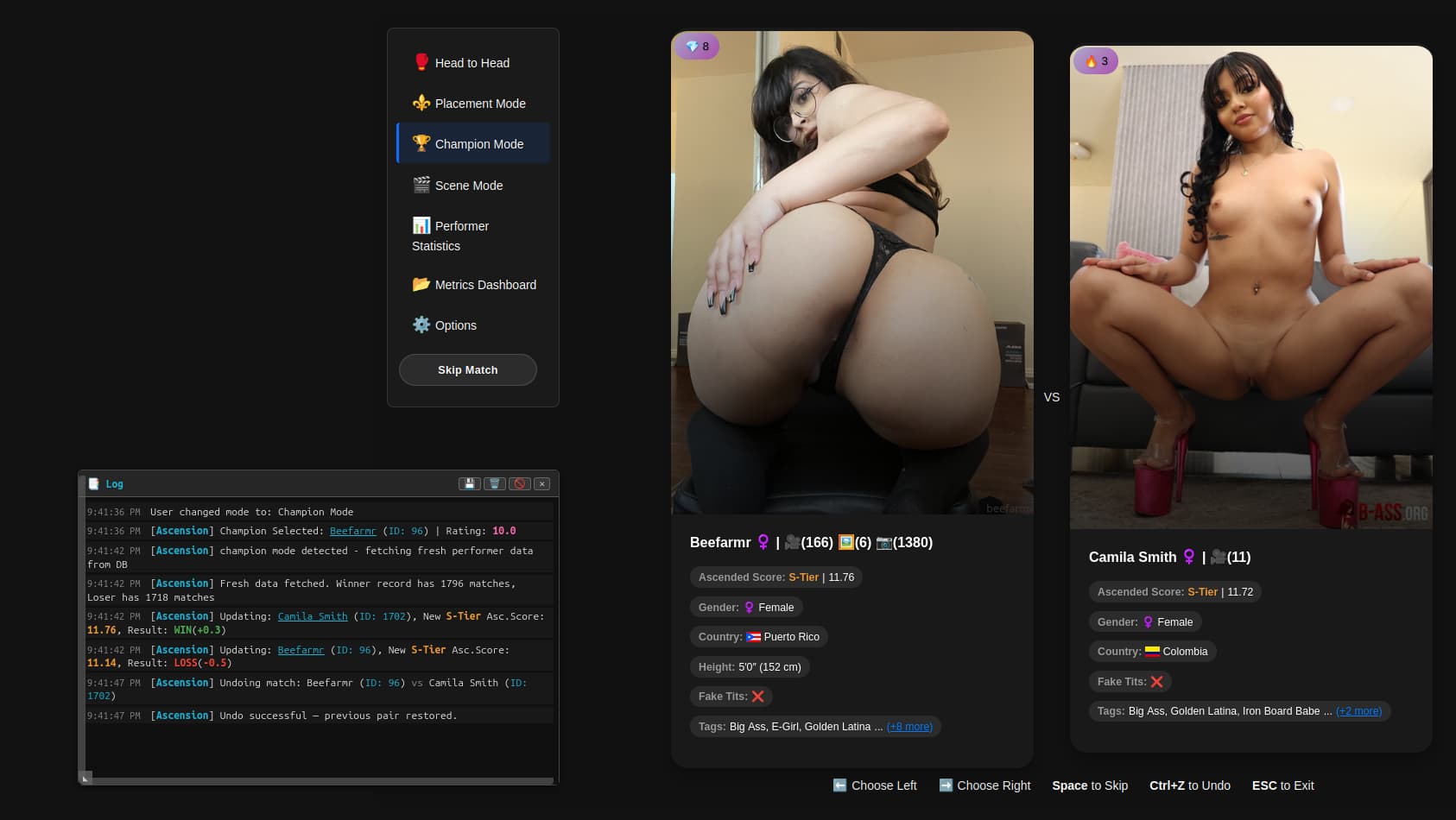
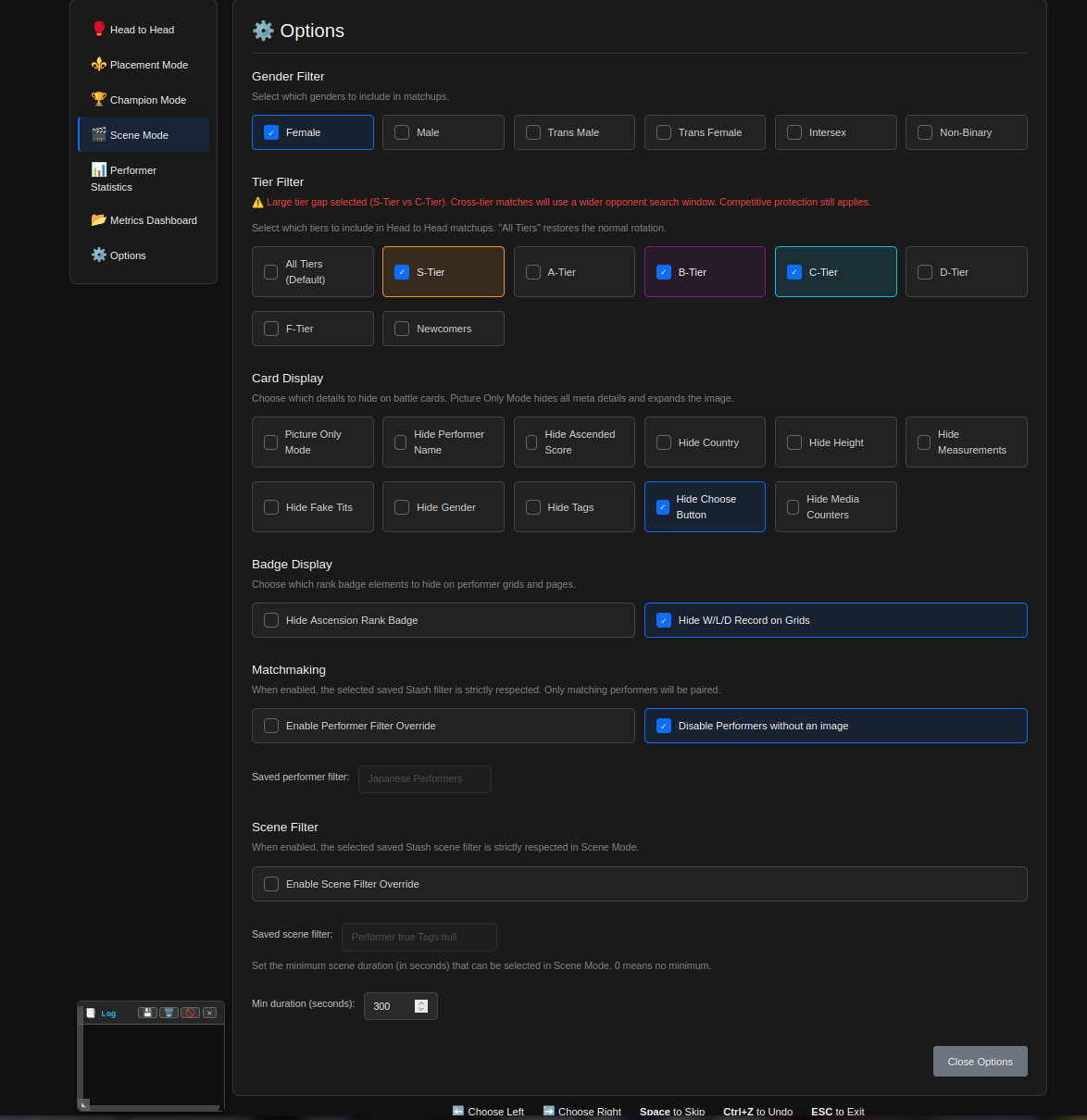
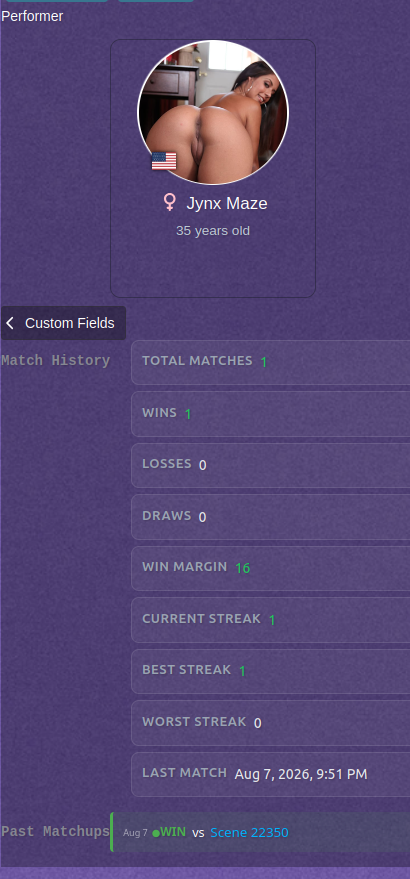
Ledgers

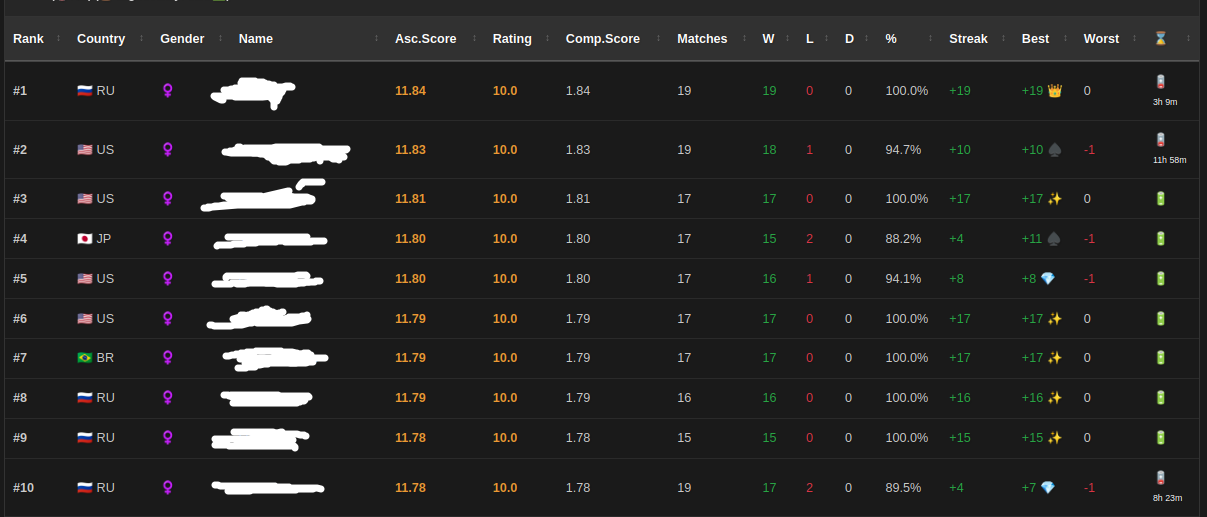
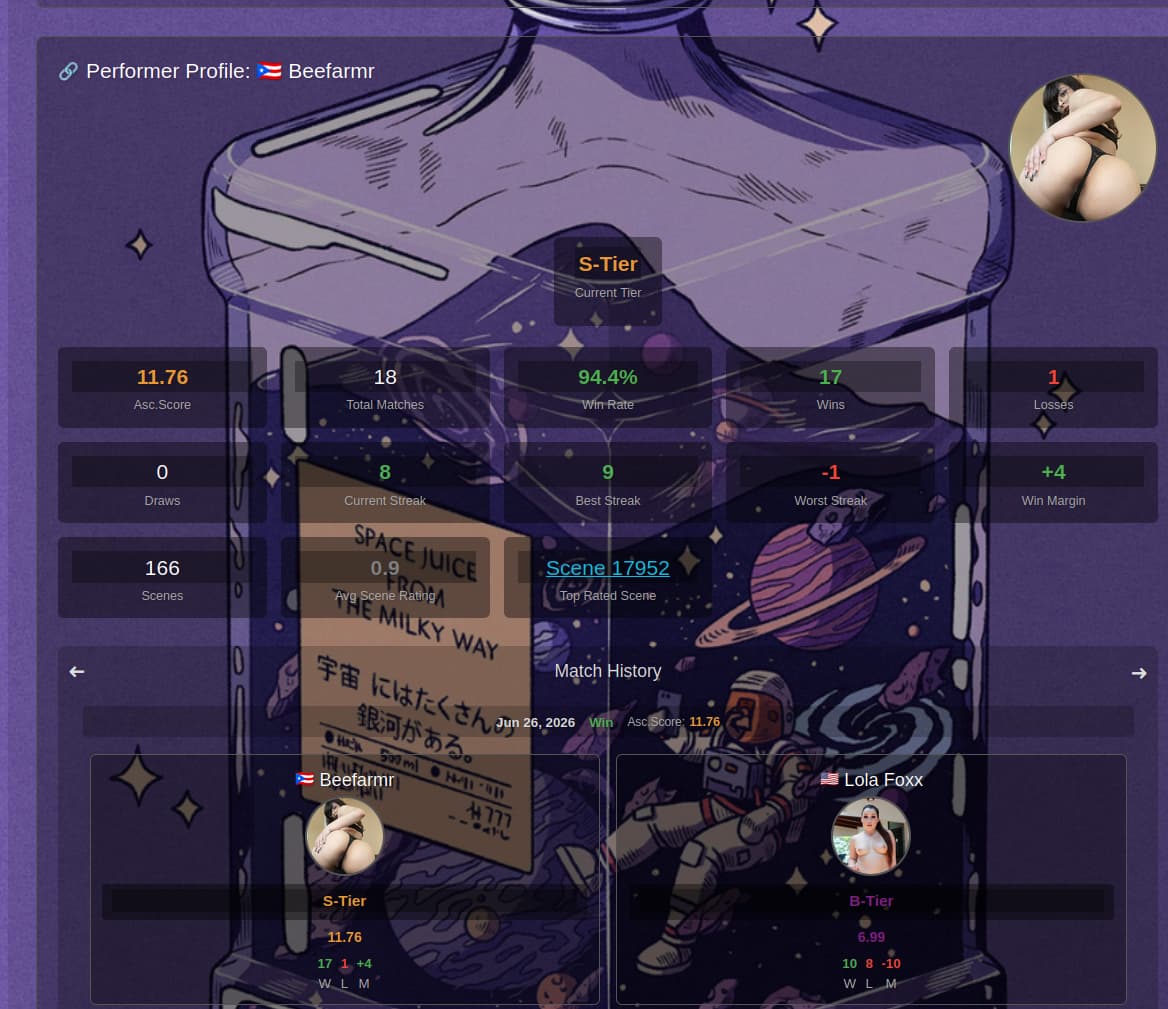
Performer Statistics
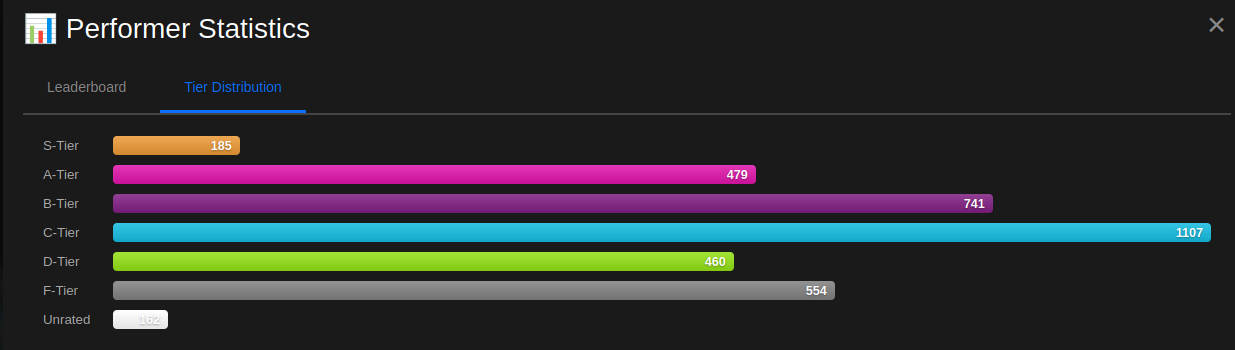
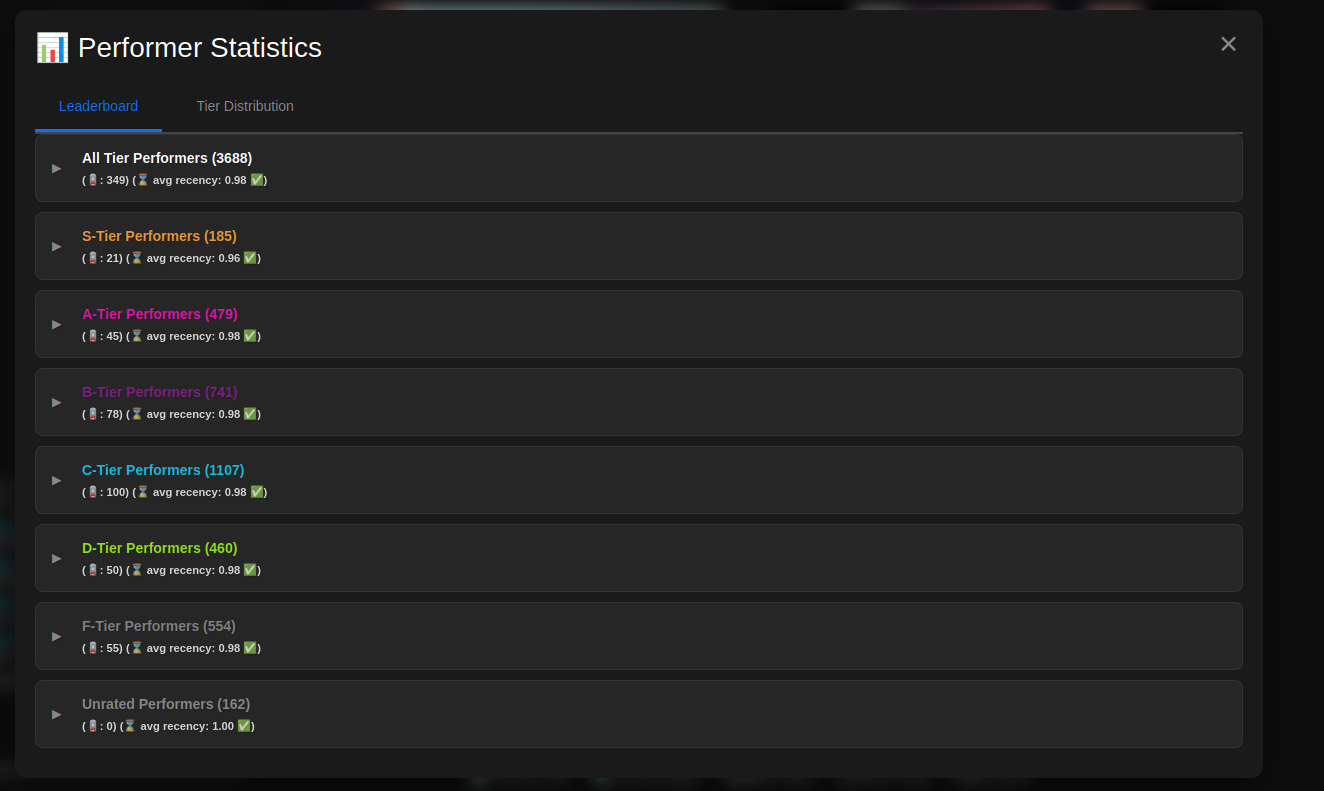
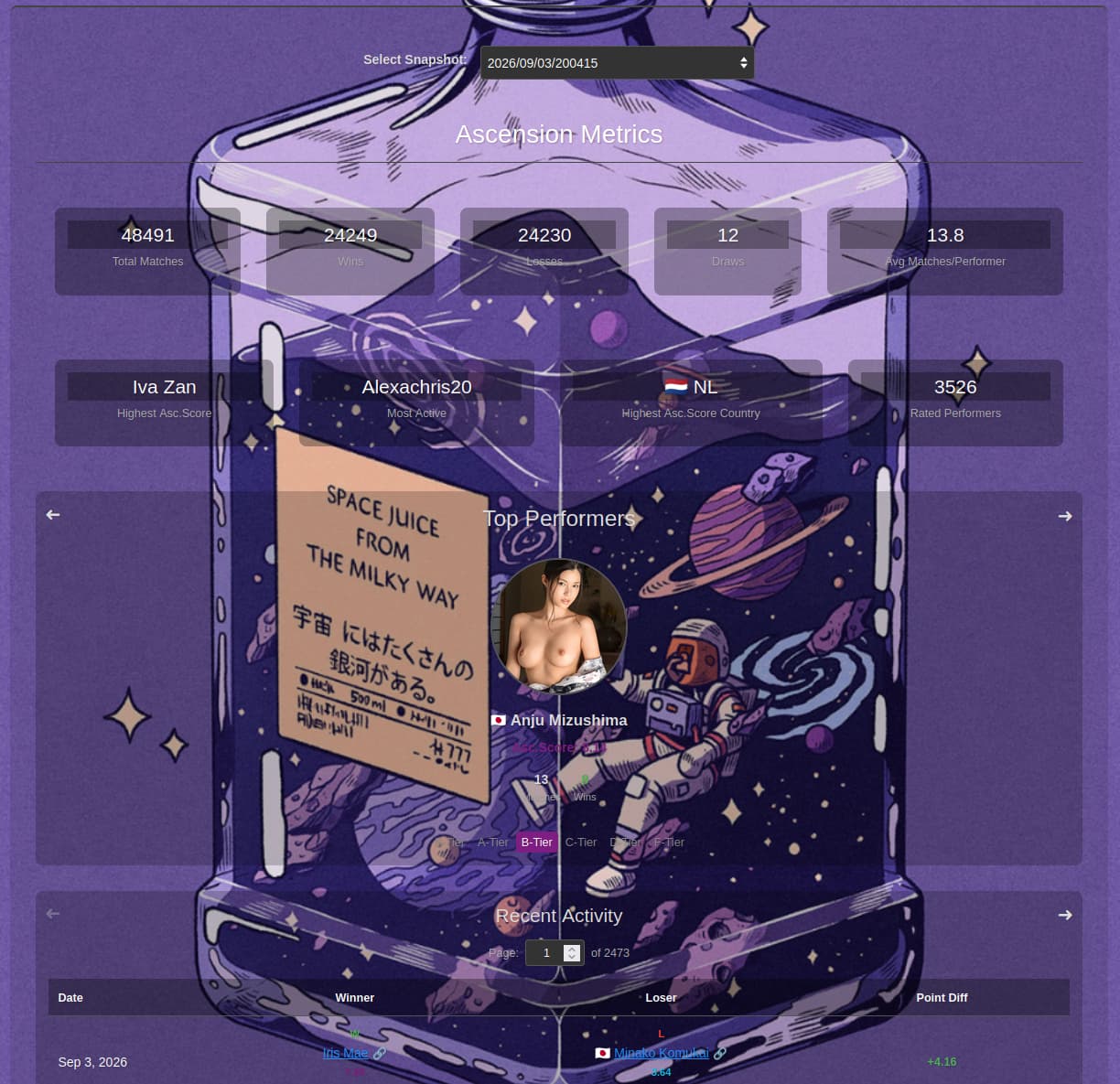
Metrics Dashboard
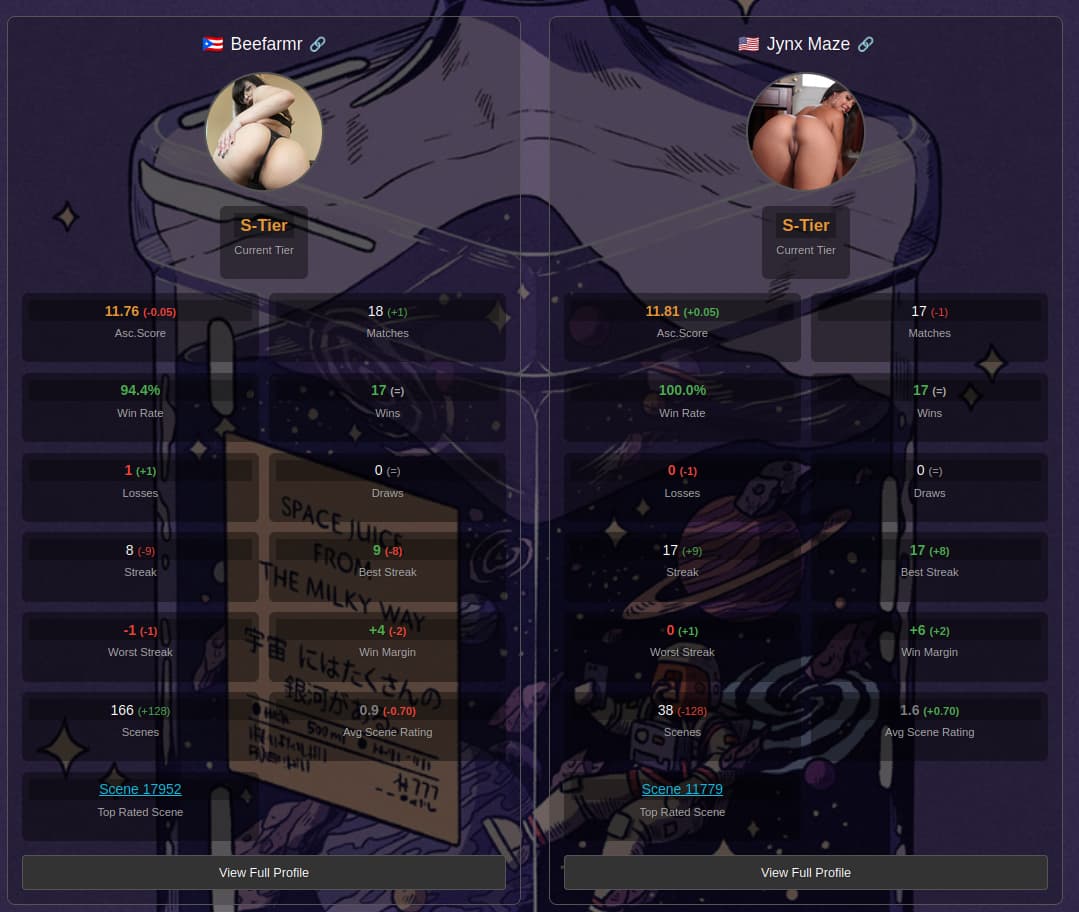
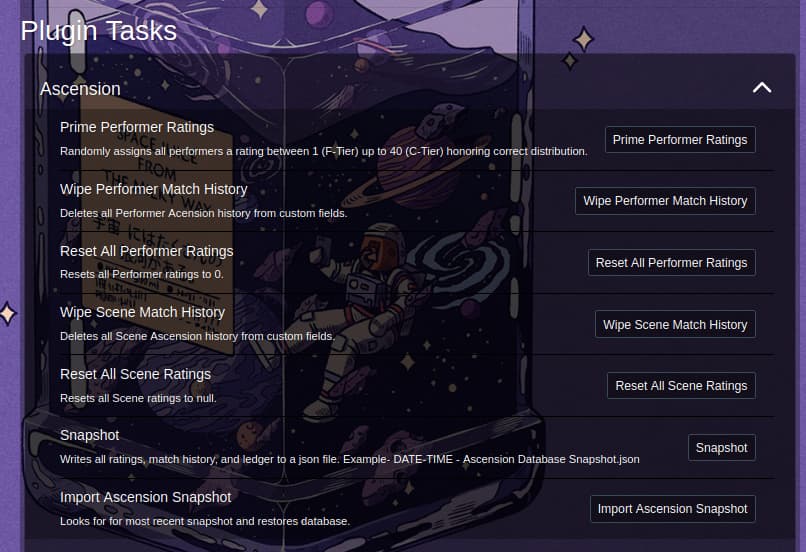
System Tasks
I’m also getting errors trying to use any saved filter, from simple ones like “Favourites = true” to complex ones like “Fake Tits matches Regex No|Natural, Gender = Female, Measurements matches regex E|F|G|H|J|K, Scene count > 0”
Should be addressed now, let me know if its still an issue if it is please provide the filter so I can compare it against the schema.
Thanks for the updates! When you have a sec could you consider adding tiers to scenes and a more detailed elo strategy? Perhaps some sort of priming tool that is somewhat inspired by the ascension rating of performers included in the scene?
This is a great update, thanks for putting it together! Not sure if this is intentional, but one thing I’m noticing is that when I use the Performer Filter Override I am getting large tier discrepancies in my matchups, i.e. S-tier vs F-tier. My filter leaves enough performers in the pool that my expectation would be that I could still get matchups that are selected according to the normal rules, i.e. not allowing major cross-tier matchups.
Thanks for letting me know. Can you do a session of matches with this filter enabled so I can see whats happening with the matchmaking? Then export your event logs and send them do me? it can be direct message it doesn’t have to be this thread.
The event log should be scrubbed of unique data but double check before sending it to me if you want to be safe.
Don’t worry I have something in mind.
This is a really interesting plugin. I’d be super excited if it added multi-language support (I’m a Chinese user).
Great Plugin, a Picture Mode would be awesome!