 |
Summary | Adds a theater mode button to the scene video player to make the video take up the full width of the page, similarly to YouTube’s theater mode. |
 |
Repository | https://github.com/hippochapel/hippo-stash-plugins/tree/main/plugins/TheaterMode |
 |
Source URL | https://hippochapel.github.io/hippo-stash-plugins/main/index.yml |
 |
Install | How to install a plugin? |
Features
Click the “theater mode” button or press “T” to expand the video player to take up the full width of the page.
Installation
Go to Settings > Plugins > Available Plugins, click “Add Source”. For “Name”, input anything you want or “Hippo Chapel’s Plugins”, for “Source URL” add https://hippochapel.github.io/hippo-stash-plugins/main/index.yml, and you can leave “Local Path” empty. Click “Confirm”. Now expand the repo, click “Theater Mode”, and click “Install”.
Screenshots
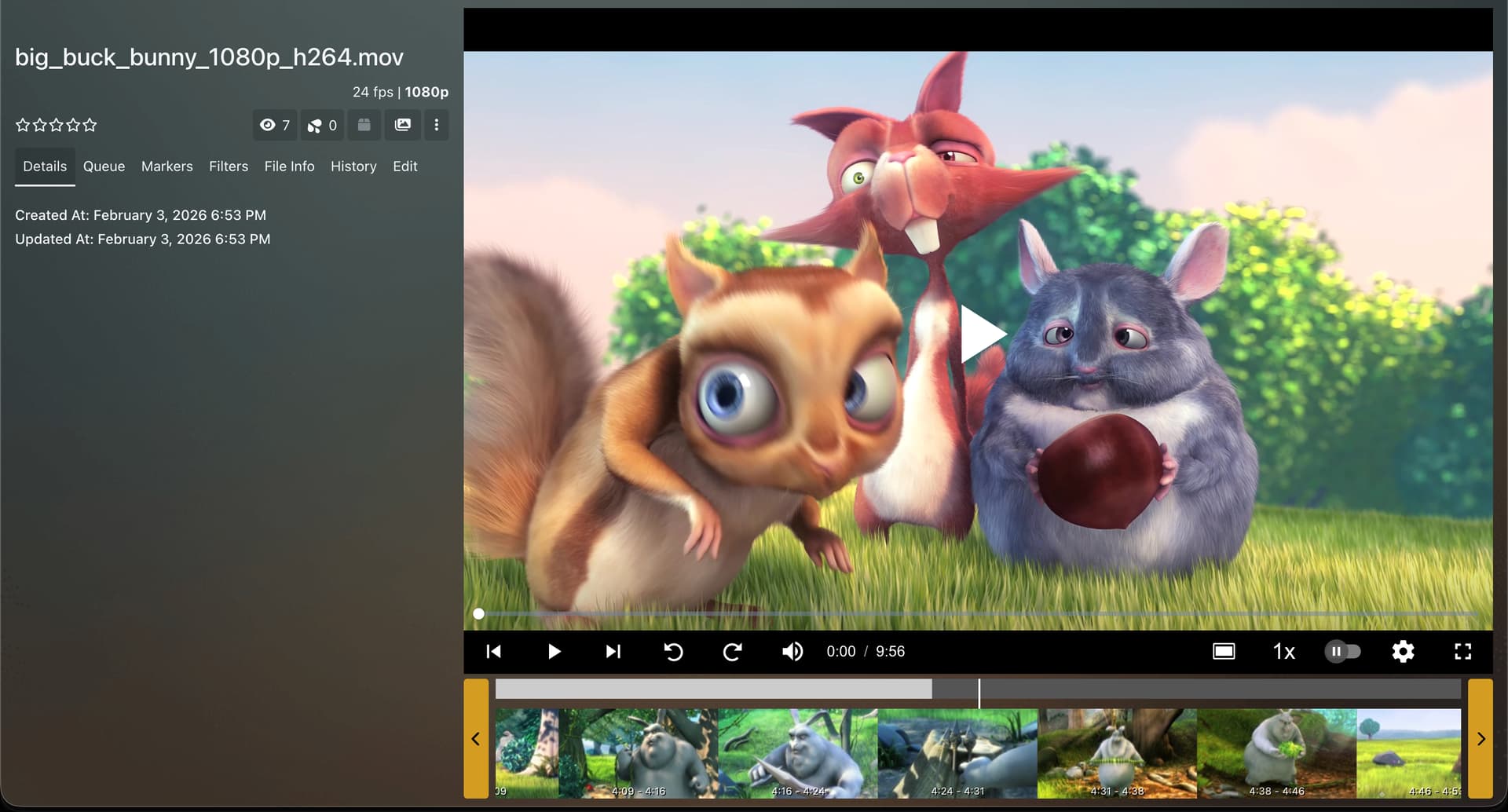
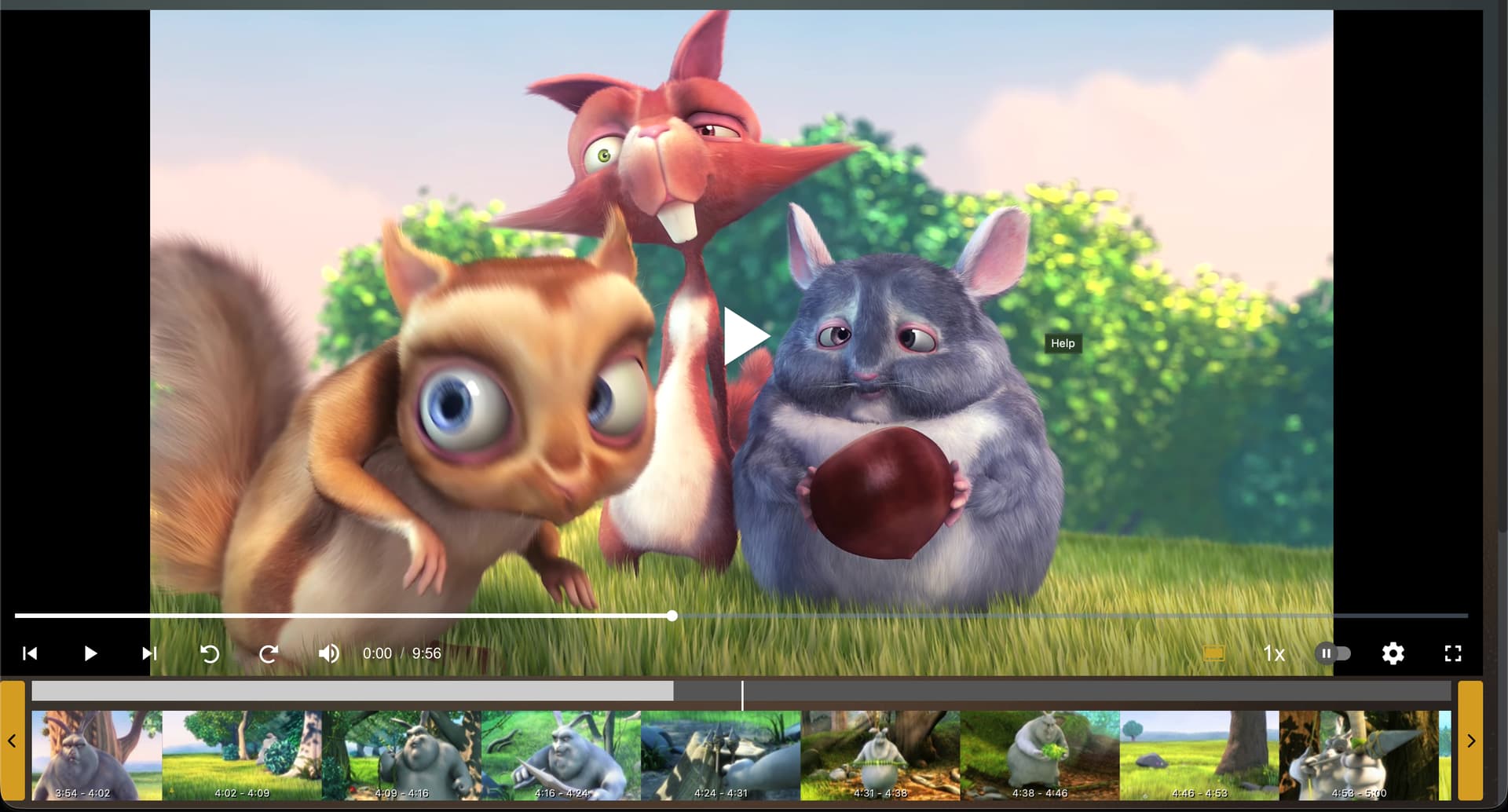
Disclosure: this was vibe-coded, but I have reviewed and tested the code. The code also has a unit test suite.