Clicking to open a scene now triggers an internal navigation just like clicking on a scene in the scene page, so no page refresh and having to reload data anymore. Things are now just way more seamless
UI code cleanup and improvements
Updated to Ver 2.2.1:
Added support for the remaining exception filter types: Resolution, Orientation, Duplicated, Is Null/Is Not Null options
K-factor like how it is in chess ELO. For this I’ve chosen it based on the scenes play count.
Hopefully things are more fun this way and rankings get settled quicker, I think so from using it so far. The table below shows the thresholds.
Play Count
K-Factor
Behavior
0-2
12
New scenes adjust quickly to find their true rating
3-7
8
Settling in with moderate changes
8-14
6
Established scenes change more slowly
15+
4
Very stable ratings that resist large swings
Replaced the date field on the cards with play count
Improved filtered pool handling
The left filtered pool should behave more consistently, no duplicates showing up, accurate scores and rankings after every matching.
The improvements help the filtering by rating experience the most. (e.g Filter only the scenes you have marked as 100, and eventually you’ll be left with only 1 scene)
Fixed bugs
Improved error handling
Optimized algorithms
Removed sorting the list so much and instead reposition the new rated scenes in place, should hopefully squeeze out the most performance for those of you with large scene databases.
Changed the challenger randomization to the closest ± 5 neighbors, so battles should hopefully be more interesting
Really happy with the state of the plugin after this update, it feels fleshed out and flexible now with the filtering and all the other improvements over the last few days.
It’s been a lot of fun using it and its spreading my scene scores out nicely.
I meant to report this the other day, it might just be a me thing but on my iPhone using Safari (iOS version 26.2.1) the scene preview for the top scene doesn’t always play.. sometimes there’s audio but the preview isn’t showing. The bottom scene preview plays no problem. It happened on 2.2.2 and is happening on 2.3.
I would be happy to provide logs or something to help nail it down. It works great in Chrome on iOS, so obviously Safari handles something in a dumb way.
The scene previews are a bit buggy on my iPhone last I checked yeah (Chrome on iOS) They don’t even play for me until i’ve clicked open scene already.
There’s a quite a few improvements I can make on mobile but I haven’t gotten around to it since I have to test on device (the issues don’t show up in devtools) and I haven’t been using it on mobile myself. Will get around to it eventually, thanks for reporting!
Hmm, what resolution are you using? I was thinking of moving the icon to the bottom left corner since that seems like it’s out of the way of most things
Agree that if you’re on widescreen and you have “Show Scrubber” disabled in Interface settings then it will always overlap.
I think it’s good to still have it on scene view though. If you click into a scene from the battle to watch that scene then I find it helpful to be able to click the button to go back to the battle screen after watching it. Maybe it would be just as easy to click the back button and bring up the battle again though. That’s my two cents.
I think the bottom left corner should be fine as suggested earlier.
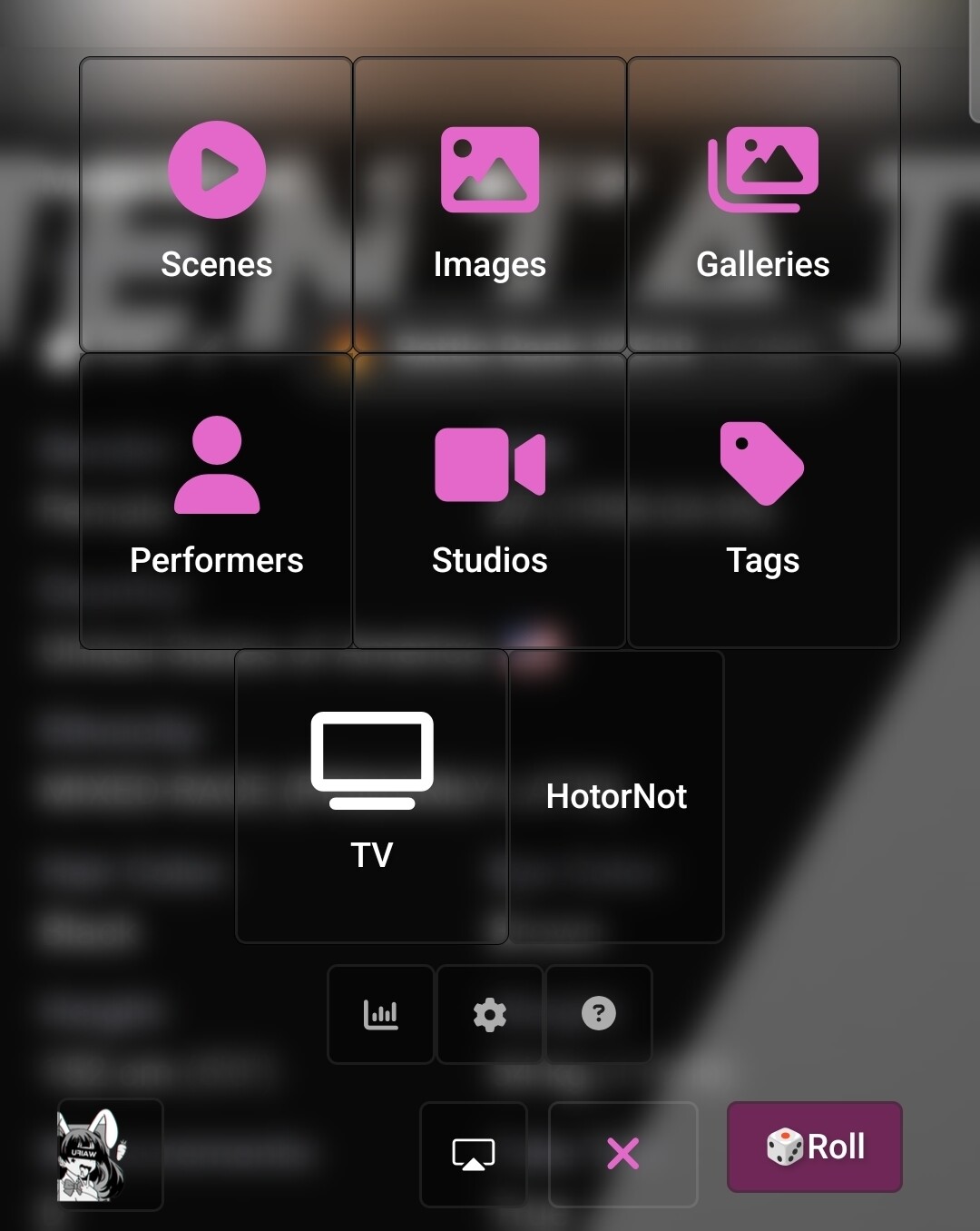
Whipped up a very early beta version. Preserves functionality, appears where it should. Remains clickable, and is in the Nav bar + appears as a button. Some screenshots with and without my custom theme.
Nice! I wanted to just get the functionality but leave it to you and lowgrade to tweak its appearance. Im glad you picked up on that immediately. Looks great!