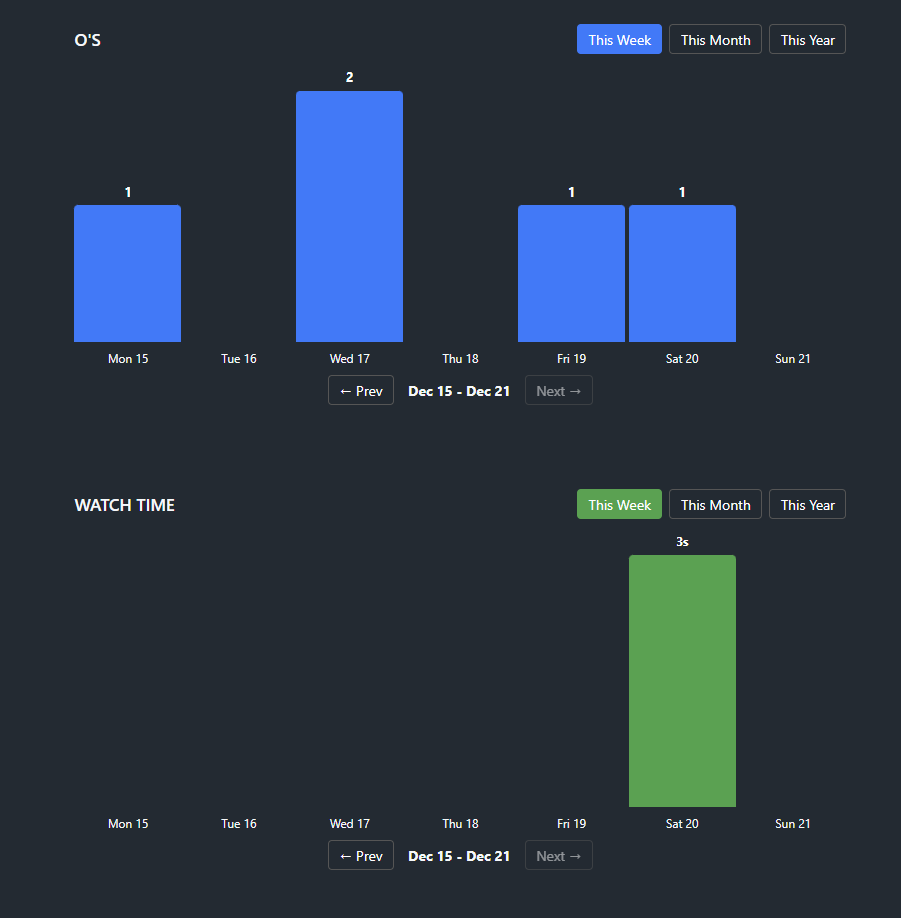
I like this idea! Would it be possible to omit O’s that don’t have a date associated with them? I’ve been using Stash since before it started timestamping O’s, and the plugin seems to put all of them in one day (I’m guessing it’s the day that I updated Stash to a version that has timestamped O’s).
Hey all, I just updated a lot and hopefully fixed the issue with the O’s from before they had dates added to them. I also added watch charts with accurate tracking compared to before which was a rough estimate! Please let me know if you find any bugs or have any suggestions.
Yes that is normal! Since stashapp doesn’t keep records on how long you’ve watched on a certain day I made my own solution that listens in on when stashapp updates a videos watch time and saves the same amount to a certain day and stores it in local storage, under the graph you can see the buttons to backup your watch time and import it as well. But that means that it will only start recording any new activity once you install the plugin.
I’ve added one more update which stores the watch data locally in a json file instead of localstorage meaning the watch history is saved between all devices! If you export your current watch history, then update the plugin and re-import it will sort it all out automatically.
Thank you for letting me know. I haven’t had the chance to test it myself with a huge library since my own stats are only a month long, but I will look into this.
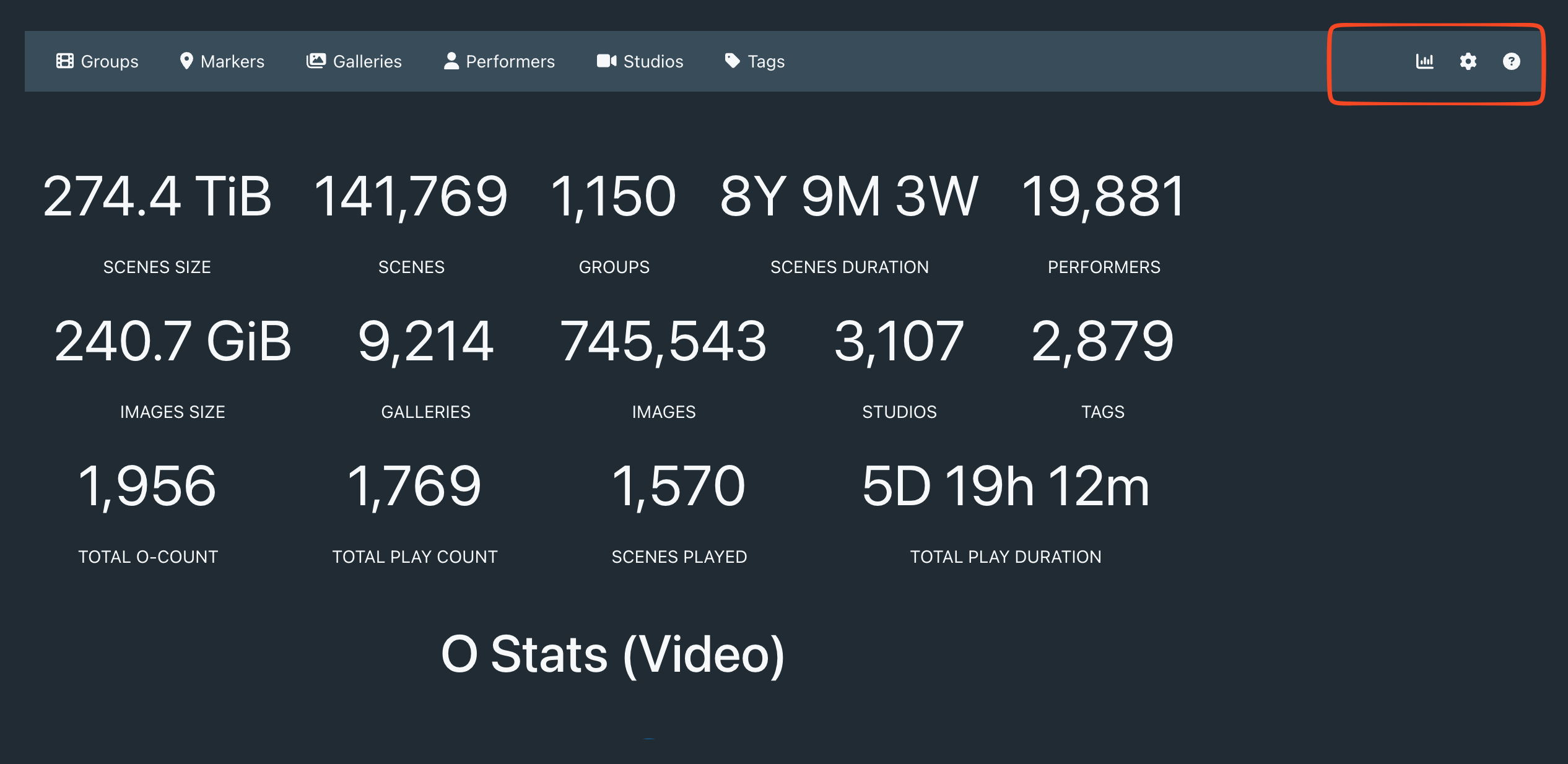
Thank you! also see if you can add a separate O Stat button next to Stats, as Ostat has links and grphic which is nice and deserve a separate page IMHO, will also give you more flexibility to add feature as you go along.


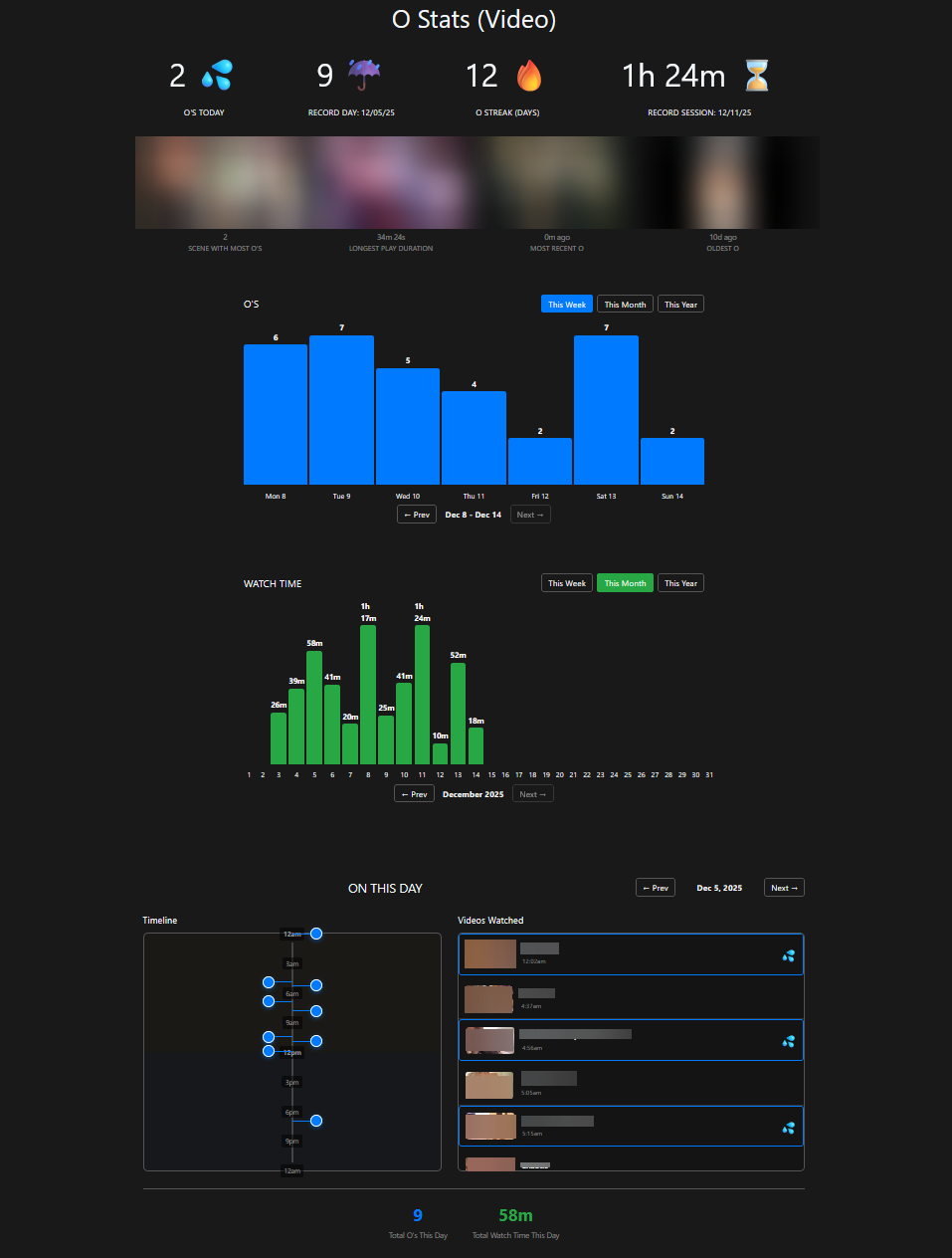
 Key Statistics
 active,
  at risk)
 Scene Records
 Interactive Charts
 On This Day