I love the concept, but I think this is only meant to rank female performers? When I try to do it with male performers, the plugin doesn’t let me. The message ‘‘Error loading scenes: Not enough performers for comparison. You need at least 2 non-male performers’’ appears. Is there any way in which I can rank my male performes with this plugin?
the default is set to exclude male. you can set your filter to gender includes male and it will pull based on the filter instead.
1 Like
It worked! Thank youu
1 Like
First off, love the plugin. Everyone is a 10 because I picked the performers. This reframes that bias to more strict criteria.
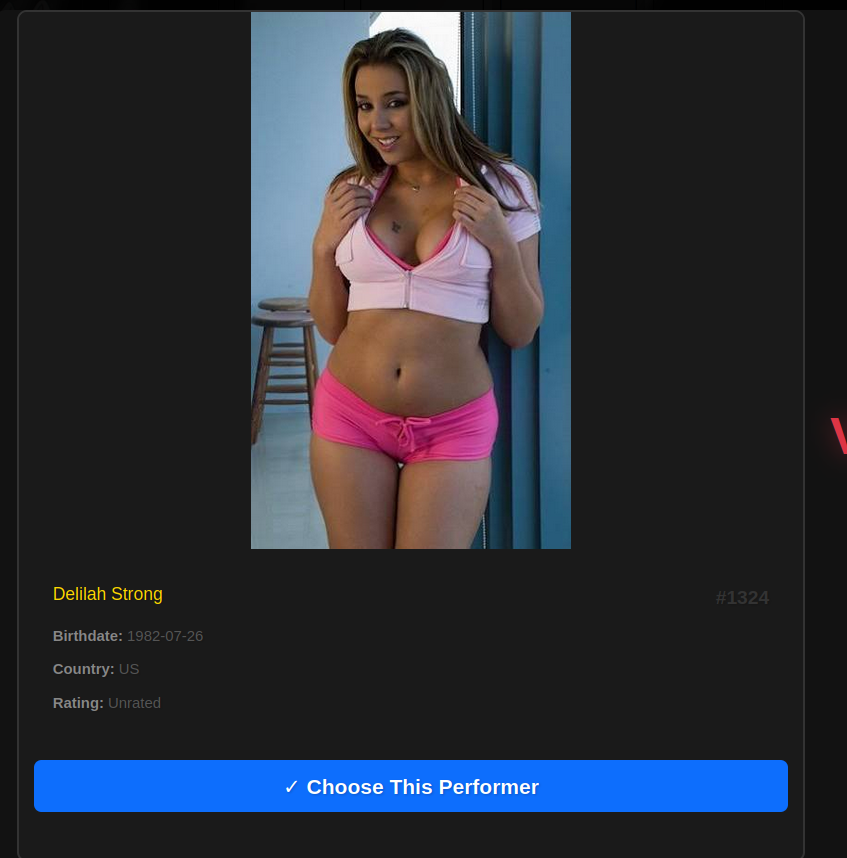
One extremely minor UI tweak that I did on my end. I’m not sure if this is with the theme I’m currently working on or not which is why I’m commenting here. But the performer info falls back to a white background which didnt match the rest of the card. So I modified the following line:
background: var(–hon-card-bg, #fff);
To
background: var(–hon-card-bg, #1a1a1a);
Now the card matches the rest of the card
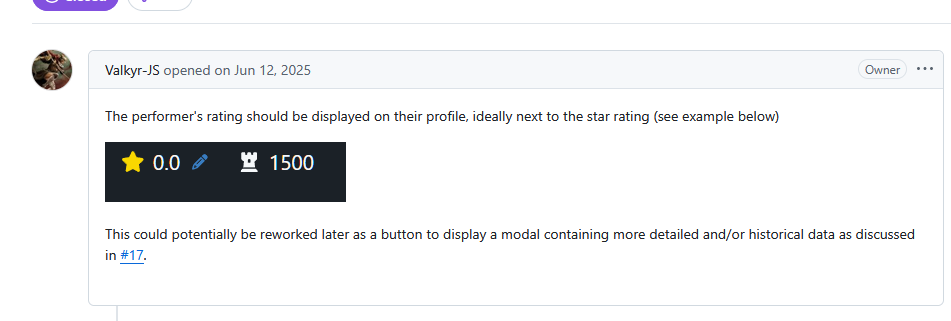
Just a suggestion.. but could you add a performer rank display similar to the original Valkyr-JS: Gliko?
1 Like
Also, I created a match history plugin that integrates with yours. It auto expands custom fields so you do not need to manually expand. Color coordinates with win\lose values and streaks. Fully integrated, but Im wondering if its something you’d like to add to your plugin or we keep it seperate.


Mobile Formatting:
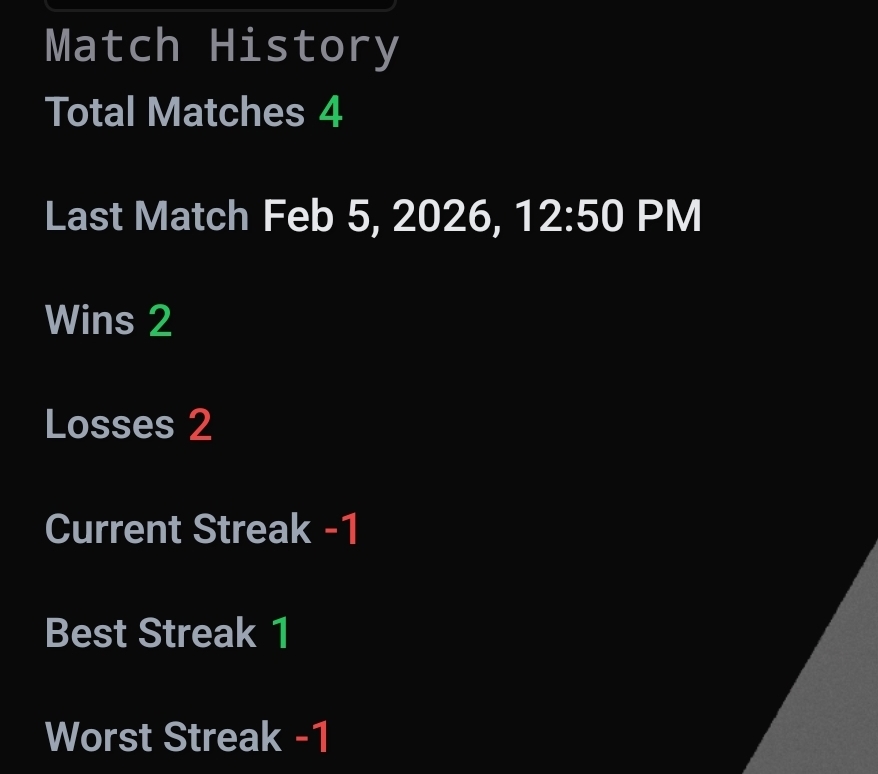
personally i don’t look at the match stats much, i just let the plugin handle it but that looks pretty slick.
i added a color coded ranking to the performer page like you suggested and have the stats showing also would look kind of nice i think. i’ll take a look.
Ah ok I’ll just make it its own thing. I think you might have issue with color coded ranking with peoples themes. Personally, I was really looking to have the performer rank display on their profile from the leader board the plugin uses.
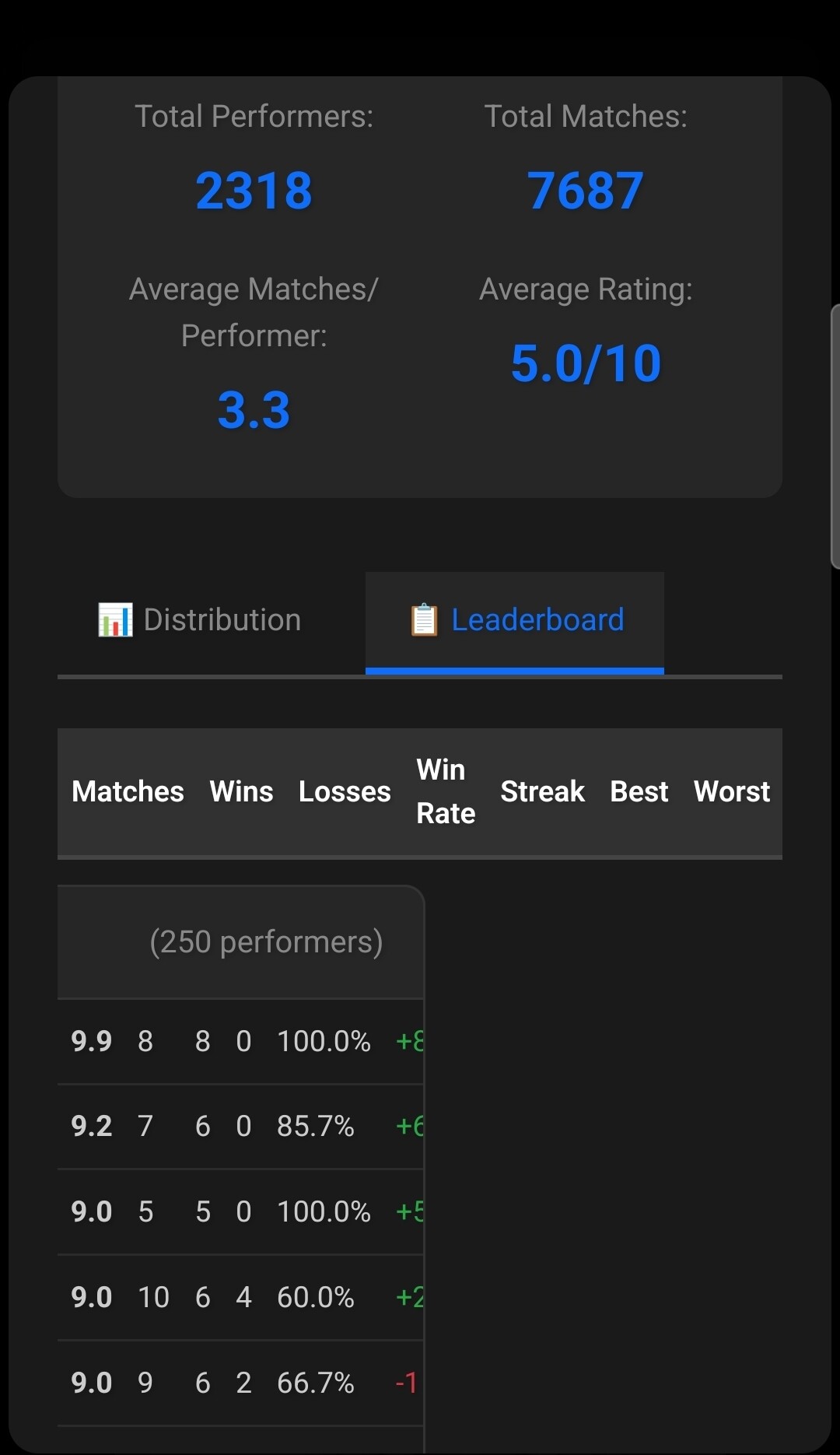
are you using a skin of some kind? it looks normal on mine.
pull the current update of hot or not and see what you think. added stats to the badge instead and removed the color coding since it made stuff hard to read.
Can you screenshot and post here?

the badge is based on percentile - Tier-based styling:  Legendary (top 5%),
  Gold (top 20%),
  Silver (top 40%),
  Bronze (top 60%),
  Default
2 Likes
Is it possible to manually select the performer for gauntlet. For example, the fire icon becomes available in the performer page also and then when it is clicked it directly gets to the gauntlet mode for that performer.
Also, can there be more metadata in the performer cards during match ups. That should help in deciding the winner more easily.
1 Like
Looks good and it pairs well with my add-on. I was slightly concerned because I thought you blew up my whole day for a sec lol.
I think with the custom fields you could probably get alot more verbose with the data and my add-on would consume it quite easily I’ve also added badge streaks to mine. I’ll make the separate post for release later tonight its ready.
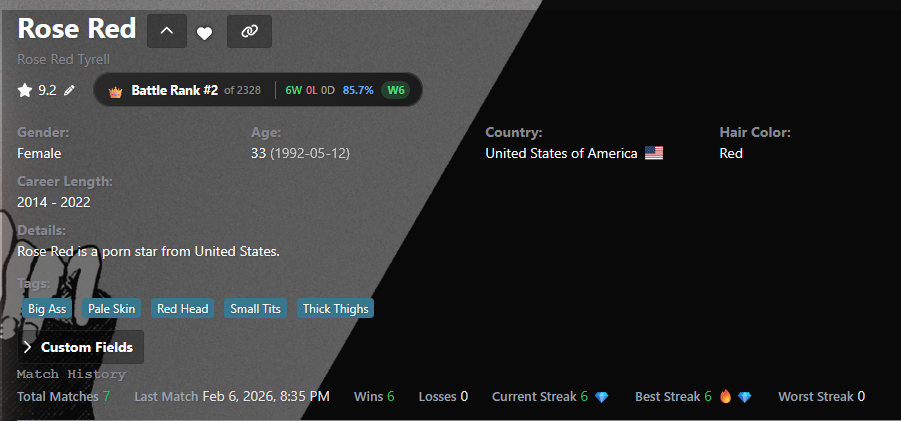
There is a very minor formatting issue on the losses on your plugin in red. the loss is slightly elevated.
If you have my repo added in stash, checkout hotOrNotV2. It’s the one I’ve been using for a couple of weeks. It has some of those enhancements already. I modified the battle algorithm a bit so I didn’t want to change the main plugin on anybody that was using it.
1 Like
Do you have a full changelog? Or a way of me knowing whats the difference? I dont like to live life on the bleeding edge too much if I dont know what Im getting into. I have my DB backed up if anything goes nuts, but I am still respectful of my db.
I also just dropped my plugin here crediting you
Here’s a link to the v2 readme. It was updated - hot-or-not/plugins/hotOrNotV2 at main · lowgrade12/hot-or-not · GitHub
1 Like
Ok i switched over and it works like a charm. It also gave me the opportunity to make sure any future metrics you add gets caught by my plugin since draw was a new addition from v1 to v2.
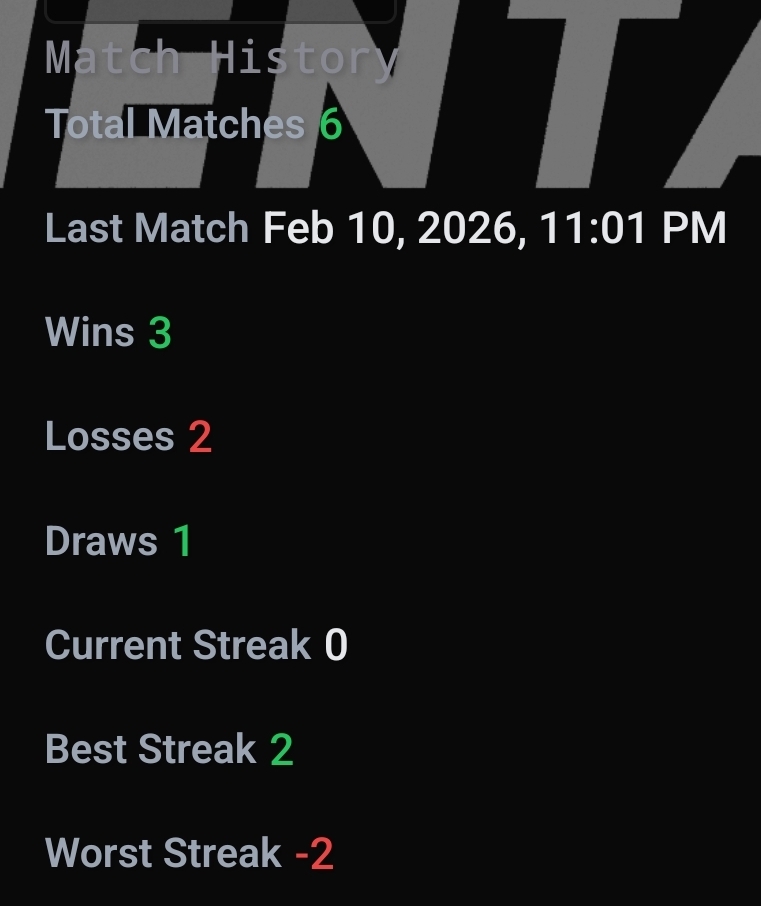
Good stuff.
2 Likes
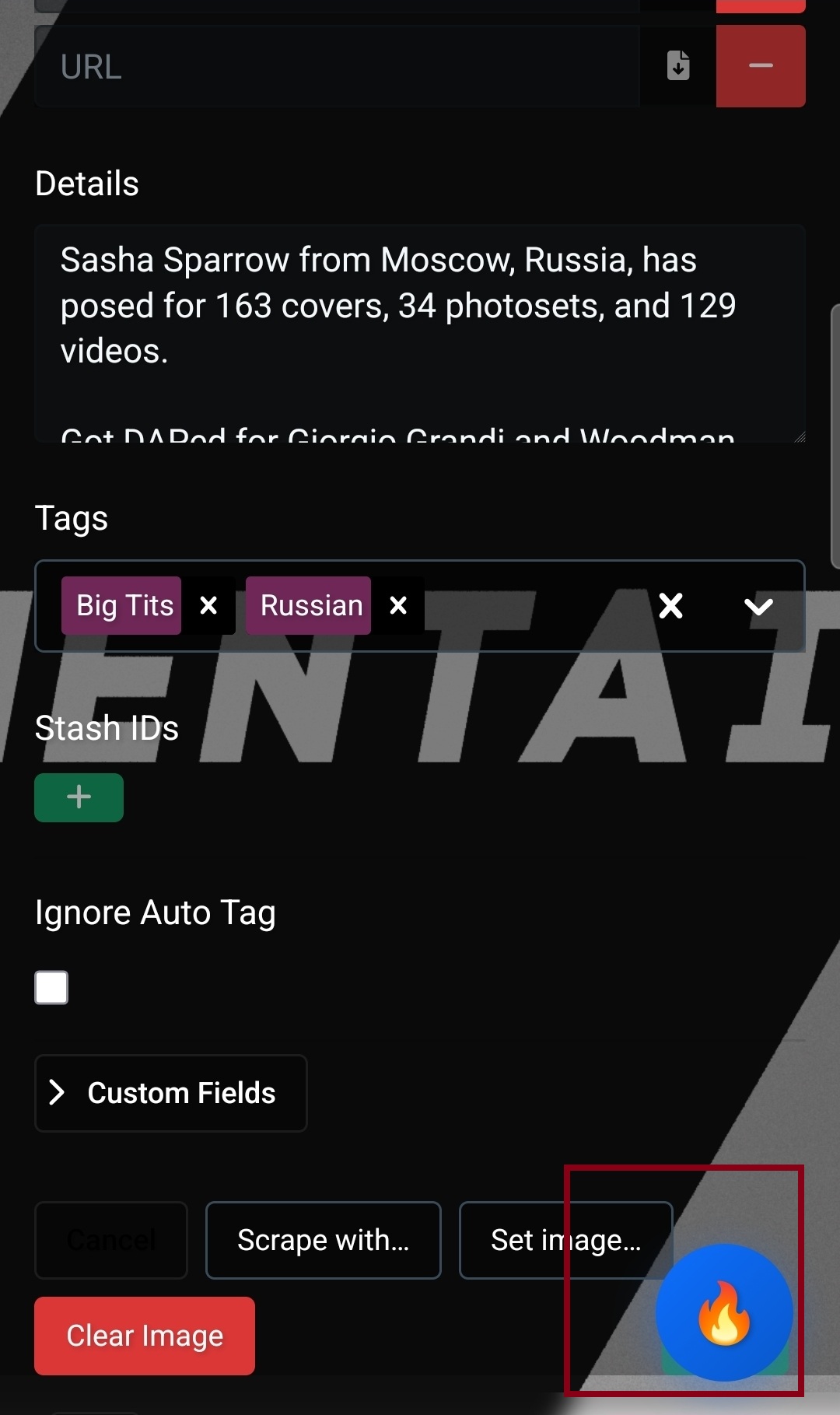
I think it would be a good idea to hide the icon when editing a performer as it becomes invasive. I think its fine on the performer page but when editing on mobile it becomes an issue, Ofcourse I could scroll up, but its just inefficient when I know the save button is right there and im usually editing tags.
Would it be possible to have a setting to only have a versus for the same gender? i.e. battles would only be female vs female, trans vs trans, male vs male, etc